- Category
- Video Editing
- Pricing
- Freemium
- Alternatives
- 6 similar tools
- Last updated
- 1 weeks ago
- Source
- Official site ↗︎
AI Collection Top Picks

Video Editing Category Picks


About Hour One
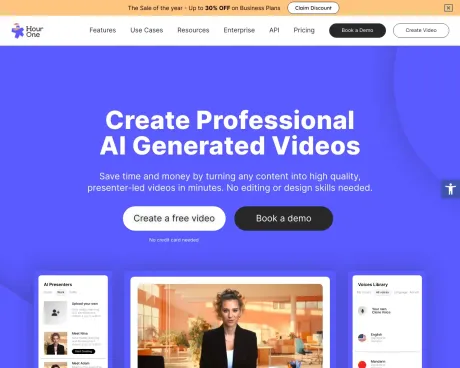
Make branded videos in minutes with our free online video maker. Turn ideas, images, or templates into polished content you can use across all of your assets.
Hour One's Pricing Plans
Hour One may change prices at any time. Here's our latest information:
Cut video production time by 80% and start saving today
Free
Explore AI video at no cost!
$0
/month
- Share Videos via Link
Lite
For individuals and personal use
$30
/month
- What’s included:
- Share & Download
- No Watermark
Business
For small teams & professionals
$112
/month
- Get everything in Lite and:
- 3D & Premium Templates
- Custom Brand Kit & Logo
- 5 Users
- Customer Support
- Improved Rendering
Enterprise
For companies & organizations
Custom
Unlimited minutes
- Get everything in Business and:
- Custom Template & Character
- Full Brand Customization
- User Access Management
- Customer Success Manager
- Priority Rendering Queue
- Workspace Collaboration
Frequently asked questions
What is Hour One used for?
Free Video Maker | Create videos online | Wixel.Is Hour One free?
Hour One has a free tier; paid plans unlock additional features.What are alternatives to Hour One?
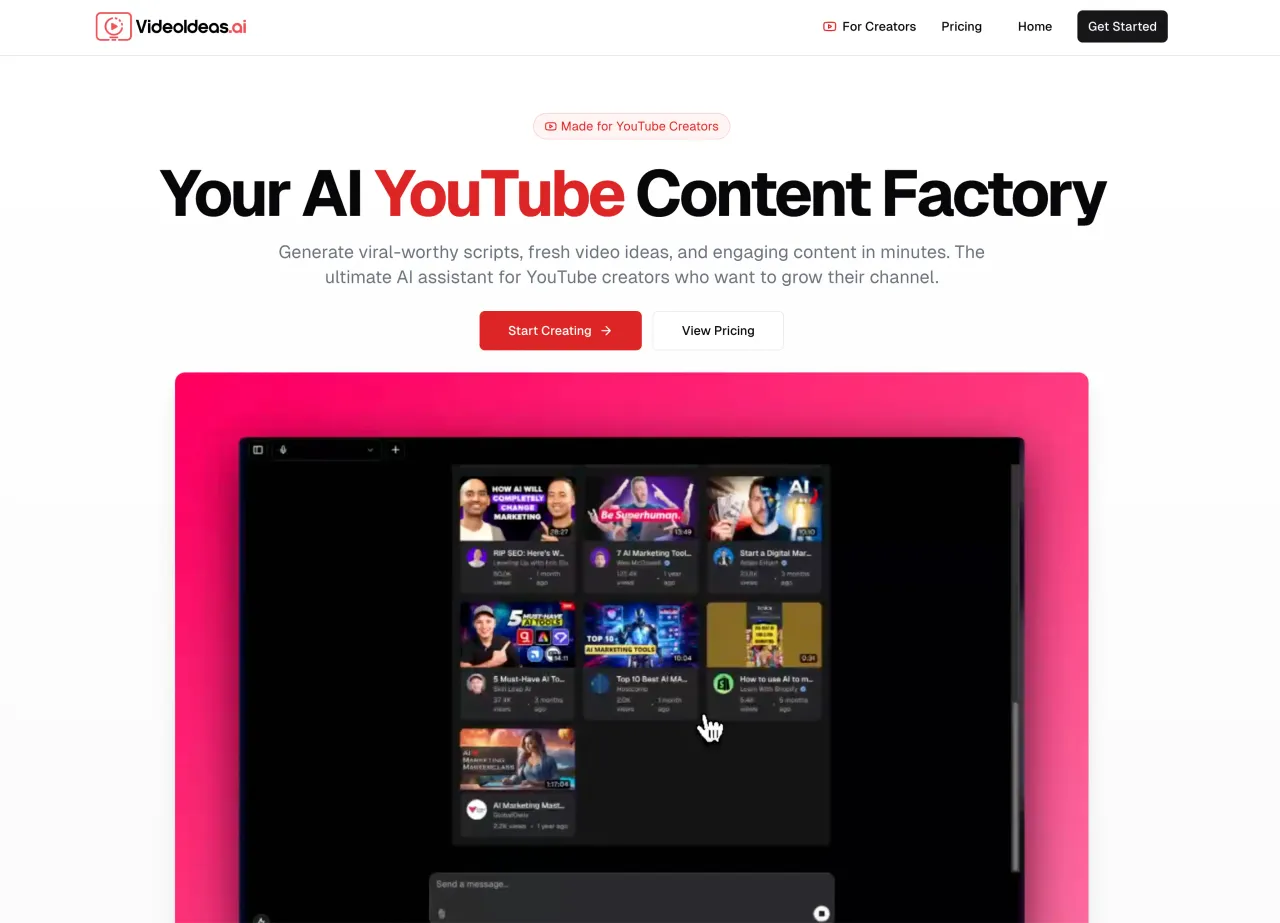
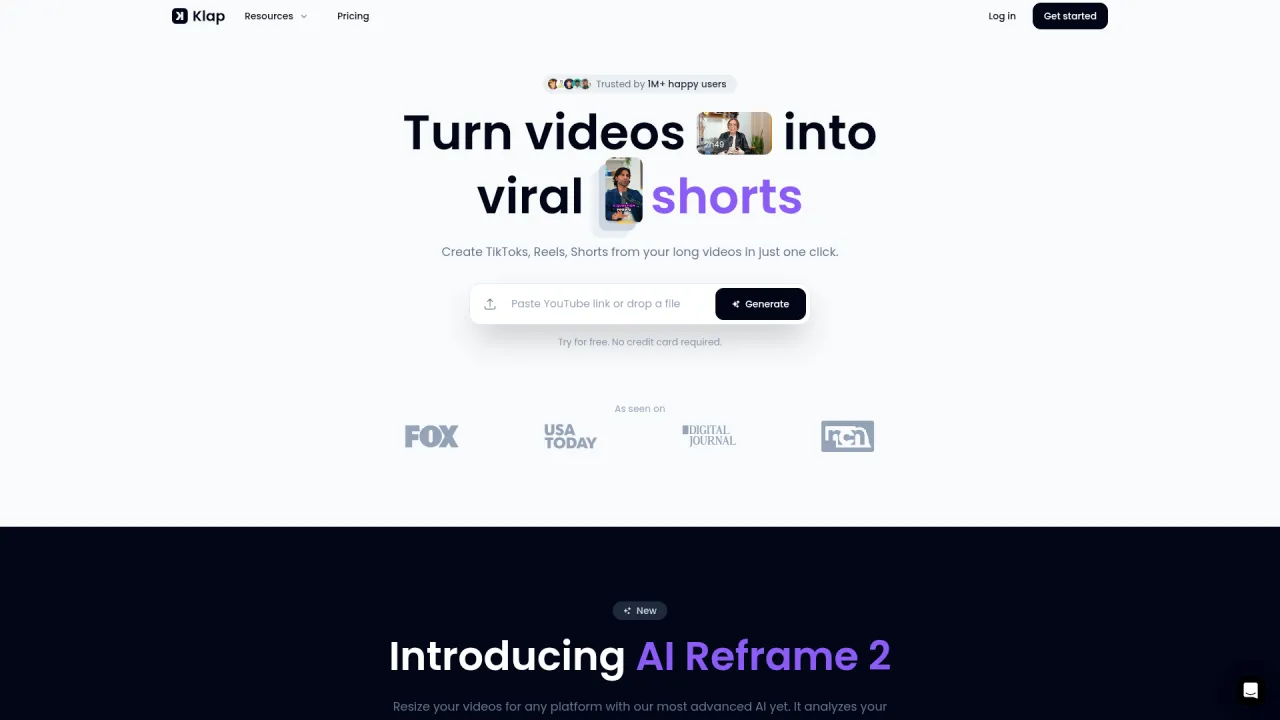
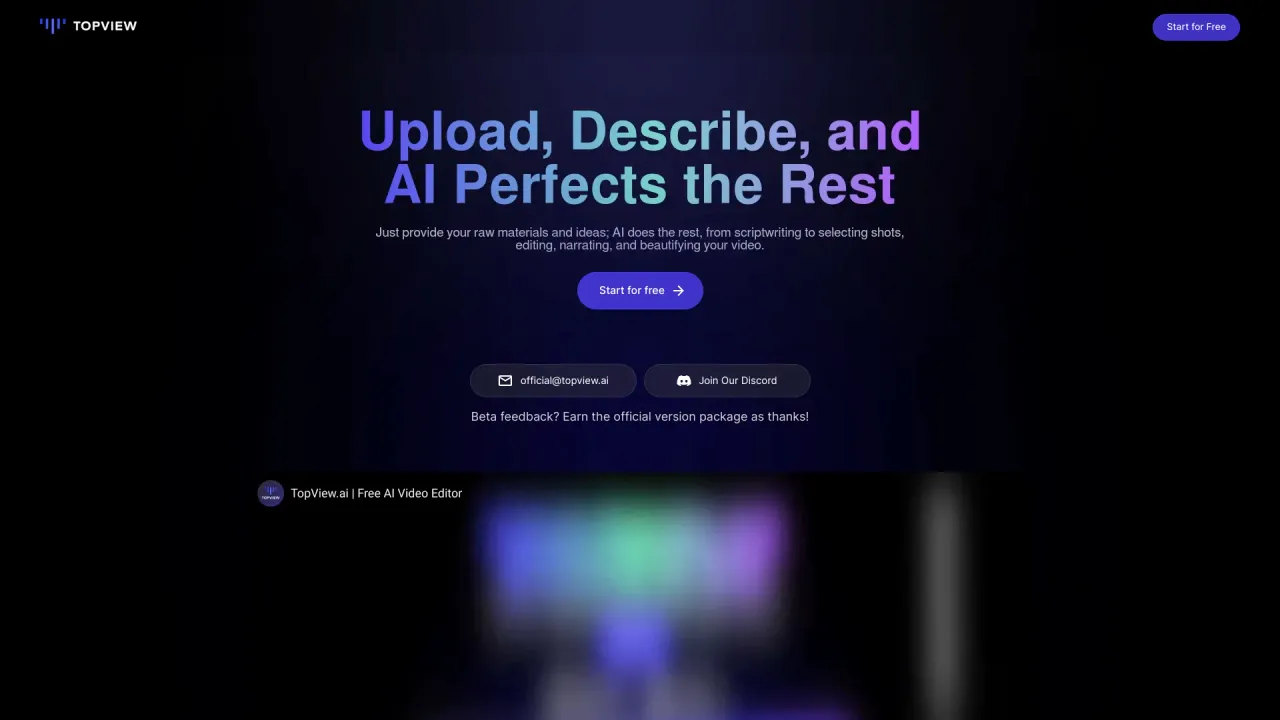
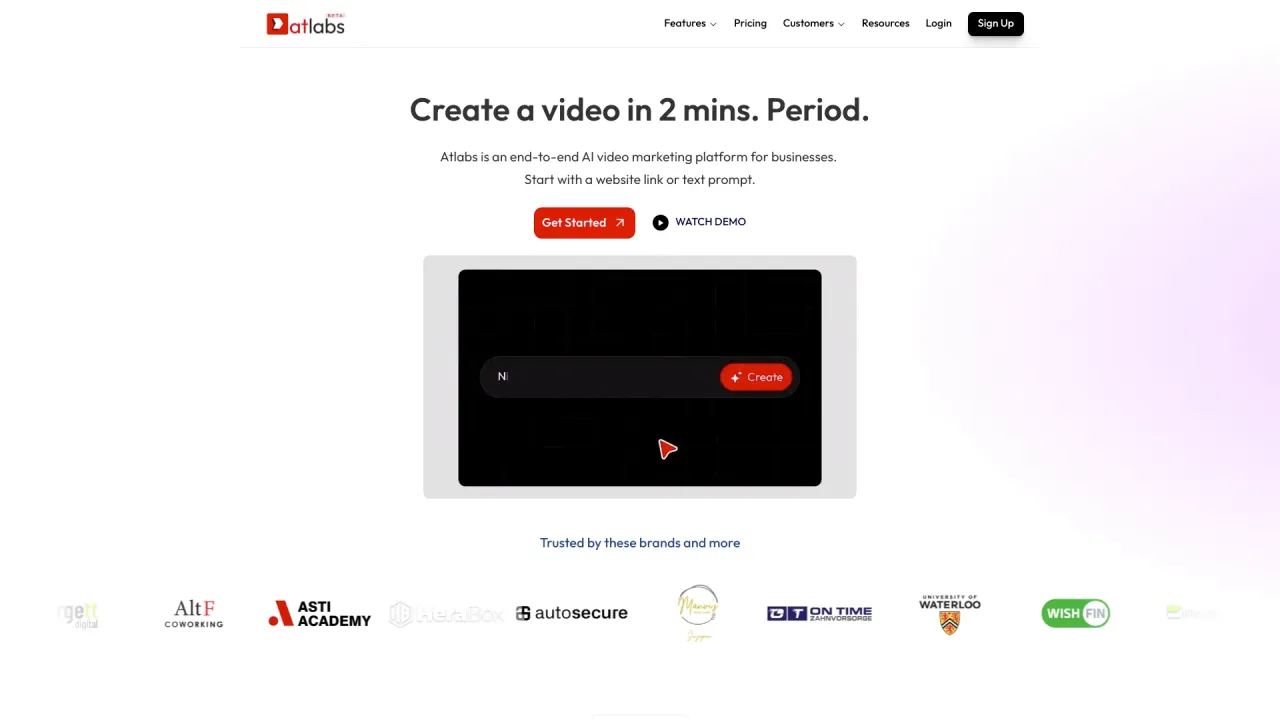
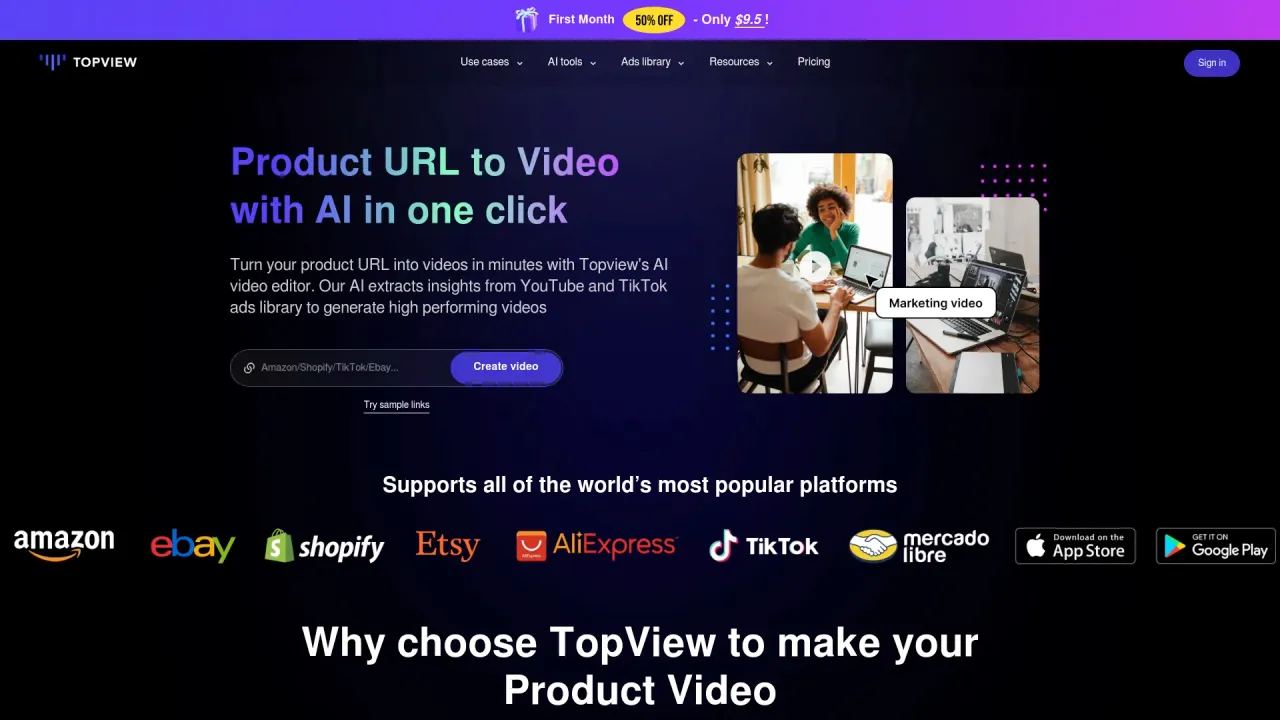
Top alternatives to Hour One include Klap App, AI video editor, Atlabs AI, Topview AI URL to Video, Colossyan.Where can I get Hour One?
Hour One is available at http://hourone.ai.What category is Hour One in?
Hour One is listed in Video Editing.How do I utilize text to video?
Simply input the text you want the virtual human to speak in the video. Once you generate the video, the character will articulate the text.How can I clone my own voice?
We have a comprehensive Knowledge Base article explaining how to clone your voice available here!Can I clone someone else''s voice?
Yes, with permission from the individual whose voice you wish to clone.Is there an accent generator?
Currently, we do not have an accent generator, but our voices encompass over 200 accents in various languages.Are free video templates available?
Certainly, we offer free video templates.What defines a custom virtual character?
A Custom Virtual Character is a distinct model crafted based on an individual''s likeness. Further details can be found here!Can I edit the video and incorporate my own images and logos?
With Hour One, you have the flexibility to add your logo, custom colors, images, videos, and more.How do I transform PowerPoint and PDFs into a video?
We provide the option to import a PowerPoint presentation. Additional information is available in our article here!What customization options are available?
You can modify each layout per scene, insert your own titles and media, incorporate custom colors, add your logo, include music, and even add an intro/outro.Can I request a custom template exclusive to me and my team?
Certainly! Custom templates are currently offered through our Enterprise plan, providing access to design experts who will tailor the template to align seamlessly with your brand and vision. Learn more here.Can I include music in the videos?
We offer a library of music that you can seamlessly integrate into your videos.Is this technology potentially dangerous? Can I create a character of anyone?
We enforce a stringent moderation policy to ensure responsible use of our videos and characters. Creating a character of someone requires their explicit consent through a signed contract.Do I retain ownership rights to my videos?
Absolutely, any videos you download are yours to retain and utilize as you see fit.Is Wixel's online video maker free?
Yes. Our Free plan provides a recurring weekly credit allowance, giving you the chance to explore the tool and generate your first videos at no cost. For creators ready to produce content regularly, we offer flexible paid subscriptions (Basic, Pro, and Max). Upgrading unlocks a significantly larger monthly credit pool, allowing you to create longer content, use higher-quality video models, and scale your production to meet your needs.How many videos can I create?
The number of videos you can generate depends on the AI credits included in your Wixel plan and the complexity of the videos you choose to create. Free Plan: ideal for testing the tool. You receive a weekly allowance of credits to try out the video maker and create your first few clips. Paid Plans (Basic, Pro, & Max): These plans offer significantly larger monthly credit pools, allowing you to produce content at scale. How credits work: Usage is flexible based on the Video Model you select. You can stretch your credits further by using Basic video models (perfect for generating a high volume of content), or you can spend more credits per second on Top video models for the highest possible visual quality. This allows you to decide how to balance quantity and quality based on your project's needs.What elements can I add to my videos?
You can enrich your videos with an array of creative elements. Wixel’s video maker allows you to add unique touches and make your video stand out. Text and titles: Overlay text with customizable fonts and colors Music library: Browse an extensive library of music to set the right mood Animated elements: Add and animate eye-catching animated stickers and effects Seamless transitions: Choose from a variety of transitions for a professional flow between scenesWhat image and video file types can I upload?
Our video maker supports a variety of image and video file types to ensure a smooth creative process. You can easily upload your own visual assets, in common formats like JPG, PNG, MP4 and AVI. You can also generate a new image from scratch with our AI Image generator and add it directly into your video.How many image and video files can I upload?
You can upload as many image and video files as you’d like in our video maker. This flexibility is designed to give you complete creative control, allowing you to seamlessly integrate your existing brand imagery and assets into any video project.
Compare Hour One with…
Pick any tool to see a structured side-by-side: pricing, deployment, capabilities, and content policy.