- Category
- Content Generation & Seo
- Alternatives
- 6 similar tools
- Last updated
- 3 weeks ago
- Source
- Official site ↗︎
AI Collection Top Picks

Content Generation & Seo Category Picks



About HumanTone
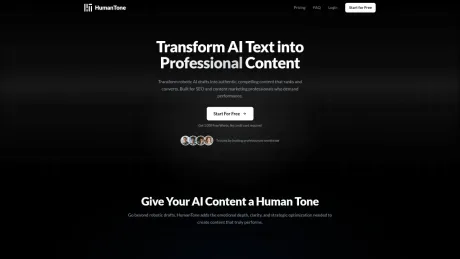
The professional AI humanizer. Real rewriting, no tricks. Transform AI drafts into authentic human content. Built for SEO specialists and content teams.
What you get
Additional Information
HumanTone rewrites AI-generated text so it reads like it was written by a person. Unlike traditional paraphrasing tools that merely swap synonyms, HumanTone restructures text at a deeper level, altering sentence patterns and overall structure to create genuinely original content. This makes it a powerful tool for SEO specialists, content teams, agencies, freelance writers, and anyone producing content at scale using AI.
With features like Custom Instructions, users can precisely dictate the tone, terms to preserve, and the intended audience for each piece of content. This ensures that even key technical phrases or brand names remain intact while the text is transformed. HumanTone supports a wide variety of content types—such as blog posts, product descriptions, social media content, and more—and is capable of processing over 60 languages, automatically detecting the language of the input.
The platform operates on a credit system where 1 credit equals 100 words processed. Users can start with a free trial that provides 1,000 words of output without any credit card requirement. Monthly subscription plans offer transparency and flexibility, allowing users to scale their usage according to their needs. Unused credits from subscriptions expire at the end of each billing cycle, but Extra Credits can be purchased separately.
HumanTone's interface is designed for professionals who cannot afford to sound like their output was generated by a machine. With it, users can streamline their content creation workflow and ensure that the final product genuinely resonates with their audience.
Frequently asked questions
What is HumanTone used for?
HumanTone: AI Humanizer for Professionals.Is HumanTone free?
Pricing for HumanTone varies — see the Pricing section for details.What are alternatives to HumanTone?
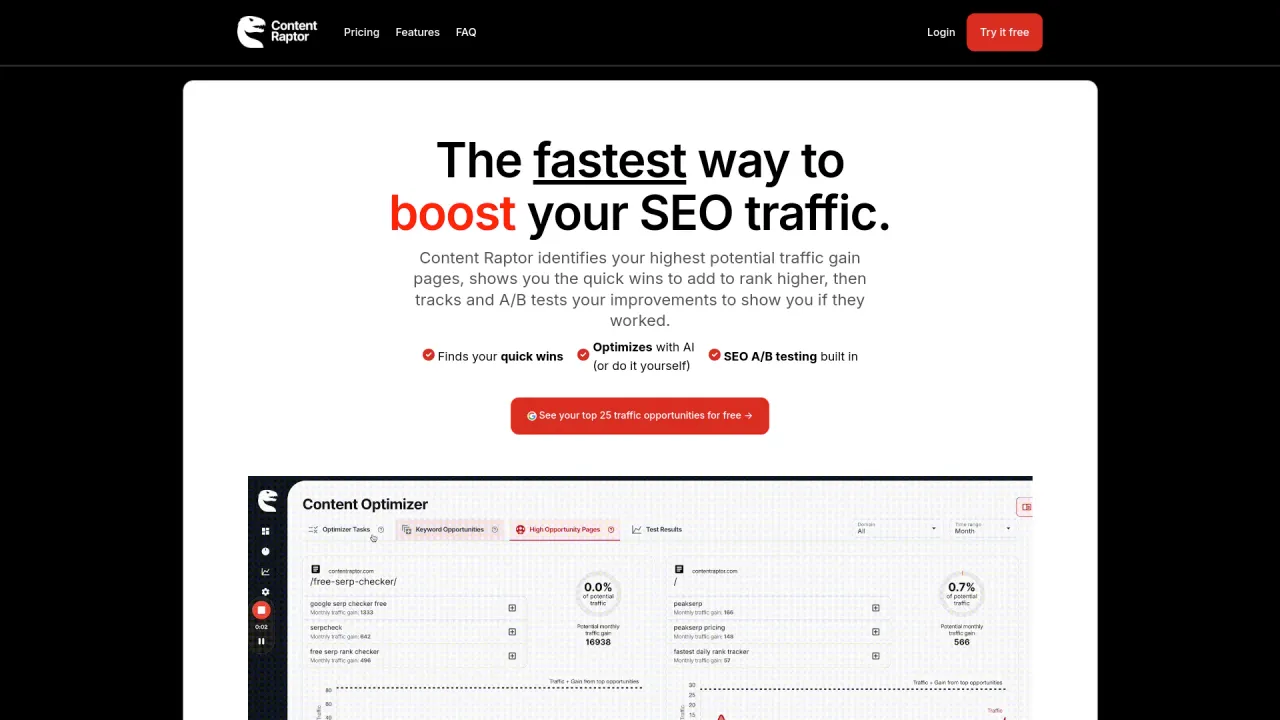
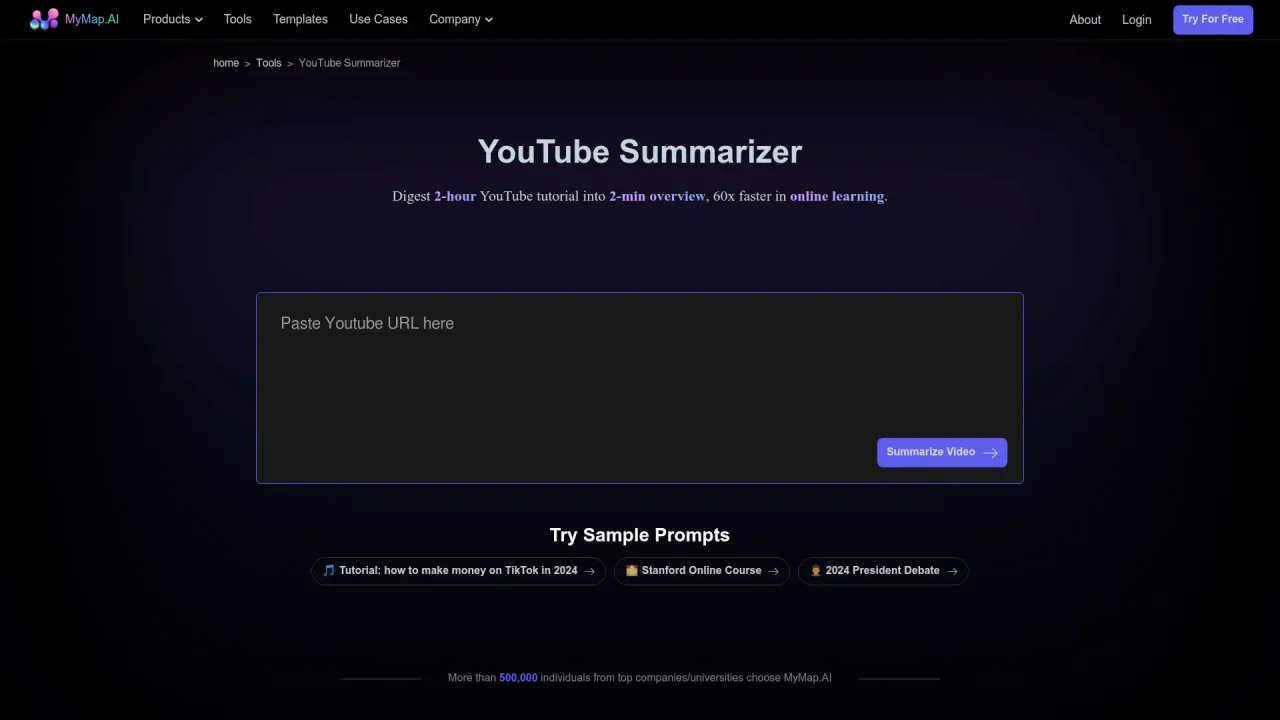
Top alternatives to HumanTone include XXAI, Content Raptor, Taskade, BurstyAI, MyMap.AI YouTube Summarizer.Where can I get HumanTone?
HumanTone is available at https://humantone.io/.What category is HumanTone in?
HumanTone is listed in Content Generation & Seo.What is HumanTone and who is it for?
HumanTone rewrites AI-generated text so it reads like it was written by a person: no character swaps, no random typos, real semantic rewriting. Built for SEO specialists, content teams, agencies, freelance writers, and anyone producing content at scale with AI.How is it different from a paraphrasing tool?
Paraphrasing tools swap synonyms and shuffle sentence order. The result still reads like AI because the underlying structure hasn't changed. HumanTone restructures content at a deeper level: sentence patterns, rhythm, and overall structure are rewritten. The output reads differently because it actually is different.What are Custom Instructions?
Custom Instructions let you guide each rewrite precisely. You can specify tone, terms to preserve, target audience, and purpose, and the model follows your rules for that piece. If you regenerate, the instructions stay in place. Each new piece starts fresh, giving you full control every time.Will it preserve my meaning and key terms?
Yes. The model keeps your core message intact. If you have terms that must stay unchanged (brand names, technical phrases, specific wording), add them to Custom Instructions and they won't be altered.What content types and languages does it support?
Blog posts, product descriptions, social media content, emails, reports, LinkedIn articles: anything AI can draft, HumanTone can humanize. It supports 60+ languages: paste your text in any supported language and it detects and rewrites automatically.How do credits work?
1 credit = 100 words processed. Subscription credits renew monthly. Unused ones expire at the end of each billing cycle. Extra Credits are purchased separately, valid for 1 year, and work alongside any plan or without one at all.How does the free trial work?
Sign up with no credit card required. You get 1,000 words to test the full product, including Custom Instructions and the built-in AI detector. No time limit on the trial.Can I cancel or change my plan?
Yes, from your dashboard at any time. No cancellation fees, no waiting period. If you downgrade or cancel mid-cycle, you keep access until the end of the billing period.
Compare HumanTone with…
Pick any tool to see a structured side-by-side: pricing, deployment, capabilities, and content policy.