ImageVids AI
AI Image to Video Generator Online - ImageVids AI.
- Category
- Image to Video Animation
- Pricing
- Paid
- Alternatives
- 6 similar tools
- Last updated
- 1 weeks ago
- Source
- Official site ↗︎
AI Collection Top Picks

Image to Video Animation Category Picks

About ImageVids AI
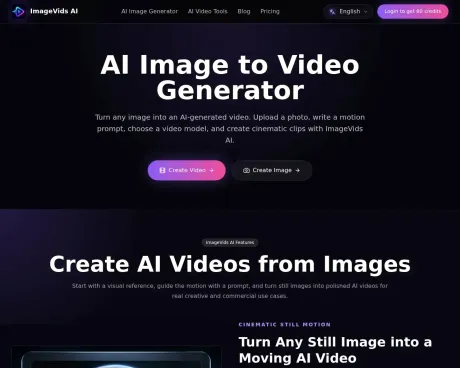
Turn images into AI videos with free trial credits. Explore before login, compare models, and see clear credit, queue, quality, and export limits.
ImageVids AI's Pricing Plans
ImageVids AI may change prices at any time. Here's our latest information:
ImageVids AI Pricing Plans
Starter
for individuals
$19
monthly
- 1000 credits/month
- Private image and video generations by default
- Buy extra credit packs whenever needed
- no bonus on credit packs
- One-time credit packs require an active subscription
- Credits consumed vary by model, duration, resolution, and audio
Creator
for creators
$39
monthly
- Everything in Starter
- 3000 credits/month
- 5% bonus on every credit pack purchase
- Buy extra credit packs whenever your active subscription needs a boost
Pro
for teams
$79
monthly
- All from Creator
- 7000 credits/month
- 10% bonus on every credit pack purchase
Studio
for studios
$149
monthly
- All from Pro
- 15000 credits/month
- 15% bonus on every credit pack purchase
Frequently asked questions
What is ImageVids AI used for?
AI Image to Video Generator Online - ImageVids AI.Is ImageVids AI free?
ImageVids AI is a paid product. See the Pricing section for current plans.What are alternatives to ImageVids AI?
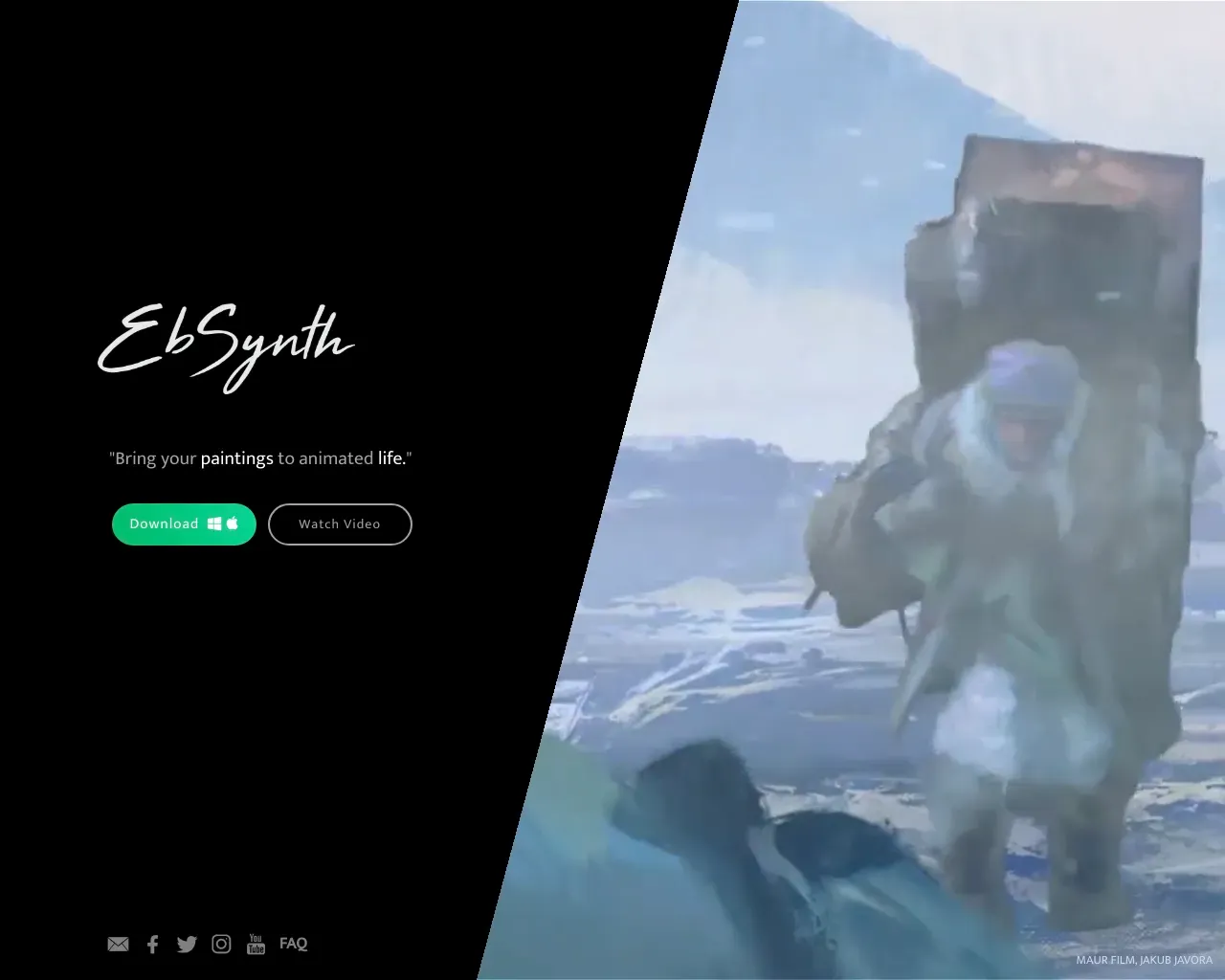
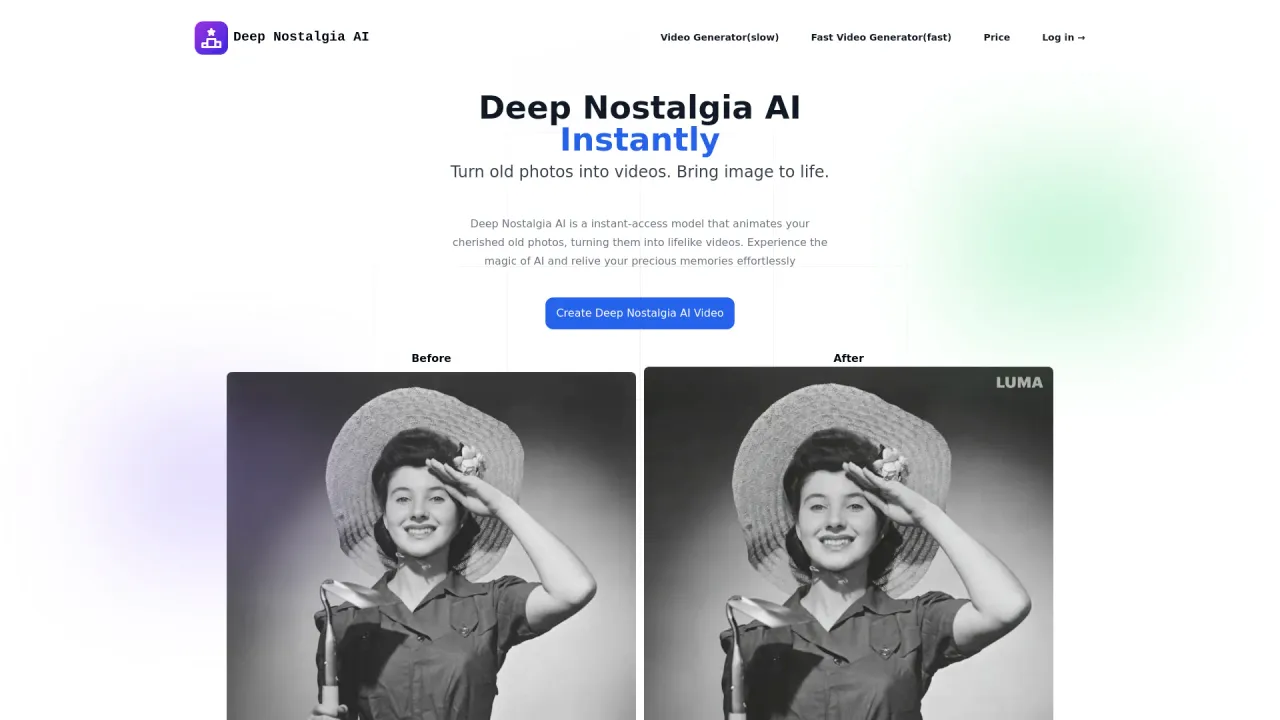
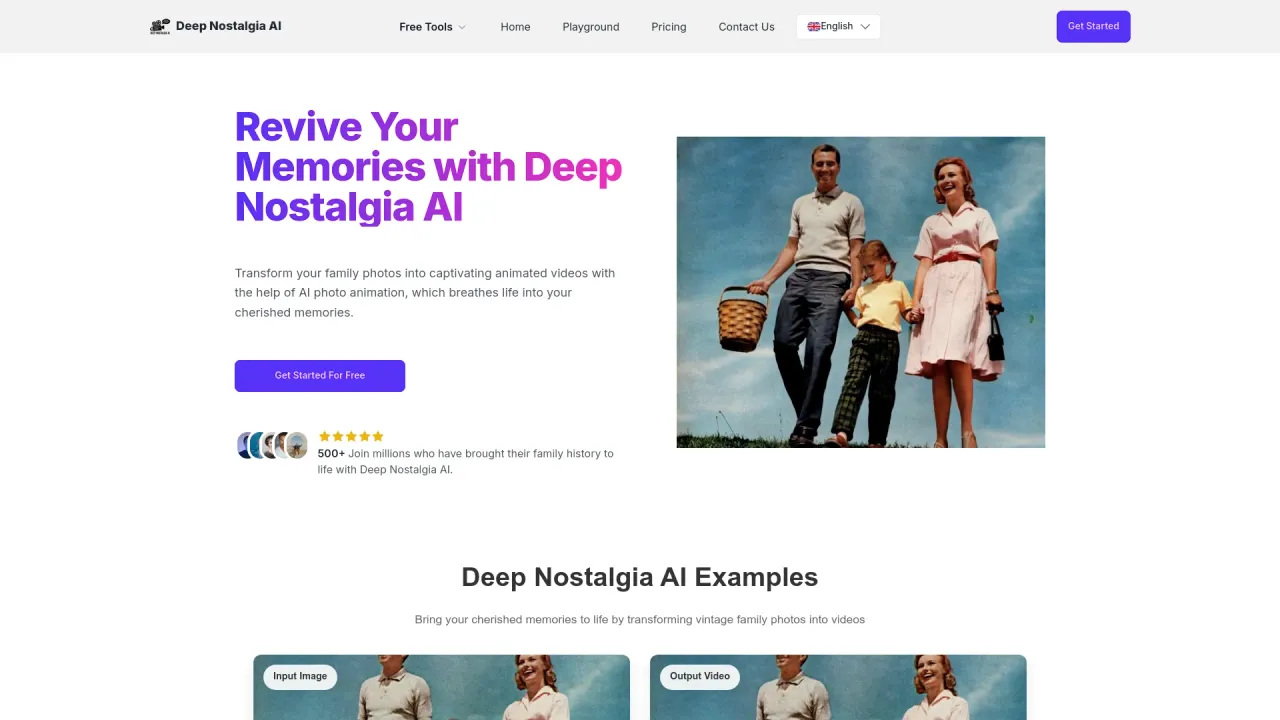
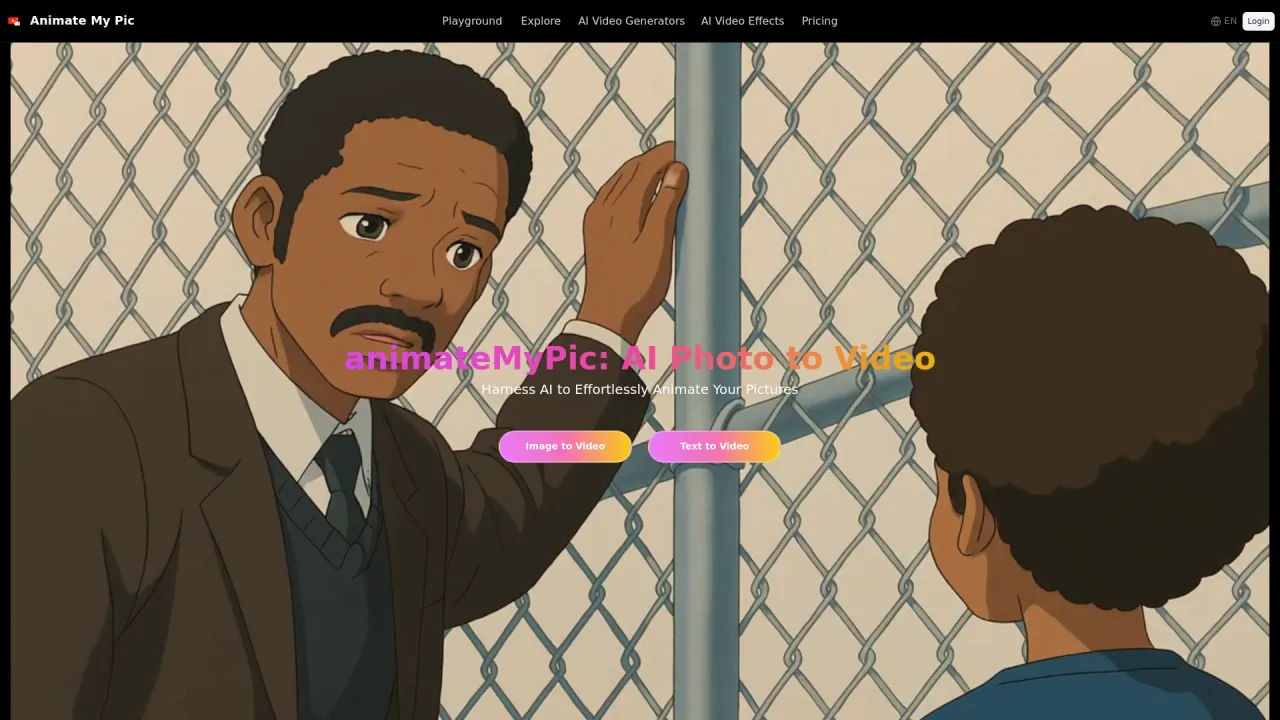
Top alternatives to ImageVids AI include Kadapt, Ebsynth, Deep Nostalgia AI, Deep Nostalgia, AnimateMyPic.Where can I get ImageVids AI?
ImageVids AI is available at https://aiimagetovideos.com/.What category is ImageVids AI in?
ImageVids AI is listed in Image to Video Animation.What is a no-restrictions AI image to video generator?
A no-restrictions AI image to video generator reduces common barriers such as forced sign-up, credit-card requirements, narrow model access, and hard generation caps in the basic workflow. It does not mean every service is anonymous, unlimited, or unmoderated. ImageVids AI lets you explore the generator before login, then requires sign-in and credits to create; model, queue, technical, export, and content-policy limits still apply.Does ‘no restrictions’ mean lower image to video quality?
No. Fewer access barriers do not reduce video quality by themselves. Image to video quality depends on the source image, selected model, motion prompt, duration, resolution, and settings. ImageVids AI lets you compare available models and shows the credit cost before generation; higher-quality options may use more credits.What is an AI image to video generator?
An AI image to video generator turns a still image into a moving video. You upload an image, describe the motion you want, choose settings such as model, aspect ratio, duration, and resolution, then generate an AI video.Can I use ImageVids AI for free?
Yes. ImageVids AI gives new users free trial credits for AI image-to-video generation. You can test prompts, models, and video styles before upgrading to a paid subscription.Do I need an account to generate AI videos?
A free account may be required to receive trial credits, save generations, and manage your videos. This also helps track credit use and manage export permissions.Which images work best for AI image to video?
Clear images with a visible subject usually work best. Portraits, product photos, anime art, landscapes, and scene references can all work well when paired with a clear motion prompt.What should I write in the motion prompt?
Describe what should move. For example: camera push-in, subject turns toward the camera, hair moves in the wind, clouds drift, lights change, or the product rotates slowly.Does ImageVids AI support multiple AI video models?
Yes. ImageVids AI supports multiple AI video models so you can choose different styles for fast drafts, cinematic motion, realistic movement, or higher-quality output.Can I create product videos from images?
Yes. Upload a product image and describe the camera motion, lighting, and background style. ImageVids AI can help create short product videos for ads, ecommerce, and social media.Can I create anime videos from images?
Yes. You can upload anime artwork or character images and use prompts to add motion, camera movement, atmosphere, and stylized effects.Can I export videos without a watermark?
Free trial generations may include limits or watermarks depending on your plan. Paid plans can unlock watermark-free exports, HD output, and commercial use.Can I use generated videos commercially?
Commercial use is available on eligible paid plans. Check the pricing page and terms before using generated videos for client work, advertising, or commercial publishing.Is ImageVids AI only for image to video?
ImageVids AI focuses on AI image to video generation, but it can also support related AI video workflows such as text to video, prompt-based video generation, and image preparation tools when available.Can I generate NSFW or adult content?
No. ImageVids AI does not support NSFW, adult, sexually explicit, or deepfake-style misuse. Generations must follow our content policy and safety rules.
Compare ImageVids AI with…
Pick any tool to see a structured side-by-side: pricing, deployment, capabilities, and content policy.