- Category
- Text to Video
- Pricing
- Paid
- Alternatives
- 6 similar tools
- Last updated
- 1 months ago
- Source
- Official site ↗︎
AI Collection Top Picks

Text to Video Category Picks
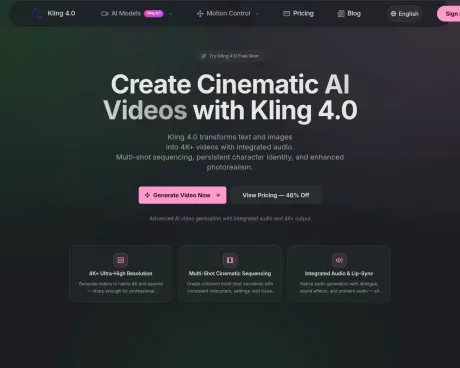
About Kling 4.0
Kling 4.0 AI Video Generator turns text and images into cinematic 4K+ videos with native audio, multi-shot sequencing, and persistent character identity.
Kling 4.0's Pricing Plans
Kling 4.0 may change prices at any time. Here's our latest information:
Monthly pricing (annual plans offer discounts)
Basic
for steady personal creation
$19.90
monthly
- 2,000 credits / month
- All Kling video models
- AI image generation
- Text-to-video and image-to-video
- Native audio generation
- Multiple aspect ratios
- Watermark-free downloads
- No charge for failed generations
- Higher credit allowances (available in higher tiers)
- Pro quality and priority generation
- credits refresh monthly
- cancel anytime
Standard
for regular creators
$49.90
monthly
- Everything in Basic
- 5,200 credits / month
- credits refresh monthly
- cancel anytime
Pro
for teams & studios
$99.90
monthly
- Everything in Standard
- 10,400 credits / month
- Pro quality
- Priority generation
- credits refresh monthly
- cancel anytime
Credit packs (one-time purchases)
Starter
one-time credits for quick tests
$19.90
one-time
- 1,480 credits (never expire)
- All Kling video models
- AI image generation
- Text-to-video and image-to-video
- Native audio generation
- Multiple aspect ratios
- Watermark-free downloads
- No charge for failed generations
- credits never expire
- one-time purchase
Standard
one-time credits for longer projects
$49.90
one-time
- 3,700 credits (never expire)
- Everything in Starter
- credits never expire
- one-time purchase
Pro
one-time credits for teams & studios
$99.90
one-time
- 7,400 credits (never expire)
- Everything in Standard
- Priority generation when purchased as subscription (subscription only)
- credits never expire
- one-time purchase
Frequently asked questions
What is Kling 4.0 used for?
Kling 4.0 AI Video Generator - Create Cinematic AI Videos.Is Kling 4.0 free?
Kling 4.0 is a paid product. See the Pricing section for current plans.What are alternatives to Kling 4.0?
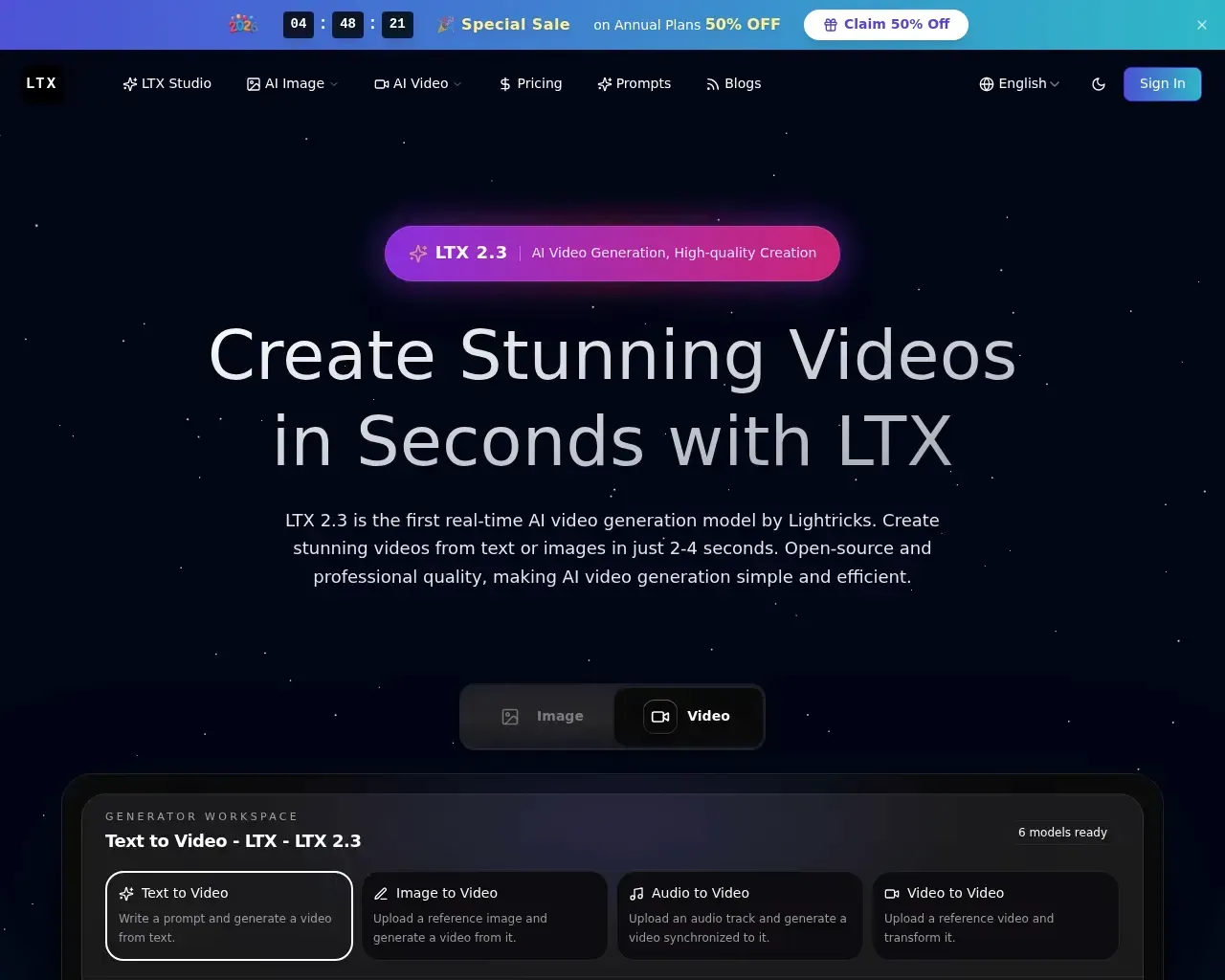
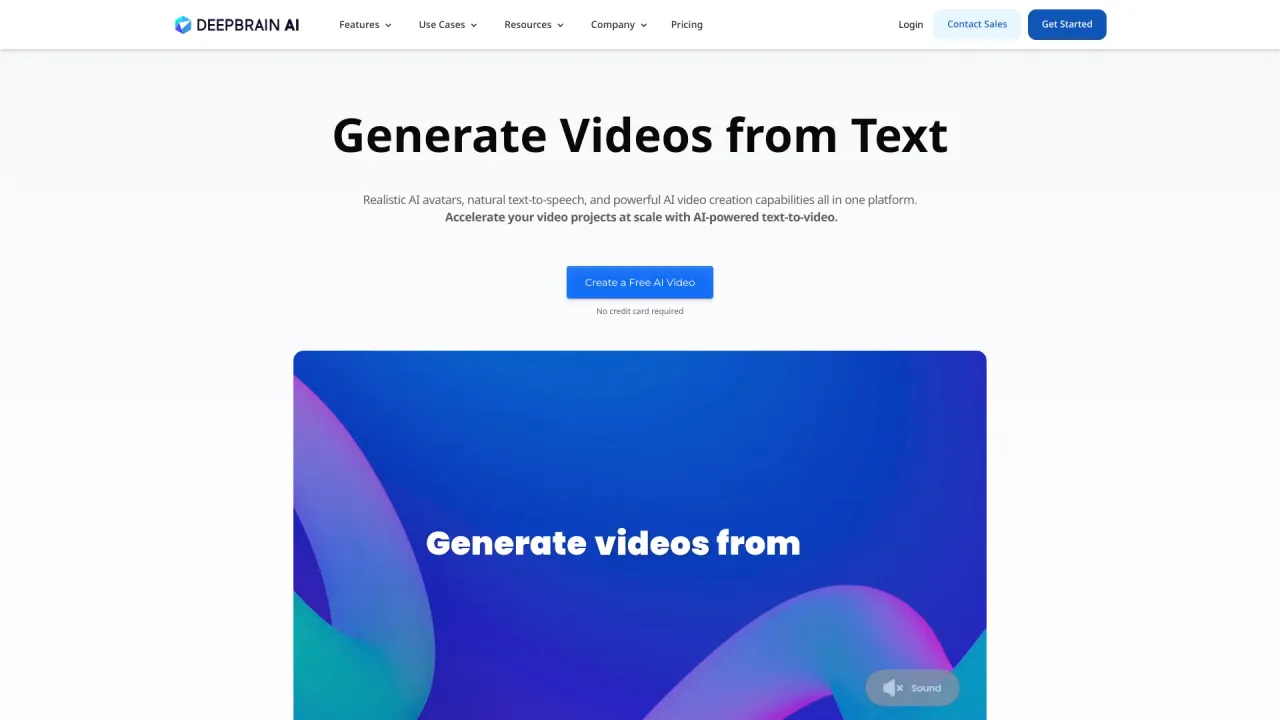
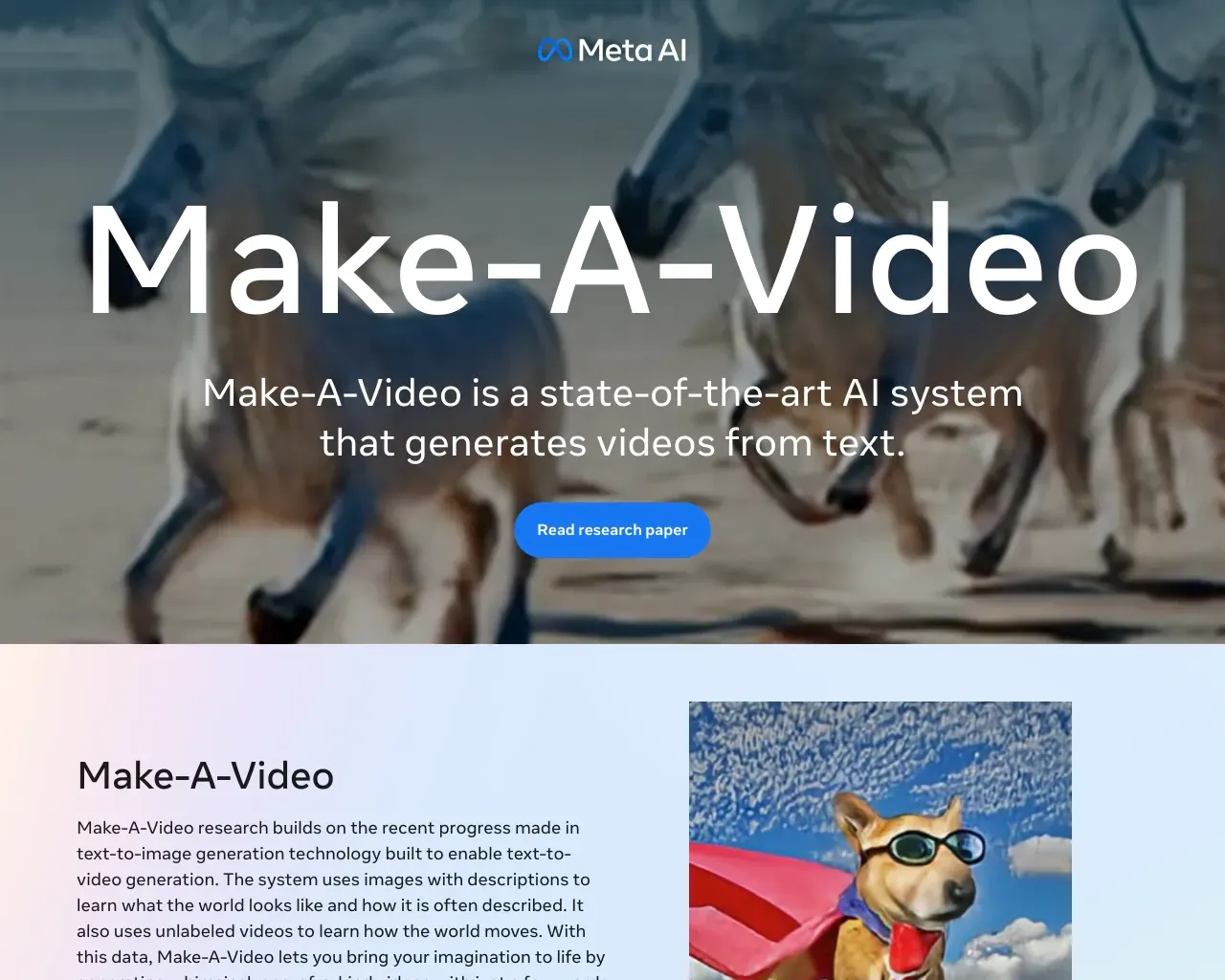
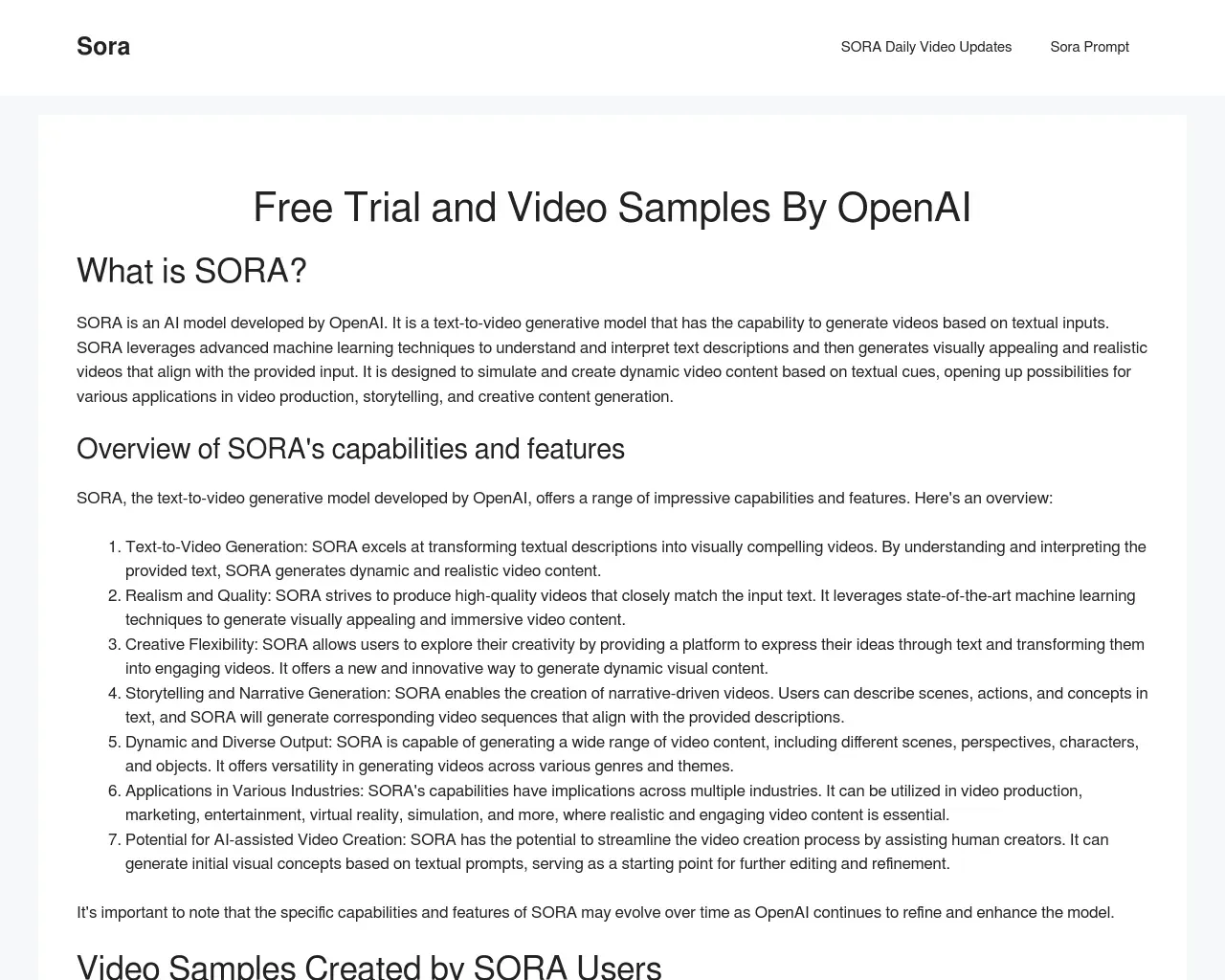
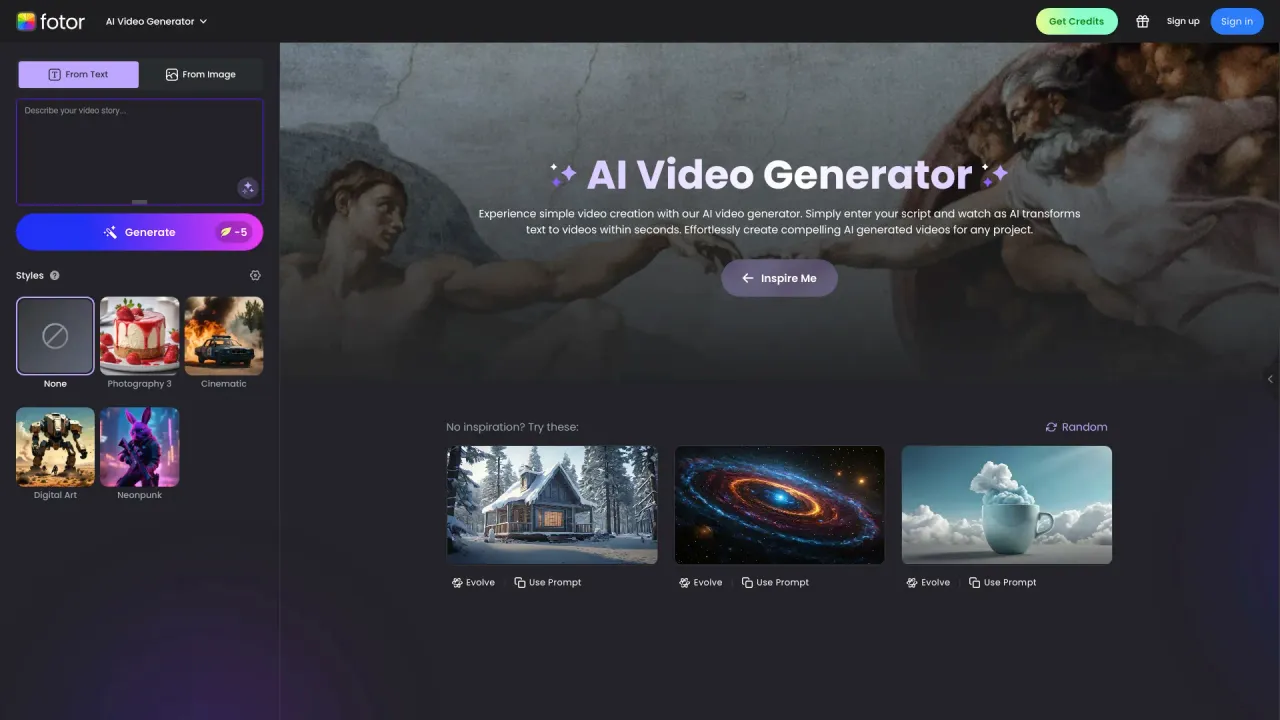
Top alternatives to Kling 4.0 include DEEPBRAIN AI, LTX, Make a Video, Sora Town, Fotor AI video generator.Where can I get Kling 4.0?
Kling 4.0 is available at https://www.kling4.co/.What category is Kling 4.0 in?
Kling 4.0 is listed in Text to Video.What AI models are available on this platform?
We offer multiple Kling video models, including Kling Avatar V2 (portrait animation), Kling 2.6 (fast text/image-to-video), Kling 2.6 Motion Control, Kling 3.0 and Kling 3.0 Omni (higher quality and multi-modal), Kling O1 Edit (editing & style transfer), and Kling 4.0. The platform also includes AI image models.What is Kling 4.0?
Kling 4.0 is the next-generation Kling model with improvements in resolution (4K+), motion fidelity, integrated audio, and multi-modal control for text-, image-, and video-driven generation.What can Avatar V2 do?
Avatar V2 animates static portrait photos — turning a still image into a video with natural facial expressions and head movements. Standard outputs 720p, Pro outputs 1080p with more refined expressions. Great for social media avatars, virtual presenters, and memorial photos.What's the difference between Kling 3.0 and Kling 3.0 Omni?
Kling 3.0 accepts text or image input and generates the highest quality videos. Kling 3.0 Omni supports multi-modal input — text, images, and existing video — so you can extend videos, remix multiple sources, or create sequels. Both support Standard (720p) and Pro (1080p) modes.What is motion control?
Motion control lets you precisely define camera movements: pan, tilt, zoom, orbit, and tracking shots. Kling 2.6 Motion Control handles basic camera paths, while Kling 3.0 Motion Control offers smoother, more complex trajectories. Ideal for product showcases, architectural walkthroughs, and creative transitions.What can Kling O1 do?
Kling O1 Edit is a video editing model. It can transform the style of existing videos (realistic to anime, day to night), reconstruct scenes, and enhance visual quality. The Pro + video input variant lets you provide a reference video for more precise style transfer.What is native audio?
Native audio means AI-generated sound effects, ambient sounds, and music that match the video content automatically. A beach scene gets ocean waves, a city scene gets traffic ambience. Supported by Kling 2.6, Kling 3.0, and Kling 3.0 Omni on Standard plan and above.What's the difference between Standard and Pro?
Standard outputs 720p — great for social media and quick previews. Pro outputs 1080p with richer detail and smoother motion — ideal for commercial use and professional publishing. Pro mode is available on Standard pack and above.What video lengths are supported?
Starter/Basic plans support up to 5-second videos. Standard and Pro plans support up to 10-second videos. All models generate videos suitable for social media, ads, and creative storytelling.How does the credit system work?
Credits are consumed based on video duration and model type. Budget models like Kling Avatar V2 Standard cost 10 credits/sec, Kling 2.6 ~17 credits/sec. Premium models like Kling 3.0 Pro + audio cost 65 credits/sec. Image generation starts at 5 credits/image. Estimated cost is shown before each generation.Am I charged for failed generations?
No. Credits are only deducted for successful generations. If a generation fails due to a system issue, credits are automatically refunded to your account.What aspect ratios are supported?
Starter/Basic plans support 3 ratios: 1:1, 16:9, and 9:16. Standard and Pro plans unlock all 6 ratios: 1:1, 16:9, 9:16, 4:3, 3:4, and 21:9 — covering everything from social media stories to widescreen cinematic formats.Can I use generated content commercially?
Yes. All videos and images you generate are yours to use freely for commercial purposes — social media, ads, client work, products. Please follow our Terms of Service and avoid generating infringing or illegal content.How does this platform compare to Sora or Veo?
Our platform offers 7 specialized models covering different use cases — from portrait animation to cinematic video to video editing. You get motion control, native audio, multi-modal input, and style transfer in one place. Pay-per-use pricing with no charge for failures.What are the main use cases?
Social media content (short videos, animated avatars), advertising and marketing (product demos, brand videos), creative storytelling (multi-shot sequences), e-commerce (product showcases with camera control), video editing (style transfer, scene reconstruction), and AI image generation for any visual content need.
Compare Kling 4.0 with…
Pick any tool to see a structured side-by-side: pricing, deployment, capabilities, and content policy.