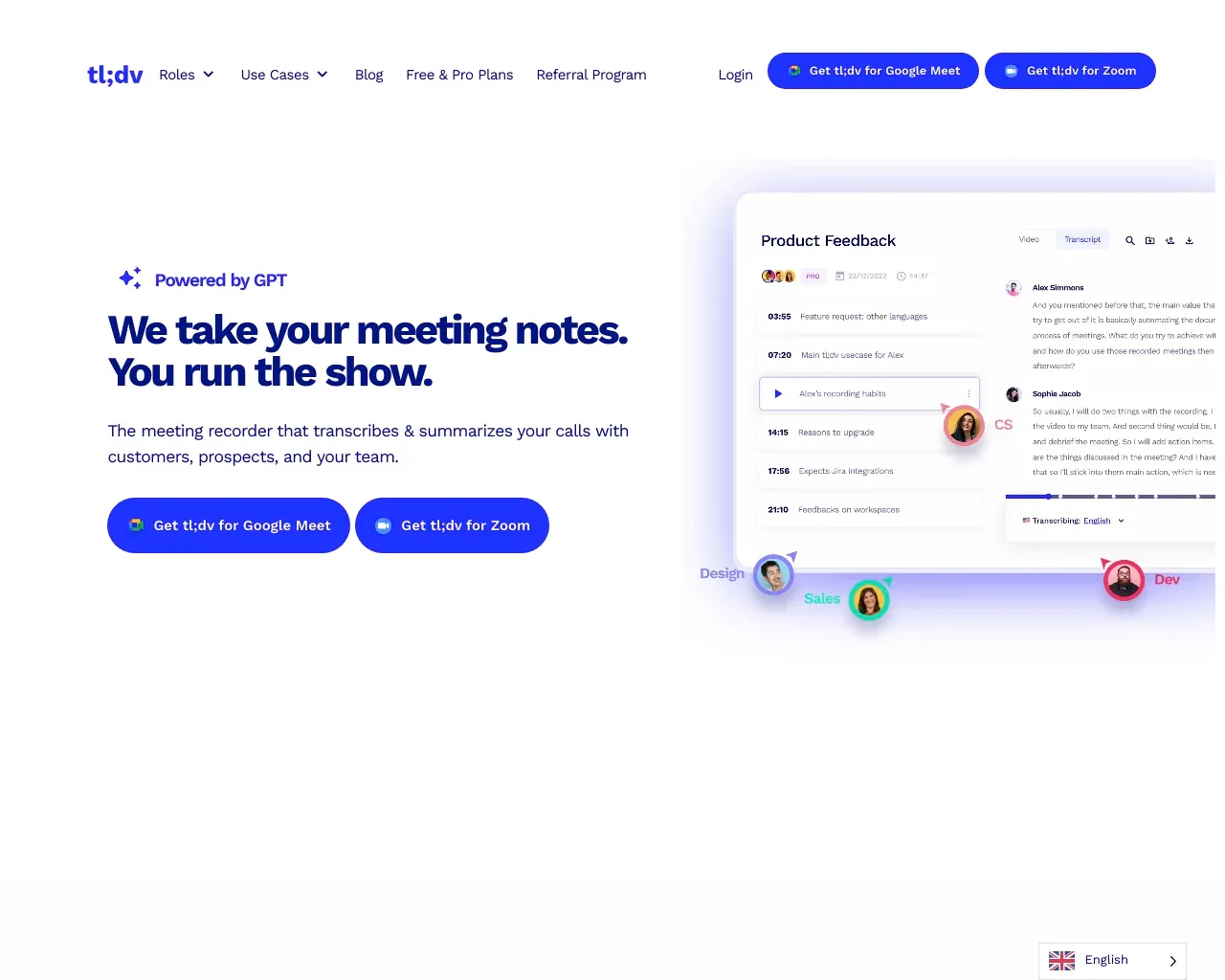
MinutesLink - AI Note Taker
MinutesLink - AI note-taker.
- Category
- Meeting Assistant
- Pricing
- Free
- Alternatives
- 6 similar tools
- Last updated
- 3 weeks ago
- Source
- Official site ↗︎
AI Collection Top Picks

Meeting Assistant Category Picks
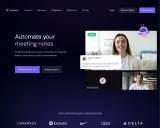
About MinutesLink - AI Note Taker
Capture smart notes with an AI-powered meeting assistant for Zoom & Google Meet. Try a free AI note taker app and boost productivity.
Frequently asked questions
What is MinutesLink - AI Note Taker used for?
MinutesLink - AI note-taker.Is MinutesLink - AI Note Taker free?
MinutesLink - AI Note Taker is free to use.What are alternatives to MinutesLink - AI Note Taker?
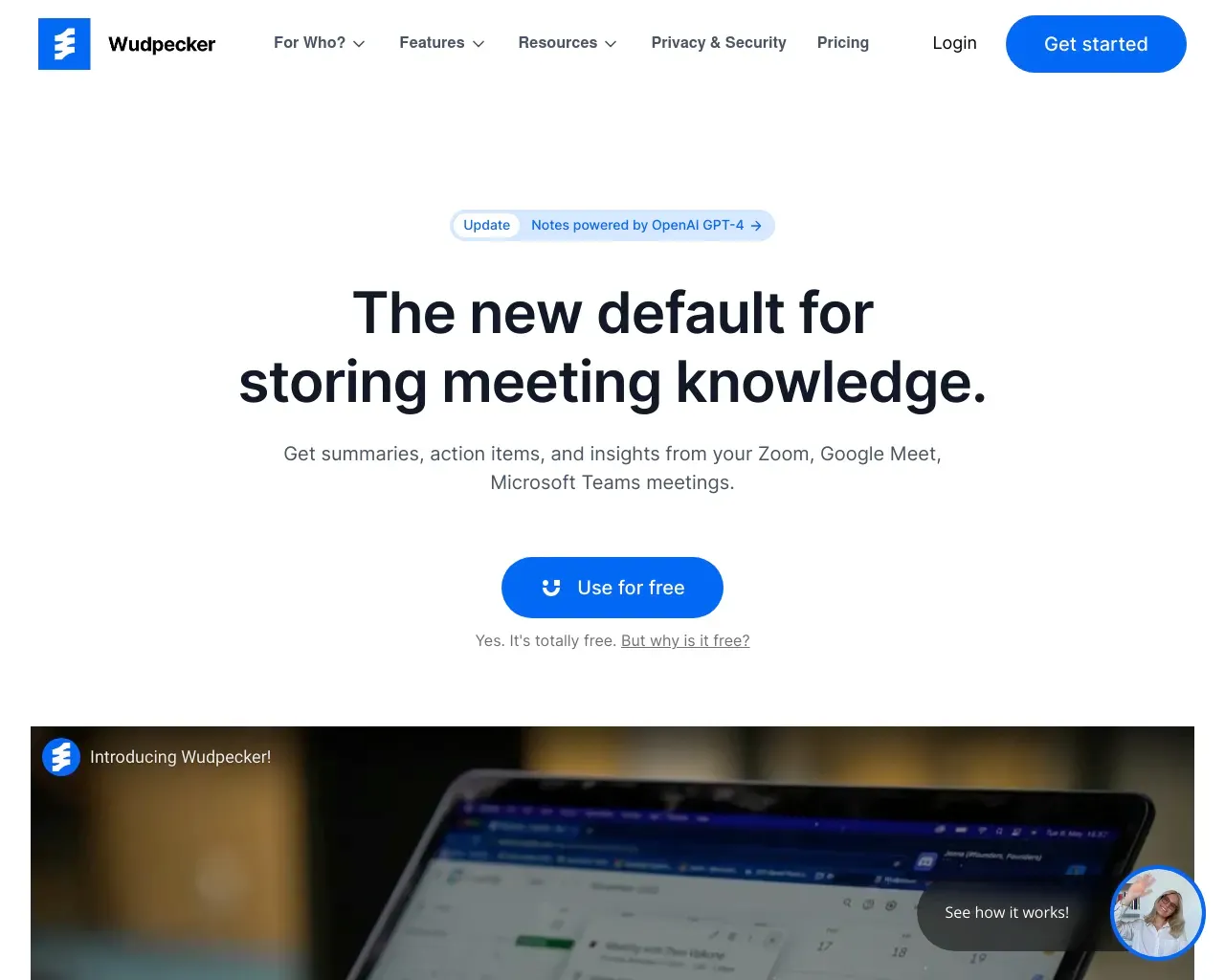
Top alternatives to MinutesLink - AI Note Taker include Graphic AI, Fireflies, Jamie, Supernormal, Wudpecker.Where can I get MinutesLink - AI Note Taker?
MinutesLink - AI Note Taker is available at https://minuteslink.com/.What category is MinutesLink - AI Note Taker in?
MinutesLink - AI Note Taker is listed in Meeting Assistant.Q2. Is MinutesLink compatible with all online meeting platforms?
A2. Yes, MinutesLink is designed to work seamlessly with popular online meeting platforms such as Zoom, Microsoft Teams, Google Meet, and more.Features
- Automatic participation in scheduled calls, even in the user's absence. - AI-generated meeting minutes that are precise and editable.Use Cases
- Keeping absent team members updated with detailed summaries and recordings of meetings. - Streamlining meeting documentation for busy professionals, saving time and improving productivity.What is the main advantage of using AI note takers?
The main advantage of using AI note takers is their ability to provide real-time transcription and accurate summaries, enabling users to concentrate fully on discussions without the distraction of manual note-taking. Embrace the future of note-taking with AI-powered solutions and experience the difference they can make in your workflow.How do AI agents integrate with meeting platforms?
AI agents integrate seamlessly with meeting platforms like Google Meet, Microsoft Teams, and Zoom, allowing for smooth capturing of content without interrupting workflows. This enhances productivity by ensuring important information is documented effortlessly via meeting notes.How do AI meeting assistants like MinutesLink improve meetings and productivity?
AI meeting assistants enhance meetings by automatically generating accurate, structured summaries with key points and action items. They boost engagement by freeing participants from manual note-taking, improve follow-up and accountability, and seamlessly integrate into workflows — saving time and increasing overall productivity.Can I invite MinutesLink to an unscheduled call?
Absolutely, it’s simple! Just add the Google Meet link in the field on our website's header or footer and click the “Add a bot” button. The AI Assistant will then join the call and take meeting notes for you.How can I ensure that MinutesLink will join the call?
You can check this in your personal account. MinutesLink will show all scheduled meetings and their statuses. If the status is ‘will be recorded,’ the AI Assistant will join the meeting. If the status is ‘no link’ or ‘won’t record,’ check your meeting settings.What is a personal digital avatar and how soon can I start using it?
A personal digital avatar is an AI-powered replica of your unique communication style, decision-making processes, and thought patterns. Once we’ve accumulated enough data, it will be used to train your personal neural network, allowing your digital avatar to start mirroring your behavior and assisting with tasks.Is MinutesLink AI Meeting Assistant free to use?
Yes, you can use it for up to 10 calls per month (60 minutes each) at no charge. If you need more calls, you can upgrade to our Pro plan.
Compare MinutesLink - AI Note Taker with…
Pick any tool to see a structured side-by-side: pricing, deployment, capabilities, and content policy.