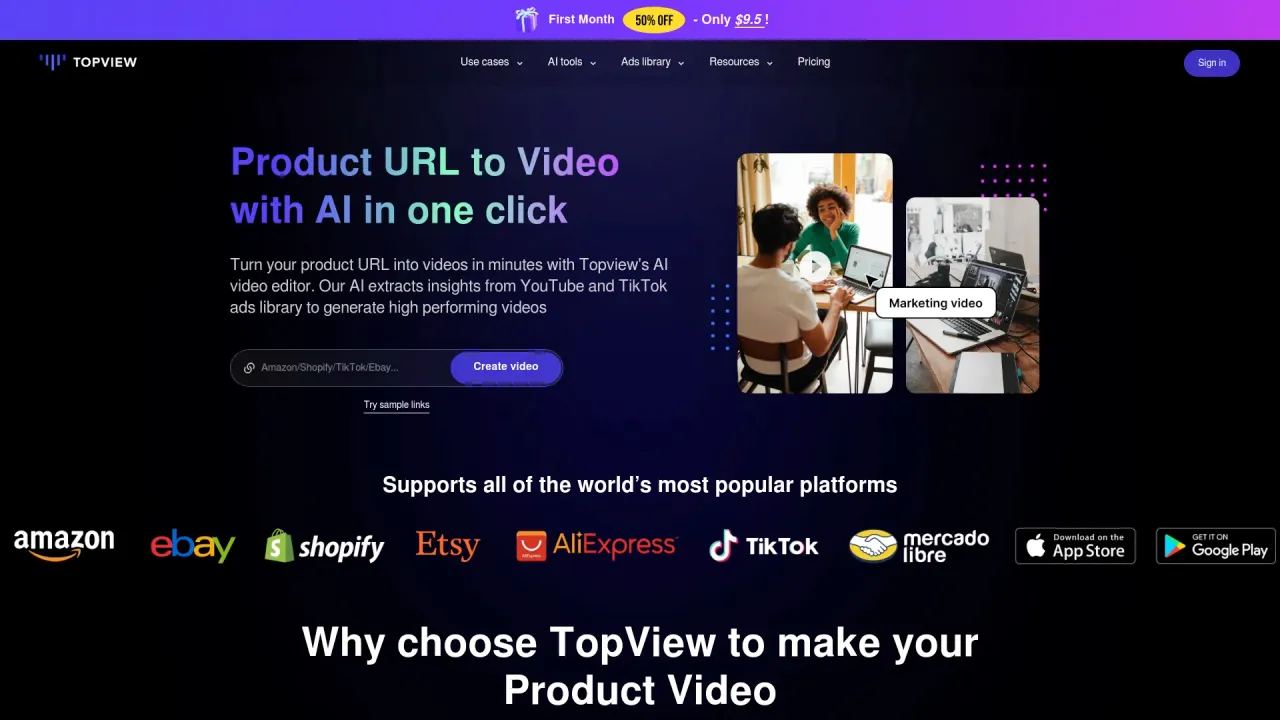
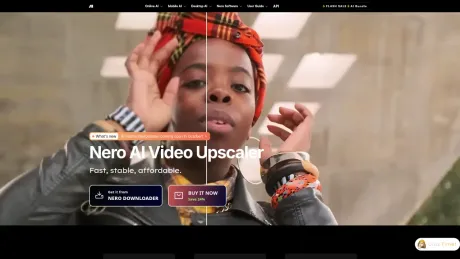
Nero AI Video Upscaler
for Windows – Upscale to 4K/8K.
AI Collection Top Picks

Video Editing Category Picks

About Nero AI Video Upscaler
Use Nero AI Video Upscaler to upscale blurry, old or anime videos to 4K/8K on Windows. Preview, batch process, and try 7 days with no watermark.
Nero AI Video Upscaler's Pricing Plans
Nero AI Video Upscaler may change prices at any time. Here's our latest information:
Pricing
Pricing
- Pricing plans are not explicitly listed on the page.
What you get
Additional Information
Features
- 4 Specialized AI Models: Fast, Animation, Realistic, Versatile
- Batch Processing
- Clip Selection
- Real-Time Preview
- AI Frame Interpolation
- Supported Formats: Works with popular video formats such as MP4, MOV, AVI, and more.
Use Cases
Upscaling Anime and Cartoons:
Bring your favorite animated content to life by upscaling it to 4K, preserving artistic details and adding clarity. Ideal for personal collections or professional animation projects.Enhancing Real-Life Footage:
Whether for documentaries, vlogs, or home videos, the Realistic model improves the video quality of natural scenes, making your footage look crisper and more engaging.Content Creators and Influencers:
Perfect for YouTubers, TikTok creators, and other digital influencers looking to enhance video quality quickly without sacrificing creative control.Corporate and Marketing Videos:
Upgrade your business presentations, product videos, or training content for sharper, more professional results.
Frequently Asked Questions
Q: How does Nero AI Video Upscaler compare to Topaz?
- A: Nero focuses on simplicity, affordability, and fast results, while maintaining high-quality output. It's ideal for users who want powerful AI without a steep learning curve, unlike more complex tools like Topaz.
Q: Is there a free trial?
- A: Yes! We offer a 7-day free trial to experience the full functionality of Nero AI Video Upscaler before purchasing. Additionally, you can upscale videos under 30 seconds for free using our advanced 4 models.
Video Preview
Frequently asked questions
What is Nero AI Video Upscaler used for?
Nero AI Video Upscaler for Windows – Upscale to 4K/8K.Is Nero AI Video Upscaler free?
Pricing for Nero AI Video Upscaler varies — see the Pricing section for details.What are alternatives to Nero AI Video Upscaler?
Top alternatives to Nero AI Video Upscaler include Klap App, AI video editor, Atlabs AI, Topview AI URL to Video, Colossyan.Where can I get Nero AI Video Upscaler?
Nero AI Video Upscaler is available at https://pcai.nero.com/video-upscaler.What category is Nero AI Video Upscaler in?
Nero AI Video Upscaler is listed in Video Editing.
Compare Nero AI Video Upscaler with…
Pick any tool to see a structured side-by-side: pricing, deployment, capabilities, and content policy.