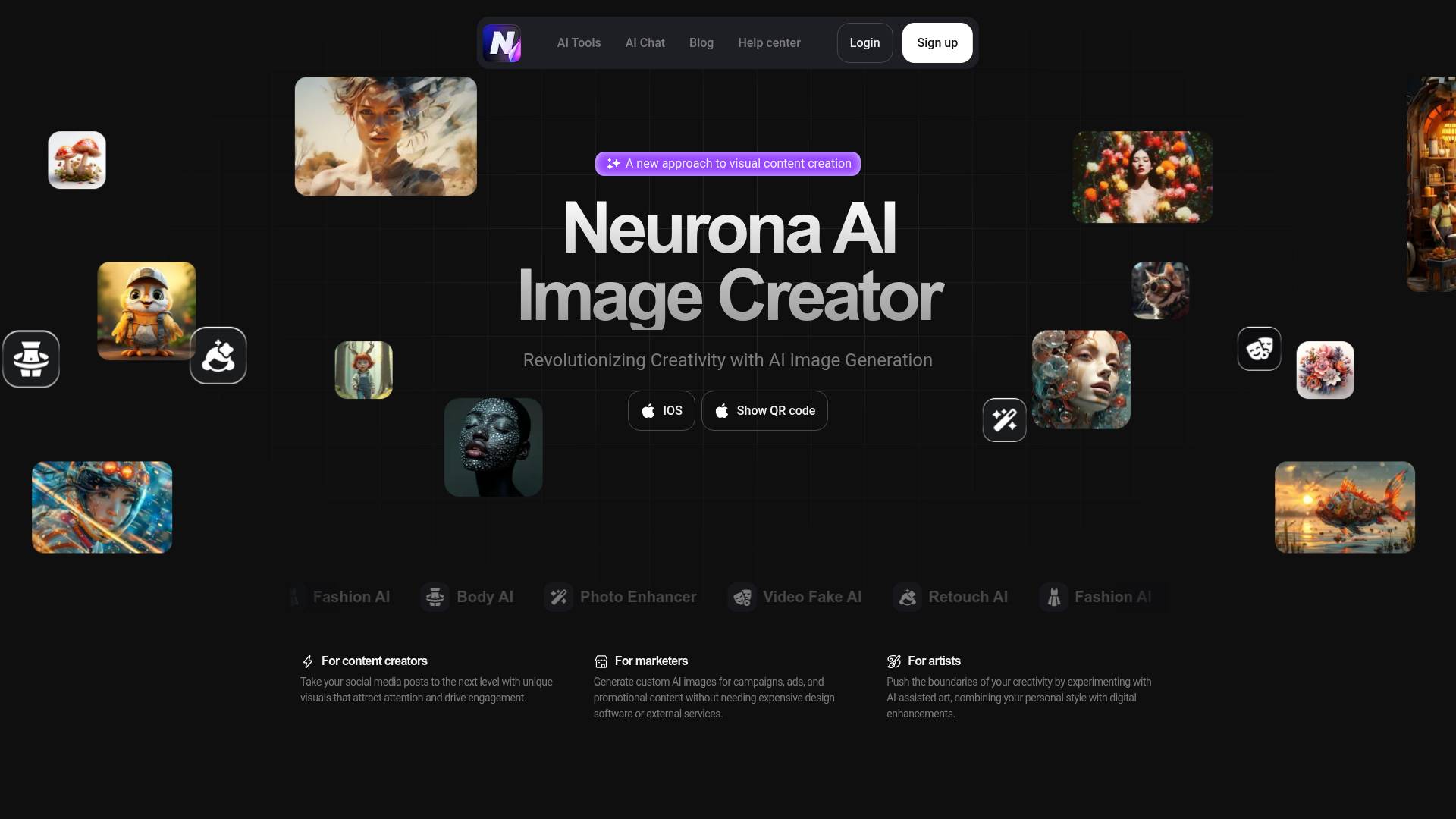
Neurona AI
AI Image Generator by Art Neurona - Free access to Face Swap Online.
- Category
- Image Editing
- Alternatives
- 6 similar tools
- Last updated
- 2 weeks ago
- Source
- Official site ↗︎
AI Collection Top Picks
Image Editing Category Picks
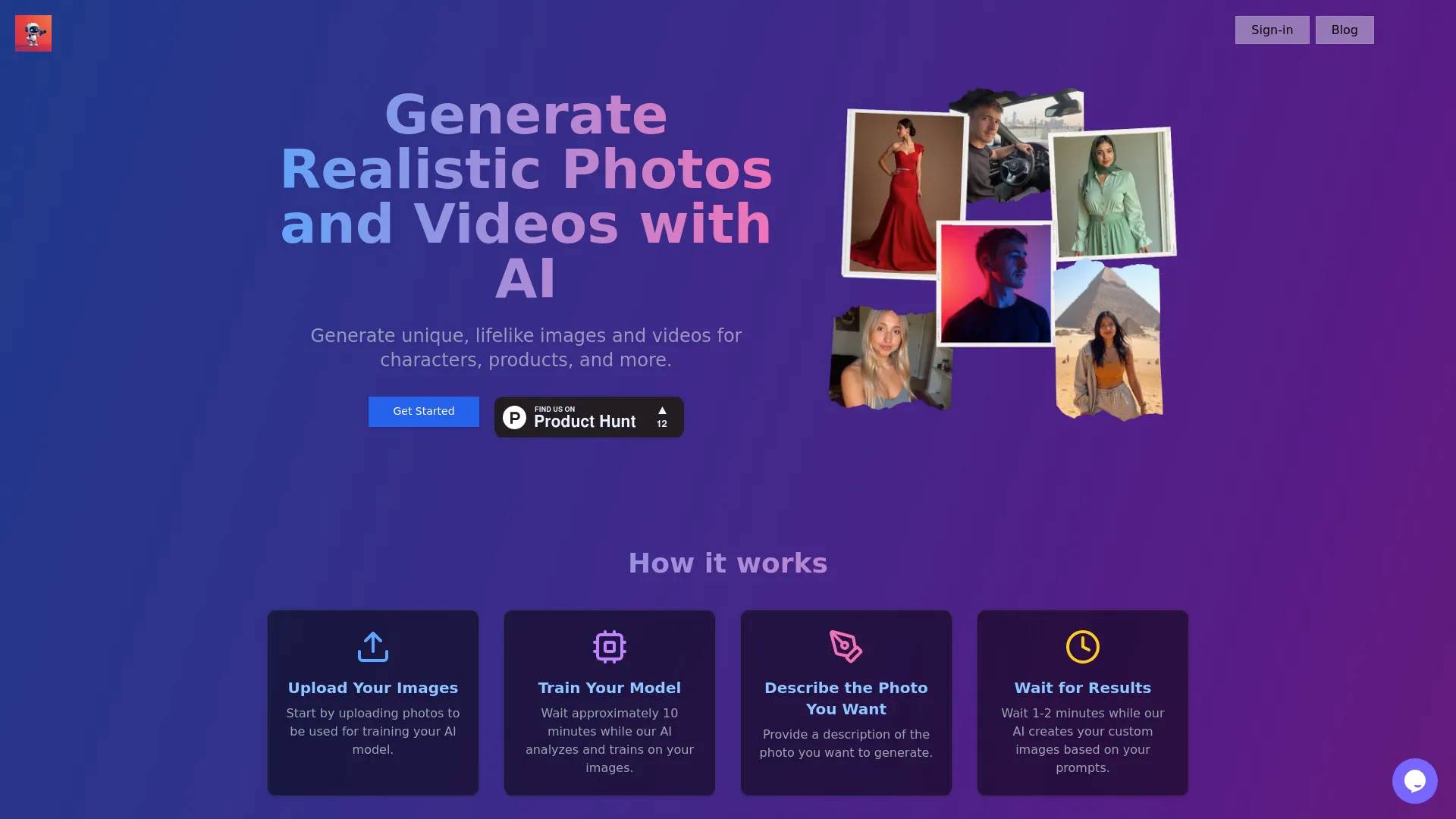
About Neurona AI
Generate breathtaking AI art with ART Neurona’s AI Image Generator. Easy to use, fast, and free to try – create unique images in seconds!
What you get
Additional Information
Key Features
Face Swap (Photo & Video): Replace faces in photos or videos seamlessly, keeping expressions and movement realistic.
Realism Module: Create images with lifelike textures, lighting, shadows — ultra-realistic visuals from simple prompts.
Anime / Stylized Looks: Generate art in anime or other stylized art forms.
Photo Enhancement & Retouching: Improve resolution, sharpen images, remove imperfections, adjust lighting and colors.
Figure Improvement & Aging Effects: Modify figures, change proportions; also age or “de-age” faces or characters.
“Recognize Your Future Child” Module: Generate a prediction of what a child might look like based on two faces.
Custom Styles & Backgrounds: Apply different artistic styles; remove or replace backgrounds to match branding or aesthetic needs.
⚡ Benefits
Fast & Efficient: Generate visuals in moments rather than hours.
Low Barrier to Entry: No graphic design experience needed. Simple interface, intuitive tools.
Creative Flexibility: Multiple styles, effects, and modules give you control over how images look.
Supports Commercial Use: The images can be used in marketing, social media, branding, etc.
🎯 Who It’s For
Content creators and social media managers who need eye-catching visuals fast.
Small businesses and startups seeking to produce marketing graphics without a big budget.
Artists and hobbyists experimenting with styles and visual ideas.
E-commerce brands needing product visuals, promotional banners, and cohesive image styles.
✅ How It Works
Input: Start with a text prompt or upload your own image. Describe what you want (style, mood, lighting, etc.).
Generate: The AI processes your input and creates images. You can choose modules like realism, anime, face swap, etc.
Customize: Adjust image settings (brightness, contrast, saturation), change background, tweak style.
Export / Use: Save or export images, use them for social, professional, or creative purposes. Commercial licensing available.
Frequently asked questions
What is Neurona AI used for?
AI Image Generator by Art Neurona - Free access to Face Swap Online.Is Neurona AI free?
Pricing for Neurona AI varies — see the Pricing section for details.What are alternatives to Neurona AI?
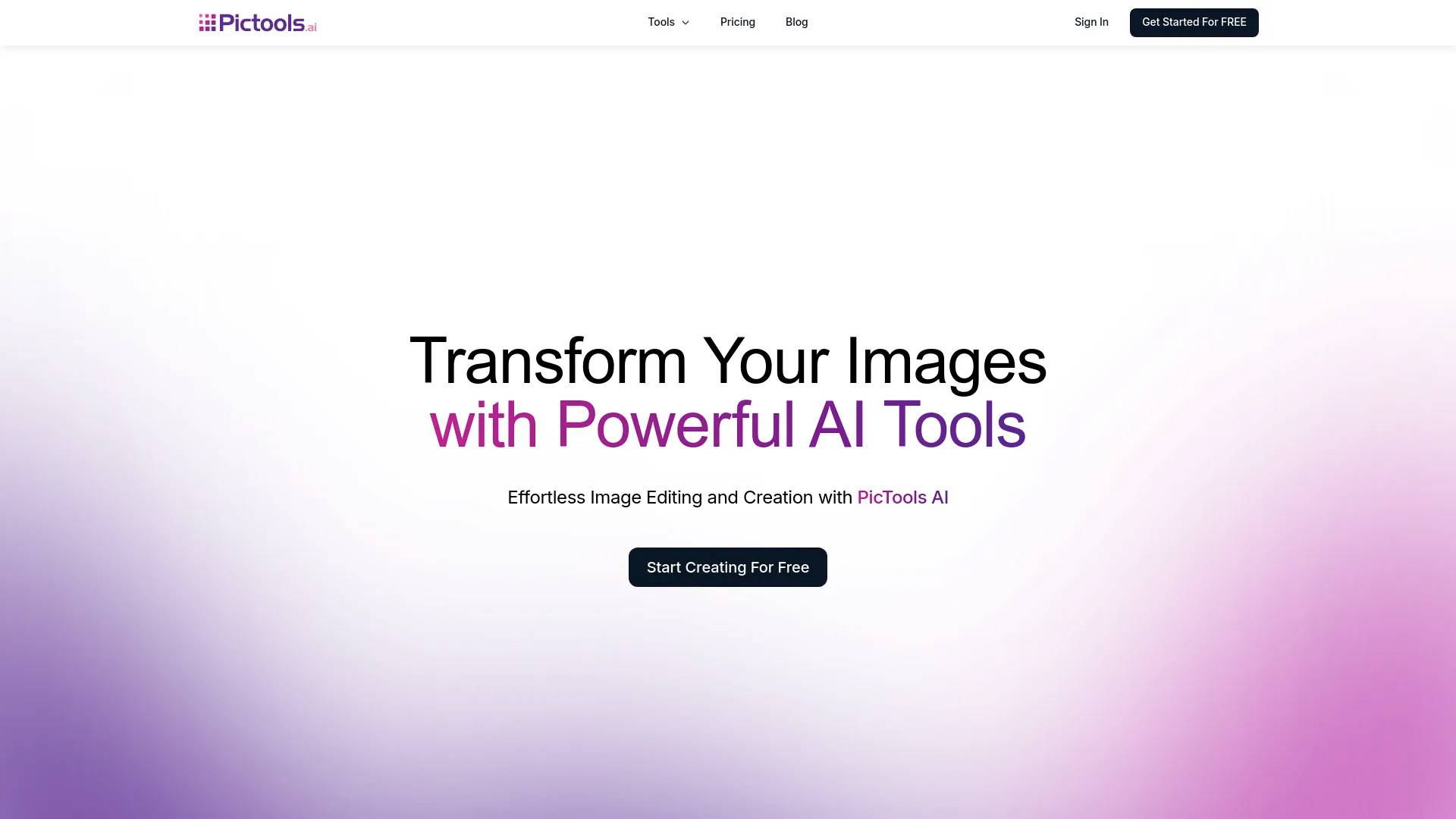
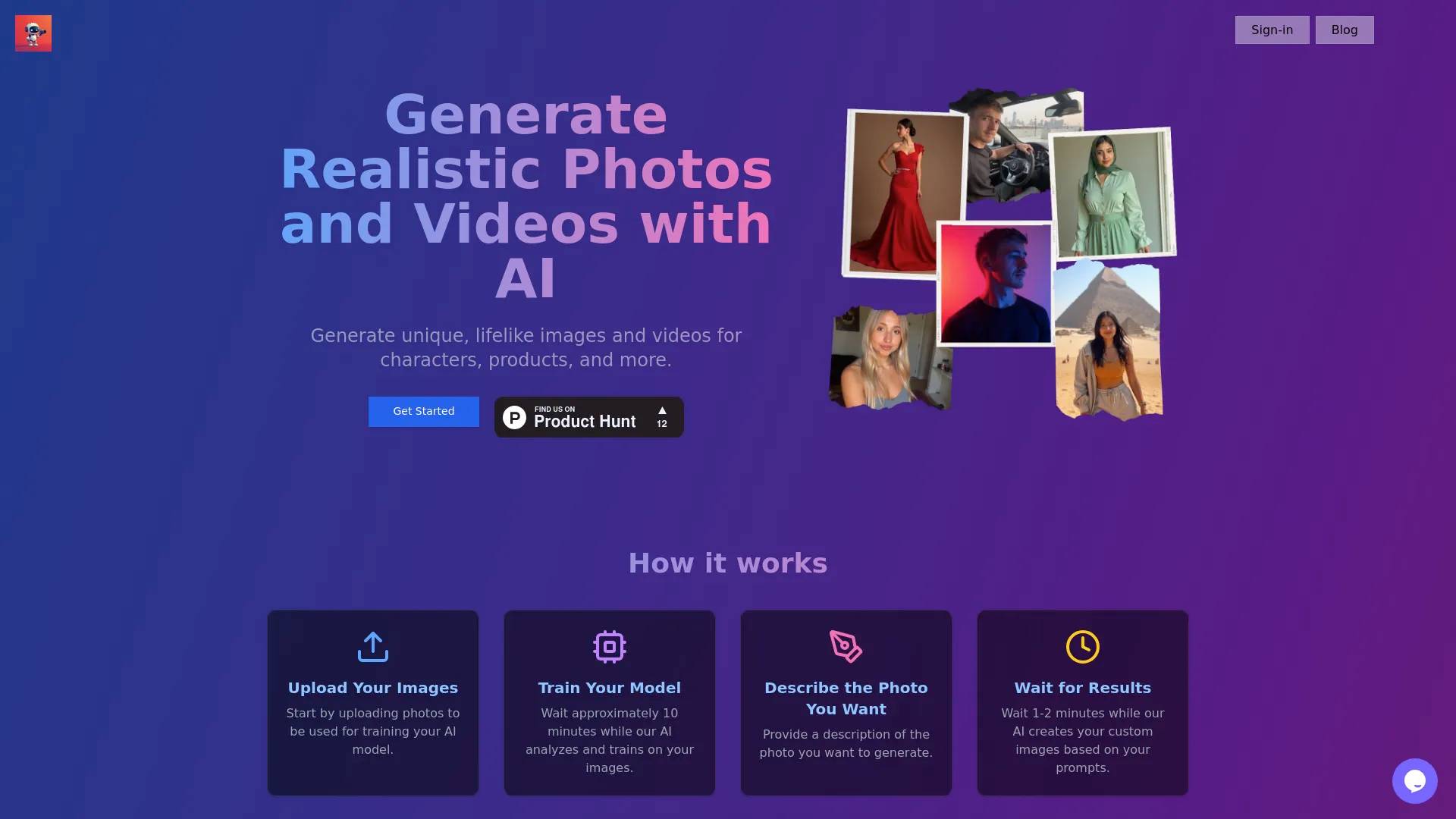
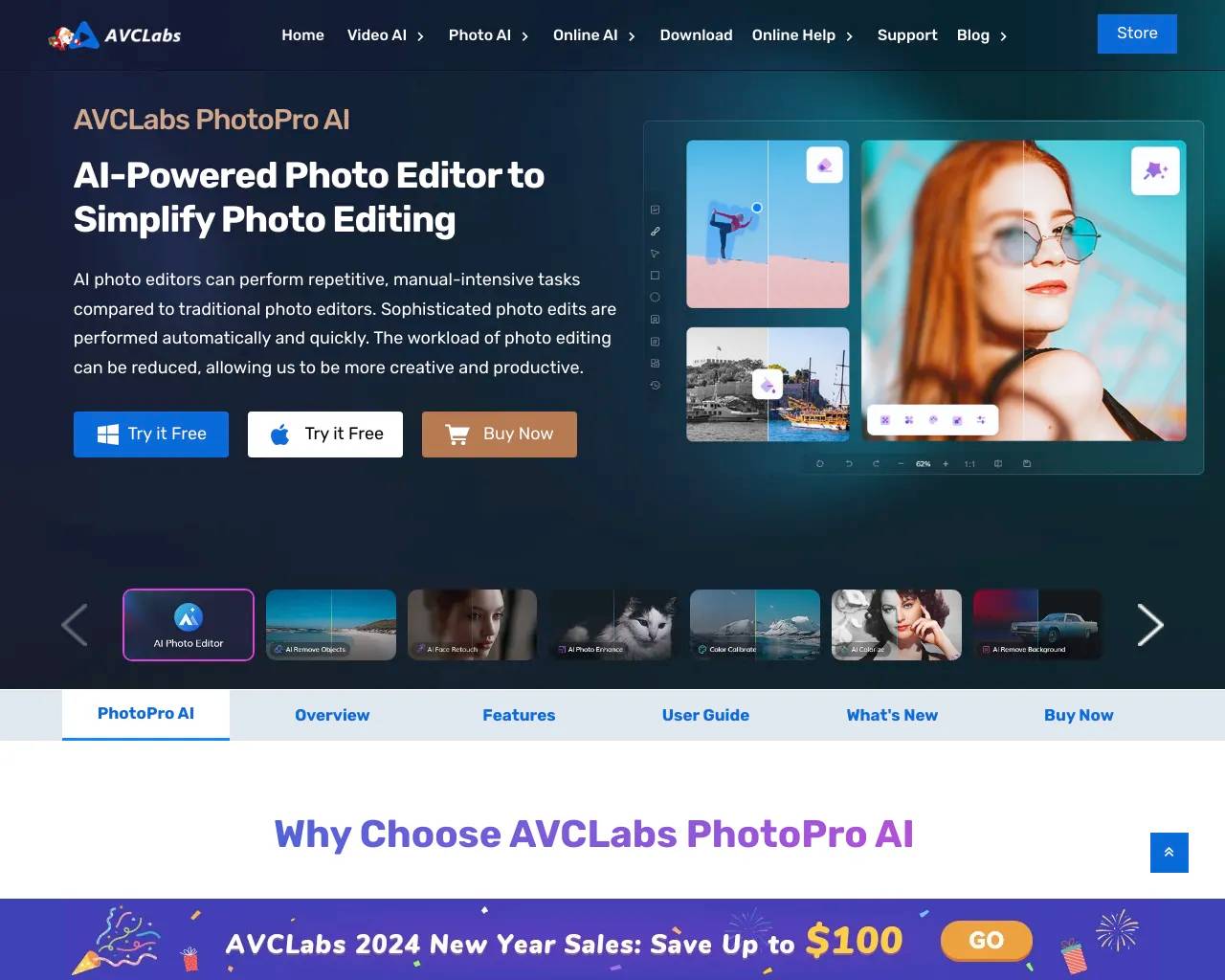
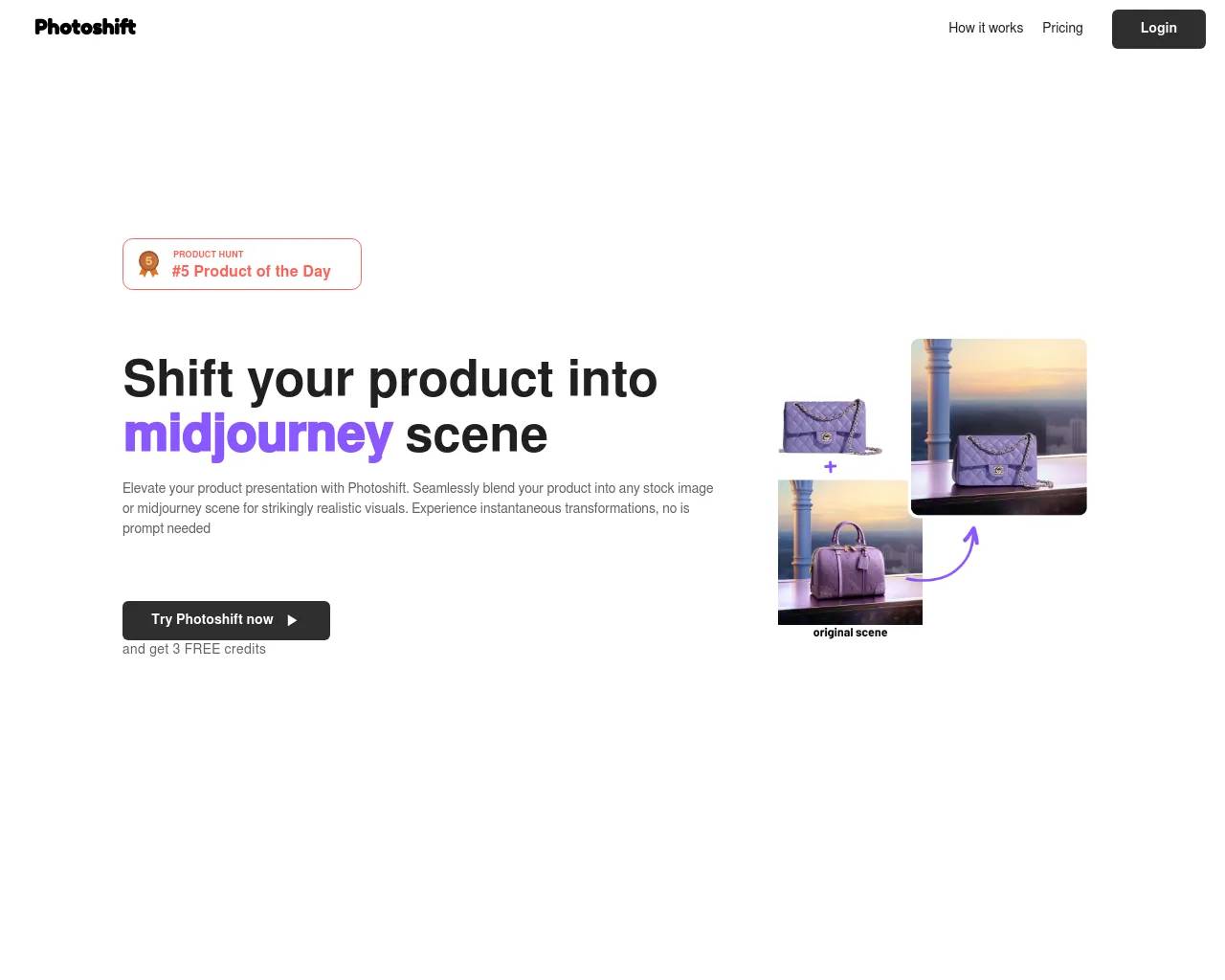
Top alternatives to Neurona AI include Photoshift, PicTools.AI, AI Photos Editor, AVCLabs PhotoPro AI, ProductScope AI.Where can I get Neurona AI?
Neurona AI is available at https://art-neurona.com/.What category is Neurona AI in?
Neurona AI is listed in Image Editing.What is Neurona AI Image Generator?
Neurona is an AI-powered platform that allows you to create high-quality, customizable images based on simple text descriptions.How does Neurona work?
Neurona utilizes state of the AI art technology that processes natural language inputs to generate corresponding images.Do I need any graphic design skills to use Neurona?
No! Neurona is designed for both beginners and experienced users, making it easy to create professional-quality images.Can I customize the images generated by Neurona AI generator?
Yes! After generating an image, you can adjust various settings, such as brightness, contrast, saturation, and even the background.
Compare Neurona AI with…
Pick any tool to see a structured side-by-side: pricing, deployment, capabilities, and content policy.