Photo to Video
AI Generator — Turn Photo into Video Free.
- Category
- Image to Video Animation
- Alternatives
- 6 similar tools
- Last updated
- 1 months ago
- Source
- Official site ↗︎
AI Collection Top Picks

Image to Video Animation Category Picks

About Photo to Video
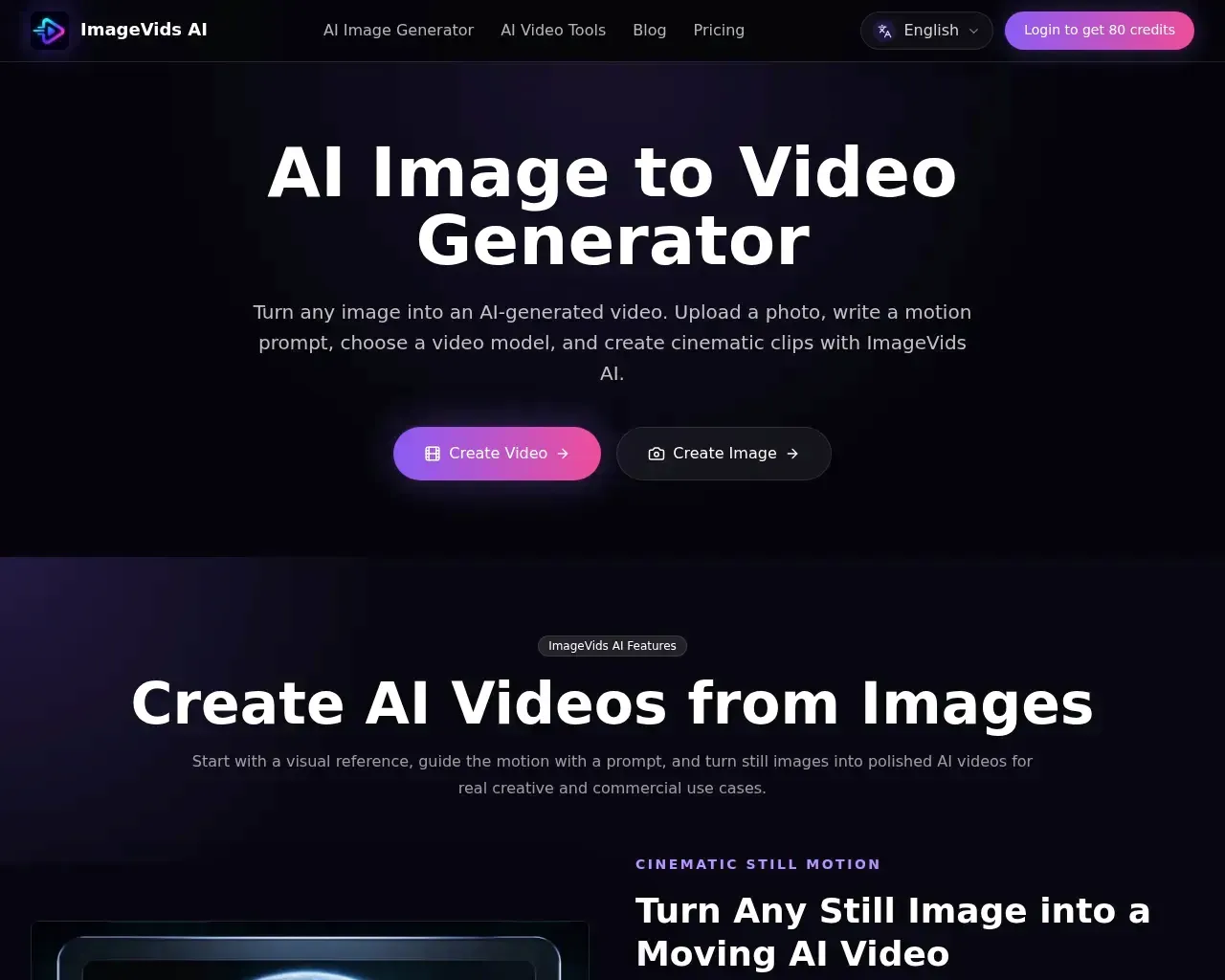
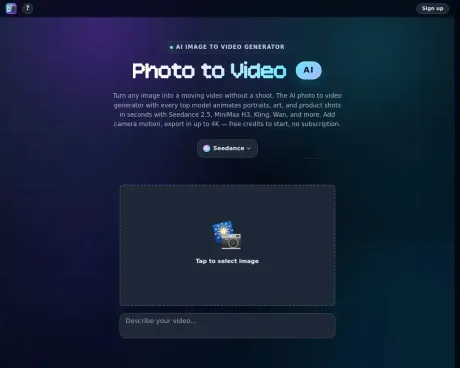
Turn photo into video with AI. Photo to video AI generator with Seedance 2.5, MiniMax H3, Kling, Wan 3.0, up to 4K. Free credits, no subscription.
Photo to Video's Pricing Plans
Photo to Video may change prices at any time. Here's our latest information:
Pricing
Pricing
- No subscriptions are required, users can start with free credits.
What you get
Additional Information
Photo to Video allows users to transform static images into dynamic videos effortlessly using advanced AI technology. With the ability to animate portraits, artwork, and product shots, the platform utilizes various top models including Seedance, MiniMax H3, and Kling to produce high-quality results. Users can enhance their videos by adding camera movement, depth of field, and pacing, ensuring that each video retains fidelity to the original image.
The AI-driven tool accommodates multiple types of visual content and enhances it with realistic motion. Portrait animations can include subtle facial movements, making them more engaging. Product showcases can illustrate multiple angles through seamless spins. The service is particularly beneficial for creators looking to enrich their portfolios or businesses aiming to elevate their visual presentations.
Photo to Video enables users to upload reference images, directing the motion precisely as they envision. This feature allows for intricate control over the animation process, ensuring that the final product is both captivating and true to the source material. Users can work without worrying about a subscription model, as the service is available with no commitments and offers a clear pay-per-video structure.
In summary, Photo to Video is a versatile and powerful AI image-to-video generator designed for creators across various fields. It integrates essential features that simplify the production of animated videos, ensuring a smooth workflow from image input to final video output, ready for sharing.
Frequently asked questions
What is Photo to Video used for?
Photo to Video AI Generator — Turn Photo into Video Free.Is Photo to Video free?
Pricing for Photo to Video varies — see the Pricing section for details.What are alternatives to Photo to Video?
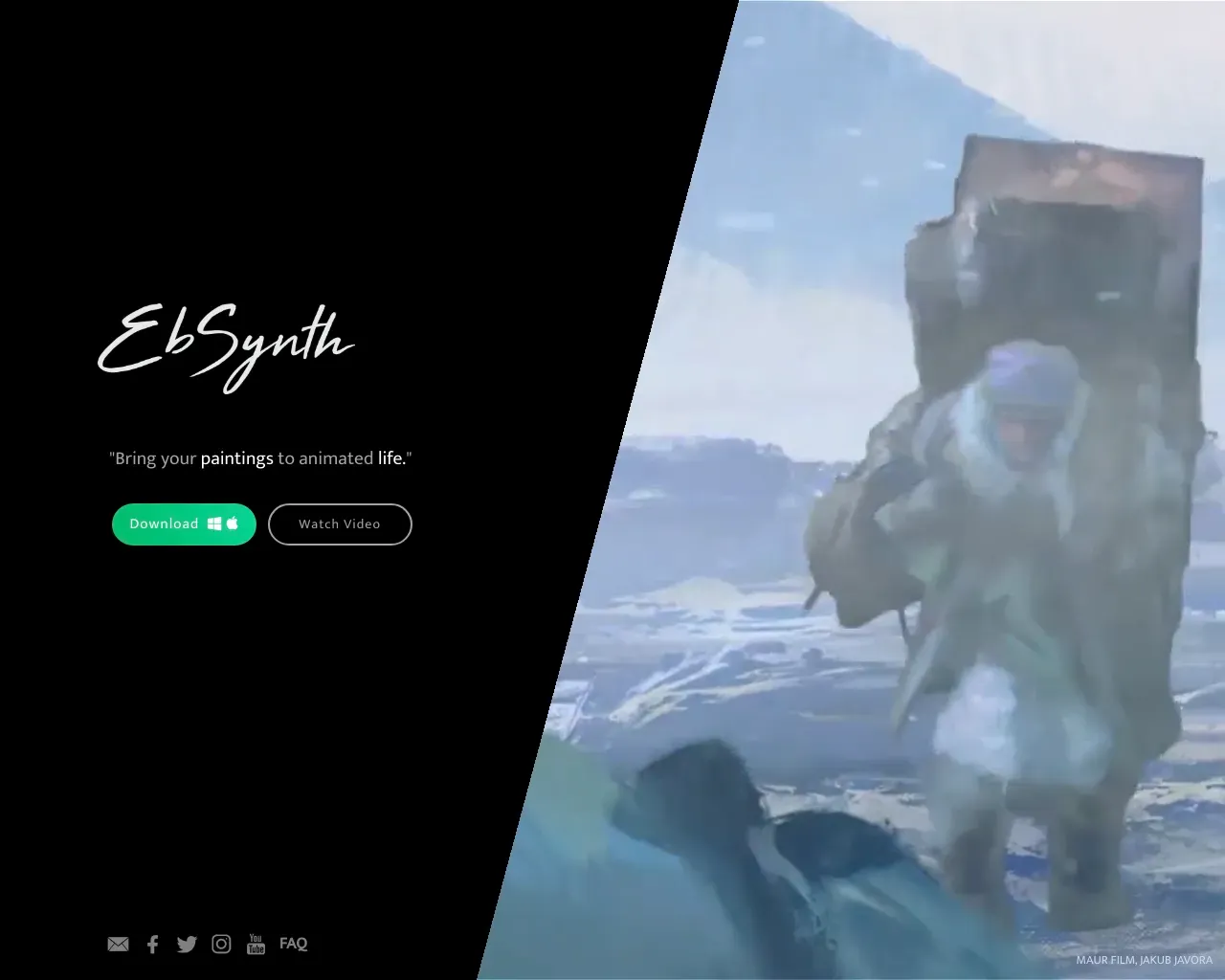
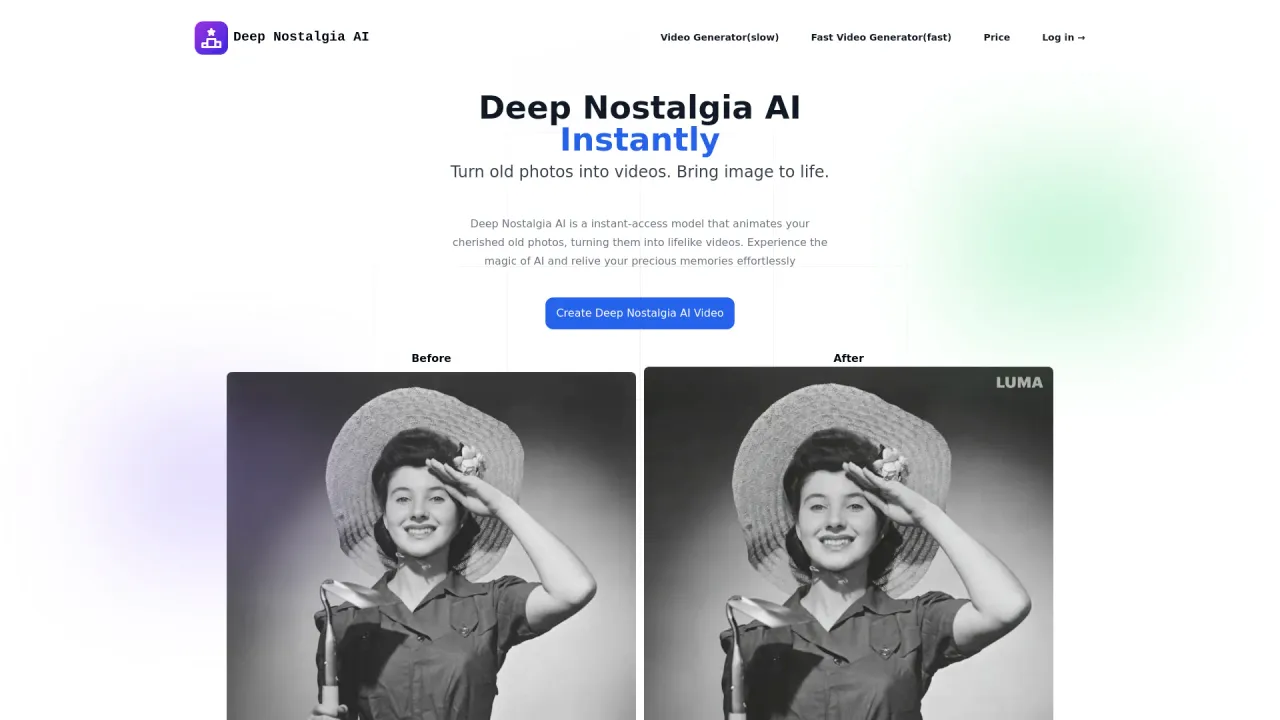
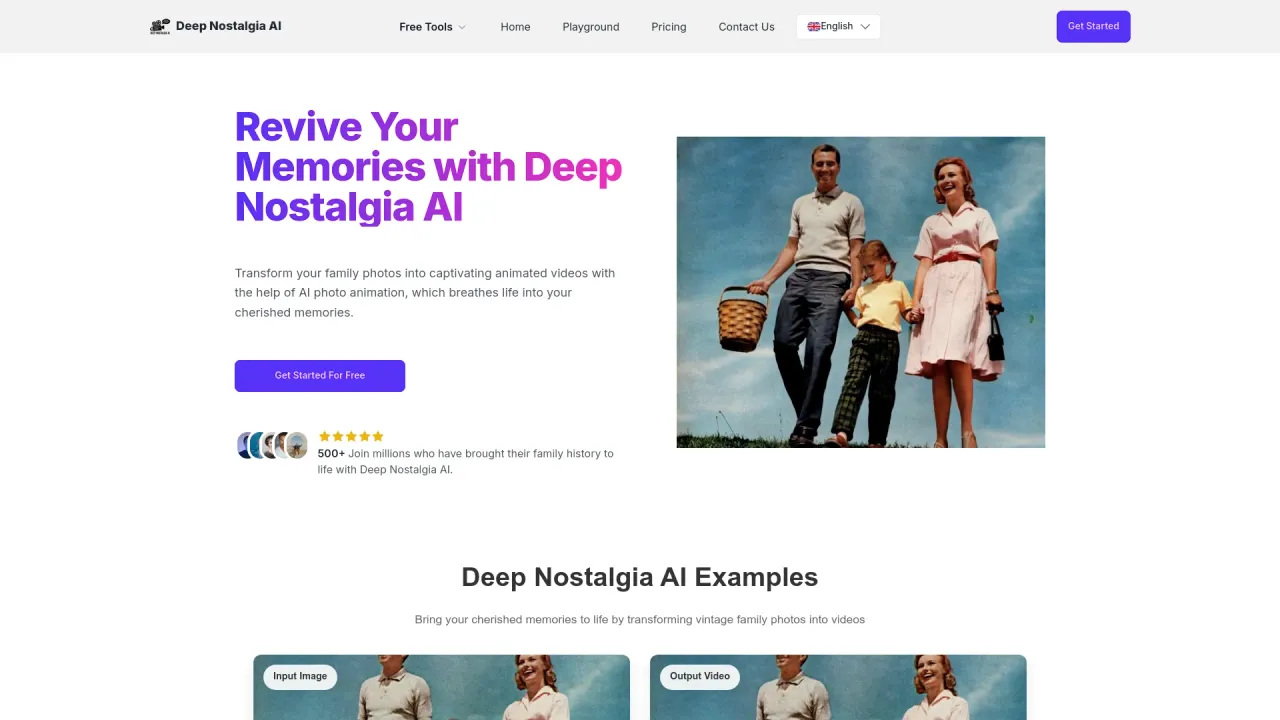
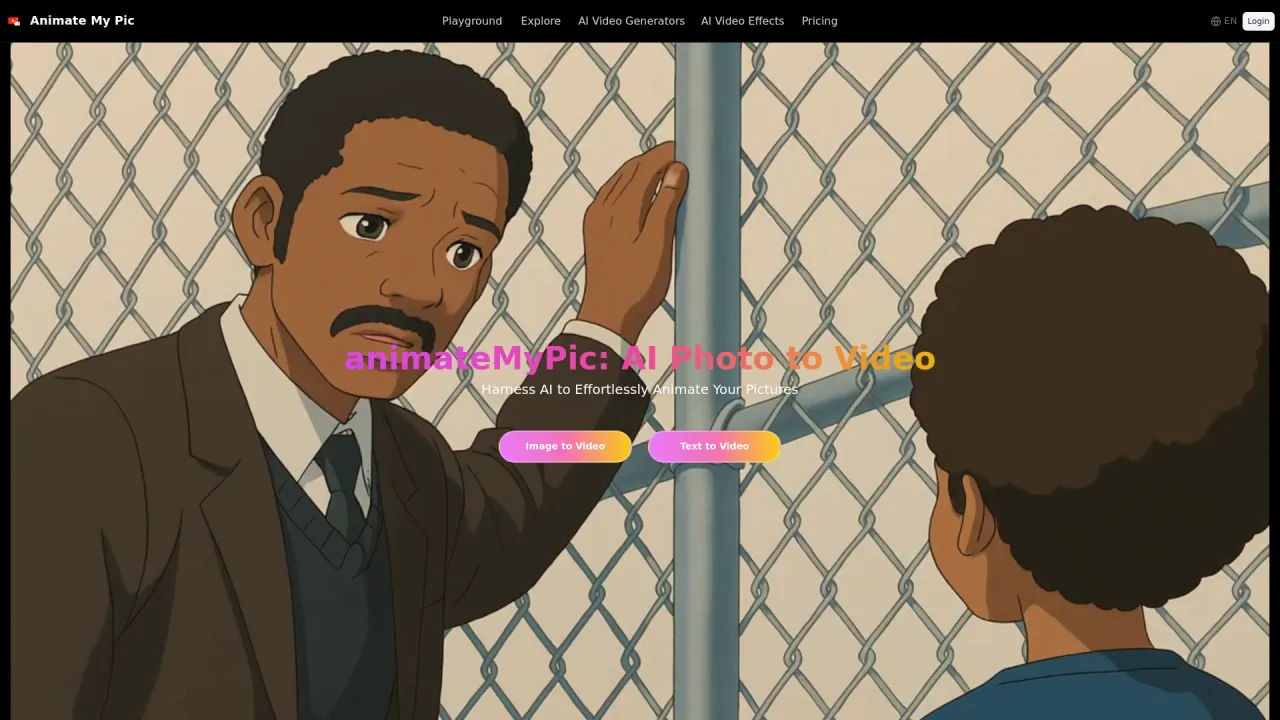
Top alternatives to Photo to Video include Kadapt, Ebsynth, Deep Nostalgia AI, Deep Nostalgia, AnimateMyPic.Where can I get Photo to Video?
Photo to Video is available at https://photo2video.ai/.What category is Photo to Video in?
Photo to Video is listed in Image to Video Animation.What is photo-to-video AI?
Photo-to-video AI is a tool that turns still photos into short, animated video clips using generative AI to add natural motion, camera movement, and cinematic styling.How do I turn a photo into a video?
Upload a photo, add an optional prompt, choose a model, and generate — Photo to Video turns your still into a short clip with natural motion in seconds.Do I need to be a video professional to use Photo to Video AI?
Not at all. Photo to Video is designed to be simple and easy to use for all skill levels, from beginners to creative pros.How does Photo to Video AI work?
Photo to Video AI uses generative AI to analyze a still photo and predict how depth, lighting, and motion would behave in the scene. It then generates new frames with natural camera movement so the photo becomes a short video while preserving subject identity and details.How long does it take to generate a video from an image?
Video generation speed varies by the model you choose. Faster options can finish in seconds; most generations typically take about one to two minutes.How do credits work on Photo to Video?
Credits are used to generate videos with Photo to Video. New accounts get free credits, and each generation uses credits.Can AI turn a photo into a video for free?
Yes. New accounts get free credits, so you can turn photo into video with AI at no cost to start — no subscription. Each generation uses credits.Can I animate old family photos?
Yes. Upload a scanned old photo or portrait, add a prompt such as "she smiles and blinks," and Photo to Video makes faces blink, smile, and turn while keeping details true.What resolution and quality can I expect from an AI video made from a photo?
You can generate videos up to 4K resolution for cinematic quality. Resolution settings vary by AI model.What file formats can I export AI-generated videos in?
Generated videos from Photo to Video are currently downloadable in MP4 format up to 4K resolution, with clip length depending on the AI model used. Use the Download button under your finished video.
Compare Photo to Video with…
Pick any tool to see a structured side-by-side: pricing, deployment, capabilities, and content policy.