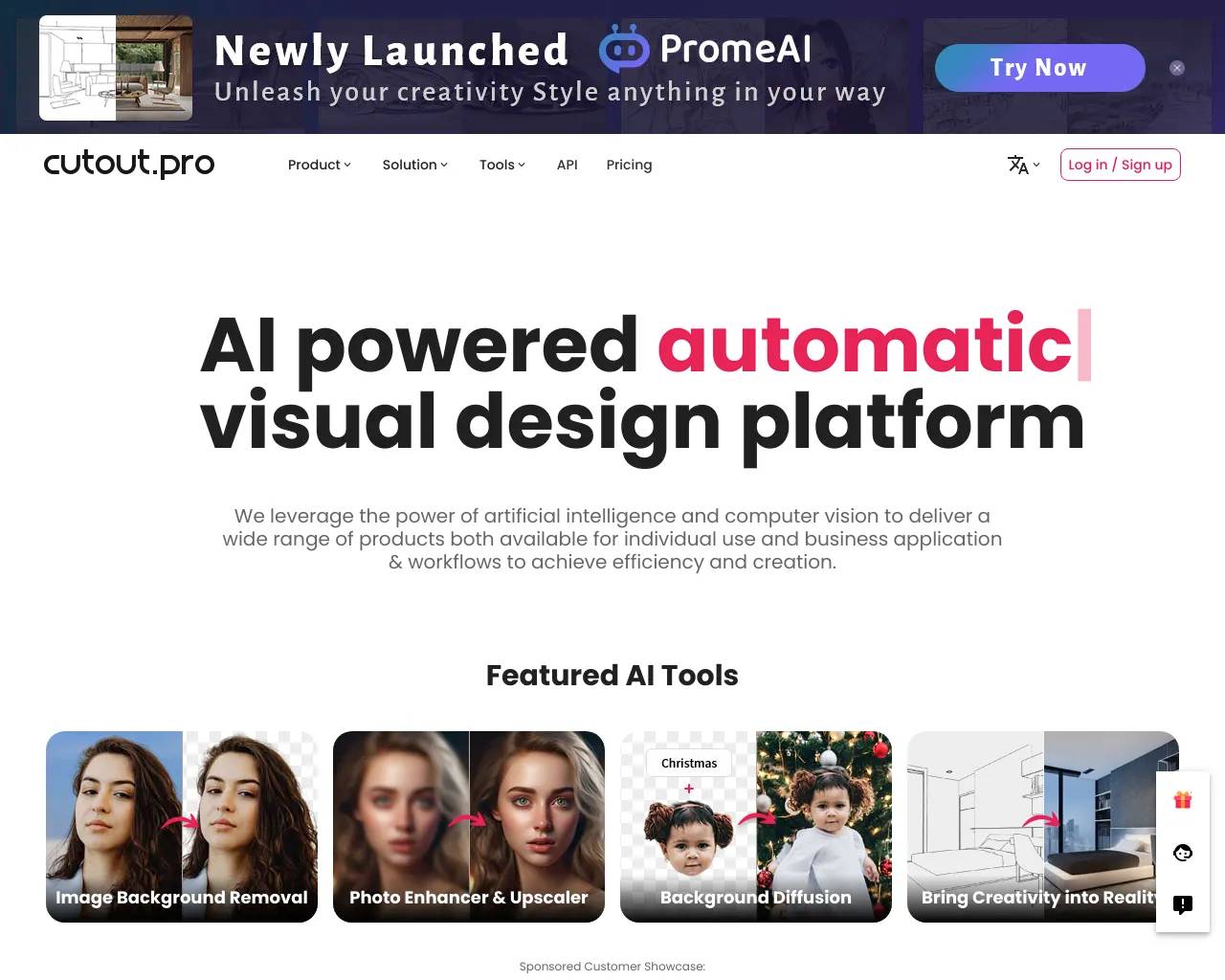
Photoshift is no longer endorsed by AI Collection.
Please check out alternatives section below.
- Category
- Image Editing
- Pricing
- Freemium
- Alternatives
- 6 similar tools
- Last updated
- 2 months ago
- Source
- Official site ↗︎
AI Collection Top Picks
Image Editing Category Picks
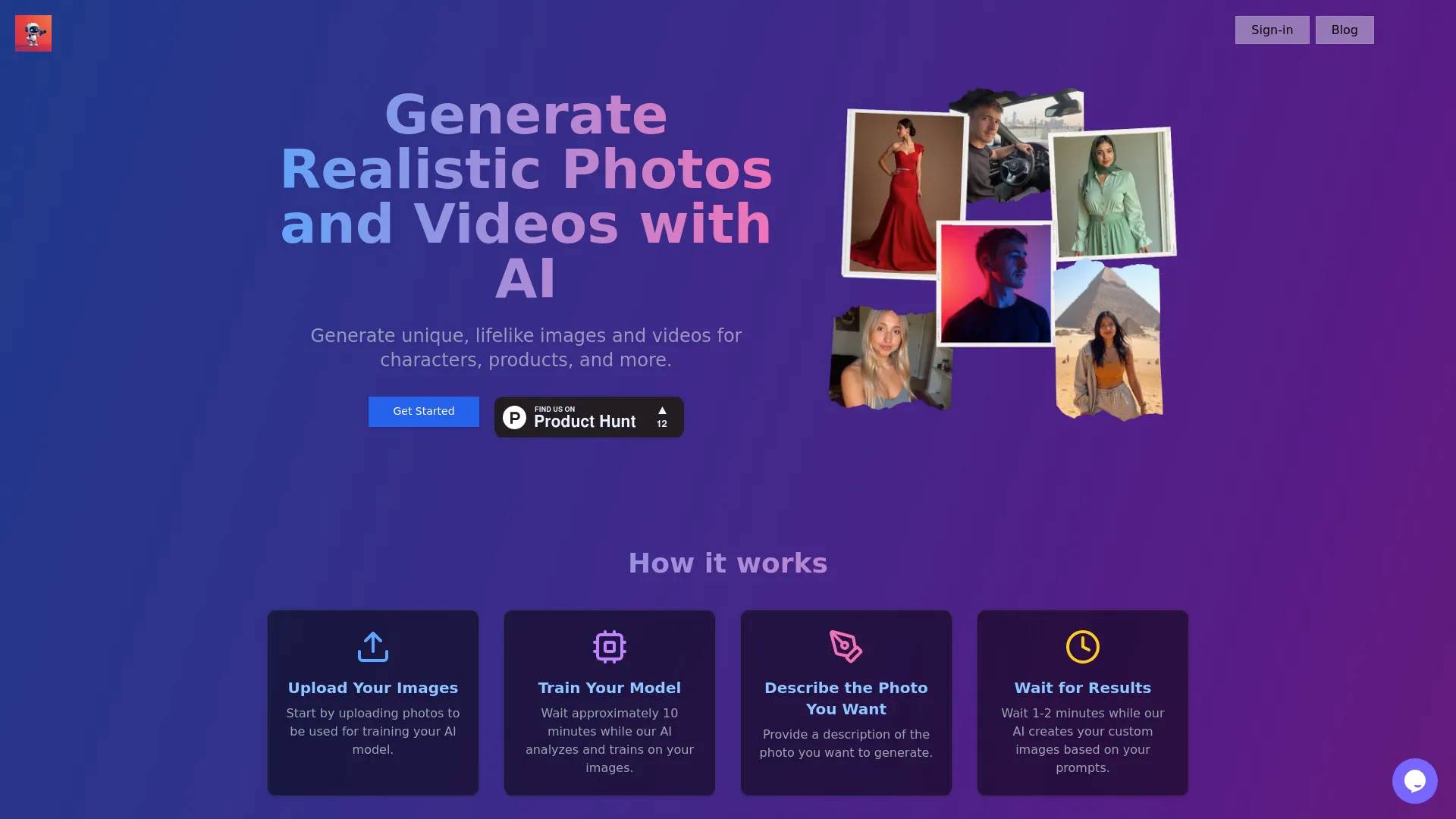
About Photoshift
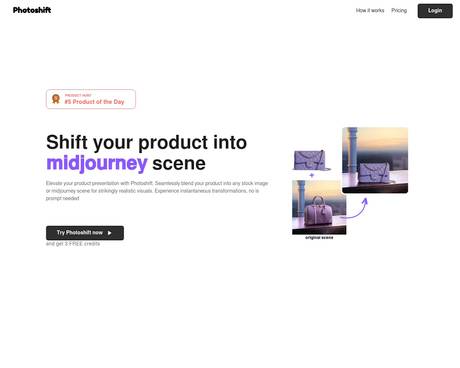
PhotoShift automates the labor-intensive parts of photo editing for photographers and creative professionals.
Photoshift's Pricing Plans
Photoshift may change prices at any time. Here's our latest information:
1 credits = 2 photos
Free account
Free
- 3 welcome credits, no expiry
- Supported upto 512x512 resolution
- Upscaling upto 2x
Starter plan
$20
per month
- 50 credits per month
- Supported upto 1024x1024 resolution
- Upscaling upto 2x
Standard plan
$99
per month
- 400 credits per month
- Supported upto 1024x1024 resolution
- Upscaling upto 2x
Enterprise
Custom
- Configurable credits
- API access
- Dedicated support
Frequently asked questions
What is Photoshift used for?
Transform your photo editing workflow with AI.Is Photoshift free?
Photoshift has a free tier; paid plans unlock additional features.What are alternatives to Photoshift?
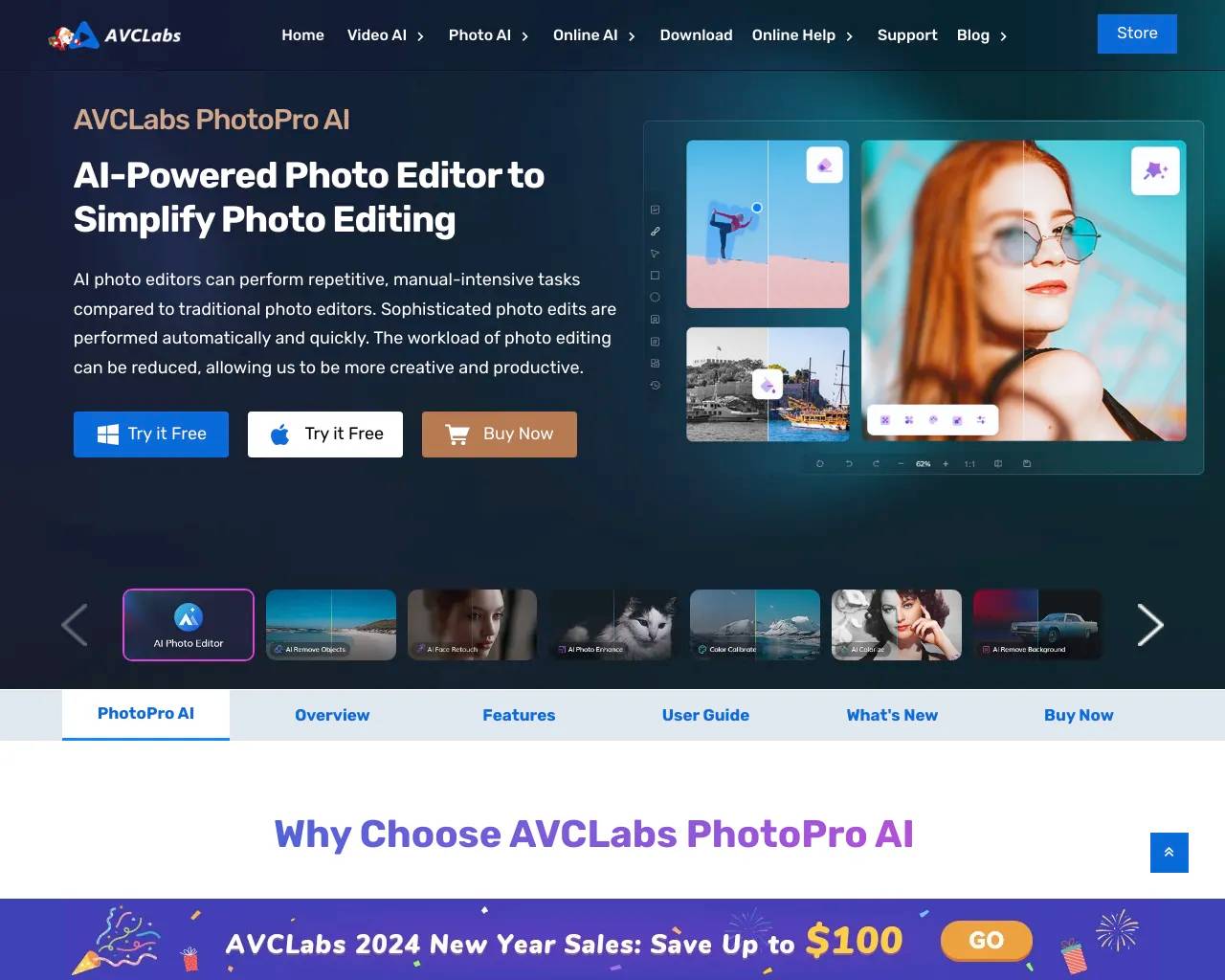
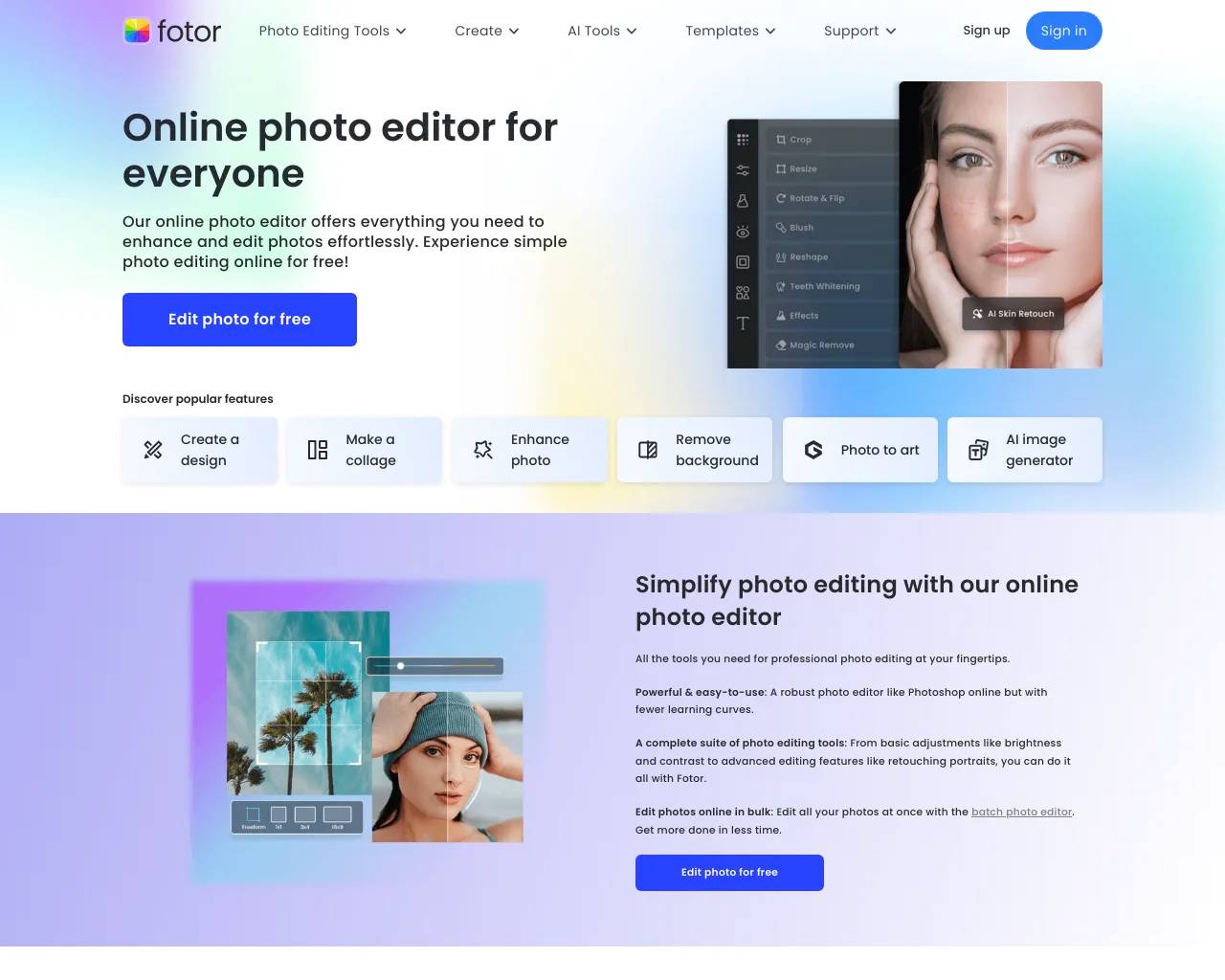
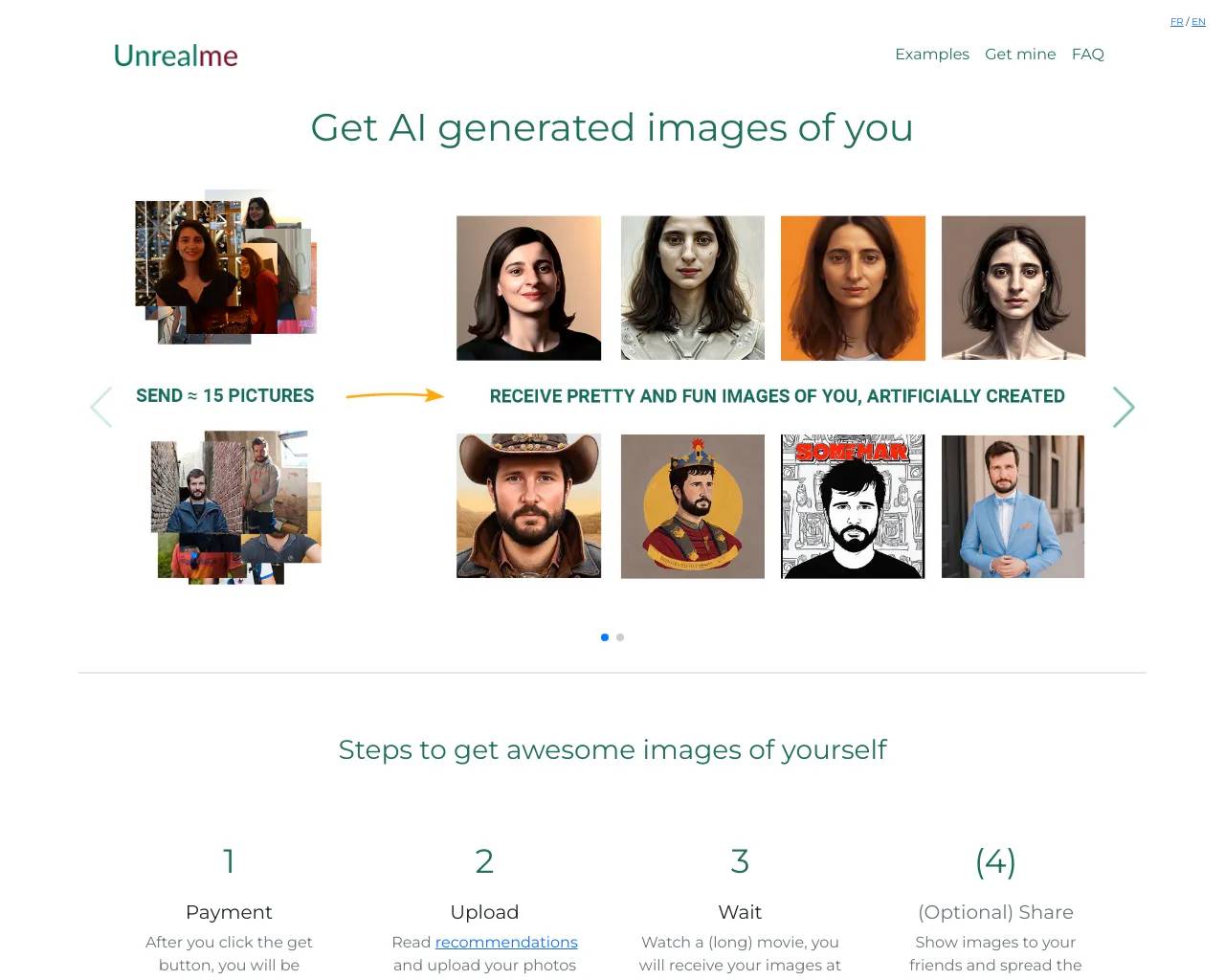
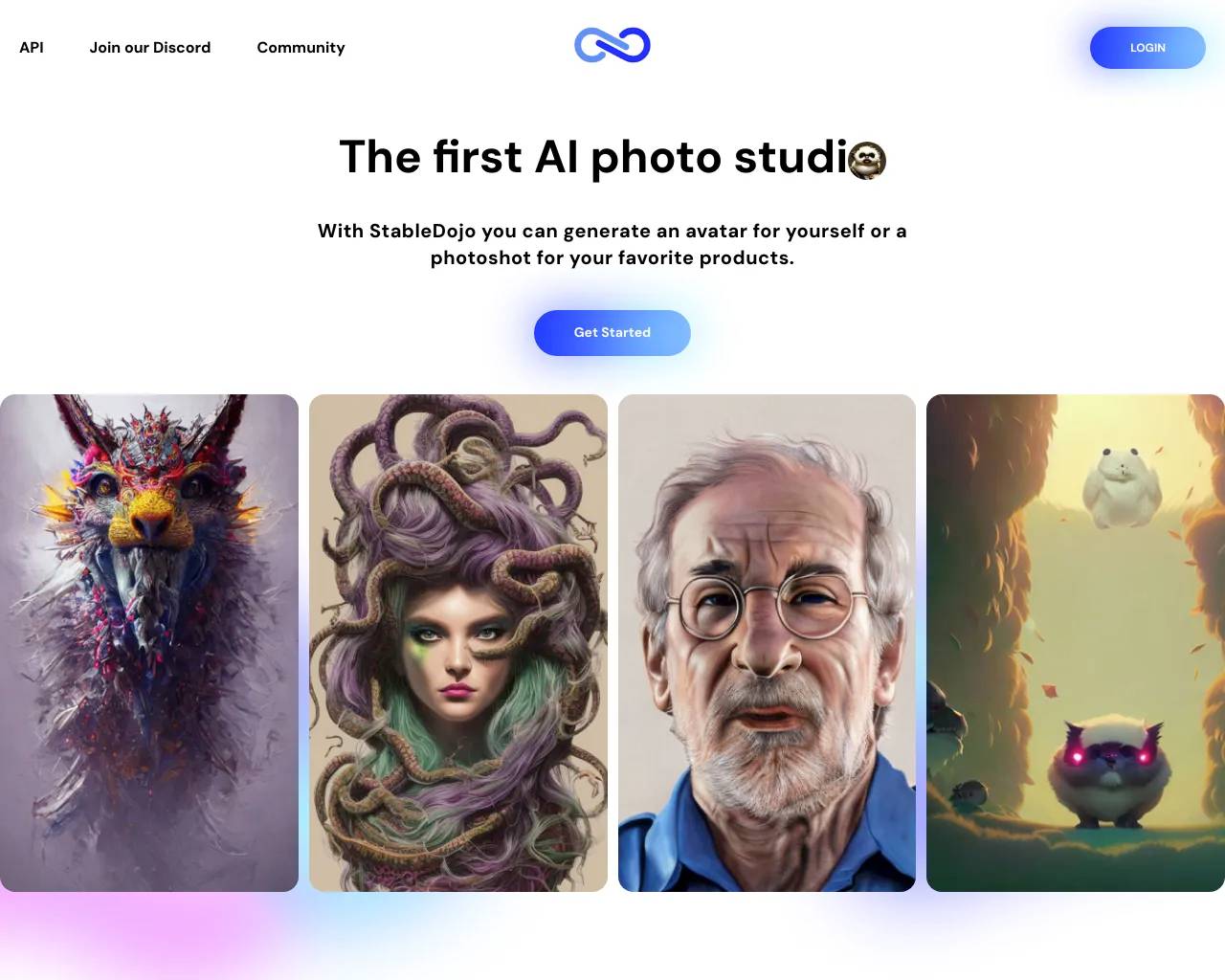
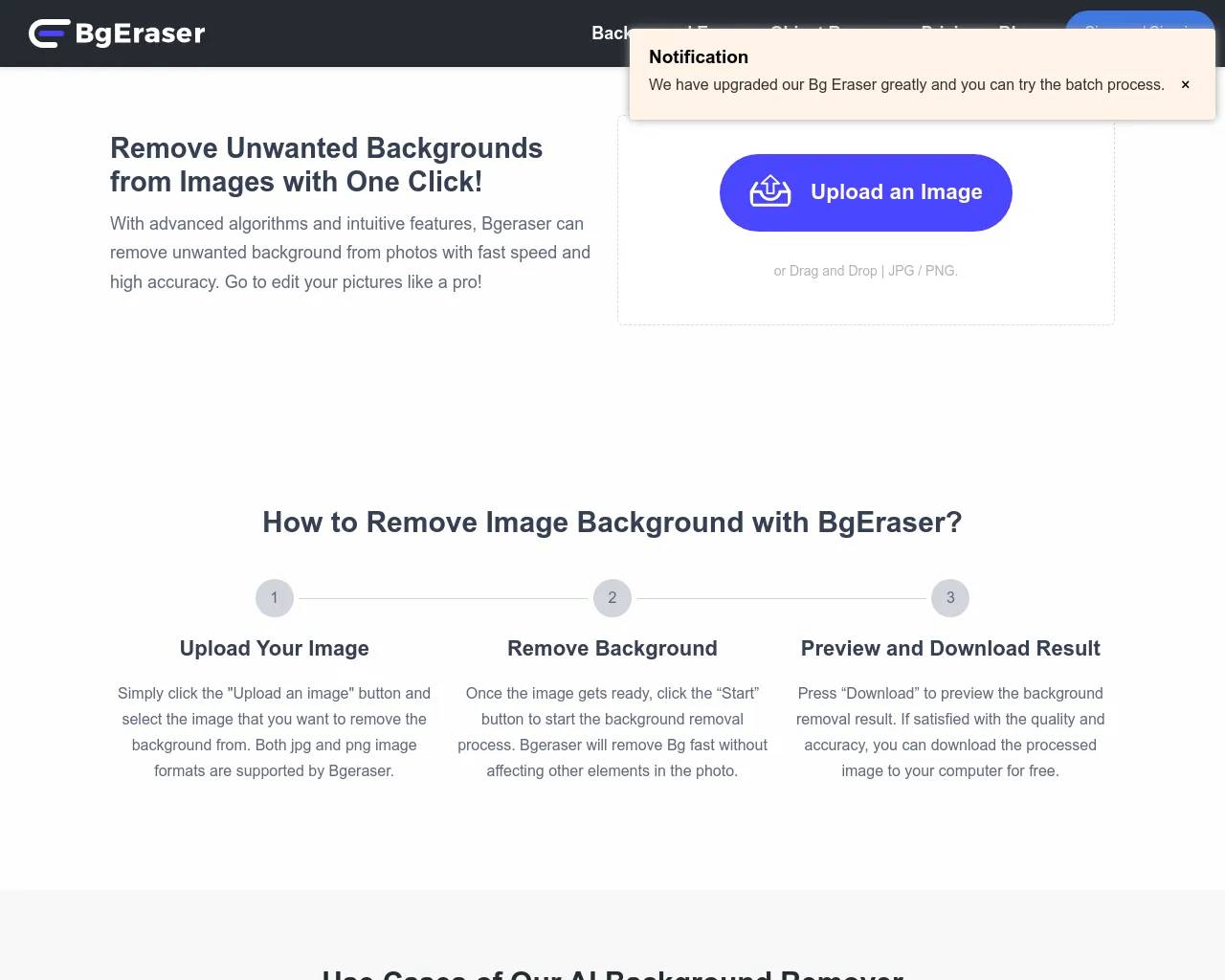
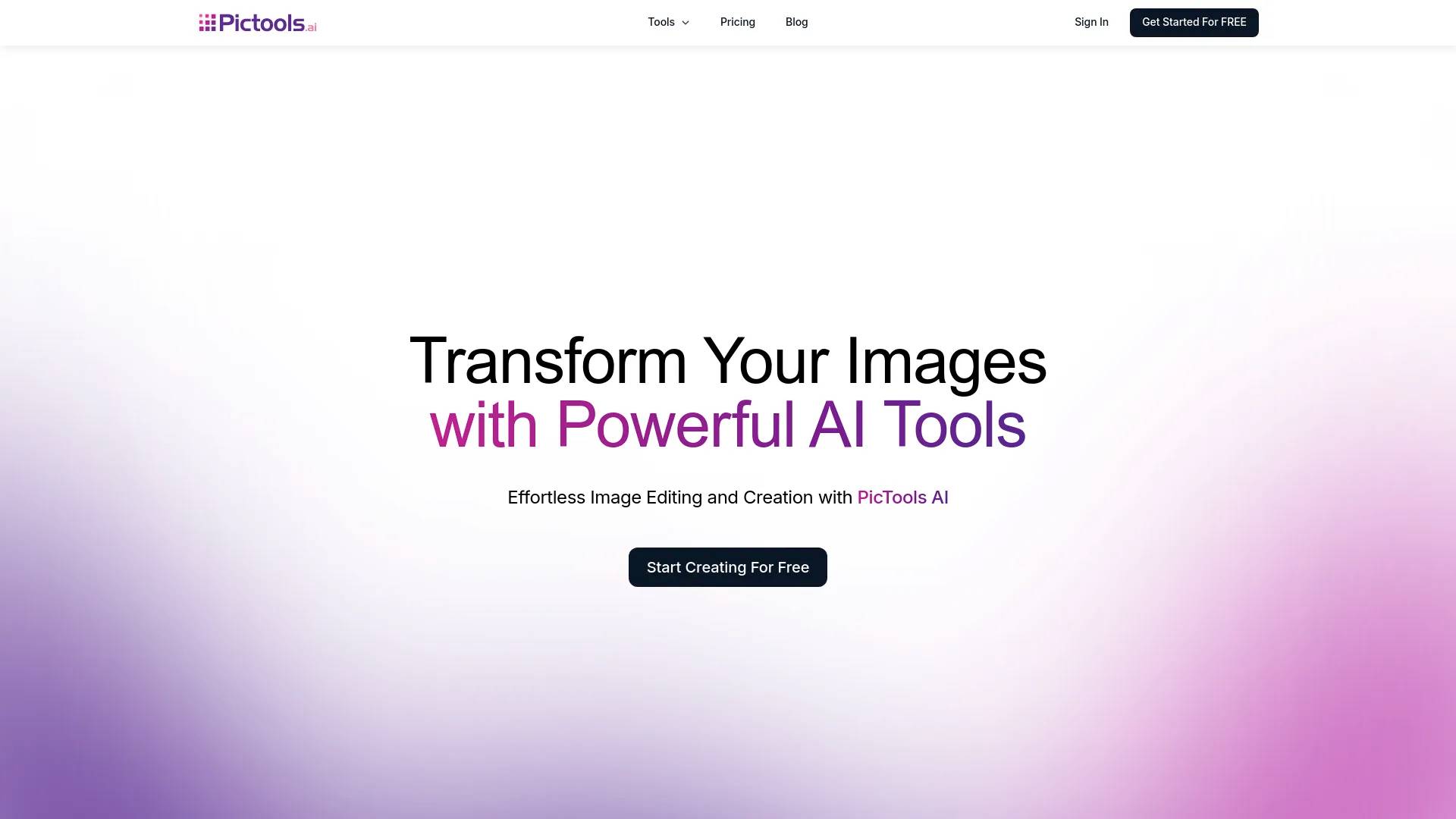
Top alternatives to Photoshift include ProductScope AI, PicTools.AI, AI Photos Editor, AVCLabs PhotoPro AI, Fotor.Where can I get Photoshift?
Photoshift is available at https://photoshift.co/?linkId=lp_595127&sourceId=aicollection&tenantId=zust.What category is Photoshift in?
Photoshift is listed in Image Editing.Can I utilize my product images for any product type?
Certainly! Photoshift is designed for compatibility, allowing seamless use of any product images.Can I utilize any stock photo or backdrop?
Absolutely! Photoshift seamlessly integrates with any stock photo or backdrop, providing limitless possibilities for creating captivating scenes.Can I adjust the angle, composition, and size of my product within the scene?
Indeed! Photoshift features adaptable composition tools, enabling you to effortlessly tweak the angle, composition, and size to ensure your product looks natural within any scene.How does the software handle lighting and shadow adjustments?
Our AI intelligently adjusts lighting and shadowing to harmonize with the chosen backdrop and product.Can I use product images with transparent backgrounds?
Certainly, images with transparent backgrounds are supported and recommended for optimal results.Who owns the pictures?
You do. We grant you full commercial license and ownership over your photos.Do you provide any templates or pre-set backdrops?
Yes, we offer a variety of templates and pre-set backdrops to facilitate a quick start.How can I reach customer support?
For any inquiries, you can contact our customer support team via email at hello@photoshift.co.
Compare Photoshift with…
Pick any tool to see a structured side-by-side: pricing, deployment, capabilities, and content policy.