Remaker AI
Free AI Image Upscaler - Upscale & Enhance Your Photos Online.
- Category
- Image Upscaler
- Alternatives
- 6 similar tools
- Last updated
- 3 weeks ago
- Source
- Official site ↗︎
AI Collection Top Picks

Image Upscaler Category Picks


Online AI Image Enhancer that Improves Photo Quality by Upscaling, Denoising, Restoring, Face Refinement, and More
About Remaker AI
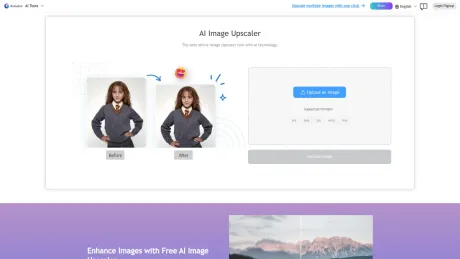
Upscale images up to 16K resolution with AI Image Upscaler. Increase photo resolution and preserve details—free and easy to use. Try it now for stunning results!
What you get
Additional Information
Remaker AI offers an AI Image Upscaler that enhances image resolution without compromising clarity. This tool is designed for anyone needing high-quality images, whether for personal or professional use, and works seamlessly with various file formats including JPG, PNG, and WEBP.
The AI-powered tool uses advanced algorithms to analyze low-resolution images, filling in missing pixels and sharpening details. Users can upscale their photos to stunning resolutions, including up to 16K, with minimal effort. The interface is user-friendly, allowing anyone to upload images, select enhancement settings, and download improved visuals in mere seconds.
Key features include the ability to unblur images, enhance specific details like skin textures in portraits, and restore faded colors in old photographs. This versatile tool is not only beneficial for photographers but also for e-commerce businesses wanting to boost sales with high-quality product imagery.
By leveraging AI technology, Remaker AI aims to provide a fast and accessible solution for image enhancement, making it easier for individuals and professionals to achieve vivid and clear images across various platforms and applications.
Frequently asked questions
What is Remaker AI used for?
Free AI Image Upscaler - Upscale & Enhance Your Photos Online.Is Remaker AI free?
Pricing for Remaker AI varies — see the Pricing section for details.What are alternatives to Remaker AI?
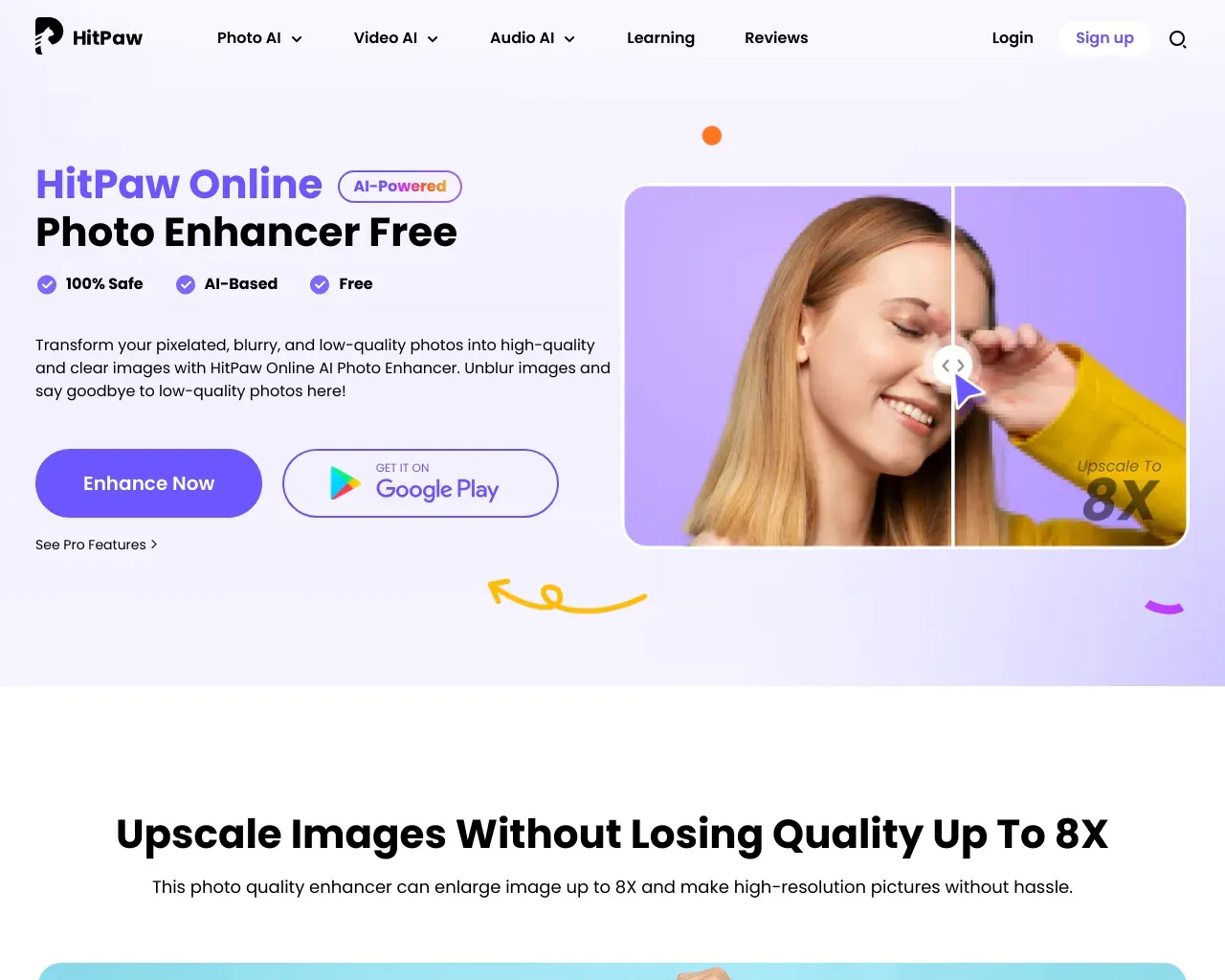
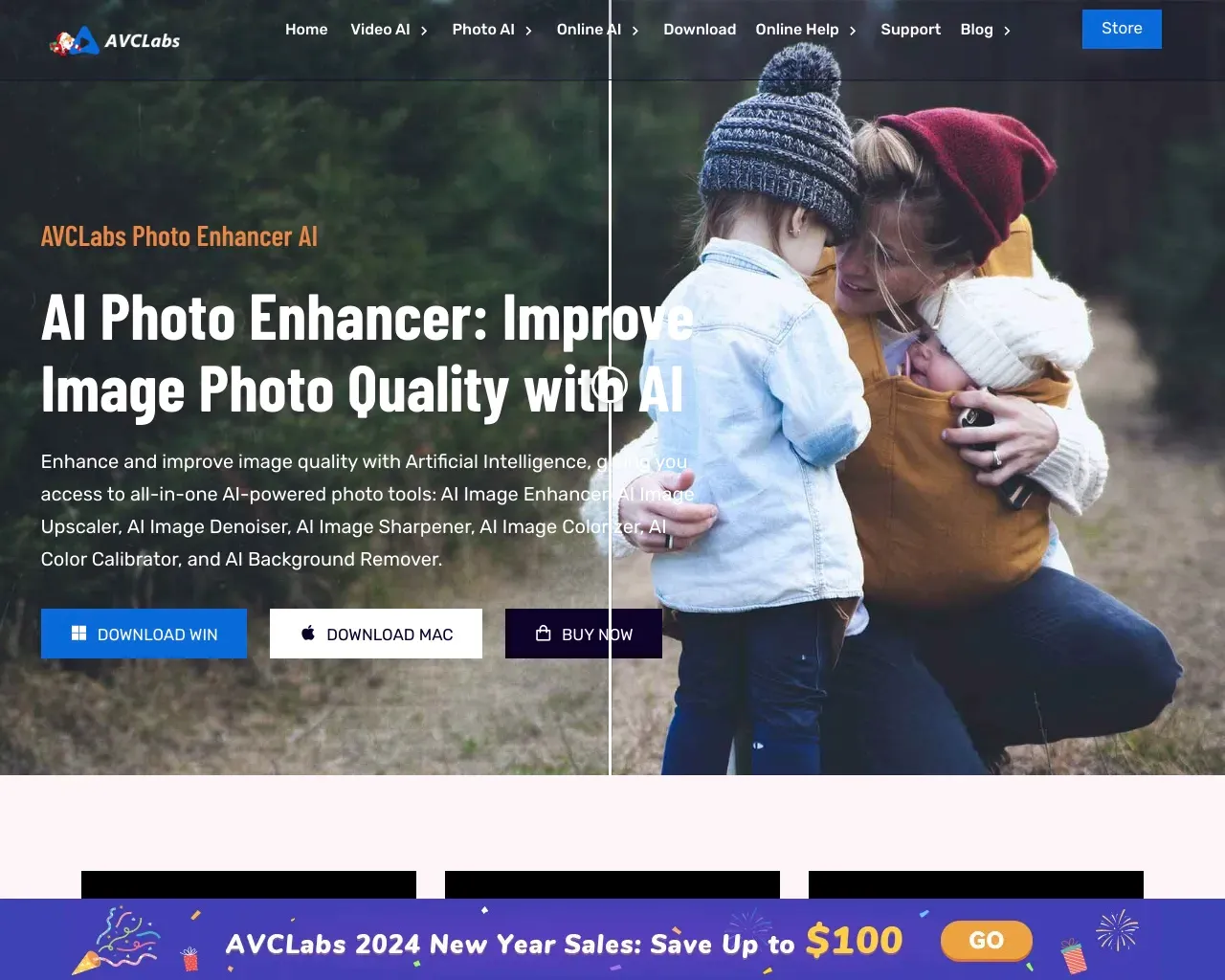
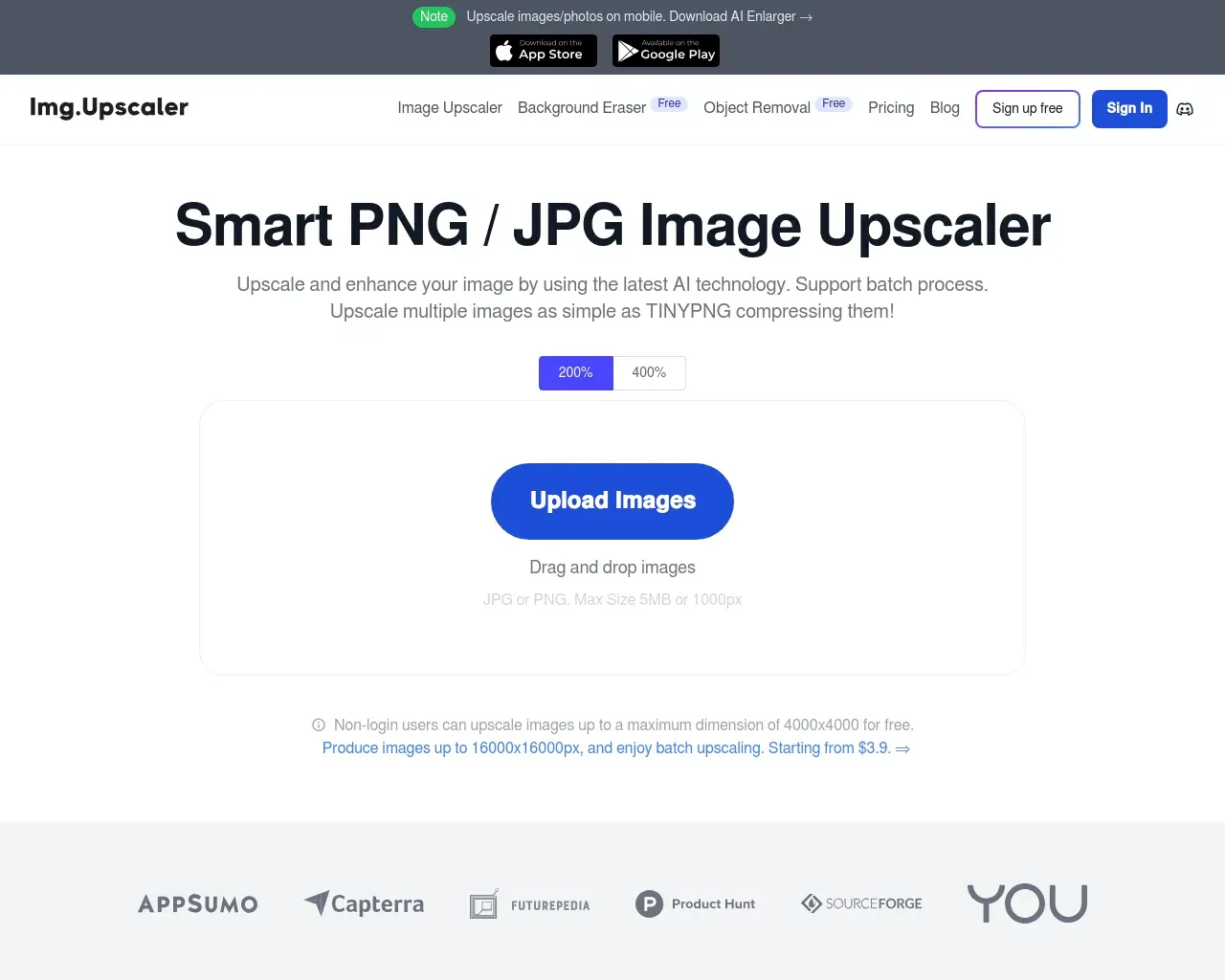
Top alternatives to Remaker AI include HitPaw Online Photo Enhancer, AVCLabs Photo Enhancer AI, AVC AI, Imgupscaler, AI Image Enlarger.Where can I get Remaker AI?
Remaker AI is available at https://remaker.ai/features/ai-image-upscaler/.What category is Remaker AI in?
Remaker AI is listed in Image Upscaler.What is an AI Image Upscaler?
An AI Image Upscaler is an advanced tool that uses artificial intelligence to enhance image resolution without compromising quality. It intelligently adds new pixels, improving sharpness and preserving rich detail.How Does an AI Image Upscaler Work?
An AI Image Upscaler utilizes machine learning algorithms to analyze low-resolution images and enhance image resolution by generating additional pixels. This process refines image details, smooths edges, and delivers sharp, high-resolution visuals.What is the Difference Between an AI Image Upscaler and an AI Image Scaler?
While both tools are designed to enlarge images, they serve different purposes. The AI Image Upscaler sharpens and enhances details, making the image more vibrant, while the AI Image Scaler focuses on smooth, natural enlargement.How to Upscale an Image to 4K?
Upscaling to 4K is simple with our AI-powered image upscaler. Just upload your image, select the desired scaling factor (e.g., 4K), and let the AI tool do the rest.What Are the Best Uses for Online Image Upscalers?
Online image upscalers are perfect for enhancing the resolution of photos, graphics, and artwork. They’re great for preparing images for print, improving visuals for social media and websites, and restoring old, low-resolution photos.Can I Edit Images After Scaling Them Up?
Yes! After upscaling your images with our AI image upscaler, you can easily further enhance them using our other image processing tools.How Do I Create an AI Image Amplifier?
Creating an AI Image Amplifier involves training deep learning models to intelligently analyze and upscale images. If you're not a developer, using a pre-built AI image upscaler, like the one offered by Remaker AI, is recommended.
Compare Remaker AI with…
Pick any tool to see a structured side-by-side: pricing, deployment, capabilities, and content policy.