- Category
- Web Design
- Pricing
- Freemium
- Alternatives
- 6 similar tools
- Last updated
- 1 weeks ago
- Source
- Official site ↗︎
AI Collection Top Picks

Web Design Category Picks


About Sketchflow
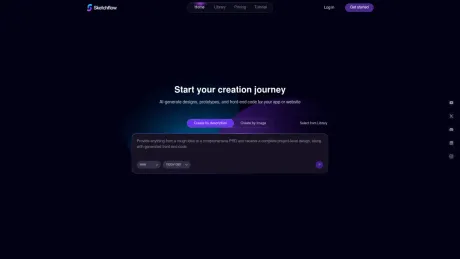
Sketchflow.ai turns your product ideas into complete, deployable full-stack applications. Generate user flows, prototypes, and production-ready apps.
Sketchflow's Pricing Plans
Sketchflow may change prices at any time. Here's our latest information:
Sketchflow's Pricing Plan Options
Free
Try it for free
$0
/monthly
- 100 credits on the first login
- 40 free daily credits
- 5 creatable projects
- Design style customization
- Generation and editing of Workflow
- Page component editing
- Material library
- Share with others
Plus
Recommend
$25
/monthly
- 1000 monthly credits
- All features in Free Plan
- Unlimited number of projects
- Export - HTML&Sketch&other formats
- Save $2.5/mo on Yearly Subscription
Pro
For Business
$60
/ monthly
- 3000 monthly credits
- All features in Plus Plan
- Save $6/mo on Yearly Subscription
What you get
Additional Information
Frequently Asked Questions
Who uses Sketchflow?
Sketchflow is used by founders, product managers, designers, and no-code builders who want to create and build websites, apps more efficiently. It's especially popular among teams looking for an AI website builder that helps visualize product workflows and user flows before development.
How to use Sketchflow?
Using Sketchflow is no-hassle. Sketchflow lets you start with a simple prompt describing your website or product idea. The platform uses AI to generate structured, editable user flows, page layouts, and even code export. You can then visually edit and refine the product logic, make adjustments by selecting any elements to align your ideal views. After that, you can get the front-end code for your products.
Is Sketchfow free?
Yes. Sketchflow offers a free plan that allows users to explore its core AI website builder and workflow features. Paid plans are available for users who need advanced capabilities such as more credits for AI-generation and larger-scale web app projects.
Frequently asked questions
What is Sketchflow used for?
Sketchflow.ai - Web&Mobile App Builder | No Code Full Stack.Is Sketchflow free?
Sketchflow has a free tier; paid plans unlock additional features.What are alternatives to Sketchflow?
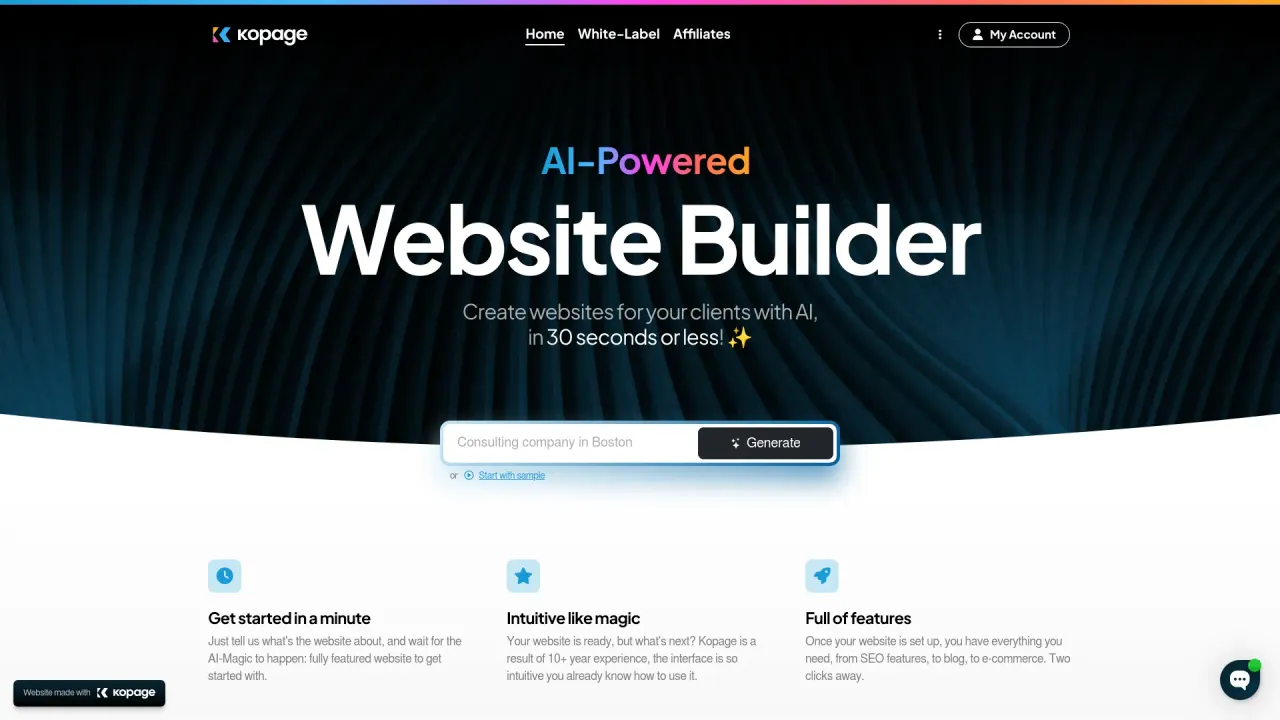
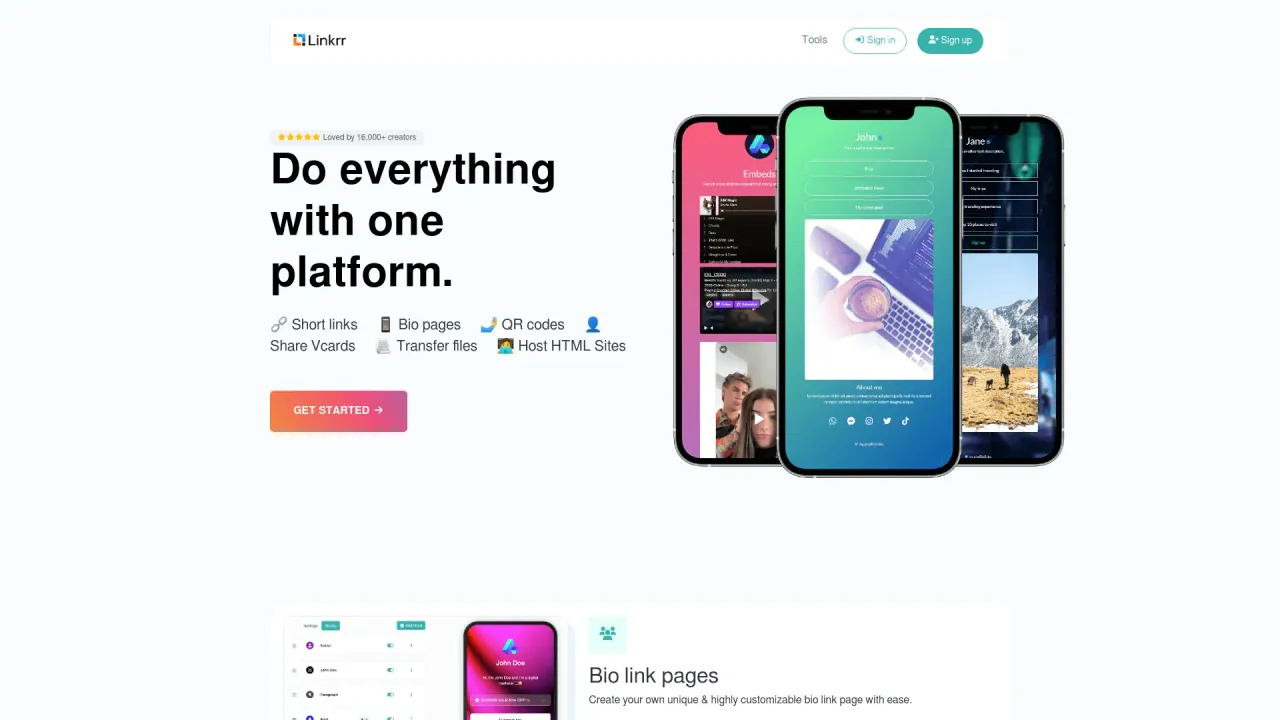
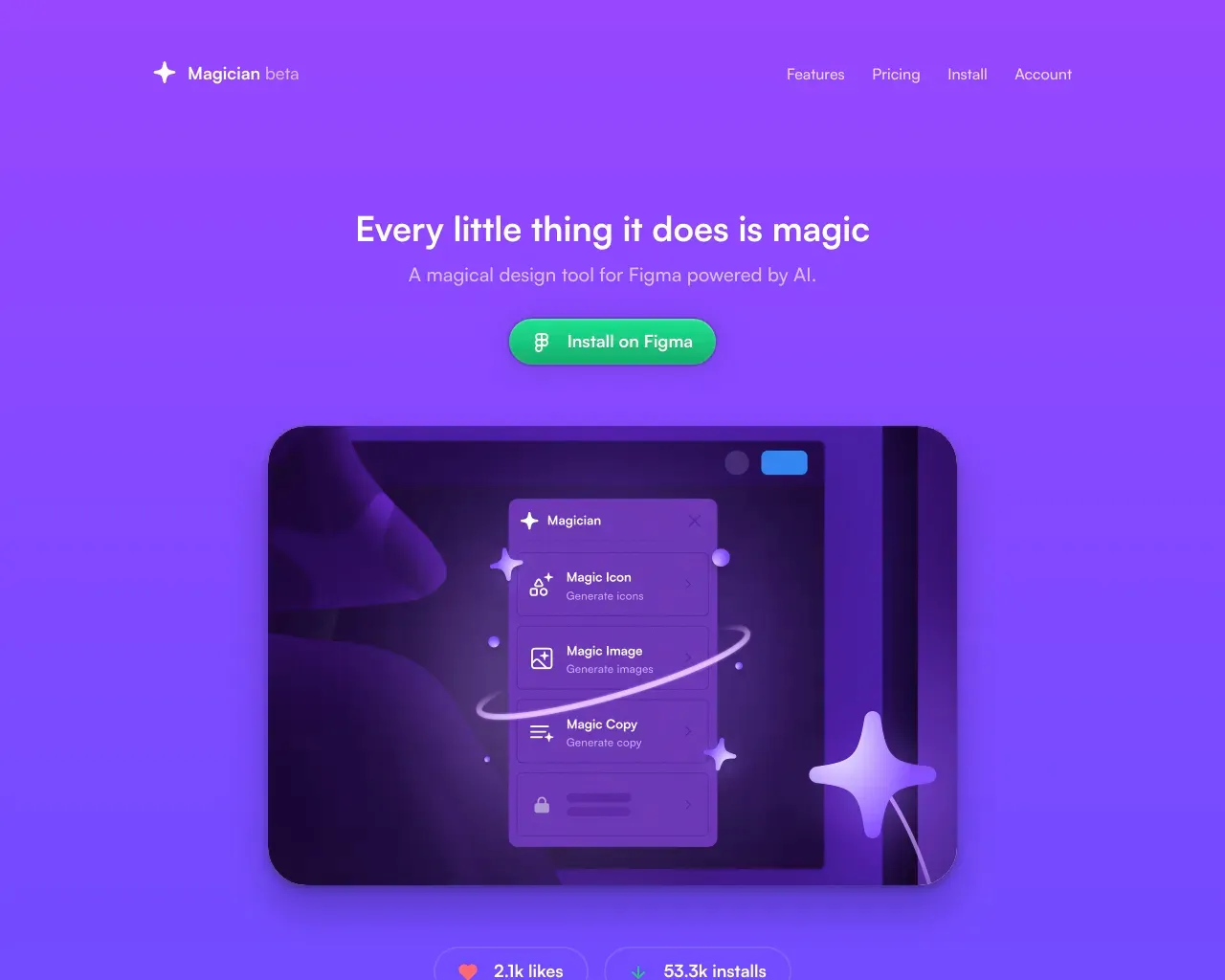
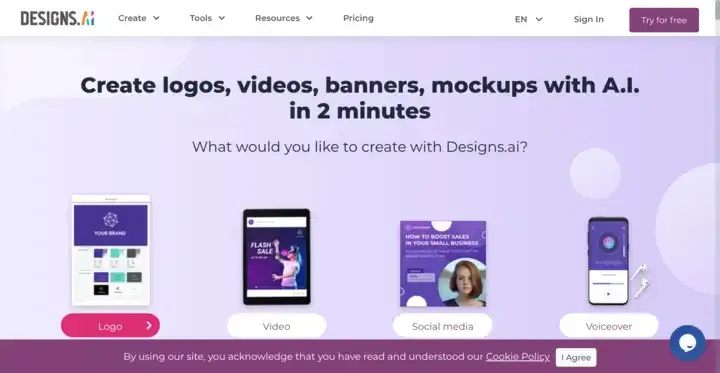
Top alternatives to Sketchflow include Linkrr, Kopage AI Website Builder, Magician, Designs AI, welovenocode.Where can I get Sketchflow?
Sketchflow is available at https://www.sketchflow.ai?utm_source=thataicollection.com&utm_content=launchpage.What category is Sketchflow in?
Sketchflow is listed in Web Design.Who uses Sketchflow?
Sketchflow is used by founders, product managers, designers, and no-code builders who want to create and build websites, apps more efficiently. It's especially popular among teams looking for an AI website builder that helps visualize product workflows and user flows before development.How to use Sketchflow?
Using Sketchflow is no-hassle. Sketchflow lets you start with a simple prompt describing your website or product idea. The platform uses AI to generate structured, editable user flows, page layouts, and even code export. You can then visually edit and refine the product logic, make adjustments by selecting any elements to align your ideal views. After that, you can get the front-end code for your products.Is Sketchfow free?
Yes. Sketchflow offers a free plan that allows users to explore its core AI website builder and workflow features. Paid plans are available for users who need advanced capabilities such as more credits for AI-generation and larger-scale web app projects.
Compare Sketchflow with…
Pick any tool to see a structured side-by-side: pricing, deployment, capabilities, and content policy.