- Category
- Text to Video
- Alternatives
- 6 similar tools
- Last updated
- 6 days ago
- Source
- Official site ↗︎
AI Collection Top Picks

Text to Video Category Picks

About Sora2
Create cinematic videos with synced audio using Sora2. Realistic physics, consistent characters, and multi-shot control. Start free and publish faster.
What you get
Additional Information
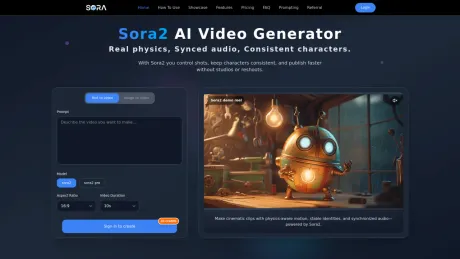
Sora2 AI Video Generator enables users to create high-quality videos from text or images with synchronized audio. The tool is designed for creators who need to produce videos quickly and efficiently without the need for traditional production setups. Users can control multiple shots, maintain character consistency, and refine outputs for various formats like TikTok, Reels, and widescreen.
Key features include professional quality outputs with multimodal inputs, allowing users to build complex scenes with ease. Sora2 generates audio in the same pass as visuals, providing a complete package ready for editors. The platform supports multiple aspect ratios and includes versioning capabilities to save different iterations of projects.
Sora2 is ideal for several use cases such as brands and e-commerce, social media content creators, educational videos, and product engineering demos. It facilitates fast iterations and can transform simple prompts into visually engaging narratives that maintain identity and continuity.
The tool is suitable for both one-time purchases and subscription plans, ensuring flexibility for users ranging from individual creators to larger teams.
Frequently asked questions
What is Sora2 used for?
Sora2 AI Video Generator — Text to Video & Audio.Is Sora2 free?
Pricing for Sora2 varies — see the Pricing section for details.What are alternatives to Sora2?
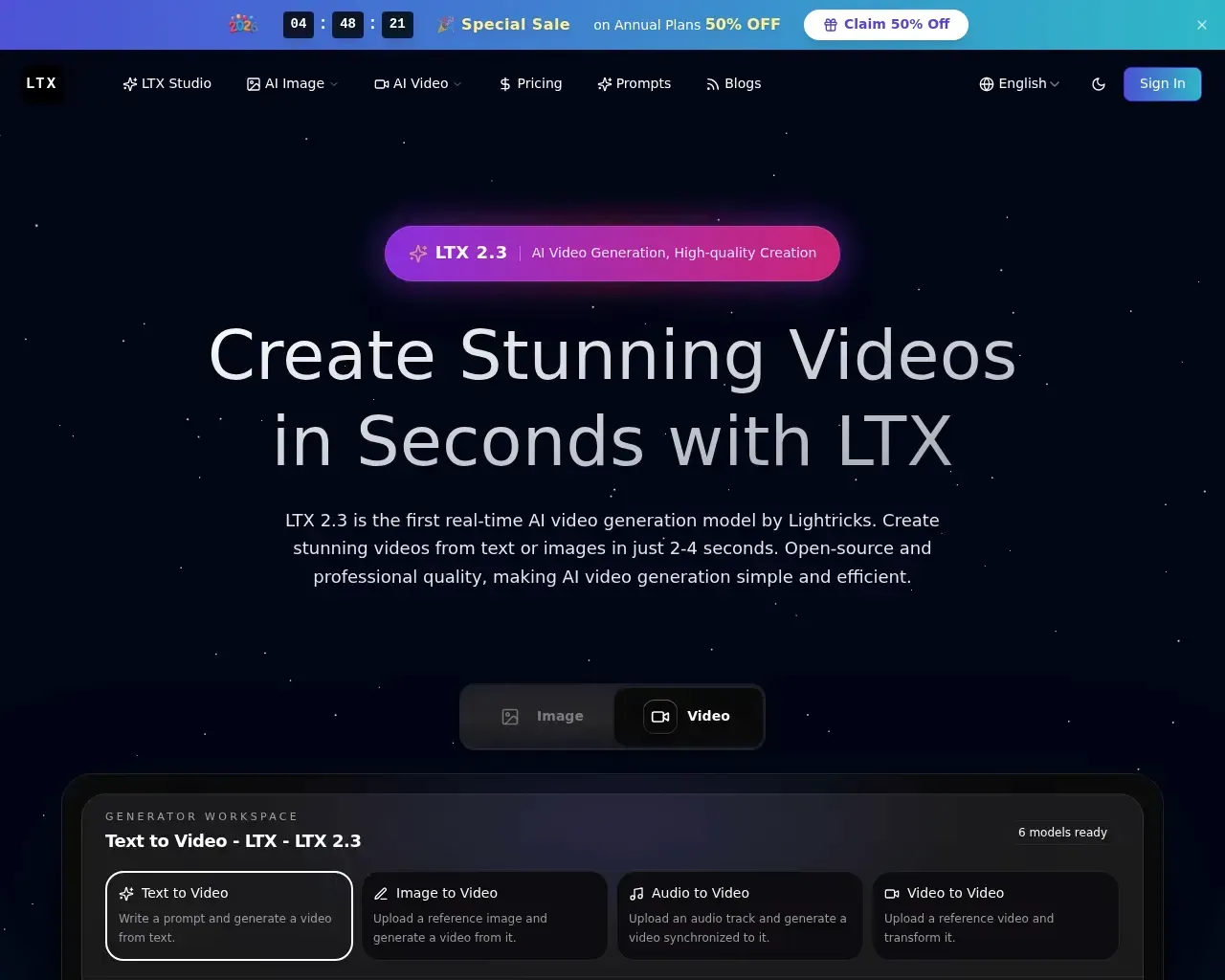
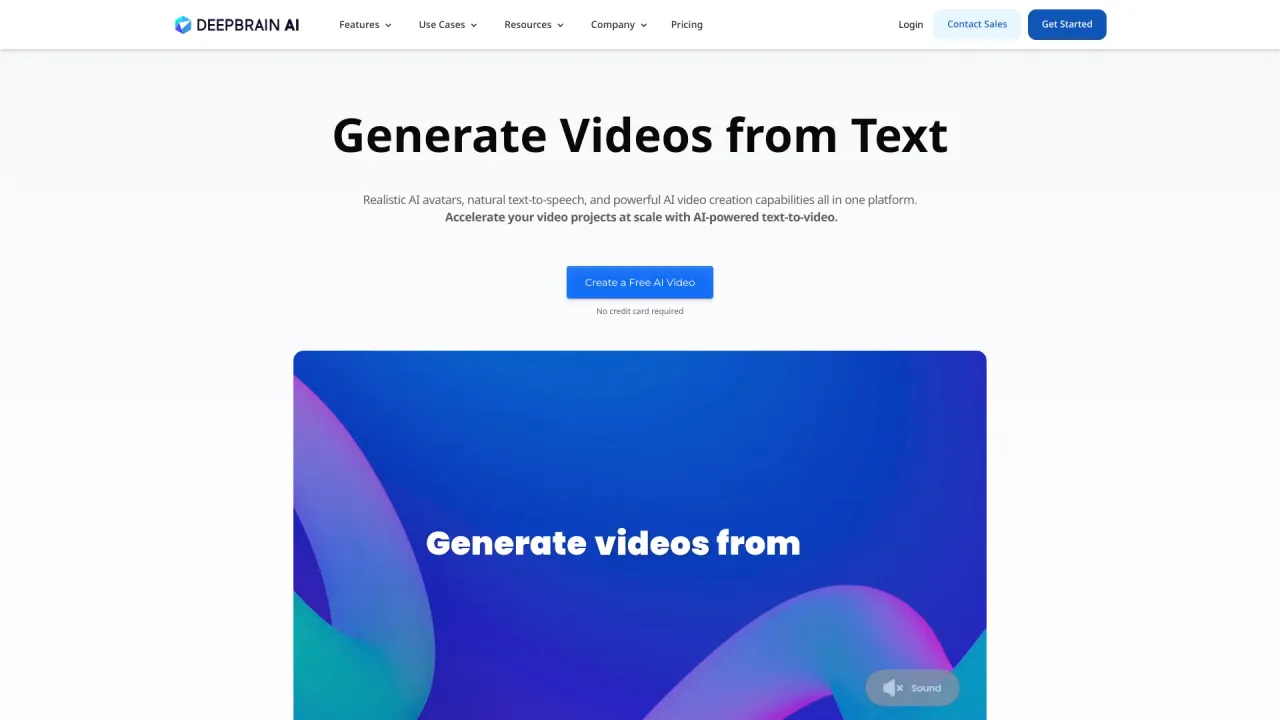
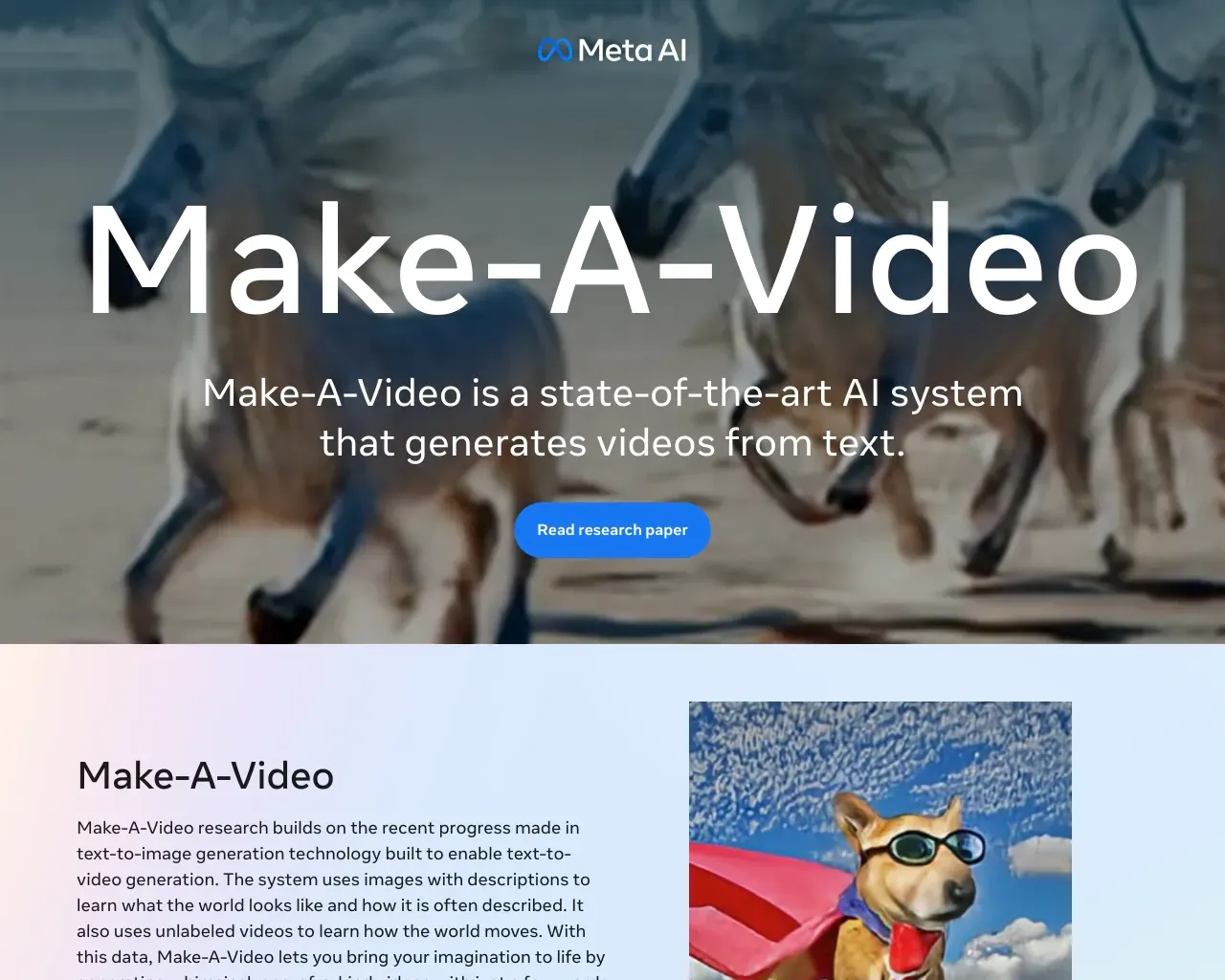
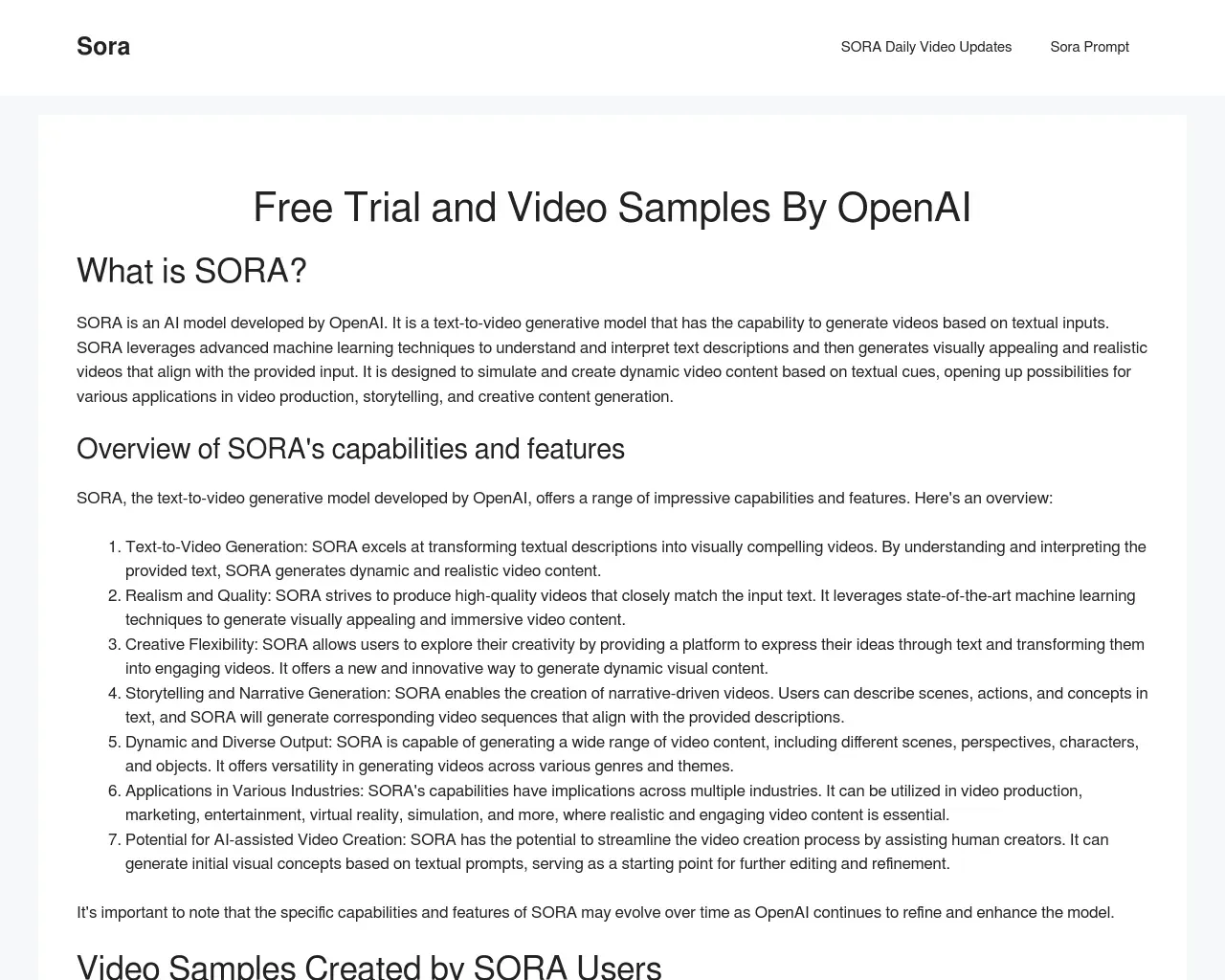
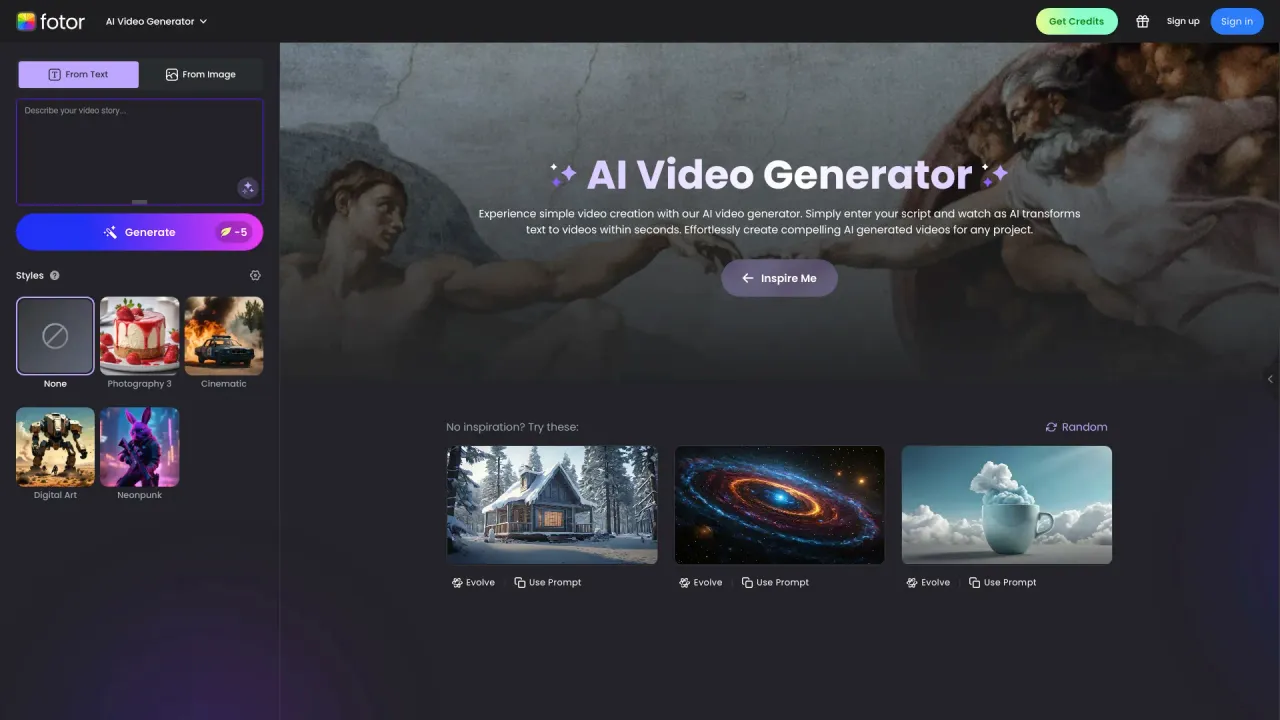
Top alternatives to Sora2 include DEEPBRAIN AI, LTX, Make a Video, Sora Town, Fotor AI video generator.Where can I get Sora2?
Sora2 is available at https://www.soraaivideo.net/.What category is Sora2 in?
Sora2 is listed in Text to Video.Can I use outputs commercially?
Yes, for typical marketing and brand use. If your video depicts real people, logos, or protected IP, ensure you have proper rights and consent when using Sora2.Do I have to use the generated audio?
No. Export video-only or replace audio in your editor. By default, Sora2 provides synced dialogue/SFX/ambience for speed.How do I keep characters consistent across shots?
Define character traits and wardrobe in your prompt. Sora2 maintains identity and world state across multi-shot sequences.Which aspect ratios are supported?
9:16, 1:1, and 16:9 are standard. Tailor for feeds, paid placements, or widescreen demos, and let Sora2 render to target.Can I bring reference material?
Yes. Use an image to anchor style or scene design. Follow consent and privacy rules for any real-person material when working with Sora2.Why Sora2 vs traditional production?
No location booking or reshoots. Iterate instantly on story, camera, and mood — and export on your timeline with Sora2.
Compare Sora2 with…
Pick any tool to see a structured side-by-side: pricing, deployment, capabilities, and content policy.