Unwatermark.AI
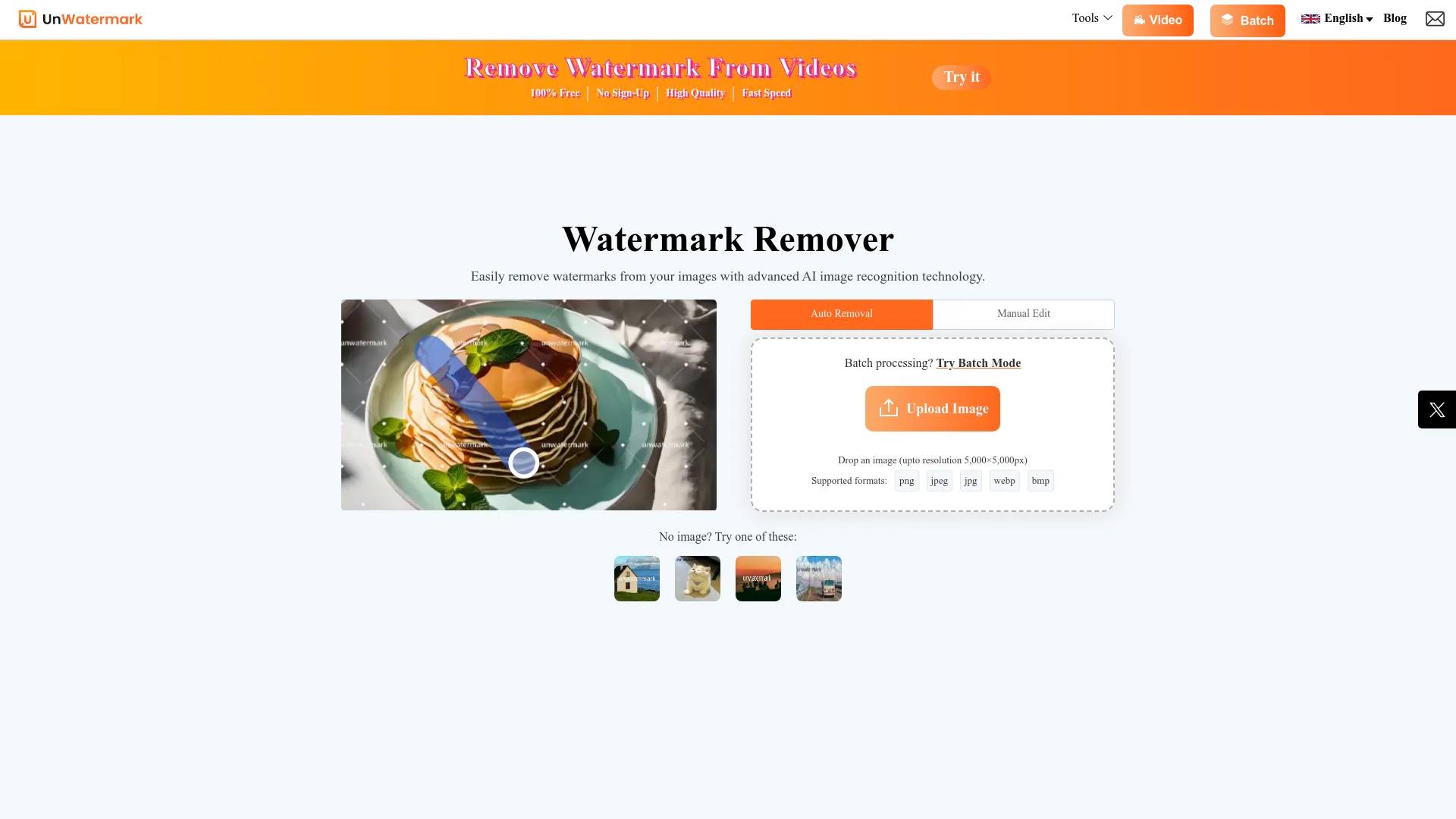
Free AI Watermark Remover: Video & Photo - Unwatermark AI.
- Category
- Watermark Remover
- Pricing
- Free
- Alternatives
- 6 similar tools
- Last updated
- 4 weeks ago
- Source
- Official site ↗︎
AI Collection Top Picks

Watermark Remover Category Picks
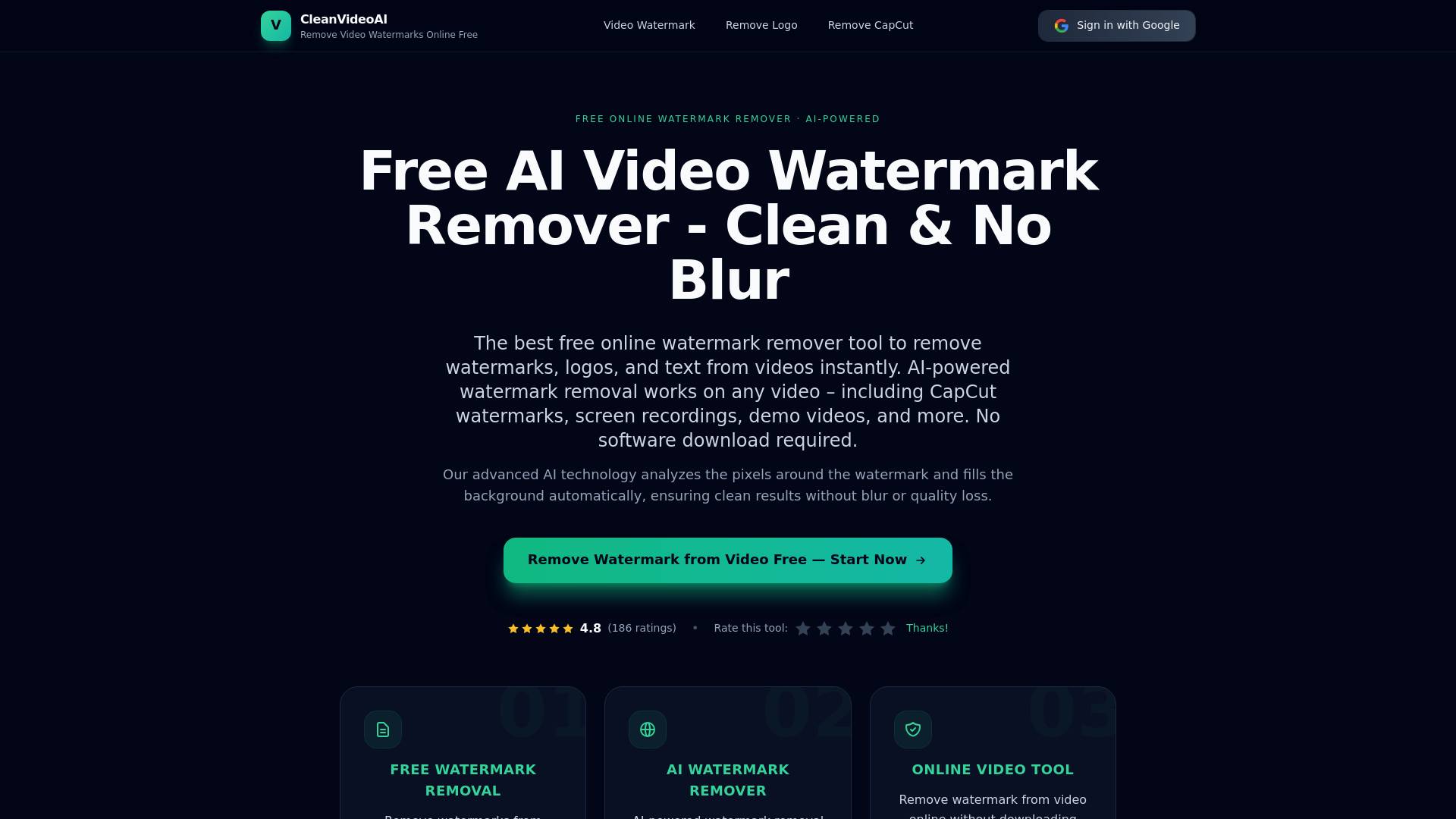
About Unwatermark.AI
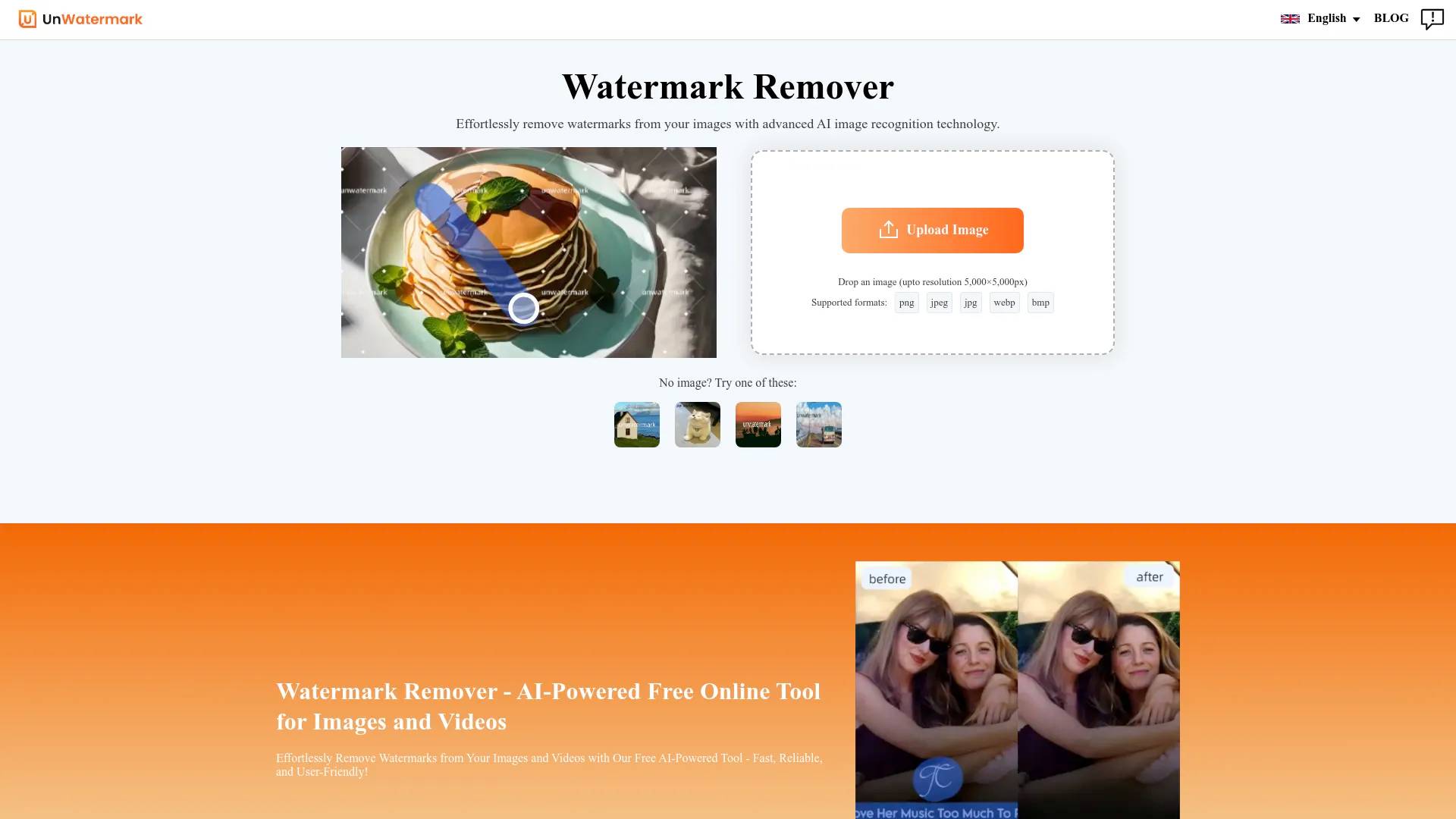
Remove watermarks from photos and videos instantly with AI. Clean logos, text, and objects with high quality. Fast, accurate, free online watermark removal.
Unwatermark.AI's Pricing Plans
Unwatermark.AI may change prices at any time. Here's our latest information:
Unwatermark.AI Pricing Plans
Free
Free
$0
$0
What you get
Additional Information
Frequently Asked Questions (FAQ)
Q: How can I remove watermarks from images for free?
A: You can use Unwatermark.ai, a free online AI tool. Just upload your image, let the AI process it, and download your watermark-free image in seconds.
Q: Are there free watermark removers for PC?
A: Yes, Unwatermark.ai is a free watermark remover that can be accessed on any device through your browser. All you need is an internet connection.
Q: What is the best watermark remover that doesn't cause blurring?
A: Unwatermark.ai is one of the best watermark removers that ensures no blurring, preserving the quality of your image.
Q: Should I watermark my photos?
A: Adding watermarks to your photos is a good idea to protect your work from unauthorized use. It can help prevent image theft and build your brand identity by making your work easily recognizable.
Frequently asked questions
What is Unwatermark.AI used for?
Free AI Watermark Remover: Video & Photo - Unwatermark AI.Is Unwatermark.AI free?
Unwatermark.AI is free to use.What are alternatives to Unwatermark.AI?
Top alternatives to Unwatermark.AI include Ai Watermark Remover, Video Watermark Remove AI, Watermark Remover, AI Watermark Remover Online for Free, Unwatermark.Where can I get Unwatermark.AI?
Unwatermark.AI is available at https://unwatermark.ai.What category is Unwatermark.AI in?
Unwatermark.AI is listed in Watermark Remover.Q: How can I remove watermarks from images for free?
A: You can use Unwatermark.ai, a free online AI tool. Just upload your image, let the AI process it, and download your watermark-free image in seconds.Q: Are there free watermark removers for PC?
A: Yes, Unwatermark.ai is a free watermark remover that can be accessed on any device through your browser. All you need is an internet connection.Q: What is the best watermark remover that doesn't cause blurring?
A: Unwatermark.ai is one of the best watermark removers that ensures no blurring, preserving the quality of your image.Q: Should I watermark my photos?
A: Adding watermarks to your photos is a good idea to protect your work from unauthorized use. It can help prevent image theft and build your brand identity by making your work easily recognizable.What is Unwatermark and how can it help me?
Unwatermark is an advanced AI-powered tool designed specifically for removing watermarks from images and videos. It is easy to use, processes quickly, and supports common image and video formats, including the perfect removal of watermarks from popular video platforms and social media. It also supports batch removal of image watermarks. More features are coming soon!What file types does Unwatermark support for watermark removal?
Unwatermark currently supports the following file types for watermark removal. PNG, JPG, JPEG, WebP, and MP4. The team is actively working on expanding the range of supported image formats, so you can expect additional format compatibility in future updates.Can I remove watermarks from AI-generated images or videos?
Yes! Our tool is specially optimized for removing AI-generated images or videos watermarks. Whether you're working with videos from popular AI video generators or other AI platforms, our advanced technology ensures clean and professional results while maintaining the original quality.
Compare Unwatermark.AI with…
Pick any tool to see a structured side-by-side: pricing, deployment, capabilities, and content policy.