Veo 4, AI Video Generator, Veo AI
Veo 4.
- Category
- Video Editing
- Alternatives
- 6 similar tools
- Last updated
- 2 weeks ago
- Source
- Official site ↗︎
AI Collection Top Picks

Video Editing Category Picks


About Veo 4, AI Video Generator, Veo AI
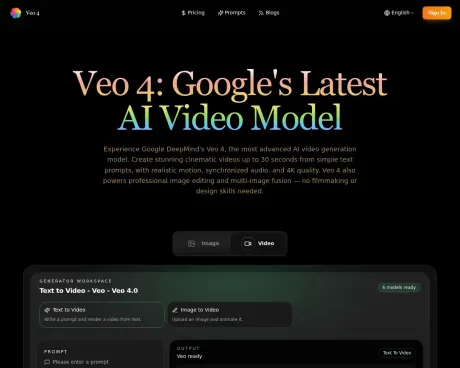
Veo 4 is Google DeepMind's AI video generation and image editing platform. Create cinematic videos, edit photos, and fuse images from simple text prompts.
What you get
Additional Information
Veo 4 is an advanced AI platform for video generation and image editing, developed by Google DeepMind. It allows users to create cinematic videos up to 30 seconds long from text prompts, providing high-quality results with realistic motion and synchronized audio. Alongside its video capabilities, Veo 4 also features professional image editing and multi-image fusion functionalities. Users can upload images and animate them or replace backgrounds, making it suitable for anyone from marketers to digital artists.
The platform facilitates a simple three-step workflow: users write or upload input, manage production controls for video output, and finally download high-quality 4K clips ready for sharing. Veo 4 is ideal for producing marketing content, social media posts, and product demos, significantly reducing the time required for video creation and image editing tasks.
Veo 4 offers a user-friendly experience, eliminating the need for prior filmmaking or design skills. It caters to various creative needs, whether for businesses, freelancers, or individual creators, by providing contexts that enhance the output quality while also delivering polished, professional results. The combination of video generation and image editing allows creators to maintain consistent and high-quality content across multiple platforms.
Additionally, Veo 4 emphasizes secure and private content creation. Users have full commercial usage rights for the content they produce. This flexibility combined with a straightforward credit system makes Veo 4 a convenient choice for those looking to enhance their visual content creation workflows.
Frequently asked questions
What is Veo 4, AI Video Generator, Veo AI used for?
Veo 4.Is Veo 4, AI Video Generator, Veo AI free?
Pricing for Veo 4, AI Video Generator, Veo AI varies — see the Pricing section for details.What are alternatives to Veo 4, AI Video Generator, Veo AI?
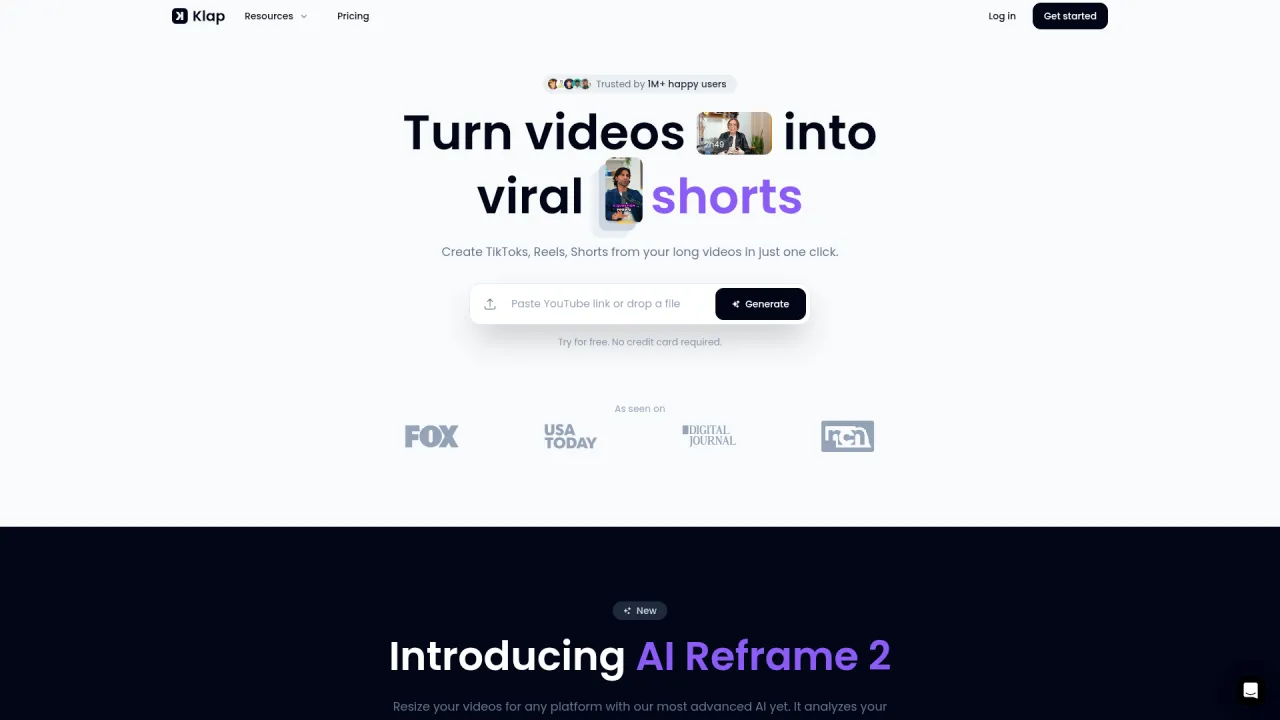
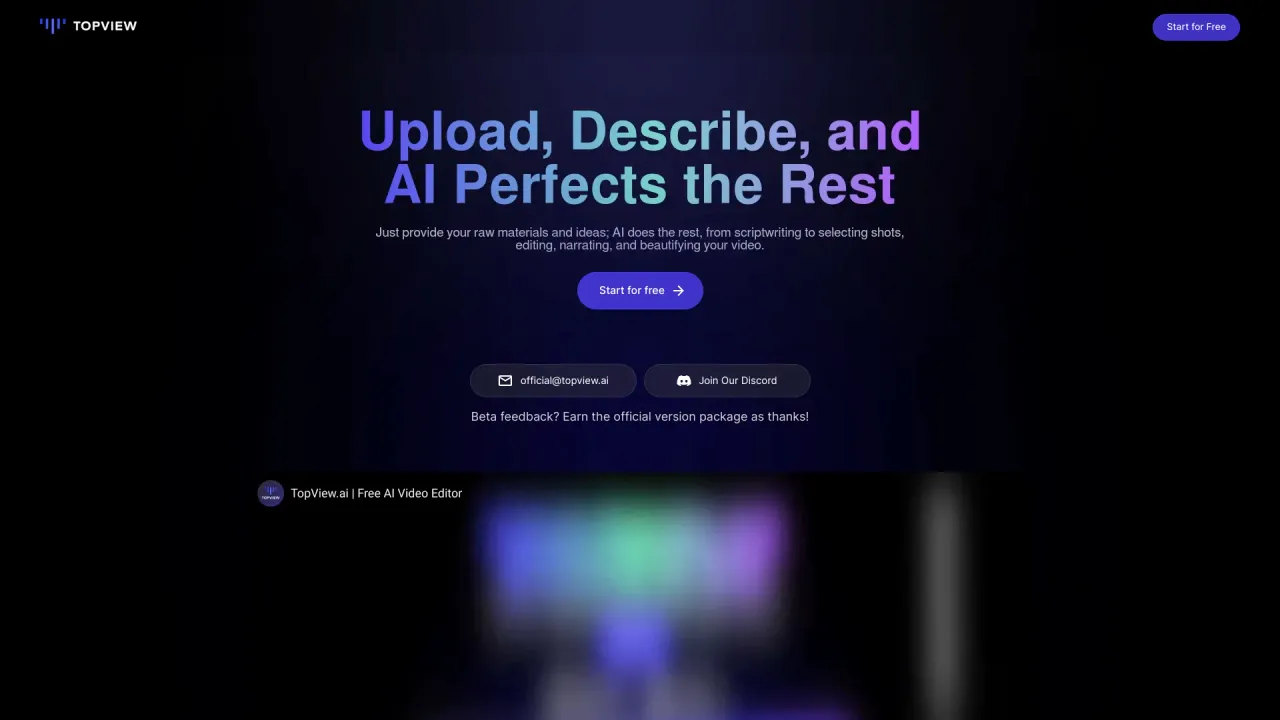
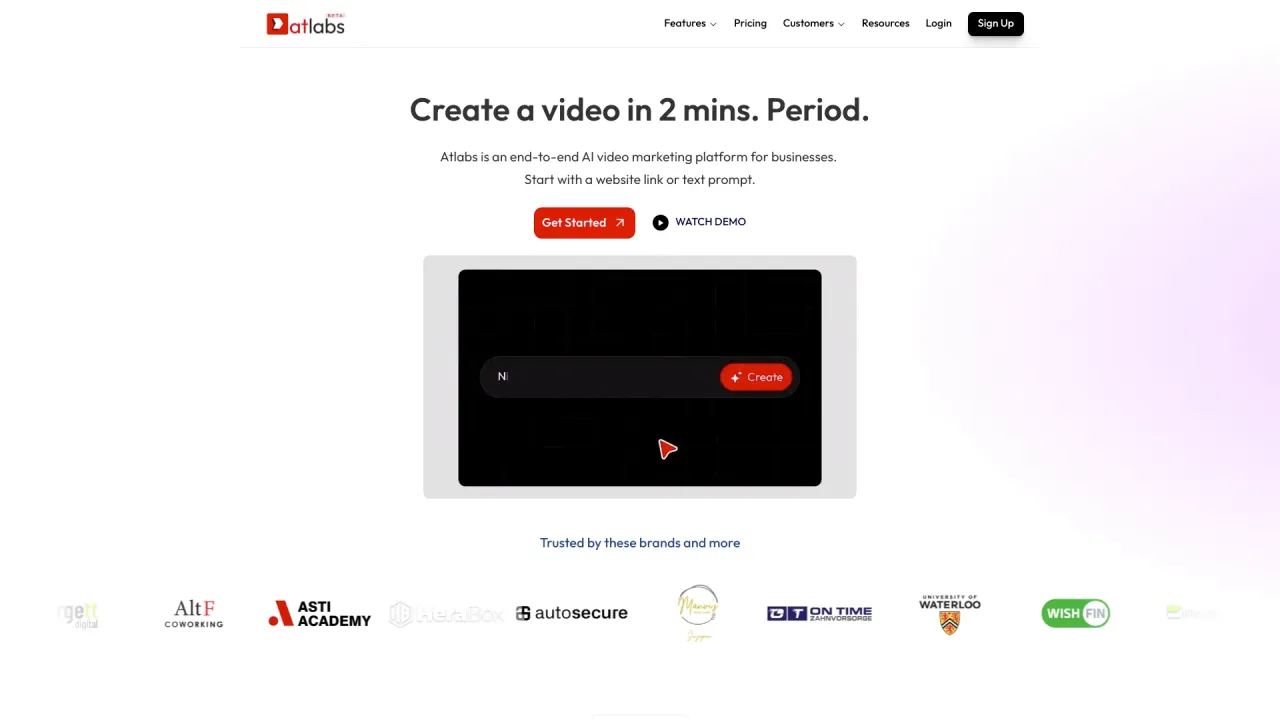
Top alternatives to Veo 4, AI Video Generator, Veo AI include Klap App, AI video editor, Atlabs AI, Topview AI URL to Video, Colossyan.Where can I get Veo 4, AI Video Generator, Veo AI?
Veo 4, AI Video Generator, Veo AI is available at https://aiveo4.net.What category is Veo 4, AI Video Generator, Veo AI in?
Veo 4, AI Video Generator, Veo AI is listed in Video Editing.What makes Veo 4 different from other AI creation tools?
Veo 4 is powered by Google DeepMind's latest AI models, offering cinematic video generation up to 30 seconds with synchronized audio, plus context-aware image editing and multi-image fusion.How long does Veo 4 take to generate content?
Most image edits with Veo 4 complete in 10-30 seconds. Video generation times vary by length and complexity.What file formats does Veo 4 support?
Veo 4 supports JPG, PNG, and WEBP formats for image input. You can export your results in PNG or JPG format.Is there a limit to how many creations I can make with Veo 4?
You can create unlimited content with Veo 4 as long as you have credits.Can I use Veo 4 creations for commercial purposes?
Yes! All content created with Veo 4 includes full commercial usage rights.How secure is my content on Veo 4?
Veo 4 prioritizes your privacy and security. All uploads are processed securely and stored with enterprise-grade protection.
Compare Veo 4, AI Video Generator, Veo AI with…
Pick any tool to see a structured side-by-side: pricing, deployment, capabilities, and content policy.