The Best AI Video Editing Tools in 2026
By: AI Collection
At a glance



"AI video editing" now covers a spread of jobs that used to belong to different apps. One tool chops a two-hour recording into vertical clips. Another turns a product link into a finished ad. A third writes the script before you ever open a camera, and a fourth builds an entire short inside a browser timeline. If you searched for a video editor and landed on a dozen products that each do something slightly different, that is because the category has split into specialists. The right pick depends less on which is "best" and more on which job you actually have.
This list ranks eight AI video tools from our directory, grouped by what they're genuinely good at so you can skip the ones that don't fit your workflow.
How we ranked these
The order follows our directory's editorial picks and the catalog data we keep on each tool, sharpened by a read of each product's live homepage in July 2026. We have not run controlled side-by-side tests, so treat this as an informed starting point rather than a benchmark. Where a tool is really an adjacent thing — a scripting assistant, an e-commerce image suite — it's flagged, because a "best video editor" roundup that quietly lists tools that don't edit video wastes your time.
TheFluxTrain — a browser studio for consistent characters
TheFluxTrain is the most ambitious tool on the list and the least like a traditional editor. It's an end-to-end AI production studio: you train LoRAs so a character or brand stays consistent across shots, wire multi-step generation pipelines in what it calls Flow Studio, and assemble the results in a timeline editor for shorts. The unusual part is the tft command-line interface, built so an AI assistant can drive the whole thing rather than a person clicking through panels.
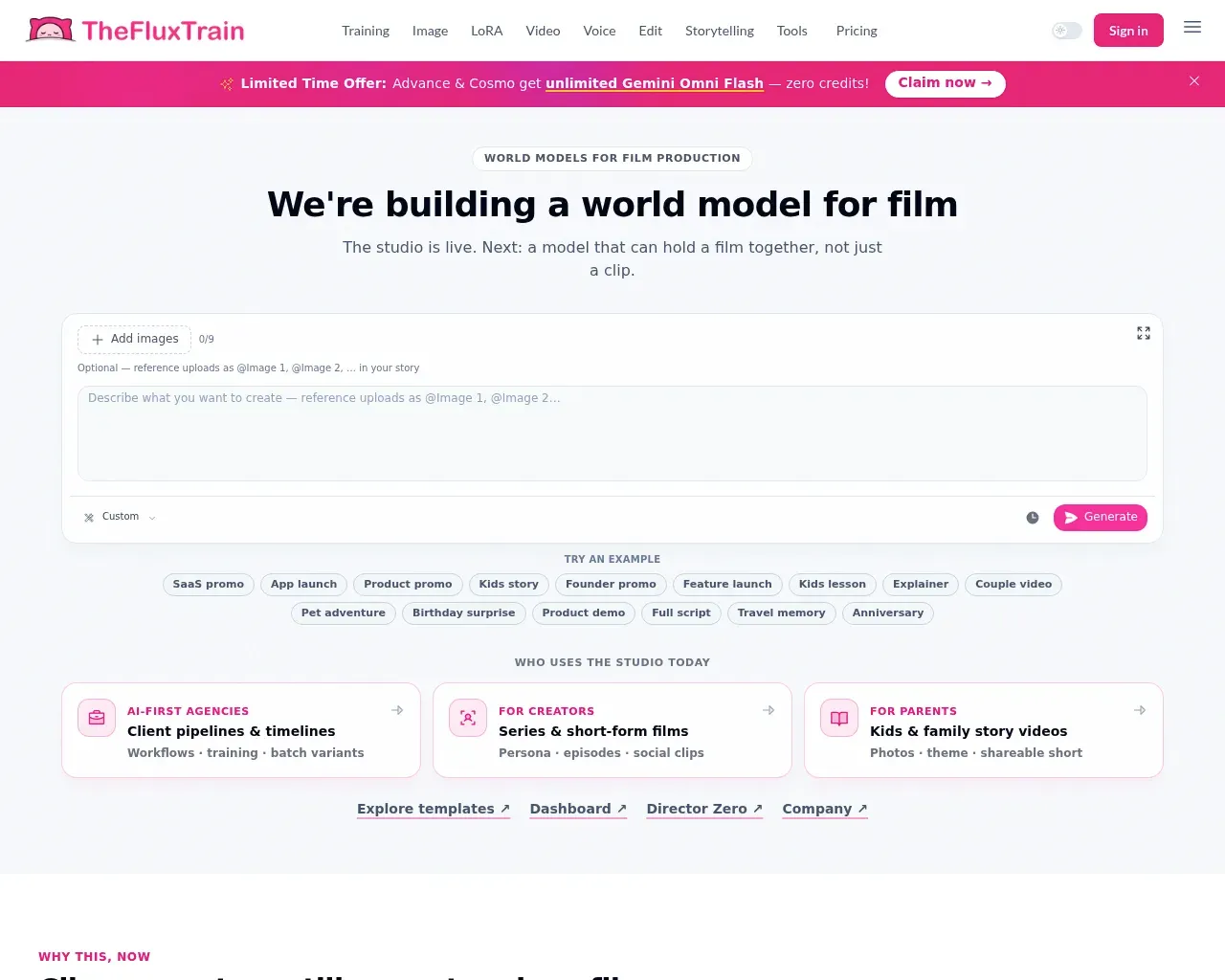
That makes it a fit for creators who want repeatable, on-brand output at volume — the same character across a series, not a one-off clip. Pricing is credit-based and starts low: Starter at $11 a month for 5,000 credits, Pro at $19 for 10,000, Advance at $39 for 25,000, and a Cosmo tier at $189 for 125,000, all with full platform access. If you only need to trim one video, this is overkill; if you're running a pipeline, it's priced to try.
Klap — long videos into shorts, in one click
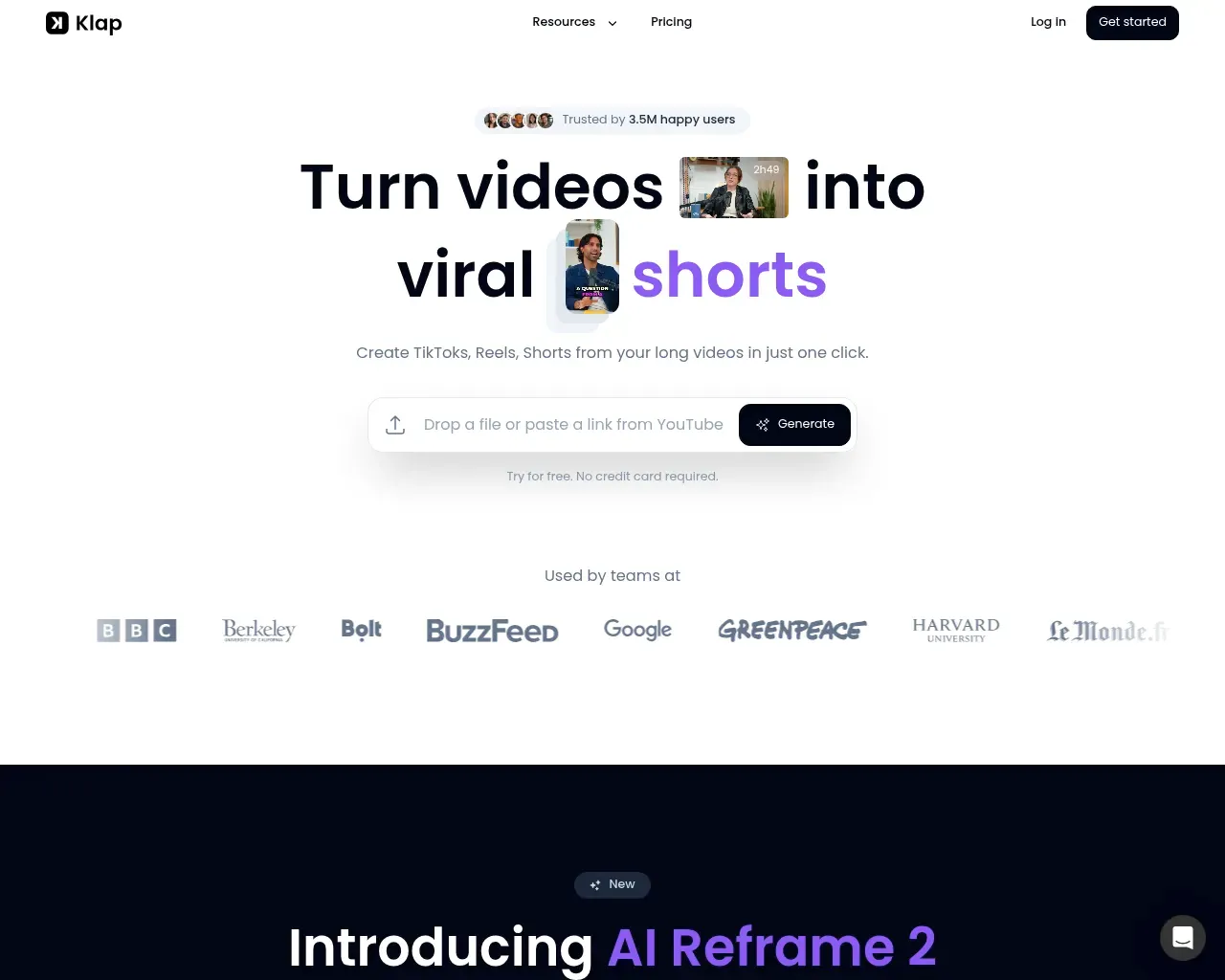
If your problem is simpler — you have long recordings and need clips — Klap is the most focused answer here. Paste a YouTube link or upload a file and it cuts your video into vertical clips for TikTok, Reels, and Shorts, adds captions, and scores each clip's viral potential. Its rule of thumb is that a one-minute video yields about five clips. The recent AI Reframe 2 feature reads each scene and picks a layout — split screen, screencast, gaming — instead of a dumb center crop.
Klap reports 3.5 million users and 8.5 million clips made, so this is a mature product rather than a weekend project. Plans run $29 a month for 100 clips and $79 for 300, with a custom Pro+ tier for 1,000. For podcasters and long-form creators who post daily, the math is straightforward: it replaces the hours you'd otherwise spend scrubbing for highlights.
Atlabs — an all-in-one generation suite
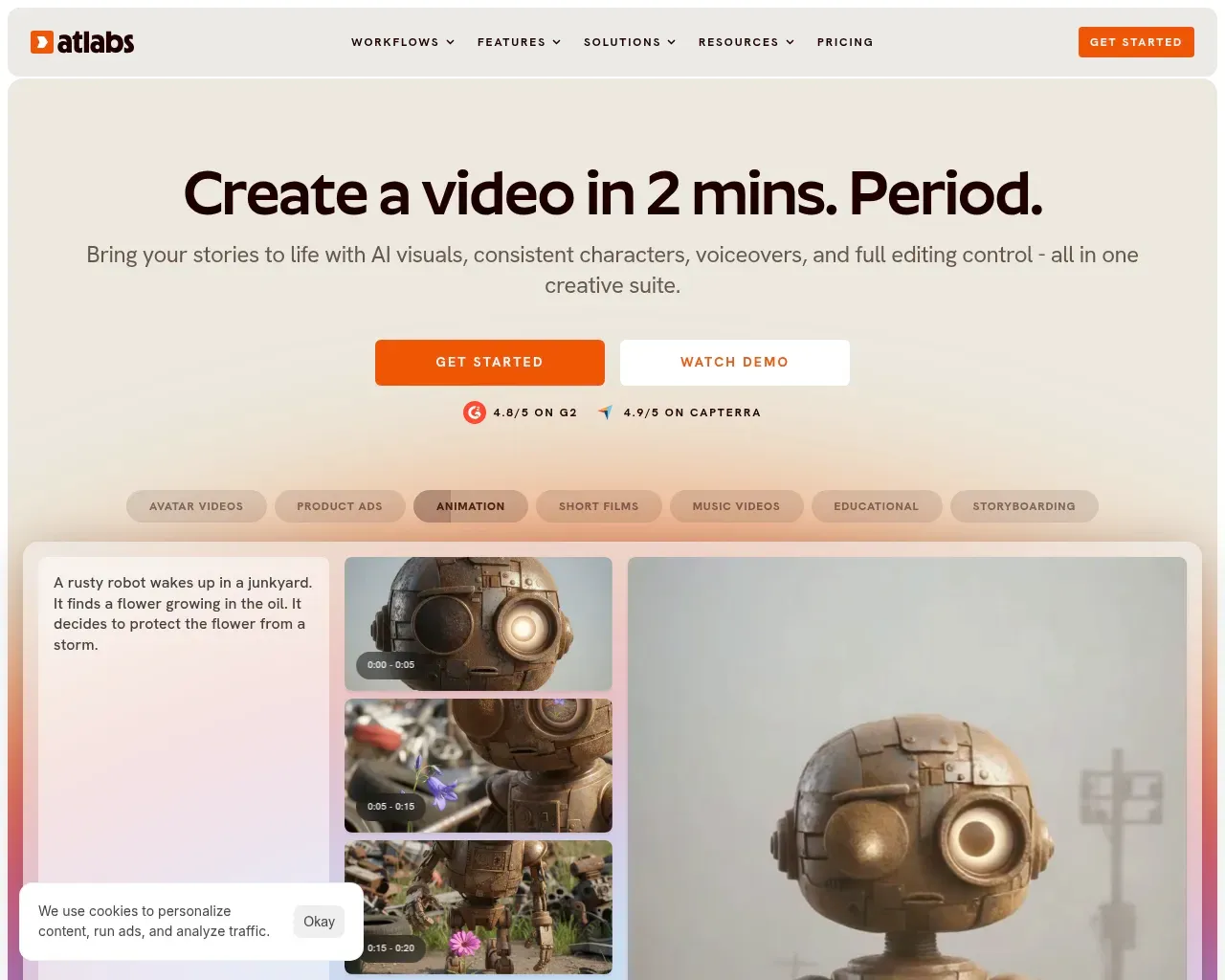
Atlabs AI pitches itself as a full creative suite: AI visuals, consistent characters, voiceovers, and editing control in one place, with a stated goal of a finished video in about two minutes. Its workflow presets cover avatar videos, product ads, animation, short films, music videos, and educational content. The company markets it as the "#1 AI Video Generator" and displays 4.8 on G2 and 4.9 on Capterra on its own site — vendor-selected figures worth verifying yourself, but a sign real reviews exist.
The Pro plan is $30 a month for one video a day, with no watermark, an AI brand model, realistic voiceovers, a stock library, and auto-captions. The $75 Plus plan raises the ceiling to two or three videos a day and adds localization into 40-plus languages and AI subtitling. It's a solid middle option when you want generation and light editing without stitching several apps together.
Topview AI — an agent-driven video generator
Topview AI leans hard into the "tell your agent what you want" model. Its Canvas takes a prompt and produces mini films, product ads, or social videos, and it's built for the one-to-five-minute range. Around that sit a wide toolset: UGC ad generation, product videos, AI avatars, lip sync, body swap, an upscaler, and a watermark remover, plus TikTok Ad Library insights for creative research. Pricing is freemium, with per-second model rates published for its underlying engines.
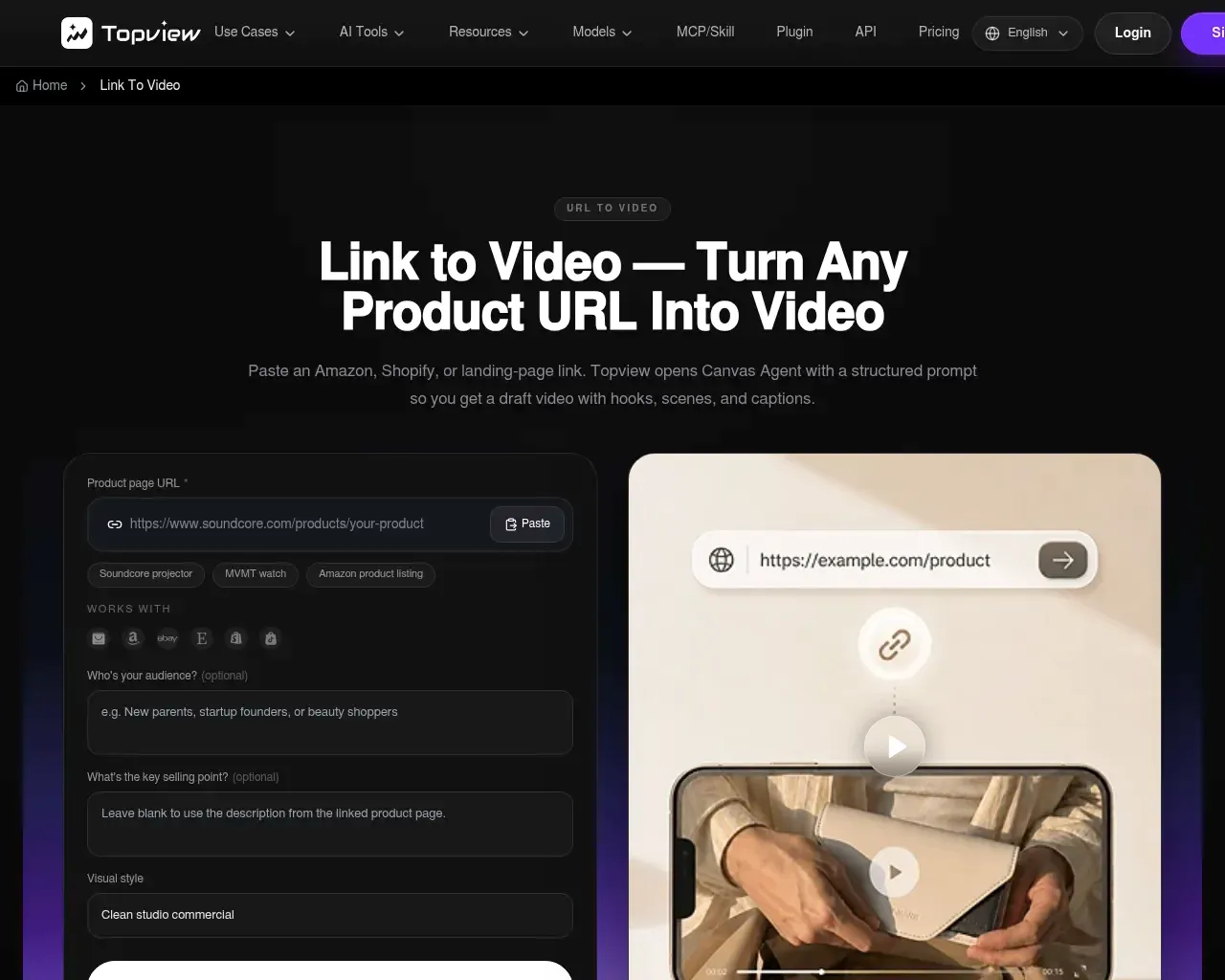
Topview also has a dedicated entry point worth knowing about. Its URL-to-video tool takes an Amazon or Shopify product link and pulls the images and selling points off the page to draft a scripted, captioned ad, then lets you batch variants for A/B testing. It's the same company as the entry above, packaged for e-commerce sellers who want to turn listings into ads without starting from a blank canvas. That path has a clearer paid ladder: a free tier with a watermark, Starter around $14.70 a month billed annually, and Business around $49.90. If you're an online seller, start with the URL-to-video door; if you want a general video agent, start with the main product.
VideoIdeas — scripts and ideas, not editing
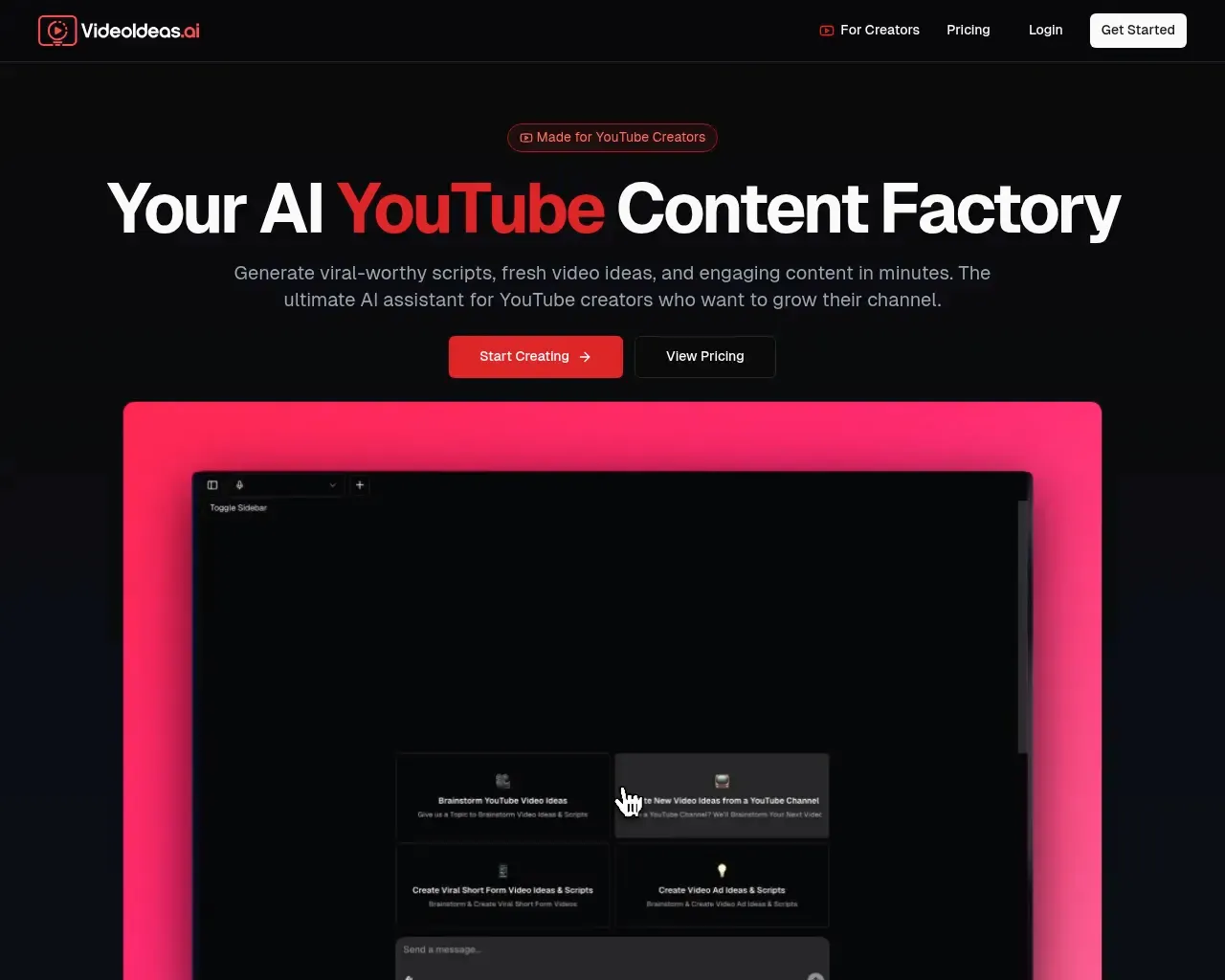
Worth being direct: VideoIdeas AI doesn't edit video. It's a YouTube content assistant that writes full scripts, analyzes your channel for fresh ideas, drafts short-form and ad scripts, and can mimic a creator's style. It sits before the edit, not during it. The site carries testimonials from channels including AppFind (600k-plus subscribers) and cites 10,000-plus users across its tools. If your bottleneck is deciding what to film and how to structure it, it fits; if you already have footage and need to cut it, look elsewhere on this list.
SellerPic — an e-commerce image suite that also does video
SellerPic AI is primarily a product-imagery tool — AI fashion models, virtual try-on for apparel and jewelry, background editing, upscaling — that has grown image-to-video and lip-sync features on top. It's aimed squarely at e-commerce teams replacing studio photo shoots, and it frames itself against the $5,000-plus cost of traditional production. Pricing is pay-as-you-go with a free trial. Video is a smaller part of what it does, so consider it only if you're already producing product shots and want short clips from the same tool.
The pick
For most people who land on a "video editing" search with real footage in hand, Klap is the safest first stop: it does one thing, does it in a click, and is priced per clip volume rather than per seat. If you're generating video from scratch instead of cutting existing footage, Atlabs is the runner-up worth trying, with Topview close behind for anyone who prefers an agent-style prompt over a timeline. Teams that need consistent characters across a whole series should look at TheFluxTrain despite its steeper learning curve.
FAQ
Which of these actually edits existing video? Klap is the clearest fit for cutting footage you already have into clips. Topview and Atlabs lean toward generating new video. VideoIdeas and SellerPic sit outside editing proper.
Is there a free way to try them? Several offer free entry points: Topview has a free tier (with a watermark) and SellerPic offers a free trial. Klap and Atlabs start at $29 and $30 a month respectively.
Can any of these post to social media for me? Klap advertises automated clipping plus sharing across platforms, which is the closest to an end-to-end post-and-publish flow among the tools listed here.
Sources consulted
- SellerPic AI — feature set, e-commerce positioning, and traditional-production cost comparison
- VideoIdeas.ai — scripting features, testimonials, and user count
- Klap — clip workflow, AI Reframe 2, user and clip counts
- Topview AI — Canvas agent model, toolset, and per-second model pricing
- Atlabs AI — creative suite features, workflow presets, and displayed G2/Capterra ratings
- Topview URL to Video — link-to-video workflow and e-commerce use cases
Published on: July 7, 2026