Meshy AI review: turning text and photos into 3D models fast
By: AI Collection
At a glance
4.0 / 5
Meshy AI
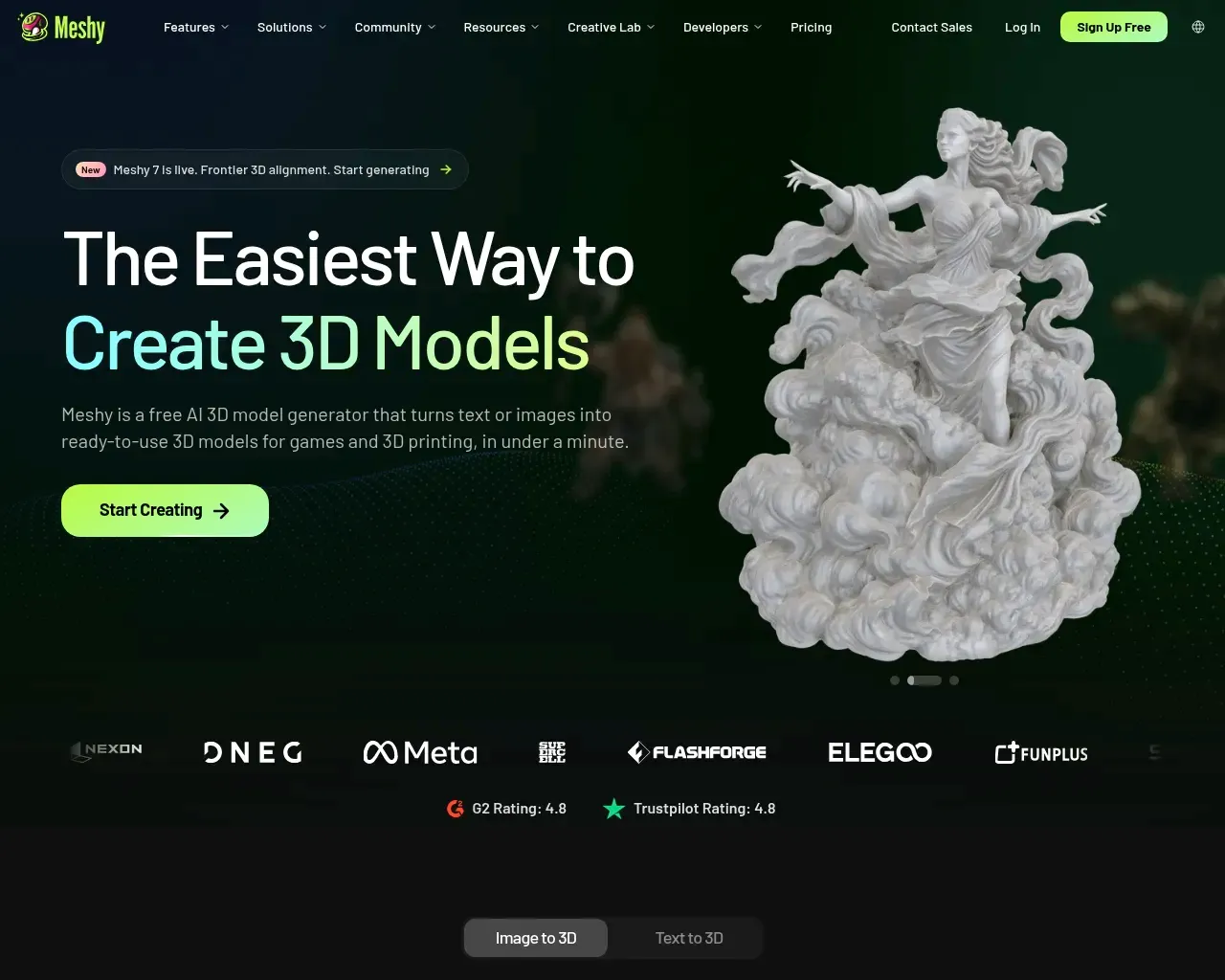
FreeIf you have ever needed a 3D prop for a game level, a printable figurine, or a quick AR asset and didn't have days to spend in Blender, you have felt the gap Meshy AI is trying to fill. It takes a text prompt or a reference image and hands back a textured 3D model in about a minute, no modeling experience required. That speed is the whole pitch, and mostly it delivers — with some honest caveats worth knowing before you build a workflow around it.
What Meshy actually does
Meshy is a browser-based 3D generator built around a few core paths: Text to 3D (describe a character, prop, or vehicle and get a mesh with PBR textures), Image to 3D (upload a photo, sketch, or piece of concept art and turn it into a model), and AI Texturing (apply generated PBR materials to a model you already have). What makes it more than a novelty is that the whole chain lives in one place: generate, texture, remesh, auto-rig, animate, and export without leaving the tab.
The model line has moved quickly. Meshy 6 launched in January 2026 with a sculpting-oriented preview, and Meshy 7 is now the company's latest foundation model, used for Image to 3D in the app and for both text and image input over the API. There is also an Ultra Mode that runs an extra refinement pass for sharper geometry at the cost of a longer wait. If you have tried AI 3D tools a year ago and walked away unimpressed, the current generation is a different experience.
Export is where a lot of these tools quietly fall down, and Meshy is generous here: FBX, OBJ, GLB, USDZ, STL, BLEND, 3MF, and DXF are all supported, so the output drops into game engines, slicers, and DCC apps without a format hunt. The company also reports ISO 27001 and SOC2 certification, and states that web-app data is stored on AWS in the US and is not used for training without consent — reasonable answers if you are evaluating it for a studio.
The workflow, and where the ecosystem helps
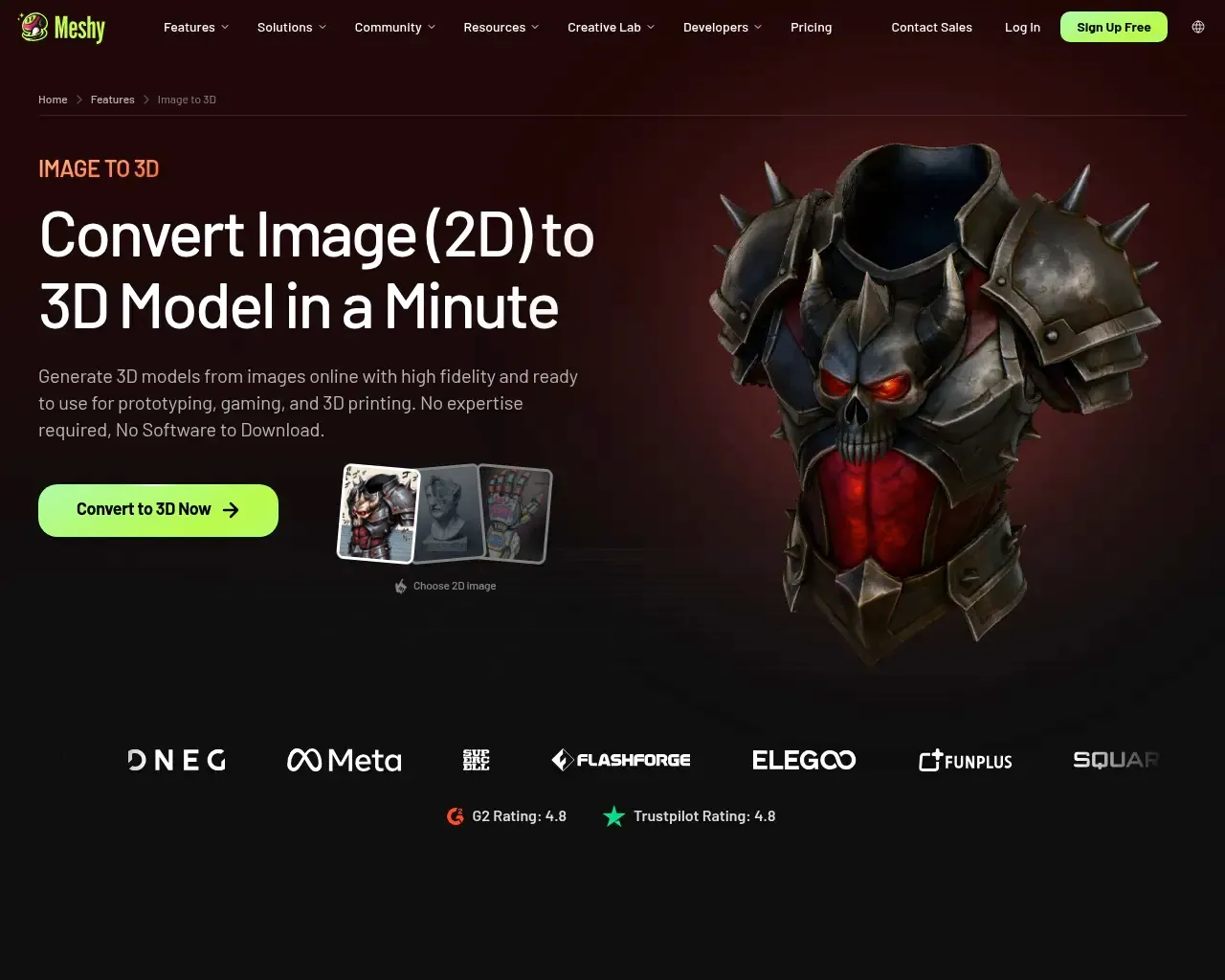
Image to 3D is the path most people end up using, because feeding a single clean reference image tends to produce a more predictable result than describing an object in words. You can upload multiple views for better multi-view consistency, which matters for anything asymmetric.
The part that separates Meshy from a one-off generator is the plugin and API story. There are plugins for Blender, Unity, Bambu Studio, and Creality Print, plus a developer API, a CLI, and an MCP server that lets you generate models from inside AI agents and coding tools. For a game developer, that means going from a text prompt to an asset in the engine without a manual export-import dance. For a print-focused user, the Bambu and Creality integrations pull generated meshes closer to the slicer. This is the kind of glue that decides whether a tool becomes part of a real pipeline or stays a toy.
Independent testers echo the speed story. In hands-on writeups, developers describe moving from generation to an engine like Unreal or Unity in under an hour, and treating Meshy output as a solid base mesh to refine rather than a finished asset. That framing — fast starting point, not final product — is the right expectation to set.
Where it struggles
This is the part promotional roundups skip. The recurring complaint across independent reviews and user discussion is anatomy: character faces, hands, and complex organic shapes can come back distorted — extra fingers, off proportions, melted features. Hard-surface props, vehicles, and stylized objects fare much better than realistic humans. Results are also inconsistent enough that hitting the model you pictured often takes a few attempts and prompt tweaks, which burns credits.
The other honest caveat is cleanup. For indie games, prototypes, and printing, the raw output is frequently good enough. For professional or hero assets, expect to spend time on retopology, rigging fixes, and texture touch-ups. Meshy has been closing gaps here — Meshy 6 added automated base-platform generation to cut down on failed prints, for example — but "generate and ship" is still more true for background props than for anything the camera lingers on.
Pricing

Meshy runs on a credit system with monthly and yearly billing. There is a genuinely usable free plan (around 200 monthly credits) to test the waters, a Pro plan starting near $20/month, a higher Max tier around $60/month, and Studio and Enterprise options above that. Because generations cost credits and iteration is part of the process, the practical question isn't the headline price but how many attempts a given project will take — heavy character work will chew through credits faster than prop generation. Check the current pricing page for exact credit allotments, since the tiers and numbers shift as the models change.
Who it's for
Meshy is a strong fit for indie game developers who need fast prop and environment iteration, 3D printing hobbyists who want a print-ready mesh from a photo, product designers building quick prototypes, and AR/VR creators populating scenes. It is a weaker fit if your primary need is production-quality realistic characters with clean topology out of the box — that still wants a human 3D artist, with Meshy as a starting block at most.
Overall it earns a 4 out of 5: fast, genuinely beginner-friendly, broad on export and integrations, and honest value in its niche, held back mainly by inconsistent character output and the cleanup that serious work still requires. It has also been around since 2023, so this isn't a weekend project that vanishes next quarter. Treat it as the fastest way to a usable base model rather than a replacement for a modeling pipeline, and it holds up well.
Sources consulted
- Meshy AI pricing and FAQ — plan structure, credit system, supported file formats, data-handling answers
- Meshy llms.txt — feature set, Meshy 7 / Ultra Mode, export formats, certifications, creator count
- Meshy AI on Hacker News (2023) — longevity signal (public since 2023)
- TripoSR vs. Meshy comparison — competitive framing among AI 3D tools
- Meshy Review 2026 — aiapps — features, pricing, pros and cons
- Meshy AI Review 2026 — Top10AI — independent pros/cons, character-anatomy limitations
- Meshy AI 3D Generator Review 2026 — Medium (Mehul Gupta) — hands-on production workflow and cleanup notes
Published on: September 2, 2026
Looking for alternatives to Meshy AI? See all Meshy AI alternatives →
Have an AI tool of your own? Submit it below and get a free, in-depth product review article — just like this one.
Add your AI tool in seconds
Paste your URL and we'll draft the listing. You review and edit every field before submitting.