QoQo review: AI personas and UX discovery inside Figma
By: AI Collection
At a glance
4.0 / 5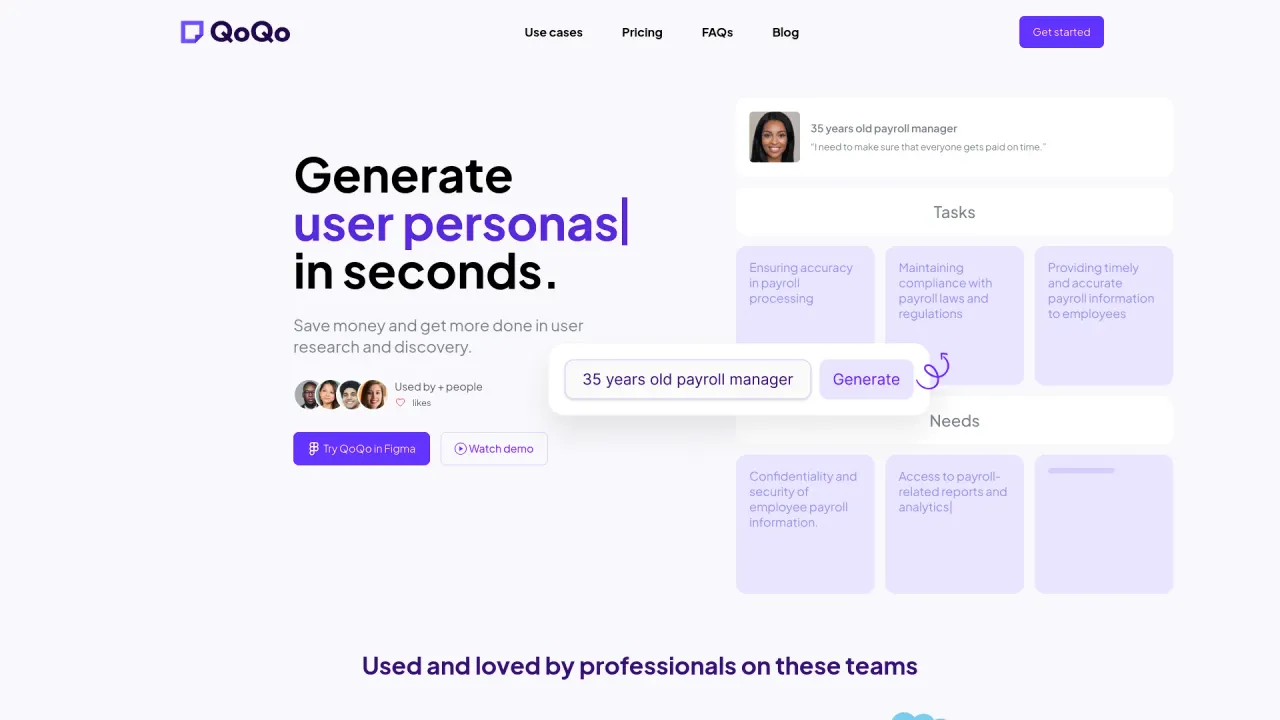
QoQo AI
PaidStarting a design project with no research budget usually means one of two things: you guess at who the user is, or you burn a week you don't have on interviews and desk research before a single frame gets drawn. QoQo is built for that gap. It's an AI assistant for the discovery stage of UX work, and it lives where a lot of designers already spend their day — inside Figma.
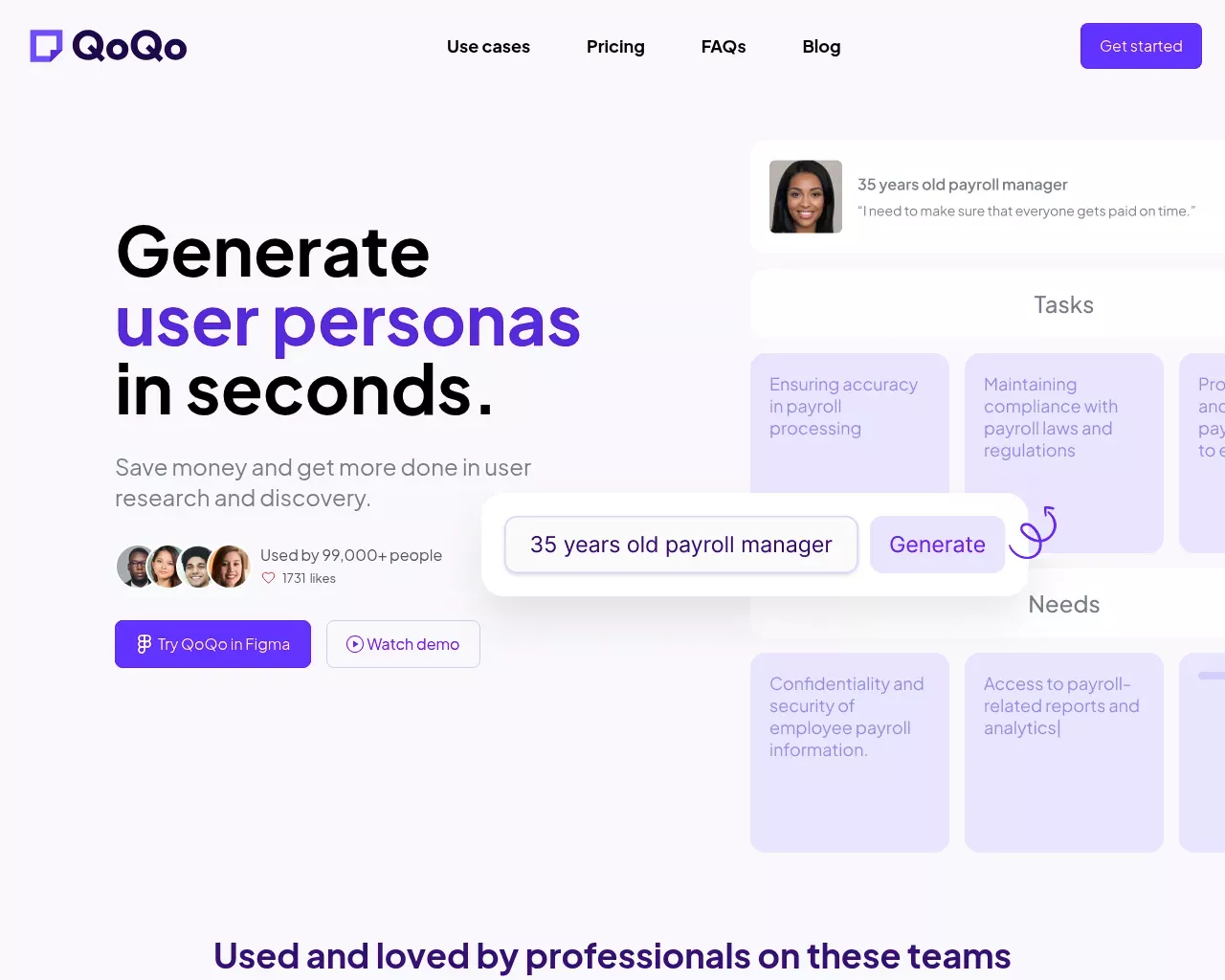
The pitch on QoQo's site is blunt: "Generate user personas in seconds. Save money and get more done in user research and discovery." Type a short prompt (their demo uses "35 years old payroll manager") and it drafts a persona with tasks, needs and pain points you can drop straight onto the canvas. The company says the tool is used by 99,000+ people; that's a vendor figure, not an independently audited number, but it lines up with a product that has been listed on AI-tool directories since early 2023.
What you actually get
QoQo is less a single feature than a small kit of discovery helpers. The plan page lists user personas, journey mapping, information architecture, affinity mapping, a chat assistant, UX copywriting, document chat, design briefs, user interview scripts, and discovery questionnaires. There are also quality-of-life touches that matter when you're working fast: generation history, copy to clipboard, and a "make it a sticky note" option that turns output into FigJam-style notes instead of a wall of text.
The common thread is replacing the blank page. Instead of dropping lorem ipsum into a wireframe or stalling on "what would this user care about," you get a grounded first draft to react to. QoQo's own FAQ is refreshingly honest about the ceiling here: it frames the tool as something to use alongside real user research, not a replacement for it. That's the right framing. The output is built on OpenAI models (per several tool listings), so it reflects public knowledge about a role or domain — useful for direction, but not a substitute for talking to your actual users.
Pricing is almost suspiciously simple
There's one plan. As of November 2026 it's a "Professional" tier at $4 per month billed yearly (a 40% discount off the $7 monthly rate), covering a single user with unlimited access and a free trial to start. Price is quoted excluding VAT.
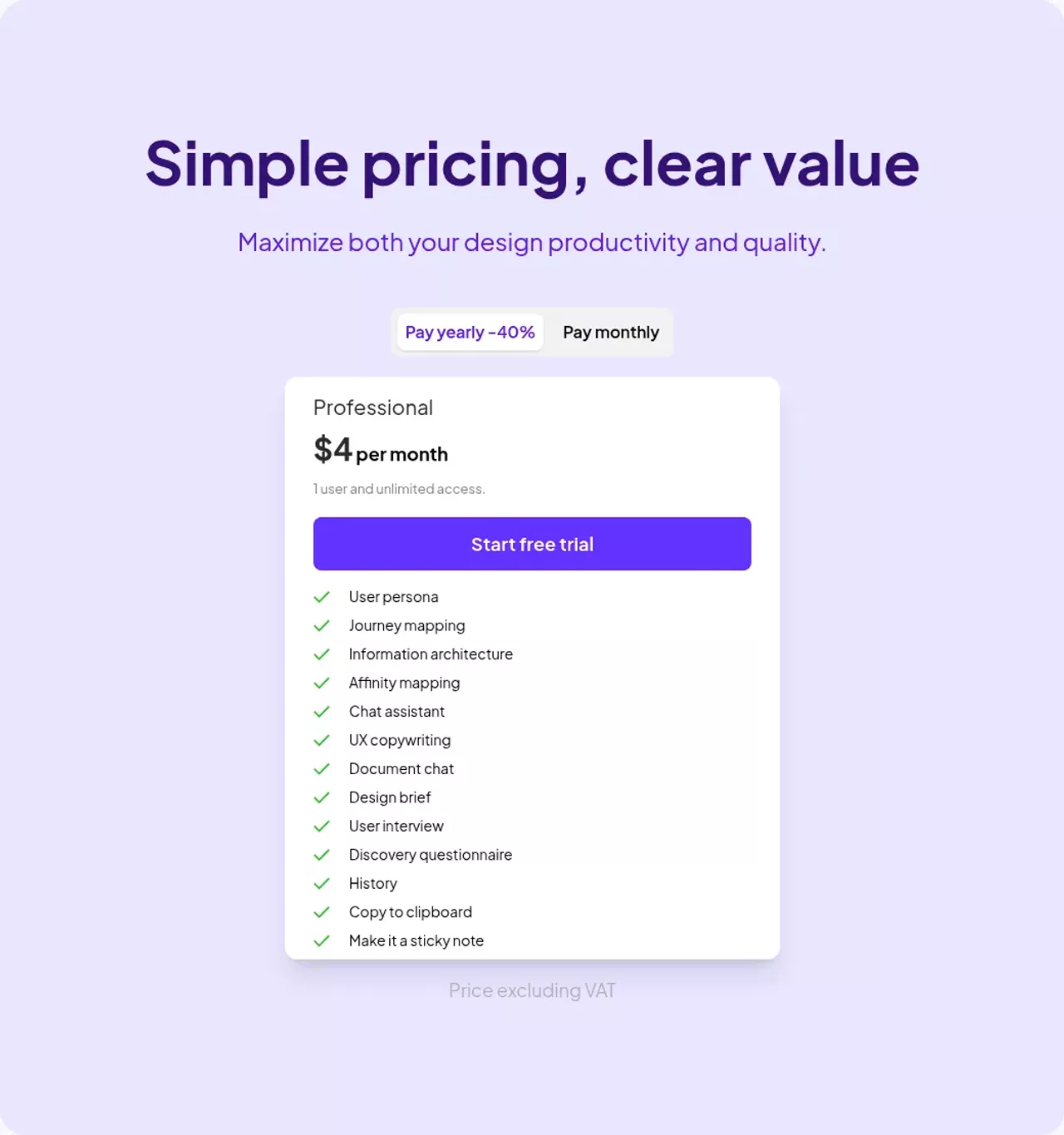
What stands out is that everything is in the one plan — there's no feature gating between tiers, because there are no tiers. At four dollars a month, QoQo is priced like an impulse buy rather than a line item you'd defend in a budget meeting. The flip side is that it's explicitly one seat. Agencies and teams are pointed to a "Contact us" path rather than a published team price, so if you need shared seats or centralized billing you're negotiating, not self-serving.
Who it fits
QoQo splits its own audience three ways, and the distinctions are useful.
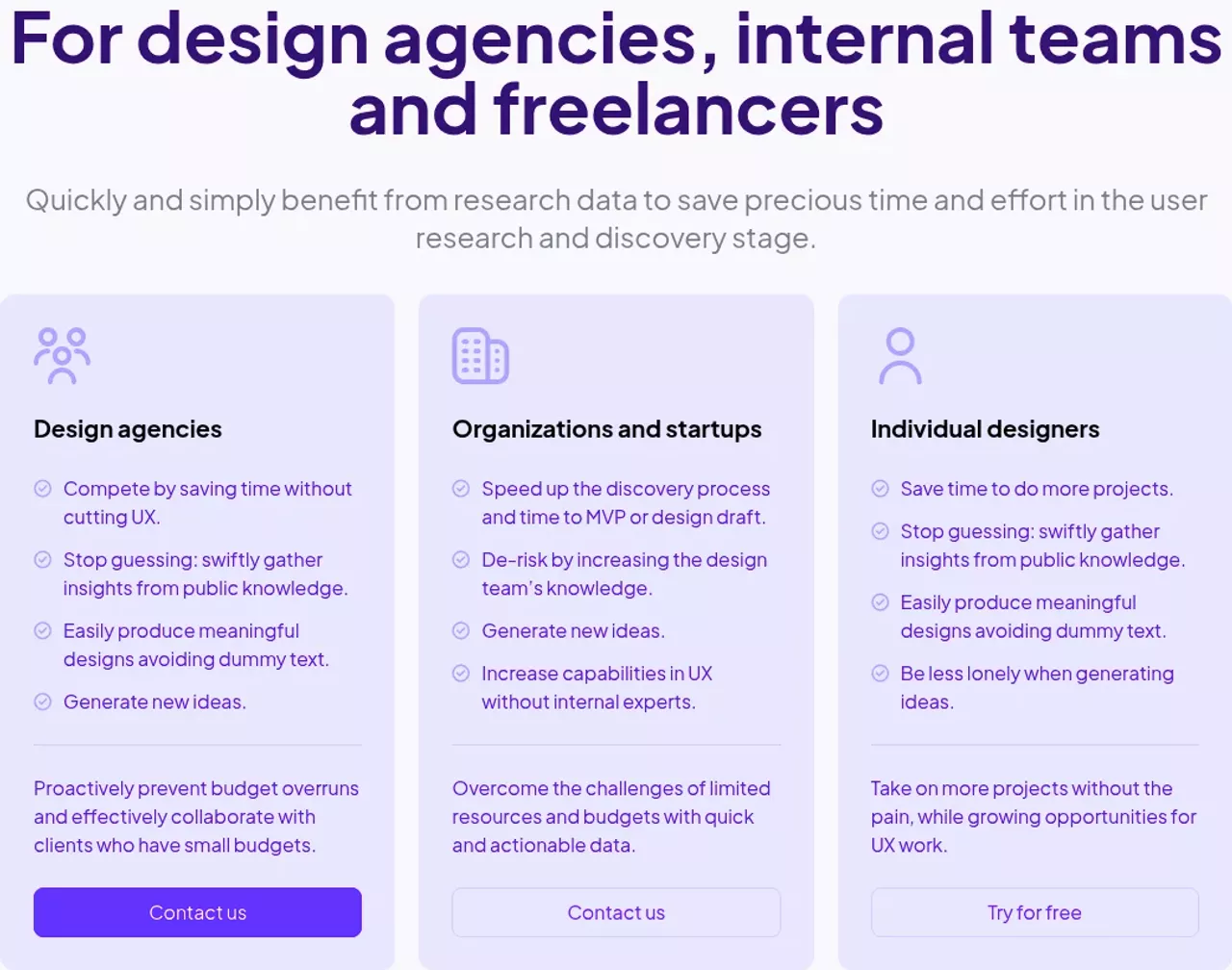
For solo designers and freelancers, it's the clearest win: a cheap way to produce personas and discovery artifacts for client decks without pulling an all-nighter, and the company leans into the "be less lonely when generating ideas" angle. For agencies, the sell is protecting UX quality on small-budget engagements by doing the discovery stage faster, so the margins survive. For startups and internal teams, it's about shortening time to an MVP or a first design draft when there's no dedicated researcher on staff.
If your work doesn't start in Figma, or you already have a research practice with real participants, QoQo has less to offer. It's a discovery accelerator, not an analysis or testing platform.
What to weigh before you commit
The honest limitations are mostly about evidence and scope. Independent review signal is thin: the two Show HN posts for QoQo drew almost no discussion, and most tool directories list it with few or no user reviews. That doesn't mean it's bad — it means you should lean on the free trial rather than on a crowd of verified testimonials.
The bigger caveat is inherent to the category. AI-generated personas and journey maps are only as good as the public patterns the model has seen, and they trend generic unless you push them with specific prompts. QoQo markets de-biasing in its models to reduce skew in results; that's a vendor claim I couldn't verify, and it's not a reason to skip validating output against actual users. Coverage is primarily English, and because it's a single-seat product, collaboration across a team isn't really the design.
Treat QoQo as a way to get to a reactable draft faster, then do the real research. Used that way, the value is obvious at the price. Overall I'd put it at 4/5 for solo designers and small studios doing early-stage discovery — a focused, inexpensive tool that's honest about being a starting point rather than the whole job.
FAQ
Does QoQo work outside Figma? Its primary home is the Figma plugin, and the site's main CTA is "Try QoQo in Figma." There's a companion web presence, but the plugin is the intended workflow.
Will it replace user research? No, and the vendor says as much. It's positioned to complement research by speeding up the discovery drafts, not to stand in for talking to users.
Is there a team plan? Not a published one. The single plan is one seat; agencies and organizations are directed to contact QoQo for anything beyond that.
Sources consulted
- QoQo.ai homepage — product positioning, the 99,000+ users and likes figures, the audience breakdown, and the feature list.
- QoQo pricing section — the single $4/month plan, feature checklist, and VAT note.
- QoQo.ai on Figma Community — confirmation it ships as a Figma plugin and its publisher.
- Hacker News (Algolia search) — the Show HN launch posts and their low engagement.
- topai.tools QoQo listing and other directories — OpenAI-based tech, English-first support, the "complement not replace" FAQ framing, and the thin review volume.
Published on: November 23, 2026
Looking for alternatives to QoQo AI? See all QoQo AI alternatives →
Have an AI tool of your own? Submit it below and get a free, in-depth product review article — just like this one.
Add your AI tool in seconds
Paste your URL and we'll draft the listing. You review and edit every field before submitting.