SwifDoo PDF review: a lightweight, budget Acrobat alternative
By: AI Collection
At a glance
4.0 / 5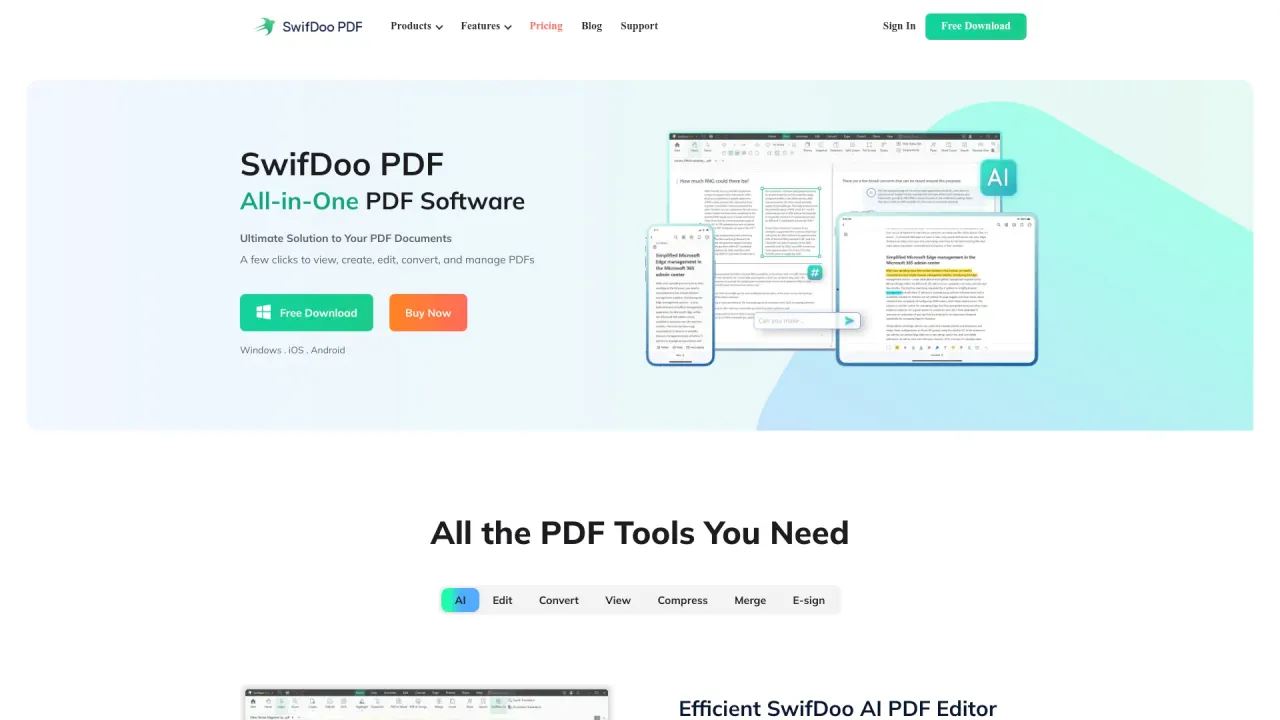
SwifDoo PDF
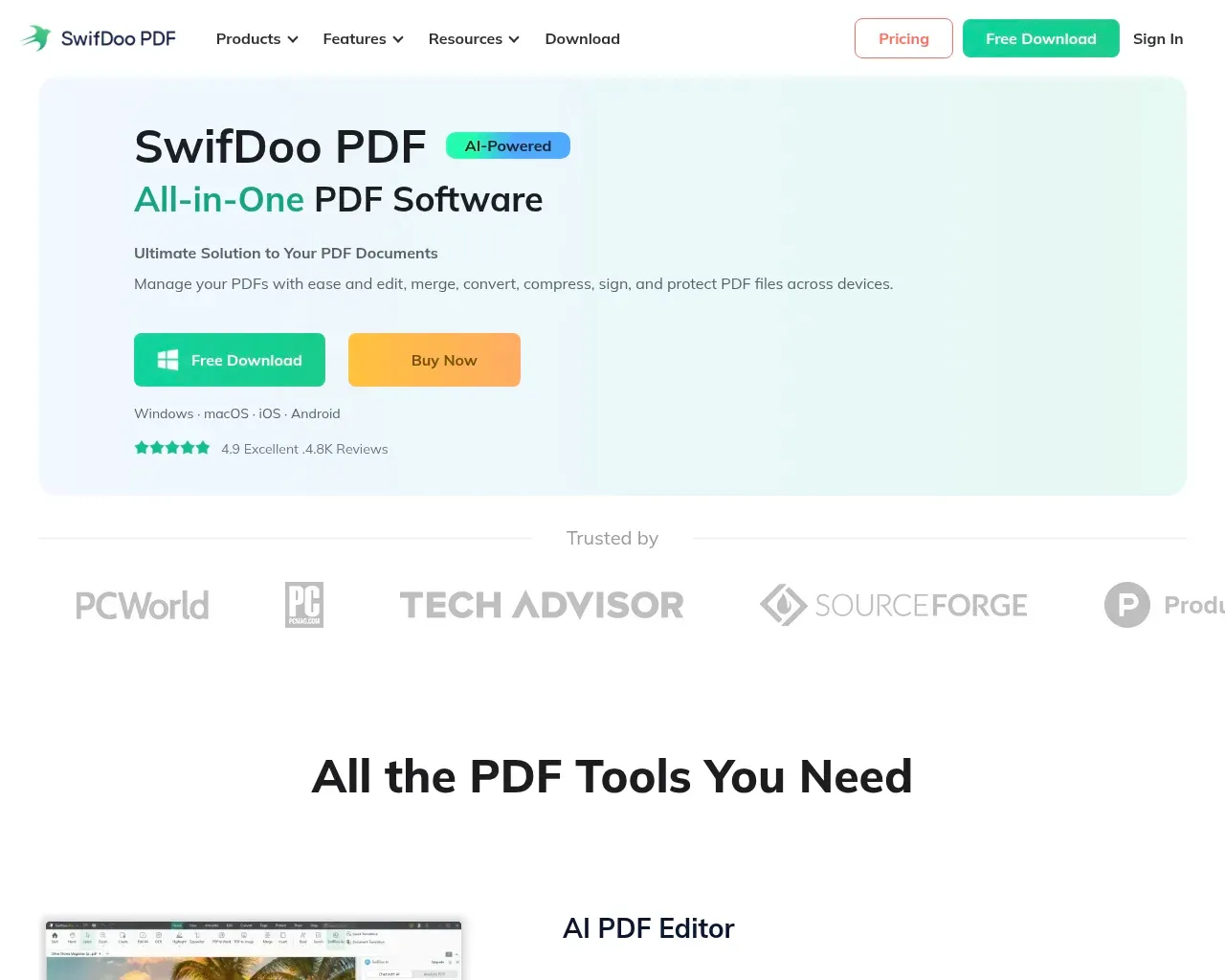
PaidAdobe Acrobat is the default answer for editing PDFs, and for a lot of people it's more program than they need at a price they'd rather not pay every month. SwifDoo PDF aims at that gap: a lightweight Windows editor that covers the everyday jobs (edit text, convert to and from Office files, merge, sign, compress) without the heft or the recurring Acrobat bill. It has grown into a small family of apps (Windows, Mac, iOS, Android, plus browser-based tools), and more recently added an AI layer. After going through the product pages and what independent reviewers and users say about it, here's an honest read on where it fits.
What SwifDoo PDF actually does
The core is a desktop PDF editor. You can change text and images directly on the page, add or edit hyperlinks and backgrounds, and rearrange pages. Conversion is a big part of the pitch: PDF to and from Word, Excel, PowerPoint, plus formats like EPUB, JPG, HTML and even DWG for CAD drawings. The usual document housekeeping is all there too: merge and split, compress to shrink a file, annotate and highlight, create a PDF from a Word or image file, and password-protect a document against viewing or editing.
Two things round it out. There's electronic signing, so you can sign a contract with a drawn signature or a saved image rather than printing and scanning. And there's OCR, which several reviewers single out as genuinely useful: it turns a scanned invoice or a photographed page into text you can actually edit and search. If your daily reality is receipts, forms and scanned paperwork, that feature earns its place.
SwifDoo also runs a set of free online tools — PDF to Word, JPG to PDF, compress, and so on — that work in the browser without installing anything. They're handy for a one-off conversion, and a reasonable way to try the quality before committing to the desktop app.
The AI layer, and what it adds
The newer angle is SwifDoo AI, which brings a chat-with-your-document workflow to the editor. It can summarize a long PDF, translate it, explain a passage, proofread, and rewrite text, or answer questions about the file's contents in a chat panel. It's the same idea most PDF tools have adopted over the past couple of years: instead of skimming, you ask the document directly.
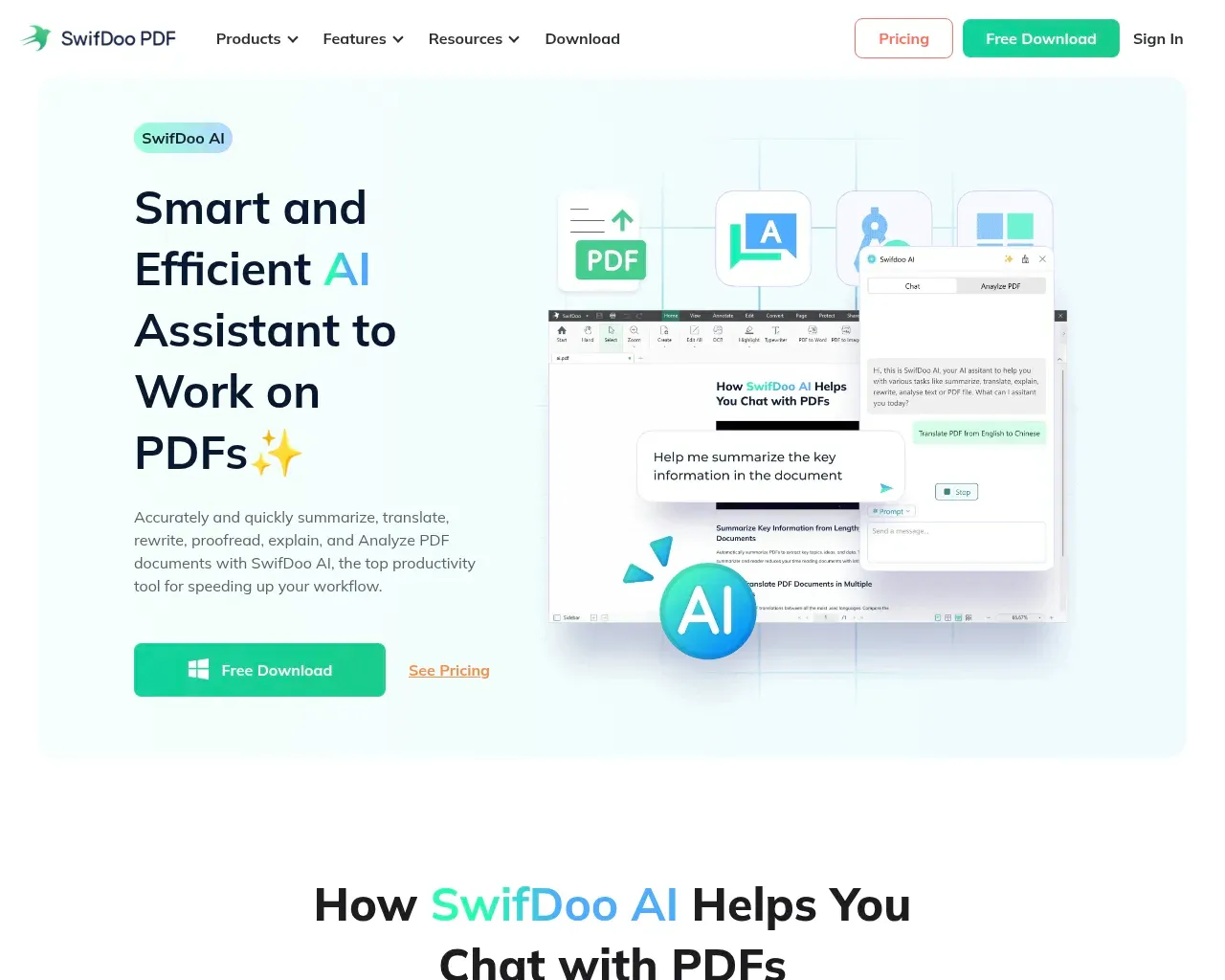
Worth knowing before you get attached to it: the AI, the PDF translator, and cloud storage are billed as separate add-ons, each with its own pricing page. A standard SwifDoo PDF plan covers the editing and conversion toolkit; the "on-demand" extras sit outside it. That's not unusual, but it does mean the AI features aren't simply included the moment you buy the editor.
What you pay
SwifDoo leans hard on choice, maybe too hard. The pricing page lists six tiers for the Windows version alone.
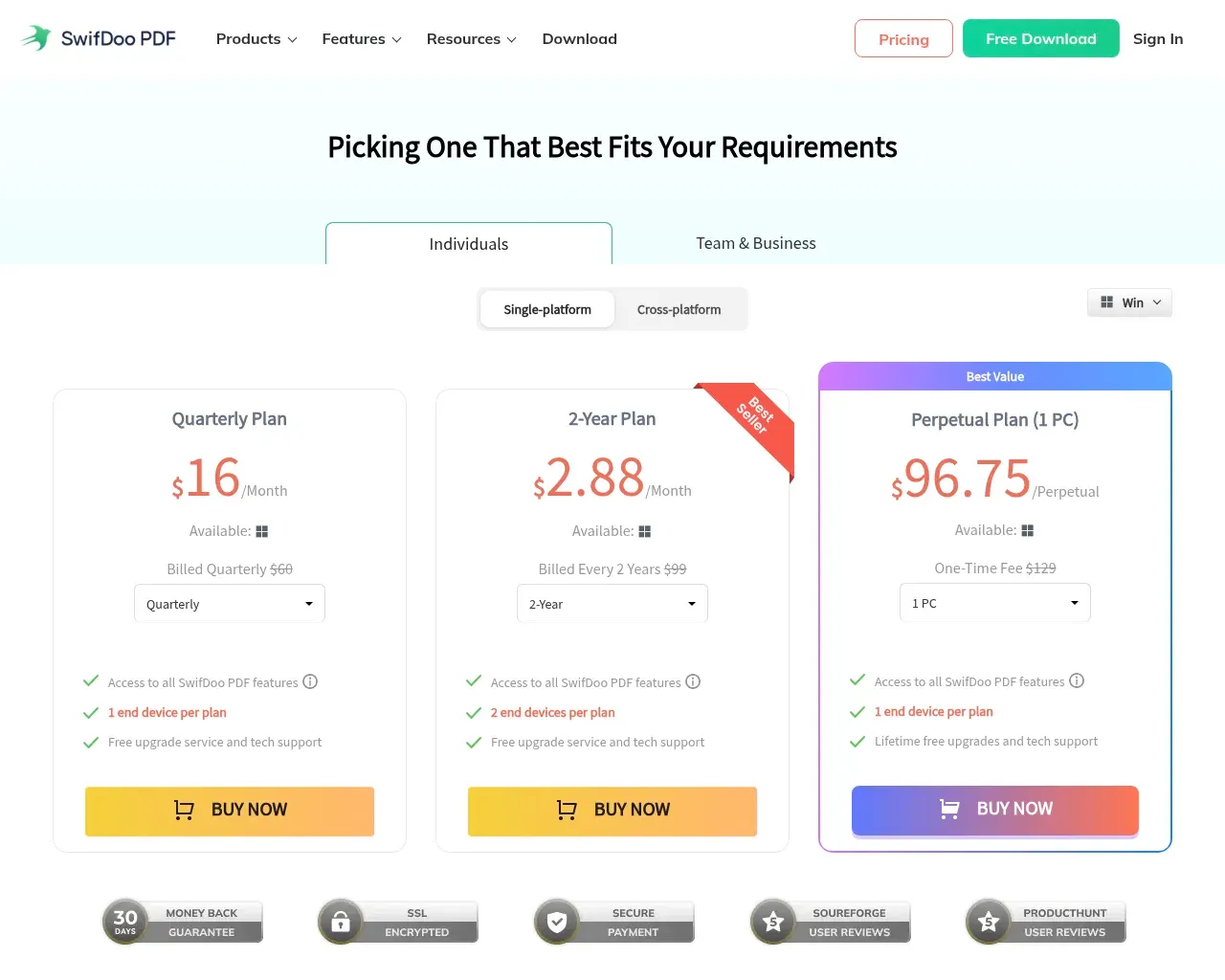
The subscriptions run from $20 monthly down to $69 for a year (frequently discounted below list), with a two-year plan at $99. The tiers that set SwifDoo apart from Acrobat are the one-time perpetual licenses: $129 for a single PC or $159 for two, both including lifetime upgrades. If a monthly PDF subscription rankles, and for occasional editing it should, paying once and owning the version is the reason to look here. Just read the fine print on each tier: most cover one device, the mid plans stretch to two, and moving a license between machines is where SwifDoo has a real weakness (more below).
Where it frustrates people
The most consistent complaint across Trustpilot, G2 and Reddit isn't about editing. It's about licensing. Users report there's no self-serve way to see which device a license is tied to, or to release it and move to a new computer. If you replace a laptop, that can mean a support ticket instead of a two-minute reassignment. For a product that sells perpetual licenses to people who plan to keep them for years, that's the friction that stings most.
Performance is the other recurring note. On ordinary documents SwifDoo is praised for being light and quick, but several reviewers describe lag, and occasional crashes, on very large or heavily edited files. A few also mention limited font options when editing text, and an interface that can feel dated next to newer competitors. On integrations, SwifDoo pushes its own cloud rather than connecting to Google Drive or Dropbox directly, which matters if your files already live somewhere else.
None of these are dealbreakers for light, everyday use, and support gets consistent praise: people mention quick replies and updates that follow user requests. But they're the honest trade-offs of a smaller, cheaper tool versus the polished incumbents.
Who it's for
SwifDoo PDF makes the most sense for an individual on Windows who edits, converts and signs PDFs regularly, wants to avoid an Acrobat subscription, and values the option to buy a license outright. On Reddit it tends to come up exactly that way: not as a must-have, but as the lightweight, affordable pick when someone wants something that isn't bloated. Teams that need to shuffle licenses across many machines, or anyone routinely wrestling huge files, should weigh the licensing and performance caveats seriously, and treat the AI and translation as paid extras rather than bundled perks.
Overall it's a 4 out of 5 for its target user, the budget-conscious solo Windows user, and a notch lower if device licensing or large-file speed is central to how you work. It's a legitimate, capable Acrobat alternative that does the everyday jobs well and asks for less money; just go in knowing its rough edges.
Frequently asked questions
Is SwifDoo PDF safe and legitimate? Yes. It's commercial software from an established company (SwifDoo, which by its own account has been building PDF tools since 2017), sold through official channels with real customer support. Independent review sites list and rate it like any other paid product.
Is there a free version? There's a free download and free browser-based online tools, but the full editing and conversion features are paid. The free tier is best treated as a trial to check quality before buying.
Sources consulted
- SwifDoo PDF homepage — product scope, supported platforms, feature list, and the AI toolkit
- SwifDoo PDF pricing — current subscription, two-year and perpetual license prices, and per-device terms
- SwifDoo AI — the summarize, translate, explain, proofread and chat features
- SwifDoo PDF reviews on Trustpilot — user reports on ease of use, support, and licensing complaints
- SwifDoo PDF reviews on G2 — pros and cons, performance notes on large files
- SwifDoo PDF profile on Software Advice — independent feature and pricing overview
Published on: October 19, 2026
Looking for alternatives to SwifDoo PDF? See all SwifDoo PDF alternatives →
Have an AI tool of your own? Submit it below and get a free, in-depth product review article — just like this one.
Add your AI tool in seconds
Paste your URL and we'll draft the listing. You review and edit every field before submitting.