Taskade Review: The All-in-One Workspace That Became an AI App Builder
By: AI Collection
At a glance
4.0 / 5
Taskade
FreemiumMost productivity tools pick a lane. Taskade keeps widening its own. What started in 2017 as a shared outliner for task lists and mind maps is now pitching itself as an "AI operating system" where you type a prompt and get a working business app back. That is a big leap, and whether it lands depends a lot on what you actually need from a workspace.
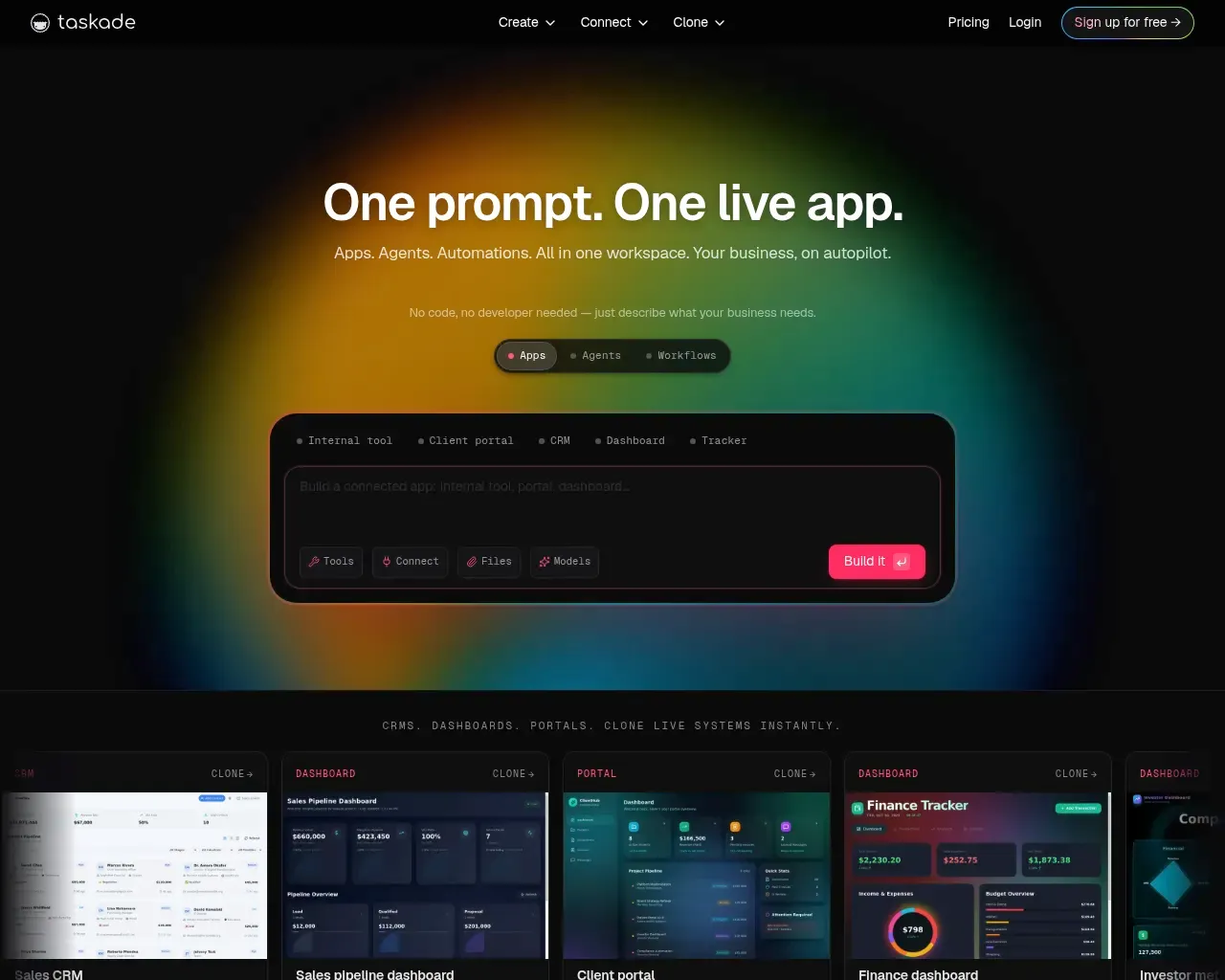
Here is the honest version of what Taskade is in 2026, what the newer AI layer adds, and where reviewers say it still falls short.
The core is still a solid team workspace
Underneath the AI messaging, Taskade remains a competent collaborative workspace, and that part has aged well. You can view the same project as a list, board, calendar, table, mind map, Gantt chart, or org chart — seven views over one underlying dataset, so a task you add in the outline shows up on the board without duplicate entry. Real-time editing, comments, built-in chat, and video calls are included rather than sold as add-ons.
It also runs almost everywhere: web, macOS, Windows, Linux, iOS, Android, and browser extensions, all synced. If you are coming from something else, Taskade advertises one-click import from more than 30 tools, including Notion, Trello, Asana, ClickUp, and Todoist. For a small team that wants planning, docs, and lightweight collaboration in one place, this is the part that has kept long-time users around.
Genesis and the AI agents are the 2026 story
The headline feature now is Taskade Genesis, launched in October 2025. The pitch: describe an app in plain language — "a CRM with a sales pipeline and email follow-ups," say — and Taskade generates a running system inside your workspace, complete with a data layer, AI agents, and automations already wired together. Unlike code generators such as Bolt, Lovable, or Replit that hand you files to deploy and host yourself, Taskade keeps the whole thing inside its own runtime. On G2, reviewers single out Genesis as the standout addition, partly because it builds on the project and automation features they already used.
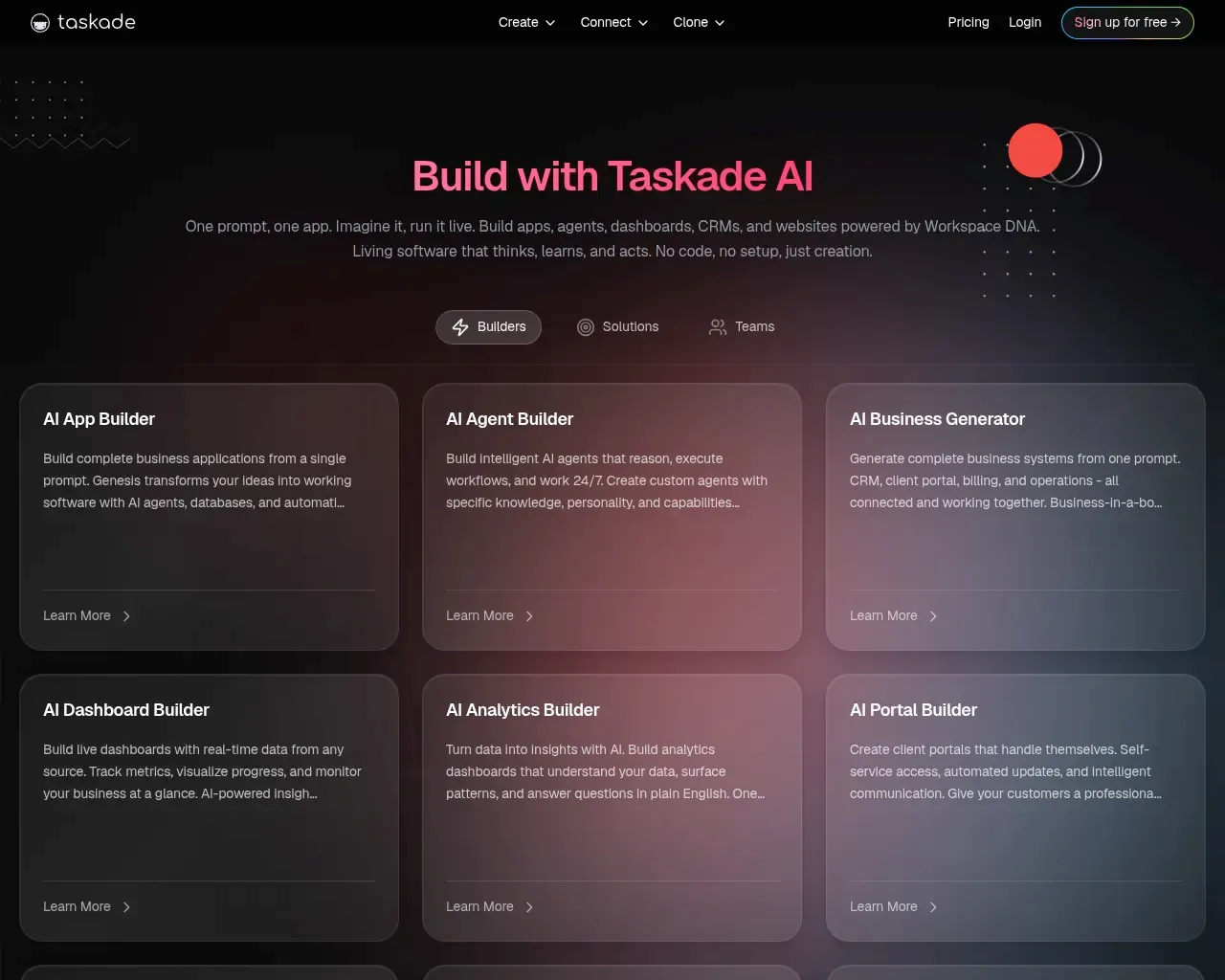
The agent layer is more than a chat box. You can train agents on your own files, web links, and project data, give them persistent memory, and let them call external services through 100+ integrations like Slack, Gmail, HubSpot, and Stripe. Model choice is unusually open — Taskade routes across 15+ models from OpenAI, Anthropic, and Google, plus open-weight options, and can pick per task or per agent. There is also an MCP server (published at github.com/taskade/mcp) that lets external assistants such as Claude Desktop, Cursor, and Windsurf read and edit your Taskade workspace directly, which is a genuinely useful bridge if you already work inside those tools.
Pricing is where it gets interesting
Taskade's pricing is its clearest advantage, and it is worth understanding because it works differently from most competitors. There is a free tier with 3,000 one-time AI credits, one agent, and up to three live apps. Paid plans start at Starter around $6/month, then Pro at $16/month, Business at $40/month, and Max and Enterprise above that (annual billing).
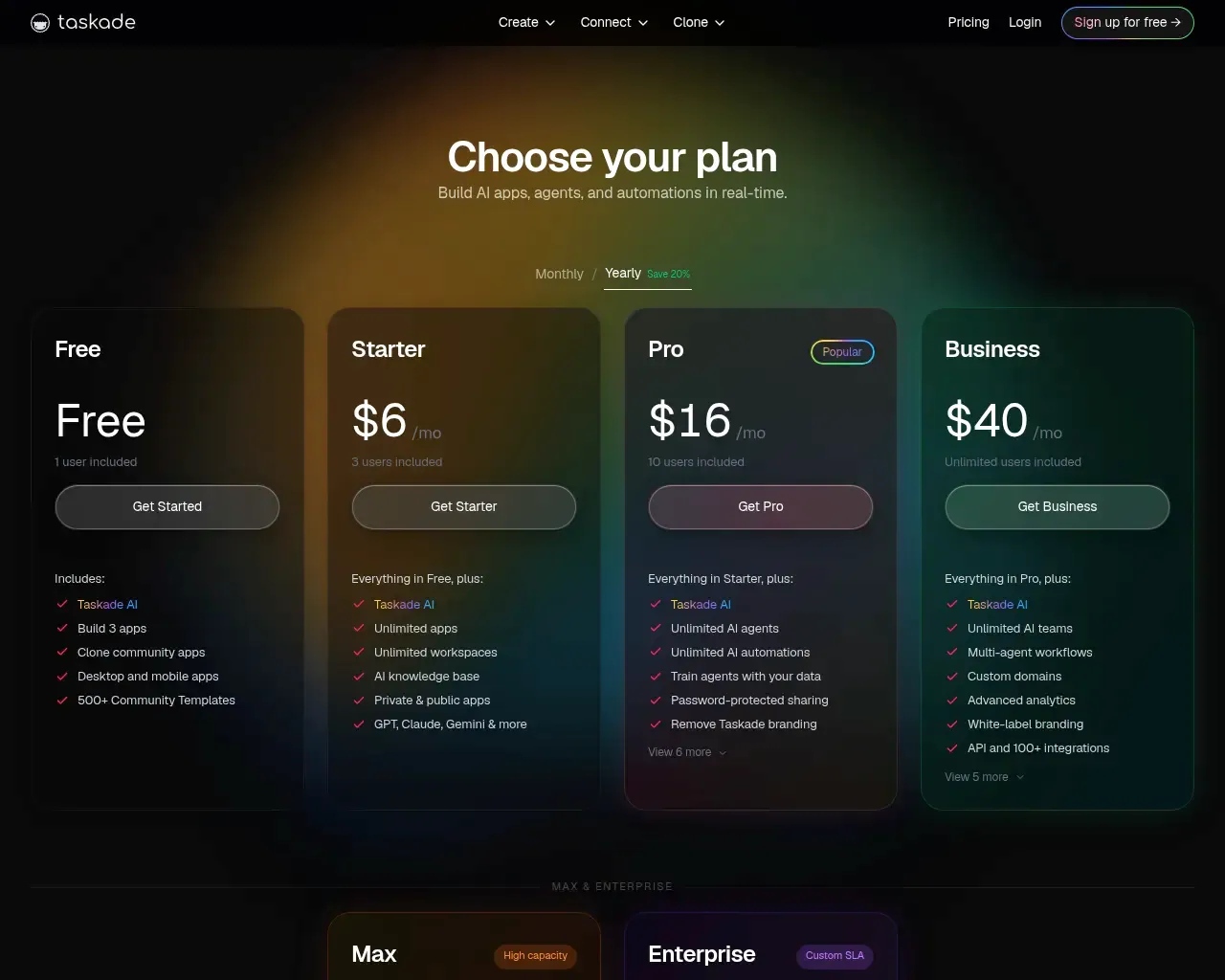
The catch that reviewers love: those prices are per workspace, not per seat. Capterra reviewers point out that Pro at roughly $16/month covers a team of up to ten people rather than charging that amount each. For a small team, replacing several per-user subscriptions with one flat plan is the single most cited reason people choose it. The trade-off is the credit model — AI generation, agents, and automations all draw from a monthly credit pool, and heavy building burns through it. Taskade has been adjusting this (credit windows now align to your billing day instead of resetting mid-month), which itself suggests usage predictability was a sore spot.
Where it falls short
This is the part the marketing page skips. Taskade is rated 4.7 out of 5 across G2 and Capterra — strong, but not the flawless picture a vendor logo wall implies, and the reviews name consistent gaps.
The most common complaint is that Taskade tries to do too much. Several reviewers say the aggressive AI push has made the interface feel cluttered, and that the AI tools carry a steeper learning curve than the original workspace did. If you just want a clean task manager, there is now a lot of app-builder machinery in the way.
It also lacks some depth that dedicated project-management tools offer: no real time tracking, no portfolio-level views, and no workload management for balancing capacity across a team. One specific, fixable annoyance surfaces repeatedly — when an agent summarizes a document you uploaded, it does not link back to the source, so you cannot easily jump to where a claim came from. For serious project ops or research-heavy work, those are real limitations rather than nitpicks.
Who it's for
Taskade fits best for small teams and solo operators who want planning, collaboration, and now AI automation under one affordable roof, and who are comfortable growing into the newer app-builder features rather than needing them polished on day one. Non-developers who want to spin up a simple internal tool or chatbot without touching code are squarely the target, and the flat pricing makes experimenting cheap.
It is a weaker fit if you need heavyweight project management with resource planning, or if you want a focused, minimal task app — the breadth that is a selling point for some is exactly the clutter others complain about. And if your goal is pure code generation you control end to end, a dedicated IDE-style tool will suit you better than Taskade's contained runtime.
Overall, this is a 4 out of 5 tool: genuinely good value with unusual breadth and an interesting AI direction, held back by feature gaps and the growing pains of a product doing a lot at once. Try the free tier first, build something small, and see whether the AI layer earns its place in your workflow or just gets in the way.
Sources consulted
- Taskade homepage — current product positioning, feature naming, and Genesis messaging
- Taskade llms.txt — founding year and YC batch, capability breakdown, model providers, integrations, project views, cross-platform support, import list, MCP server, and plan structure
- Taskade pricing — plan tiers, free-tier limits, credit model, and annual billing
- Taskade reviews on Capterra and G2 (via search) — 4.7/5 rating, per-workspace pricing praise, and the time-tracking, learning-curve, clutter, and document-citation limitations
Published on: July 6, 2026
Looking for alternatives to Taskade? See all Taskade alternatives →
Have an AI tool of your own? Submit it below and get a free, in-depth product review article — just like this one.
Add your AI tool in seconds
Paste your URL and we'll draft the listing. You review and edit every field before submitting.