Vidnoz Flex review: free screen recording with built-in video tracking
By: AI Collection
At a glance
3.0 / 5
Vidnoz Flex
FreemiumMost teams hit the same wall with async video: the free tier that got everyone hooked suddenly caps recordings at five minutes, or stamps a watermark on the one clip you wanted to send a client. Vidnoz Flex is built around that friction. It is a browser-based tool for recording your screen and webcam, sharing the result as a link or an embed, and — the part that sets it apart from a plain screen recorder — watching what happens after you hit send.
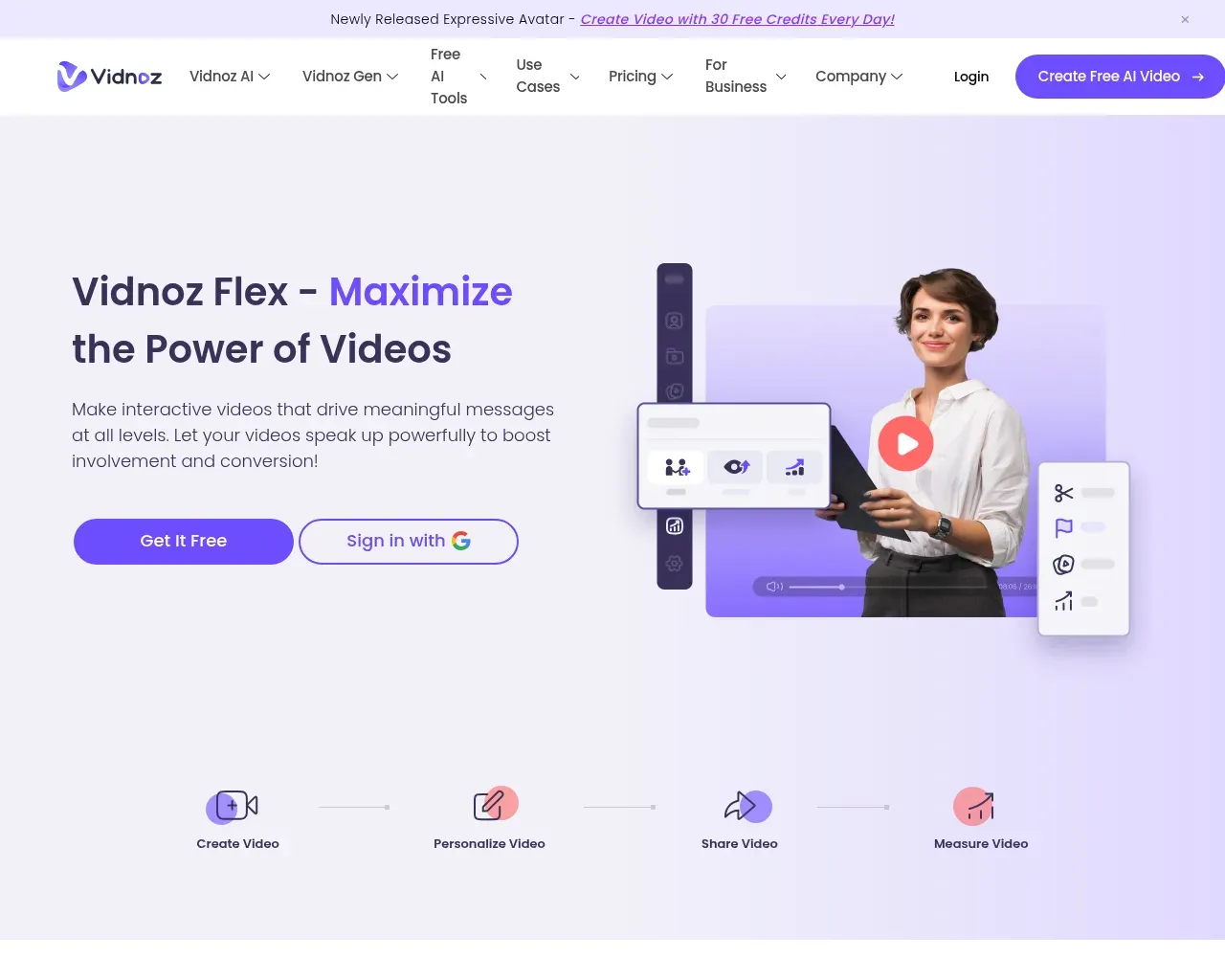
Flex is one piece of the wider Vidnoz suite, which also sells AI avatars, voice tools and an image generator, but it works on its own as a Loom-style video messaging tool.
Recording without the download dance
The core of Flex is a screen and webcam recorder that runs in the browser, with no install required, though there is also a Chrome extension if you would rather record from the toolbar. You pick screen, camera, or both, and an on-screen teleprompter scrolls your script while you talk, which is the kind of small touch that saves a dozen retakes. Recordings run across PC, Mac and mobile, and the output carries no watermark even on the free plan.
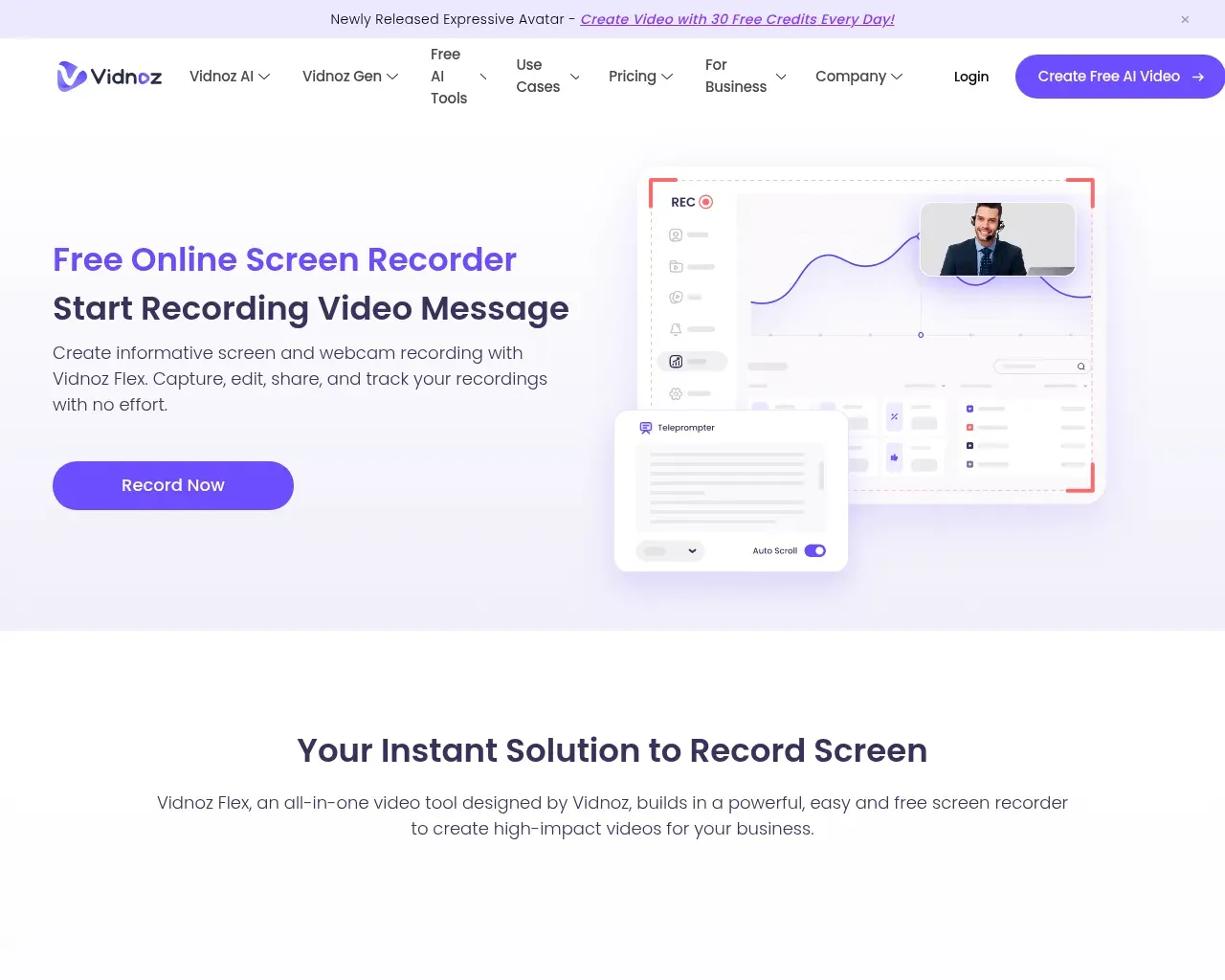
After recording you can trim and edit inside the same tool instead of exporting to something else, then keep everything in a library that holds up to 50 videos on the free tier.
The part that isn't just recording
Plenty of tools record your screen. Flex's argument is what comes next. Every video you share tracks plays, viewer engagement and who watched, so you can see which recording actually landed and which got closed after ten seconds. For a salesperson sending a demo, or a support rep walking someone through a fix, that read-receipt-for-video behavior is the difference between guessing and knowing. Vidnoz presents this as real-time analytics and reports, and it is the feature that pushes Flex out of plain screen-recorder territory toward the Loom and Vidyard comparison it invites.
Making a video do more than play
You can drop interactive elements straight into a recording: a call-to-action button, a poll, or a form to capture a reply. Sharing is flexible in the same way, whether you send by email, embed on a page, paste a link, or push to social. It is aimed squarely at sales, marketing, onboarding and customer support, where a short personal video often converts better than another paragraph of text.
What it costs
The free plan is usable in a way many free tiers are not: up to 50 videos in your library, up to 30 minutes per recording, the interaction tools, and custom logo branding, at no cost. That 30-minute ceiling is worth noting. Vidnoz's own comparison pitches it against Loom's much shorter free limit, and for anyone who has bumped into a five-minute cap mid-demo, the extra headroom matters. Premium, listed at $19.99 a month, lifts the caps to unlimited videos and unlimited recording length and adds customized sales templates plus detailed analytics. One caveat: Vidnoz quotes different figures across its own pages (I saw a $9.99 number in one comparison), so check the price at checkout before you commit.
Who it's for
Flex fits solo sellers, small support teams, course creators and marketers who want async video with tracking but cannot justify a pricier incumbent. If you mostly need a quick, no-watermark screen grab, the free tier alone may be all you ever touch. If you live in video and need deep CRM or help-desk integrations, verify those specifically, because the marketing leans on the recorder and the analytics far more than on the integration list.
Worth knowing before you buy
Two honest reservations. First, independent signal is thin. Most of the detailed write-ups about Flex are Vidnoz's own pages; there is a Chrome Web Store listing for the extension, but you will not find the volume of third-party reviews that back an established name like Loom, so you are partly taking the vendor's word on reliability at scale. Second, Flex sits inside a busy, promotion-heavy ecosystem, with daily free-credit banners and a sprawl of adjacent AI tools, and the constant upsell can blur where the video product ends and the rest of the suite begins.
Overall: 3/5. Flex does the async-video job well and its free tier is more generous than most, but the thin outside validation and the noisy surrounding suite are real enough to keep it short of a wholehearted recommendation. Try the free plan on a couple of real recordings before you pay.
Sources consulted
- Vidnoz Flex — online recorder and product hub — product positioning, the Create/Personalize/Share/Measure workflow, hero.
- What is Vidnoz Flex (Vidnoz) — feature breakdown and use cases (sales, training, e-learning, support).
- Free Online Screen Recorder (Vidnoz) — browser recording, teleprompter, no-watermark and cross-device claims.
- Vidnoz Flex Review (Vidnoz) — recording, editing, sharing and tracking detail (vendor-authored).
- Vidnoz Flex — Video recorder & Video share (Chrome Web Store) — the browser extension listing, the clearest third-party artifact.
Published on: July 8, 2026
Looking for alternatives to Vidnoz Flex? See all Vidnoz Flex alternatives →
Have an AI tool of your own? Submit it below and get a free, in-depth product review article — just like this one.
Add your AI tool in seconds
Paste your URL and we'll draft the listing. You review and edit every field before submitting.