- Category
- Video Editing
- Pricing
- Free
- Alternatives
- 6 similar tools
- Last updated
- 2 weeks ago
- Source
- Official site ↗︎
AI Collection Top Picks

Video Editing Category Picks

About AI video editor
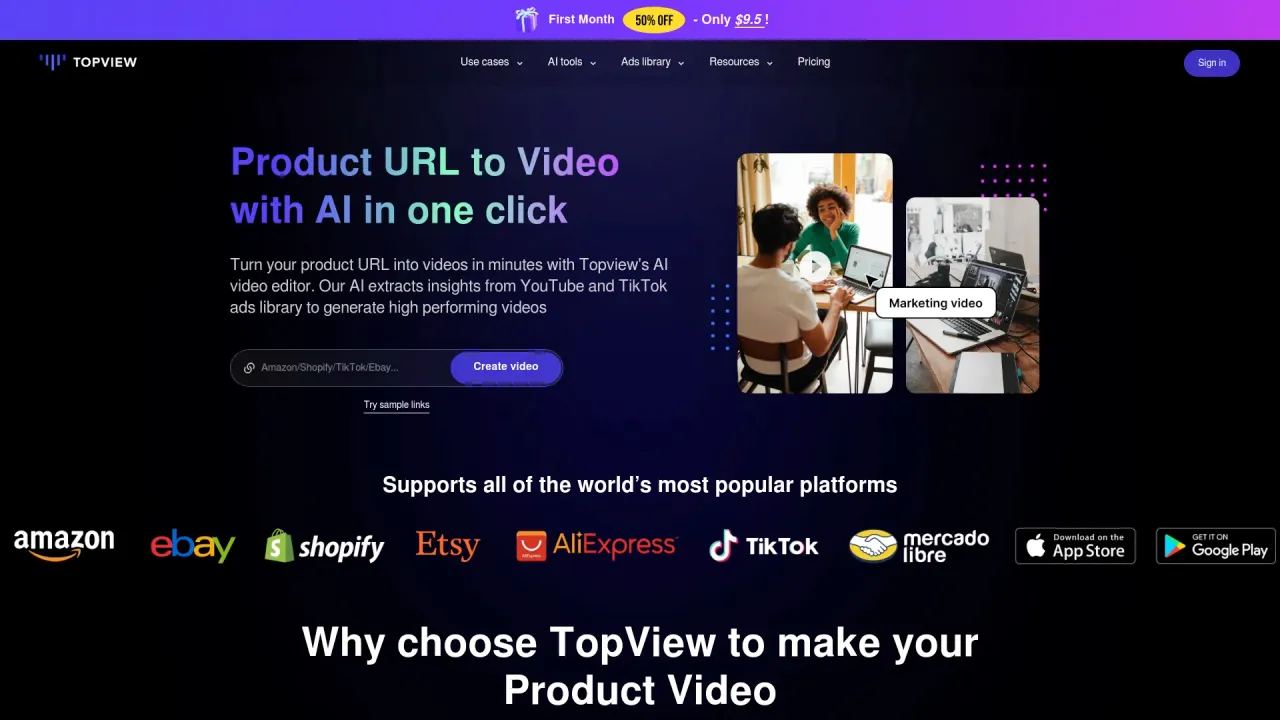
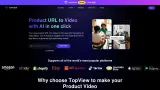
Create short films, marketing videos, and ads from scripts, references, or product URLs. Topview's AI Video Agent plans and creates every scene on one canvas.
Frequently asked questions
What is AI video editor used for?
AI Video Agent for Short Films & Marketing Videos | Topview.Is AI video editor free?
AI video editor is free to use.What are alternatives to AI video editor?
Top alternatives to AI video editor include Klap App, Atlabs AI, Topview AI URL to Video, Colossyan, Synthesia.Where can I get AI video editor?
AI video editor is available at https://www.topview.ai/?via=aicollection.What category is AI video editor in?
AI video editor is listed in Video Editing.What can I do on Topview AI Home?
You can discover channel templates, start generation from prompts, and jump to specialized tools such as TikTok Ad Library or AI Avatar.Does Home support different creative channels?
Yes. Home organizes templates into channel tabs such as Social Content, Ad Video, Ecommerce, and Local Pick so teams can match use cases quickly.Can I reuse references before generating videos?
Yes. The composer supports reference uploads and prompt instructions so you can keep consistent style while generating new variants.What is Topview AI?
Topview AI is an agent-driven creative platform for video creation. It connects Canvas, Drama Studio, and Board so creators can plan, generate, organize, and refine videos from one workspace.What is Canvas best for?
Canvas is best for agent-led video creation. It supports short films, micro drama, video cloning, URL-to-video, batch video production, music videos, explainers, product ads, and image-to-video workflows. It can also work as an AI marketing video generator or AI ad video generator when teams need campaign videos fast.How does the Canvas agent turn an idea into a video?
You describe the idea, add references, or upload assets. The agent reads the intent, plans scenes, selects models, generates visual and audio assets, applies skills, and keeps the project editable on the canvas. You can also manually run and adjust each generation tool when you want direct control.Do beginners need video production skills?
No. Beginners can work by chatting with the agent, giving ideas, and making direction choices. They do not need to understand timelines, model settings, prompt engineering, or manual canvas nodes.Can advanced creators still control the details?
Yes. Professional creators can control prompts, references, characters, scenes, models, aspect ratios, shot structure, edits, and asset choices while using the agent as a creative partner.What is Drama Studio for?
Drama Studio is designed for AI micro-drama, mini drama, vertical drama, short-form drama, and multi-episode storytelling. It helps break down scripts, plan characters, scenes, props, and prompts, and preserve visual and audio continuity across clips and episodes.How does Drama Studio keep episodes consistent?
It organizes the script, character bible, scene design, props, and generation prompts as reusable production assets. That makes it easier to keep characters, locations, visuals, and sound coherent across a series.What is Board used for?
Board brings image, video, audio, and avatar models into one workspace. It also gives creators asset management for grouping, rating, viewing, pinning, comparing, and batch-operating generated materials.Can Topview recreate a reference video style?
Yes. Topview can study a reference video's pacing, shot structure, hook, motion, framing, and visual tone, then create a new video around your own story, product, or character.How is Topview different from generic AI video tools?
Most tools either generate a single clip or ask users to manually operate nodes. Topview is an Agent and agentic canvas system: it can plan, generate, compare, refine, manage assets, and learn reusable skills from the creator's workflow.
Compare AI video editor with…
Pick any tool to see a structured side-by-side: pricing, deployment, capabilities, and content policy.