GoEnhance AI review: one workspace for AI video, from anime to Sora 2
By: AI Collection
At a glance
4.0 / 5
GoEnhance
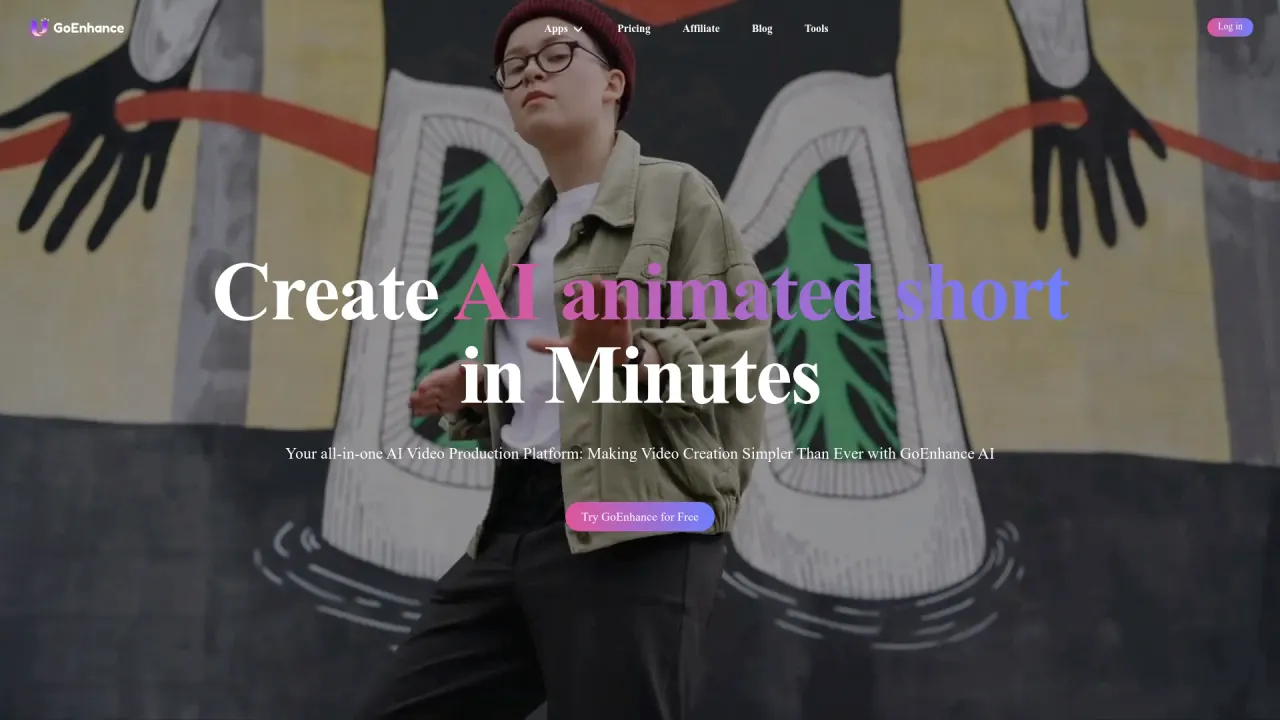
FreemiumShort-form creators have quietly inherited a logistics problem. The best raw clip might come from Kling, the cleanest lip-sync from a different model, the anime look from a third, and each one arrives with its own subscription, its own dashboard and its own quirks. GoEnhance AI's pitch is to fold all of that into a single tab. It is an all-in-one AI video and image workspace that bundles text-to-video, image-to-video, video restyling and a long shelf of one-click effects, then routes each job to a model you choose from a menu.
From a restyle trick to a model menu
GoEnhance grew up around one feature that still anchors the product: video-to-video, which takes a real clip and repaints it in another style, most famously anime. That is the thing the tool is still known for, and it remains the clearest reason to pick GoEnhance over a generic generator. The current homepage stretches well past it, though, into image-to-video, text-to-video, consistent character, talking avatars, face swap, lip-sync and an AI upscaler.
What makes today's version interesting is less any single generator and more the menu sitting behind them. From one account you can send a video job to Runway, Kling, Hailuo, Luma, Veo 3, Sora 2, Wan, Pixverse, Vidu or Hunyuan, and an image job to Flux, Ideogram, Recraft, Qwen, Seedream or Google's Nano Banana. The appeal is staying current without re-subscribing every time a new model trends; the catch is that you are trusting GoEnhance to keep that list fresh and to price access to it fairly.
The effects library is the real hook
Next to the serious generators sits a large catalog of pre-built effects: templated prompts that turn a photo or clip into one specific format. AI hug, squish, 3D hologram, Ghibli and Pixar-style filters, aging and hairstyle filters, and dozens more. These exist for people who have no interest in writing prompts. You upload, pick a template and wait.
That is a genuine strength for casual use and a fair thing to be wary of for everything else. The library leans hard toward novelty and social trends, including a few risqué "bikini" and "twerk" templates, which tells you the center of gravity here is viral content rather than controlled production. Treat GoEnhance as a creator tool, not a VFX pipeline, and the design makes sense.
How the pricing actually works
Pricing is token-based rather than a flat per-seat fee, and that is the detail worth understanding before you commit. There is a free tier with a monthly token allowance, then paid plans that, as of late 2026, run from roughly $10 a month up to about $100 for the top "Mega" tier, with Standard at $24.99 and Pro at $49.99; annual billing takes off around 30 percent. Tokens are then spent per generation, and the cost of a single clip moves with the model, the length and the resolution. One third-party review estimated a five-second anime restyle at about 25 tokens, or a few cents, but heavier models and longer clips climb quickly.
The honest takeaway is that your real monthly cost depends on which models you lean on and how much you generate, not on the sticker price of the plan. Published numbers also drift between review sites, and at least one lists a cheaper starter plan, so check the live pricing page for the current figures before you subscribe.
Who it suits
GoEnhance fits social and short-form creators best: faceless-channel operators, marketers who need a steady drip of trend clips, and anyone who wants the anime restyle without standing up a local ComfyUI rig. The free tier plus the template library make it approachable for a first-timer, and a published API gives teams a way to wire generations into their own tooling.
It is a weaker fit when you need tight, repeatable control. Independent reviews are consistent on this point: output quality, token cost and production-readiness all swing noticeably by model and task. Media.io, which rates the platform 4.0 out of 5, notes it is less convincing when you need a tightly controlled cinematic pipeline or reliable character consistency across long formats. And because it is an aggregator, you are paying a convenience layer over models you could sometimes reach directly.
The verdict
GoEnhance earns its place through breadth and low friction rather than by beating any one specialist model at its own game. For a creator who wants trending short-form and anime-style video out of a single login, it is a real shortcut and the effects library removes most of the setup. For a studio that needs frame-level control and a consistent character across a three-minute piece, it is the wrong tool, and no amount of model choice fixes that.
Third-party sentiment lands mildly positive. One review aggregator reports that roughly 80 percent of its small sample, about 20 reviews, would recommend it, with value for money the most common praise. That matches the feel of the product: capable and broad, occasionally uneven, priced in a way that rewards paying attention to tokens. Overall it is a 4 out of 5 for social and short-form creators, with a point held back for costs that are hard to predict and quality that depends heavily on which model you reach for.
Sources consulted
- GoEnhance AI homepage — core features, supported video and image models, free-to-pro positioning
- GoEnhance AI llms.txt — full tool, effects and model inventory
- Media.io: GoEnhance AI review — 4.0/5 rating and limitations on cinematic control and long-form consistency
- VideoProc: GoEnhance review — token allowances per tier and per-clip token cost estimate
- Vmake: GoEnhance AI review — paid tier pricing (Standard, Pro, Mega) and annual discount
Published on: November 3, 2026
Looking for alternatives to GoEnhance? See all GoEnhance alternatives →
Have an AI tool of your own? Submit it below and get a free, in-depth product review article — just like this one.
Add your AI tool in seconds
Paste your URL and we'll draft the listing. You review and edit every field before submitting.