- Category
- Content Generation & Seo
- Pricing
- Paid
- Alternatives
- 6 similar tools
- Last updated
- 3 weeks ago
- Source
- Official site ↗︎
AI Collection Top Picks

Content Generation & Seo Category Picks
About Bertha AI
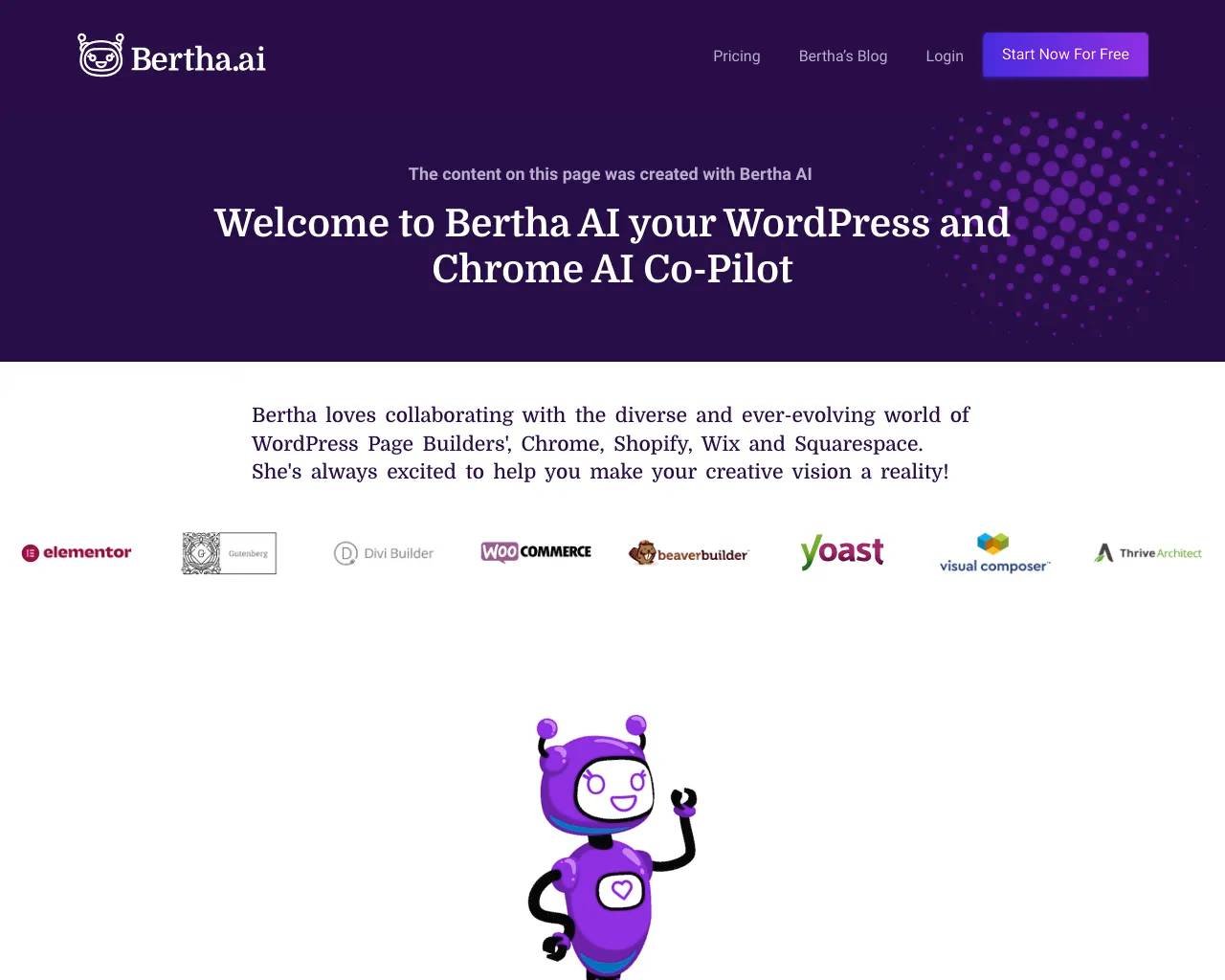
AI Writing solution built for WordPress and Chrome! Write where you work effortlessly Bertha AI, your ultimate content creation partner.
Bertha AI's Pricing Plans
Bertha AI may change prices at any time. Here's our latest information:
You can use Bertha for FREE, experience the power of her AI, and then decide if you would like to invest monthly OR pay as you go for images.
One price for all
Experience the full power of Bertha AI with Chat, Ask Me Anything and Long Form Content text generation and use anywhere in a web browser with The Bertha Chrome Extension. Bertha AI is a fantastic alternative to ChatGPT and built in Image generation and AI image search.
$20
/month
- Unlimited Users
- Unlimited Websites and Access to Chrome Extension
- 1,000,000 Words Per Month
- 20 Image Generations Per Month
- Priority Support
- 7 Days Money Back Guarantee
Frequently asked questions
What is Bertha AI used for?
Bertha AI co pilot.Is Bertha AI free?
Bertha AI is a paid product. See the Pricing section for current plans.What are alternatives to Bertha AI?
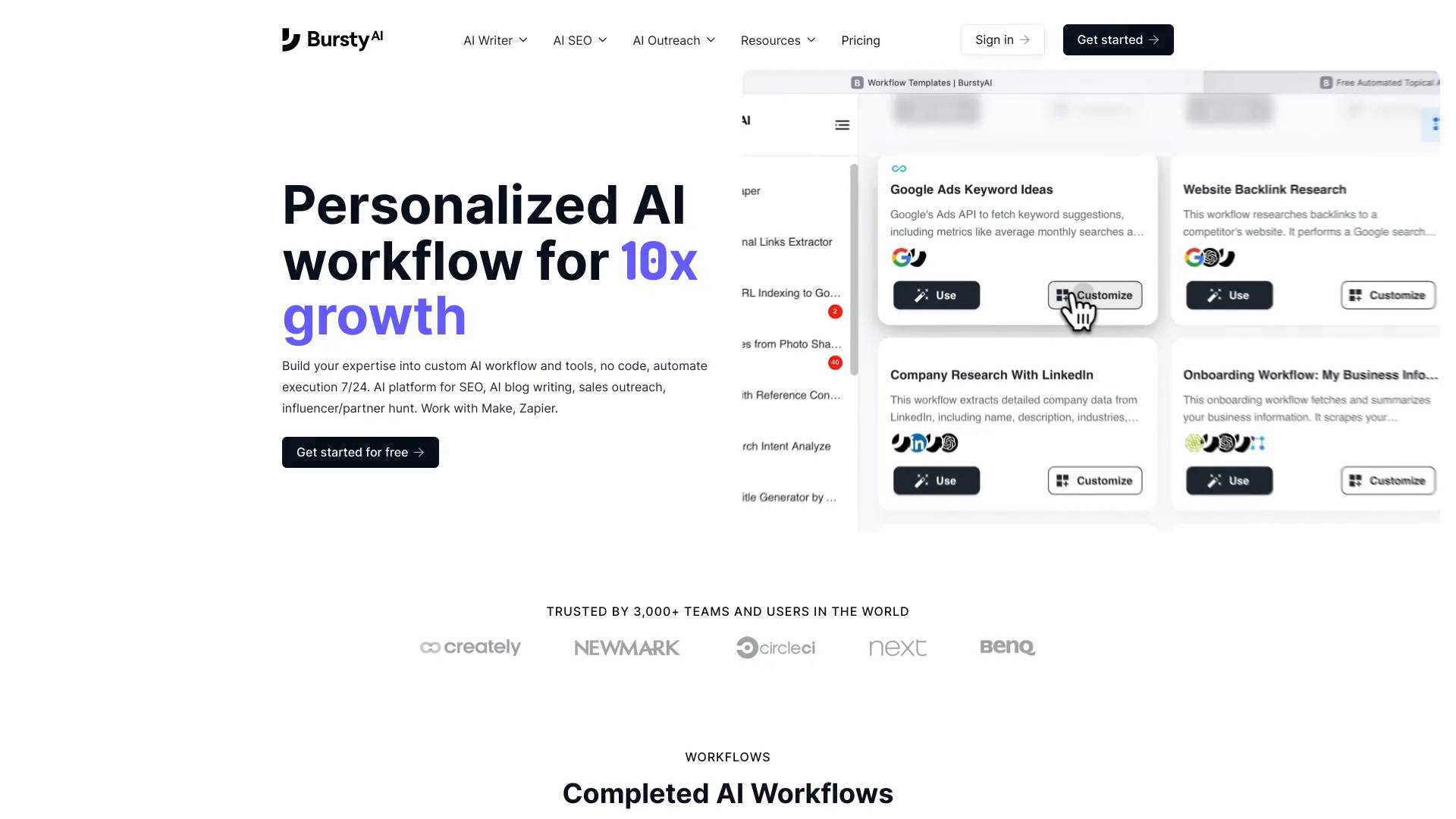
Top alternatives to Bertha AI include XXAI, Content Raptor, Taskade, BurstyAI, MyMap.AI YouTube Summarizer.Where can I get Bertha AI?
Bertha AI is available at https://bertha.ai/?ref=14381.What category is Bertha AI in?
Bertha AI is listed in Content Generation & Seo.How does Bertha reduce up to 90% of content creation?
Bertha harnesses the most advanced content generation AI available, enabling her to possess a comprehensive understanding of what to write and how to present it effectively. As a user, your role is to guide Bertha towards your desired outcome, and then you can edit the generated content to perfectly fit your needs. This relationship is analogous to that of an editor and a journalist, where Bertha takes on the role of the "Journalist," handling the writing aspect, while you focus on editorial duties. The founders of Bertha have extensive experience, having created over 1,500 websites, countless blog posts, landing pages, and product pages through their web agencies. This background has led them to develop frameworks, structures, and blueprints to cater to various types of website content. They spent over a decade honing their skills and invested significant time in training Bertha to excel in content creation for websites, combining her AI capabilities (with over 100 billion parameters) with their own human knowledge. Bertha offers templates within any post or allows you to use Chat or AMA (Ask Me Anything) to create long-form articles on any subject. Additionally, Bertha can assist with code-related content.Am I limited to a specific number of users?
No, unlike other AI assistants on the market, Bertha can work with as many users as you desire, directly within your website.Will Bertha''s plugin work with my theme and page builder?
Yes, Bertha is compatible with any theme or page builder available, including native integration in Gutenberg. The plugin is designed to analyze the raw HTML rendered on the frontend, ensuring seamless usage regardless of the chosen stack.Is Bertha''s Plugin secure?
Bertha''s Plugin prioritizes user data protection and plugin integrity on WordPress websites. The team has implemented strict security requirements and protocols to safeguard user data, and the plugin has undergone reviews by major companies due to partnerships.Which payment types are accepted?
Bertha accepts all major credit cards and debit cards. Payments are processed securely through Stripe.Is support provided?
Yes, Bertha offers support for its PRO users. You can reach out to support@bertha.ai for assistance, and their team of support engineers and customer care experts will be delighted to help. Additionally, you can join their Facebook group to ask questions and receive help from the Bertha team and other users.Can I migrate the license between websites?
Yes, you can transfer the license between domains as long as there is at least one active domain (or more for higher plans). You can use the "Word Allocation" PRO feature when installing Bertha on multiple websites to allocate a specific number of words per month to each site.Can I use 1 license on sub-domains?
No, each subdomain requires its own license. The licensing system recognizes subdomains as separate installations, requiring verification for each.Can I upgrade from the FREE plan later?
Yes, you can upgrade your plan at any time whenever it suits you.What languages are currently supported?
Bertha AI currently supports the following languages in every template: English, French, German, Dutch, Spanish, Hebrew, Italian, Portuguese, Bulgarian, Croatian, Czech, Danish, Estonian, Finnish, Greek, Hungarian, Irish, Latvian, Lithuanian, Maltese, Polish, Romanian, Slovak, Slovenian, and Swedish.How do I use the Chrome Extension?
By using the Chrome Extension, you can access the full power of Bertha AI in any web browser. The extension will utilize one of your licenses. If you are on the free version, you will need to deactivate the license on a website where you are using Bertha AI. Alternatively, you can upgrade to get unlimited access to sites and chrome licenses (under the same user ID) and 1 million words per month for just $20.00 per month. You can download the chrome extension from the provided link.What's the difference between Free and Paid?
Bertha AI free version is limited to 500 words a month and 5 image generations + Alternative Text generation for images on upload only. Enhanced bulk Alt text and individual generation is only available in Paid plans.How will it reduce up to 90% of content creation?
Bertha is leveraging the most advanced content generation AI on the planet. She already knows what to write and how it should be read. Your role is to guide her to your desired result and to edit the output so that it fits your needs perfectly.Am I limited to users?
Bertha will work with as many users as you would like, directly inside your website.Which payment types do you accept?
We accept all the major credit cards & debit cards. All payments are processed securely through Stripe or PayPal.Will you provide support?
Yes! Once you join Bertha's paid users, you can reach out to support@bertha.ai with any questions you may have.
Compare Bertha AI with…
Pick any tool to see a structured side-by-side: pricing, deployment, capabilities, and content policy.