Imgupscaler
AI Image Upscaler - Upscale Images Online | ImgUpscaler.
- Category
- Image Upscaler
- Alternatives
- 6 similar tools
- Last updated
- 2 weeks ago
- Source
- Official site ↗︎
AI Collection Top Picks

Image Upscaler Category Picks

Online AI Image Enhancer that Improves Photo Quality by Upscaling, Denoising, Restoring, Face Refinement, and More

About Imgupscaler
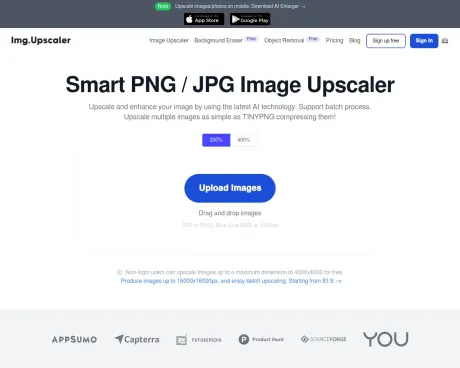
Upscale images online with ImgUpscaler. Start free to enlarge photos by 2x or 4x, improve clarity, and create sharper images for web, print, and creative work.
What you get
Additional Information
ImgUpscaler is an AI-powered online tool that allows users to upscale and enhance images effortlessly. The platform is designed to boost the resolution of photos by 200% or 400% without compromising on quality, using advanced AI technology that analyzes patterns and textures. Users can enhance jpg, png, and webp images in a batch process, streamlining the experience for photographers, designers, and e-commerce sellers who need to process large volumes of images.
The efficient batch upscaling feature enables users to process multiple images simultaneously, allowing up to 5 images per task for free users, while premium plans offer greater flexibility and more credits. ImgUpscaler includes built-in editing tools such as cropping, applying filters, and adding annotations, making it a comprehensive solution for image enhancement prior to or following the upscaling process.
With a focus on user privacy, all uploaded images are automatically deleted within 24 hours, ensuring that no personal data is shared with third parties. The free plan offers 20 credits per month, allowing users to upscale images at no cost, while the premium plans provide additional features and credits for more extensive needs. The platform is structured to cater to both casual and professional users, making image enhancement accessible to everyone.
Frequently asked questions
What is Imgupscaler used for?
AI Image Upscaler - Upscale Images Online | ImgUpscaler.Is Imgupscaler free?
Pricing for Imgupscaler varies — see the Pricing section for details.What are alternatives to Imgupscaler?
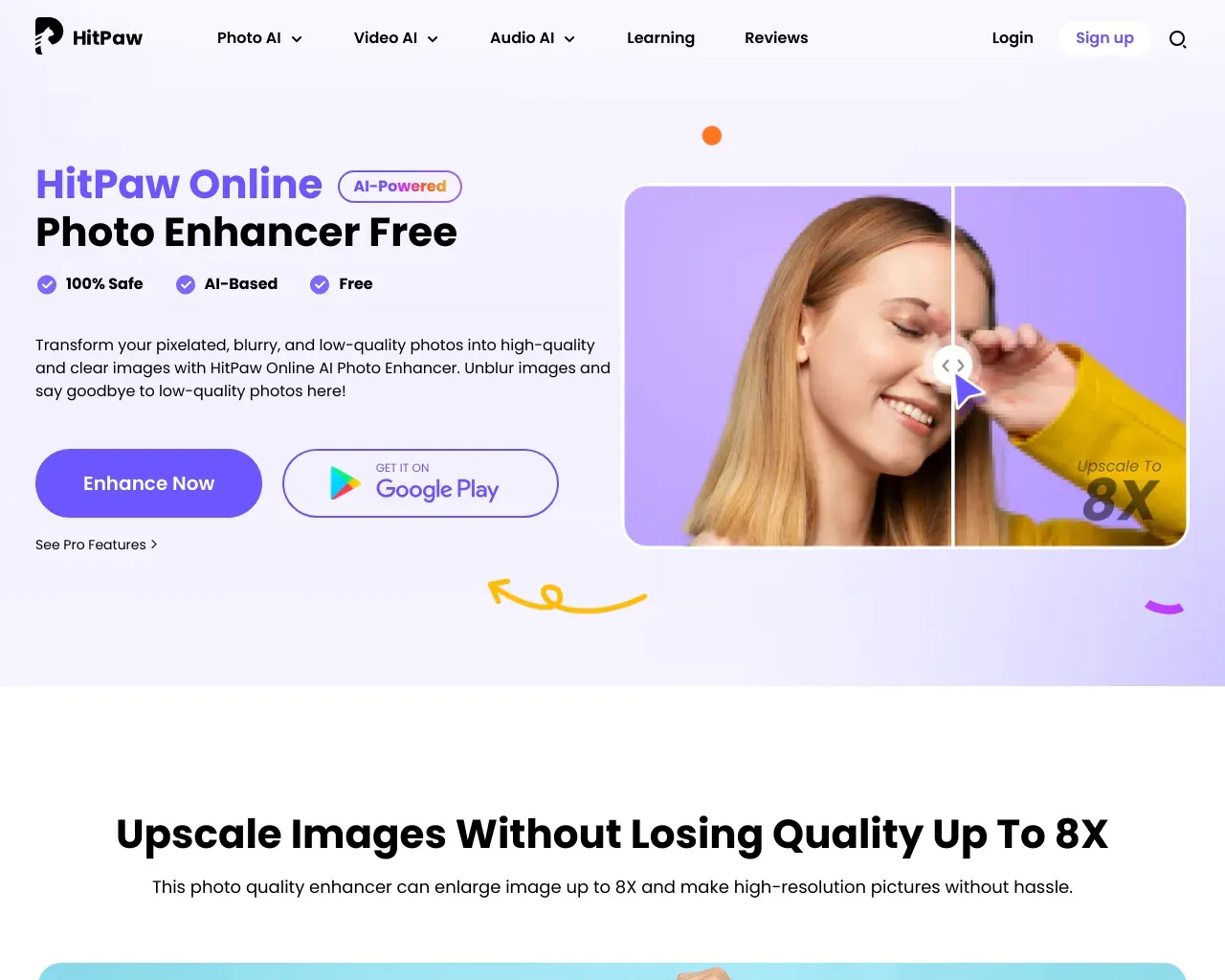
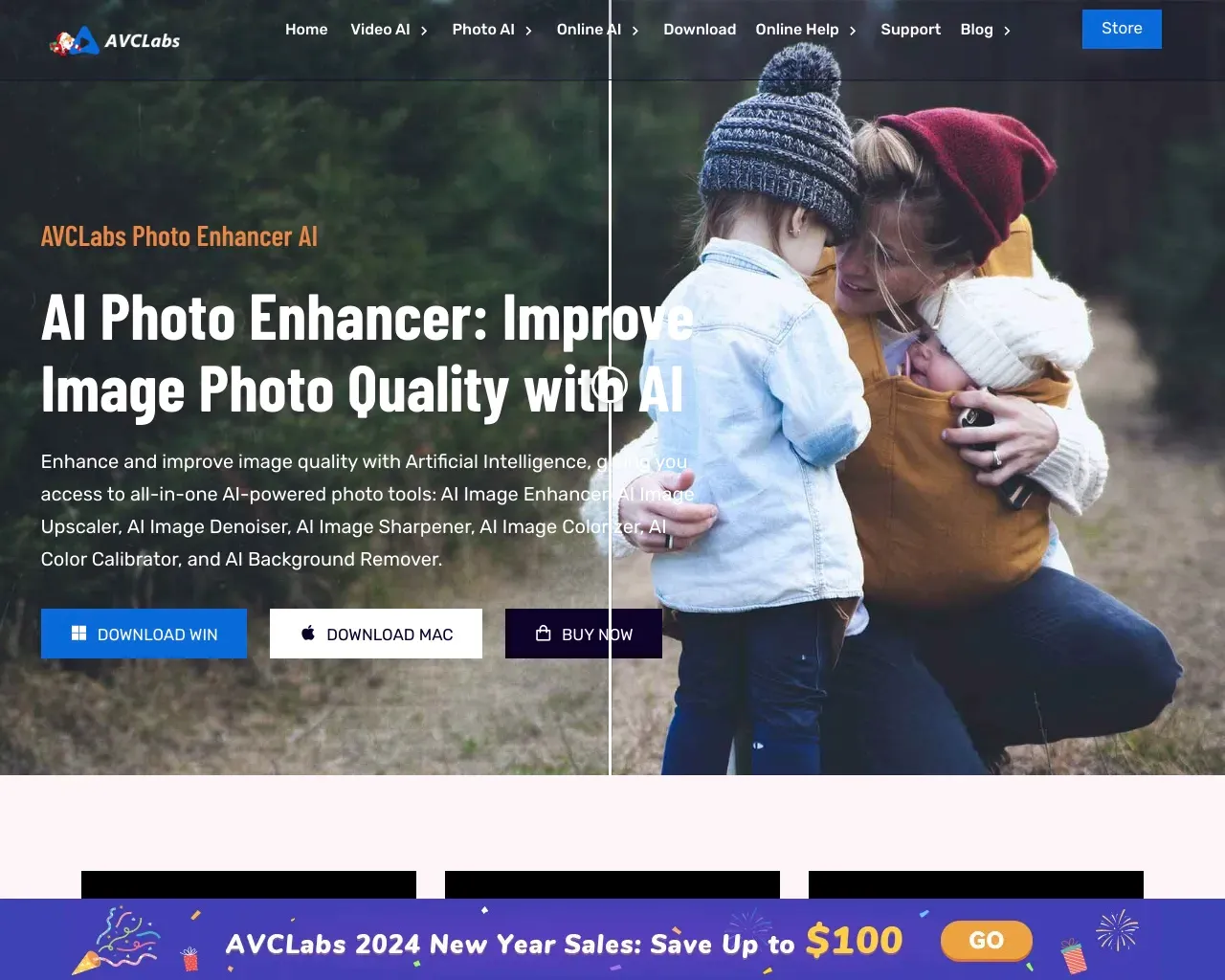
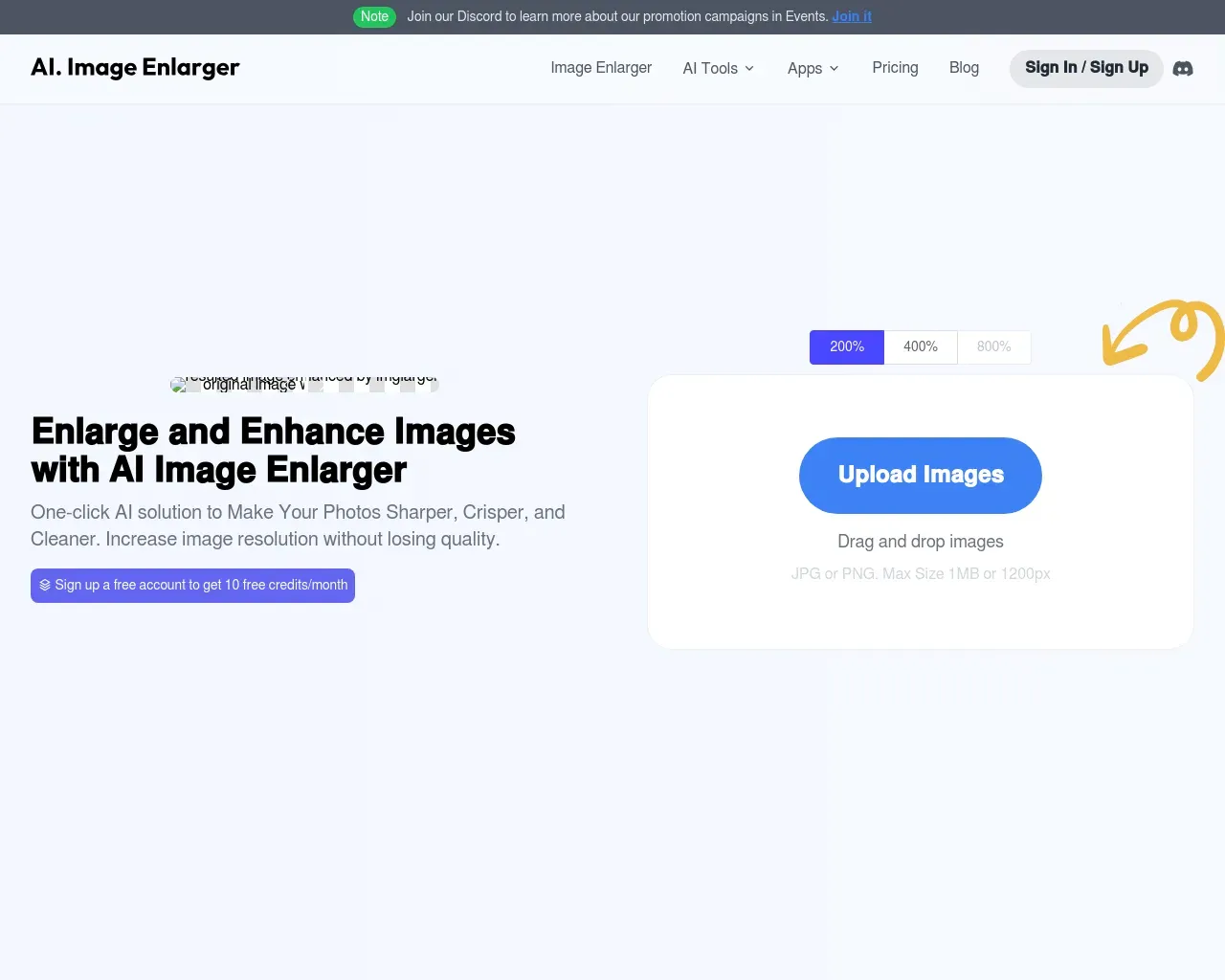
Top alternatives to Imgupscaler include HitPaw Online Photo Enhancer, AVCLabs Photo Enhancer AI, AVC AI, AI Image Enlarger, Waifu XL.Where can I get Imgupscaler?
Imgupscaler is available at http://imgupscaler.com.What category is Imgupscaler in?
Imgupscaler is listed in Image Upscaler.What is an AI Image Upscaler?
An AI image upscaler is a smart tool that uses artificial intelligence to increase image resolution without quality loss. It predicts and reconstructs missing details, creating clearer, smoother, and more natural high‑resolution images.How does an AI Image Upscaler work?
The AI analyzes patterns, textures, and edges in your image, then generates new pixels using deep‑learning models. This process improves sharpness, restores details, and produces realistic high‑resolution results suitable for both digital and print use.What is the difference between AI Image Enlarger and AI Image Upscaler?
An AI image enlarger focuses more on sharpening and visual enhancement, while an AI image upscaler prioritizes natural super‑resolution and structural accuracy. The upscaler delivers smoother, more realistic results, especially for large‑scale outputs like HD and 4K images.How do I upscale an image to 4K?
Upload your image, choose the upscale ratio, and let our AI process it automatically. The system intelligently enhances resolution and detail, delivering a crisp, high‑quality 4K image in seconds—no technical skills required.What are the best uses for online image upscaling tools?
Image upscaling tools are perfect for print preparation, website visuals, e‑commerce product images, social media content, digital art, and restoring old photos. They improve clarity and resolution while maintaining natural image quality.Can I edit images after upscaling them?
Yes. After upscaling, you can further edit your images using built‑in tools such as cropping, brightness adjustment, contrast enhancement, and fine-tuning options to achieve the perfect final result.Can I cancel my subscription at any time?
Yes, you can cancel whenever you like. Just log into your account, go to the Dashboard, and click 'Cancel Subscription.'How can I get more credits if I run out?
If you need more credits, simply upgrade your subscription through your account. Select a higher plan, and the extra credits will be added immediately.Is it safe to make payments on this site?
Yes, your payment details are completely secure. We don’t store any credit card information, and all transactions are handled by Paddle, a trusted global payment provider.Do unused credits roll over?
Yes, any unused credits will carry over to the next month as long as your subscription remains active.When will I be billed for my subscription?
Your subscription will renew on the same day each month or year, depending on the plan you selected.What is ImgUpscaler?
ImgUpscaler is an online AI image upscaler that helps you enlarge and enhance images by 2x or 4x. It is designed for photos, anime artwork, product images, portraits, old pictures, and other visuals that need more usable resolution.How do I upscale an image online?
Upload your image, choose a 2x or 4x upscale ratio, and start processing. After the AI finishes, you can preview the enhanced result and download the high-resolution image.Can I upscale an image to 4K?
Yes. Depending on the size of your original image and the selected upscale ratio, ImgUpscaler can help create larger, sharper images suitable for 4K-style use cases such as screens, posters, product pages, and presentations.What is the difference between an image upscaler and an image enhancer?
An image upscaler focuses on increasing resolution and size. An image enhancer focuses on improving visual quality, such as sharpness, clarity, texture, and color. ImgUpscaler combines both workflows by enlarging images while enhancing detail.Does AI upscaling fix blurry images?
AI upscaling can make many soft or low-resolution images look sharper, but it cannot perfectly recover every detail that was never captured. The best results usually come from images that are slightly blurry, compressed, small, or pixelated rather than completely out of focus.What image formats does ImgUpscaler support?
ImgUpscaler is built around common web image formats such as JPG, PNG, and WebP, making it practical for product photos, website images, design assets, social posts, and everyday photo enhancement.Can I upscale multiple images at once?
Yes. ImgUpscaler is designed with batch image upscaling in mind, so users who work with multiple files can speed up repetitive enhancement tasks and keep output quality more consistent.Are my uploaded images private?
ImgUpscaler is designed with privacy-conscious processing. Uploaded images are handled securely and automatically deleted on schedule, so your files do not remain stored indefinitely after processing.How long are uploaded images stored?
Uploaded files and generated results are automatically deleted within the scheduled cleanup window. The current product messaging highlights a 24-hour deletion policy for uploaded files.Can I use upscaled images commercially?
Yes. Upscaled images can be used for commercial projects such as ecommerce listings, marketing visuals, client previews, websites, ads, presentations, and creative production.What images work best with AI upscaling?
AI upscaling works especially well for portraits, product photos, anime art, illustrations, old pictures, travel photos, and web images that need a larger size with cleaner detail.Is AI upscaling better than normal image resizing?
Normal resizing stretches existing pixels, which often creates blur or blocky artifacts. AI upscaling increases image size while generating additional detail, so the result usually looks cleaner and more natural.Do I need to install software to use ImgUpscaler?
No. ImgUpscaler runs online in your browser, so you can upscale and enhance images without installing a desktop editing app.
Compare Imgupscaler with…
Pick any tool to see a structured side-by-side: pricing, deployment, capabilities, and content policy.