Text to VideoFreemium
LivePortrait
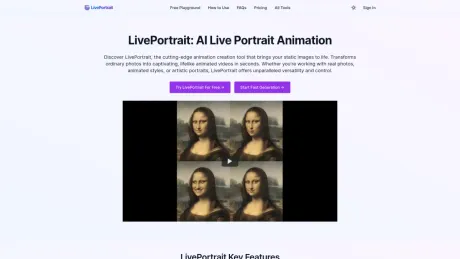
Transform static images into lifelike animated videos with LivePortrait.
- Category
- Text to Video
- Pricing
- Freemium
- Alternatives
- 6 similar tools
- Last updated
- 6 days ago
- Source
- Official site ↗︎
AI Collection Top Picks

Text to Video Category Picks
About LivePortrait
Transform static images into lifelike animated videos with LivePortrait. Our AI-powered live portrait creator offers high-quality, efficient, and customizable animations. Try for free now.
LivePortrait's Pricing Plans
LivePortrait may change prices at any time. Here's our latest information:
LivePortrait Pricing Plans
Free
0
Basic
9.9
Standard
19.9
Pro
29.9
What you get
Additional Information
Key Features:
- High-Quality Generation: Transform static portrait into lifelike live portrait.
- Precise Control: Adjust eye and lip movements for natural, realistic expressions.
- Diverse Style Support: Create live portraits from real photos, animated styles, and artistic portraits.
- Custom Animation: Utilize preset templates or custom videos to drive unique live portrait movements.
- Efficient Processing: Generate live portraits in seconds to minutes, depending on input and system load.
In addition, LivePortrait App offers a suite of complementary portrait and photo enhancement tools:
- Image Restoration: Revitalize aged or damaged photographs before live portrait creation.
- Image Colorization: Transform monochrome images into vibrant, colored photographs for live portraits.
- Image Upscaling: Improve resolution of low-quality images to enhance live portrait quality.
- Multiple Style Transfers: Create 3D renders, emojis, pixel art, and more for diverse live portraits.
- Specialized Filters: Apply clay or PS2-style effects for unique live portrait aesthetics.
Frequently asked questions
What is LivePortrait used for?
Transform static images into lifelike animated videos with LivePortrait.Is LivePortrait free?
LivePortrait has a free tier; paid plans unlock additional features.What are alternatives to LivePortrait?
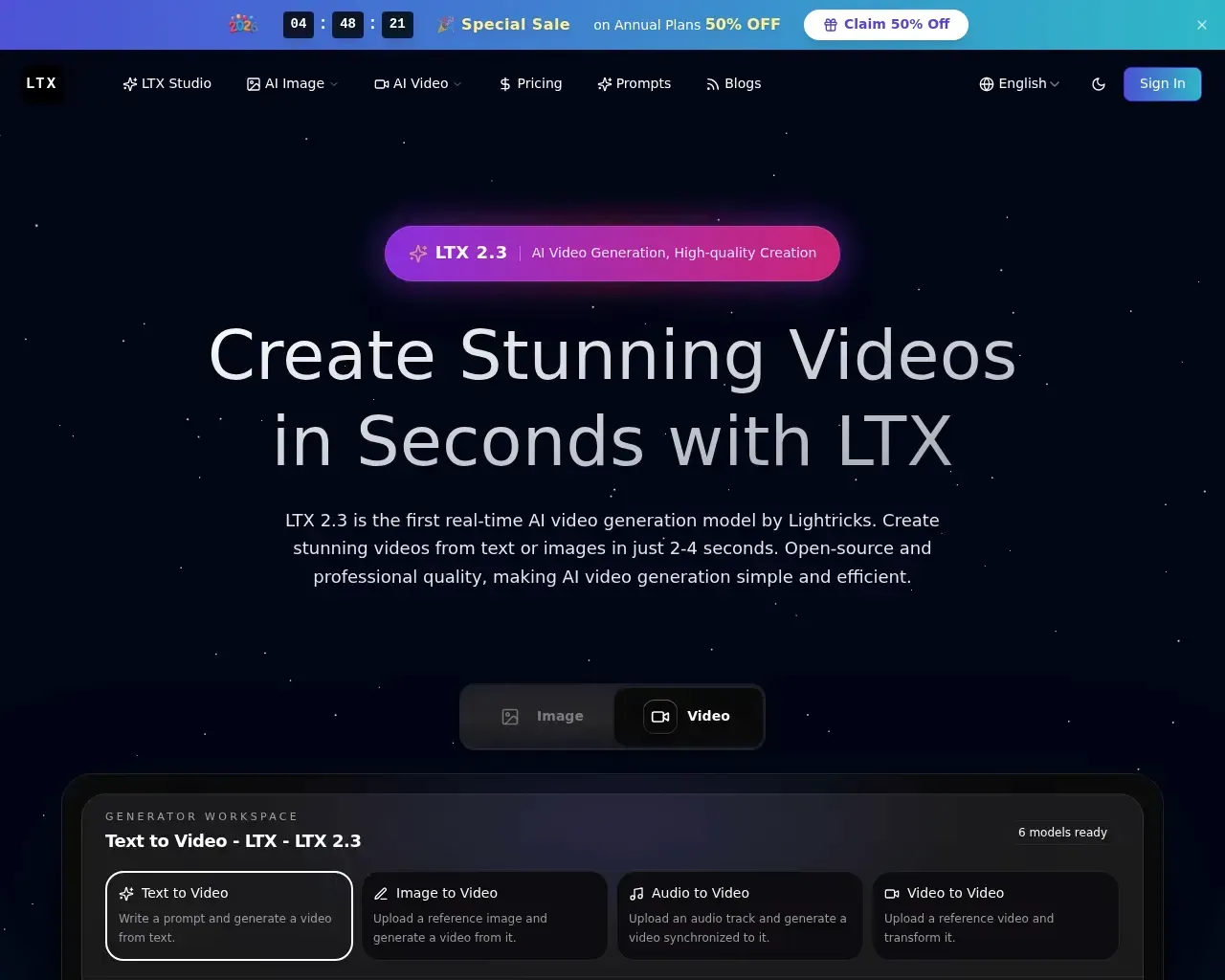
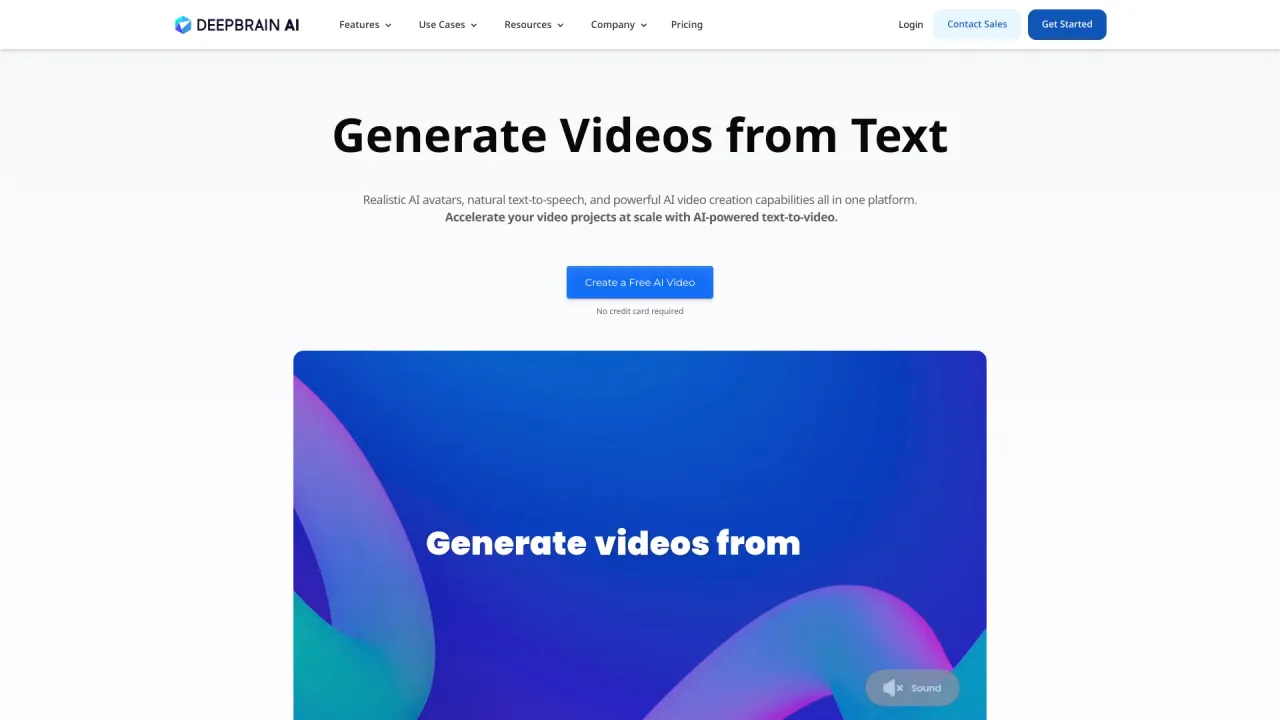
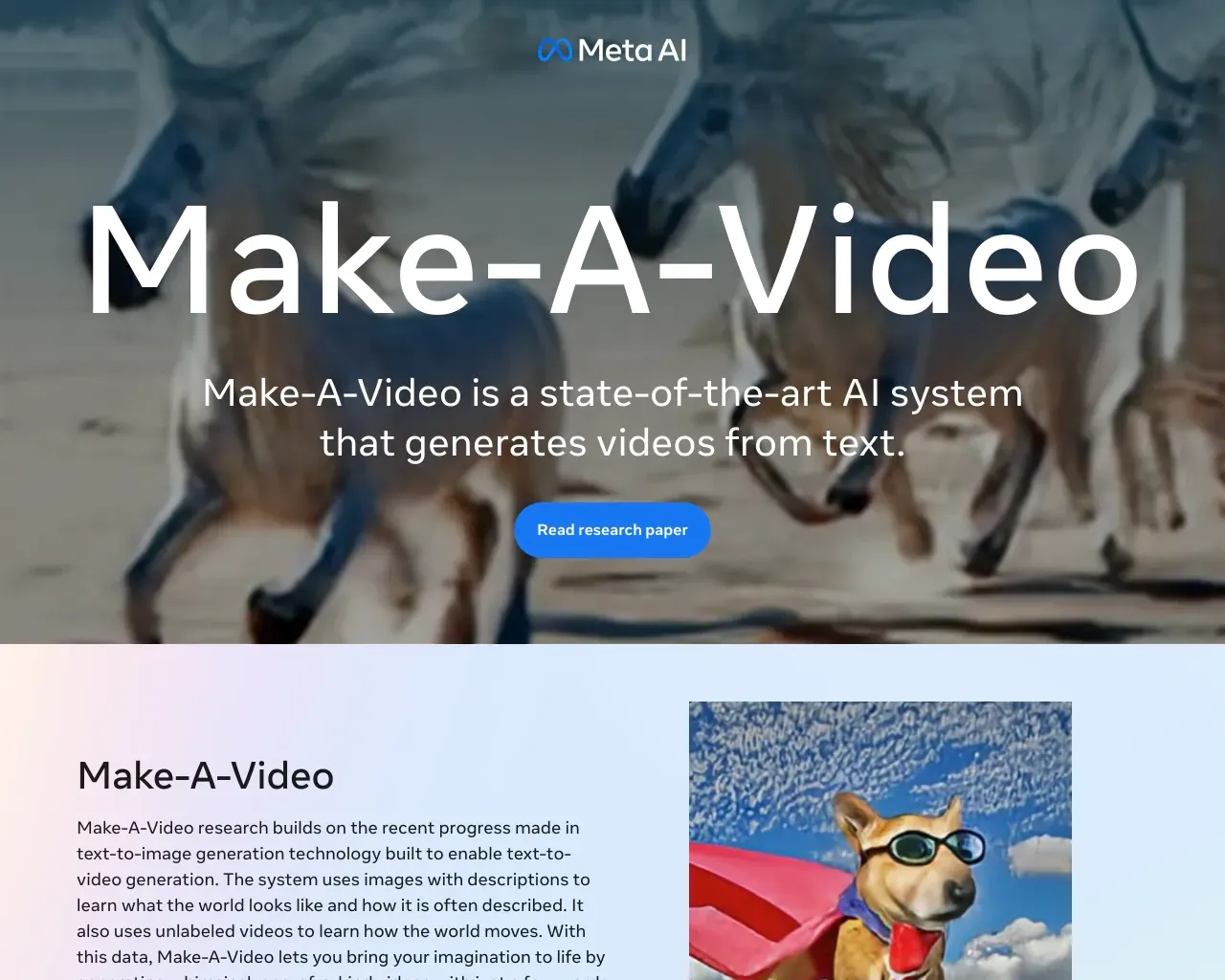
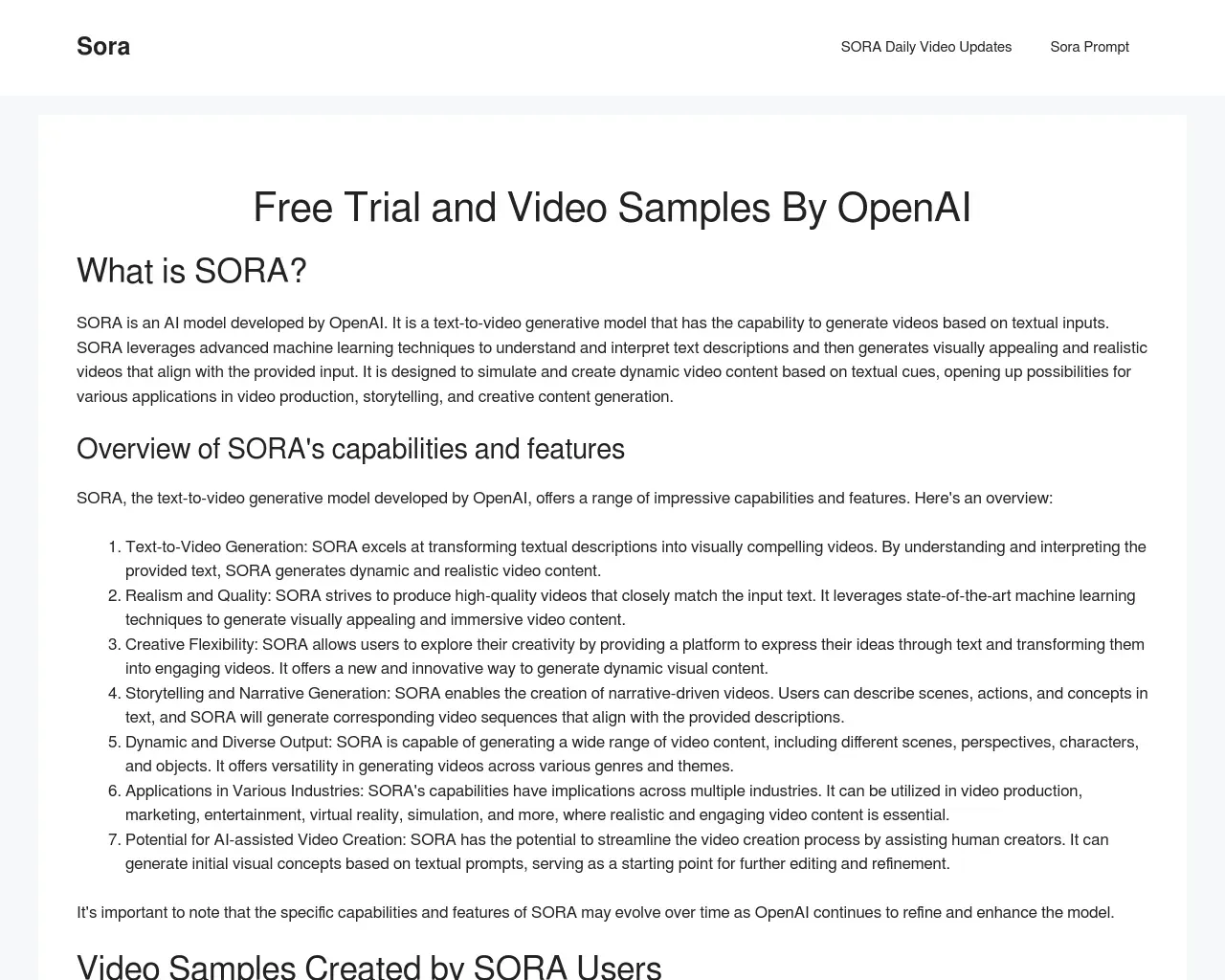
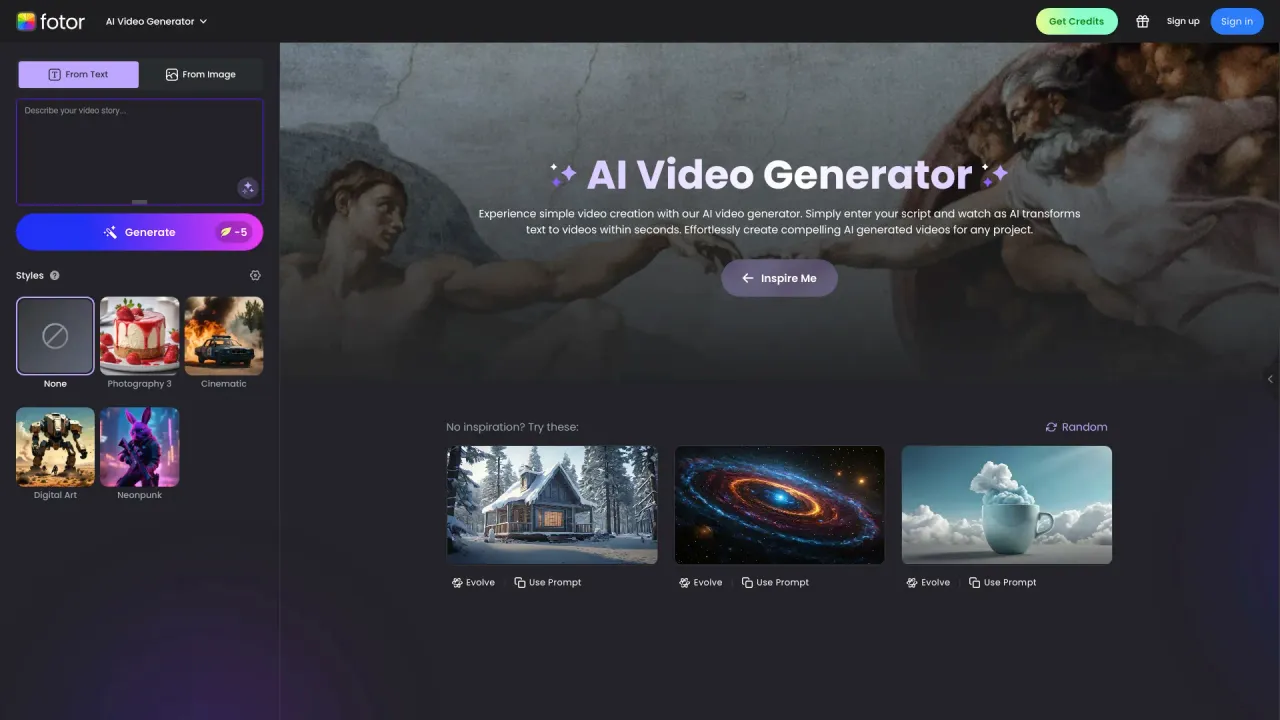
Top alternatives to LivePortrait include DEEPBRAIN AI, LTX, Make a Video, Sora Town, Fotor AI video generator.Where can I get LivePortrait?
LivePortrait is available at https://liveportrait.app/.What category is LivePortrait in?
LivePortrait is listed in Text to Video.What is LivePortrait?
LivePortrait is an efficient AI-powered tool for creating animated portraits. Open-sourced by Kuaishou Technology, it transforms static photos into lifelike moving videos.What types of images work best with LivePortrait?
LivePortrait works best with clear face photos. It can create animations from real photos, cartoons, and artistic images. For optimal results, ensure the face is clearly visible.Can I customize the motion in my LivePortrait animation?
Absolutely! LivePortrait offers flexible options for animation customization. You can either upload your own video to drive the animation or choose from our library of motion templates.What are the requirements for driving videos in LivePortrait?
When using your own video to drive the animation, please follow these guidelines: 1. Focus on the head, 2. Minimize shoulder movement, 3. Start with a neutral expression in the first frame, 4. Ensure the video is clear and well-lit.How realistic are the animations created by LivePortrait?
LivePortrait is designed to produce highly realistic animations that look natural and lifelike.What core technologies does LivePortrait use?
LivePortrait uses advanced technologies including: mixed image-video training strategy, upgraded network architecture, improved motion transformation, and stitching and retargeting modules.How long does the LivePortrait creation process take?
The time LivePortrait takes to generate your animation depends on several factors, primarily the length of the animation. For shorter animations, results can be produced in just seconds.How can I start using LivePortrait for free?
You can try LivePortrait for free at https://liveportrait.app/free-playground.Can LivePortrait be used for animal portrait animations?
We plan to add support for animal animations in the future, allowing you to create lively animations of cats, dogs and other animals.Does LivePortrait offer refunds for purchased credits?
We don’t offer refunds for purchased credits. However, we provide a free playground to try LivePortrait before purchasing.Where can I find more information about LivePortrait?
For more information about the original LivePortrait project, visit the project website at https://liveportrait.github.io/ or the GitHub repository at https://github.com/KwaiVGI/LivePortrait.
Compare LivePortrait with…
Pick any tool to see a structured side-by-side: pricing, deployment, capabilities, and content policy.