Resume Trick
Free Resume Builder & Templates - Resume Trick.
- Category
- Resume & CV Builder
- Pricing
- Free
- Alternatives
- 6 similar tools
- Last updated
- 1 weeks ago
- Source
- Official site ↗︎
AI Collection Top Picks

Resume & CV Builder Category Picks

About Resume Trick
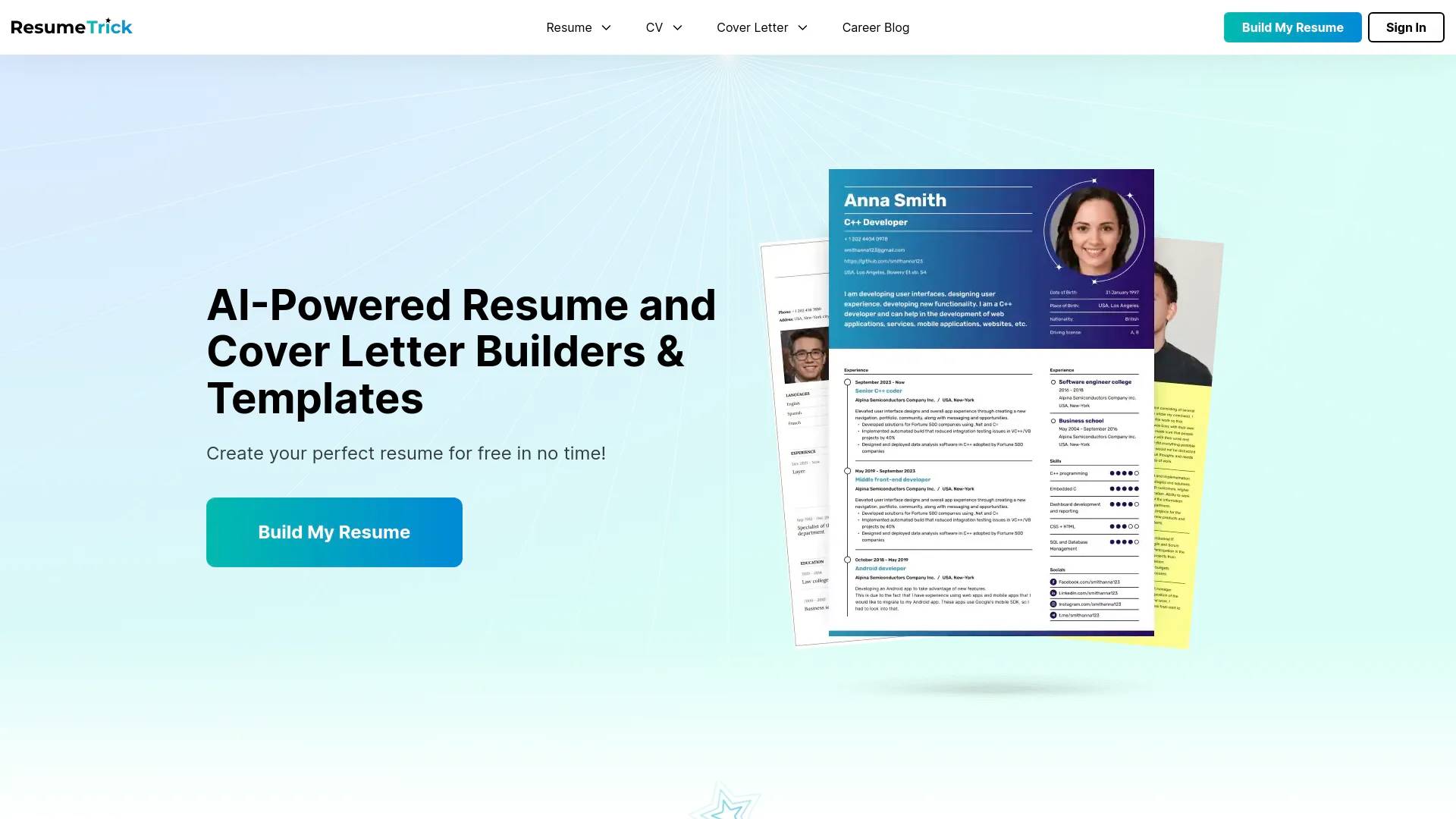
Build your resume online with Resume Trick - a free resume builder! Resume tips, examples and templates. Cover letter builder is also available.
Frequently asked questions
What is Resume Trick used for?
Free Resume Builder & Templates - Resume Trick.Is Resume Trick free?
Resume Trick is free to use.What are alternatives to Resume Trick?
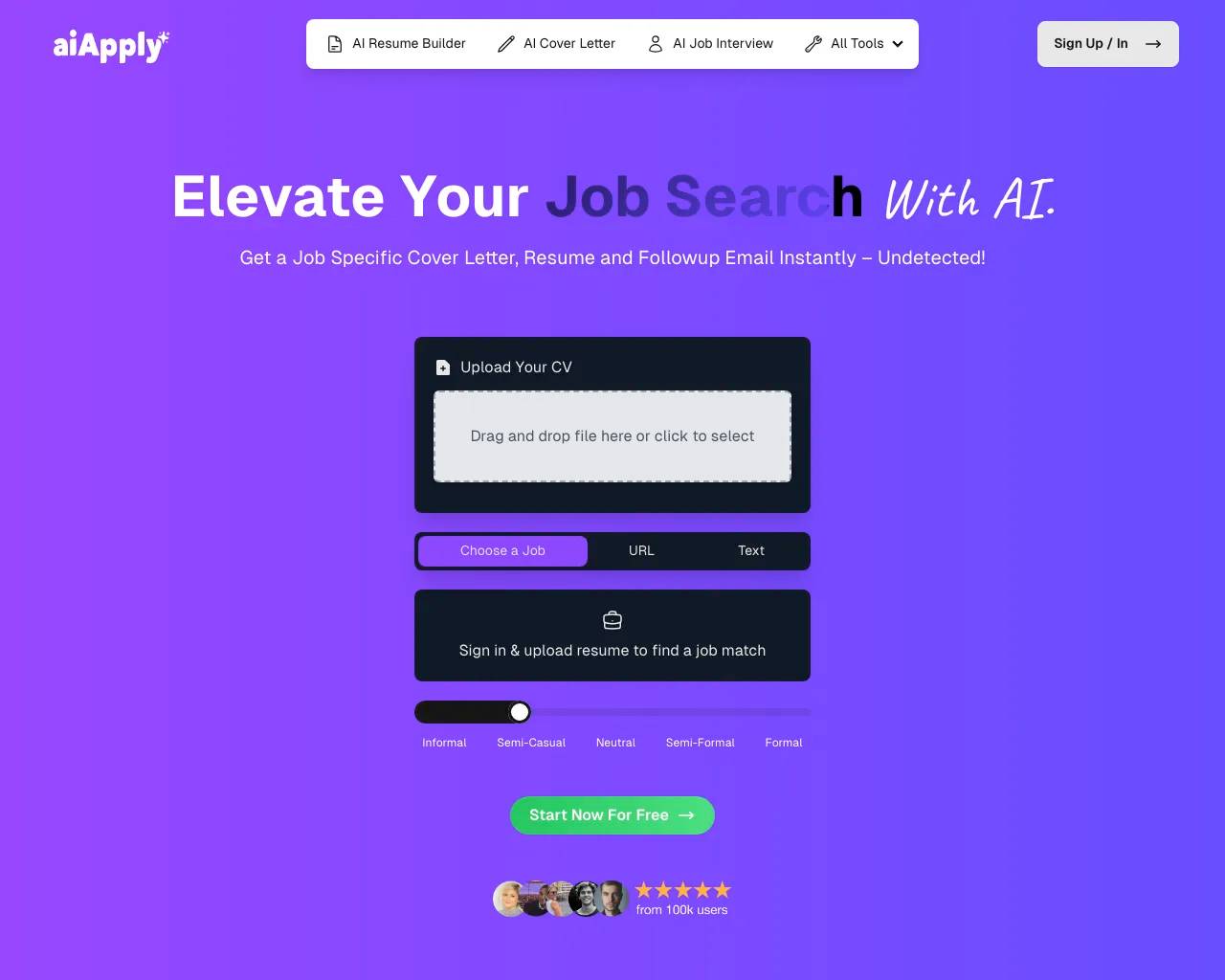
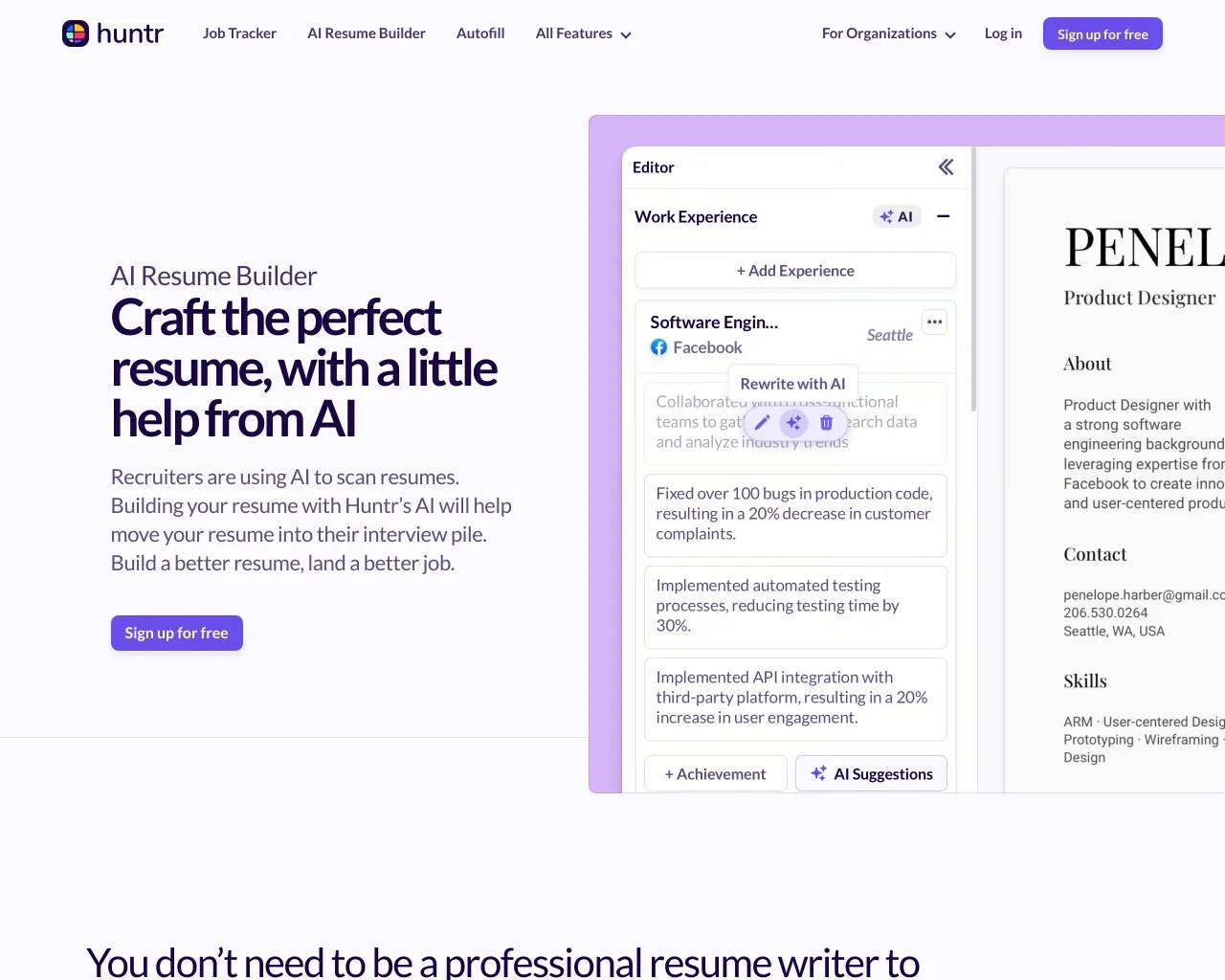
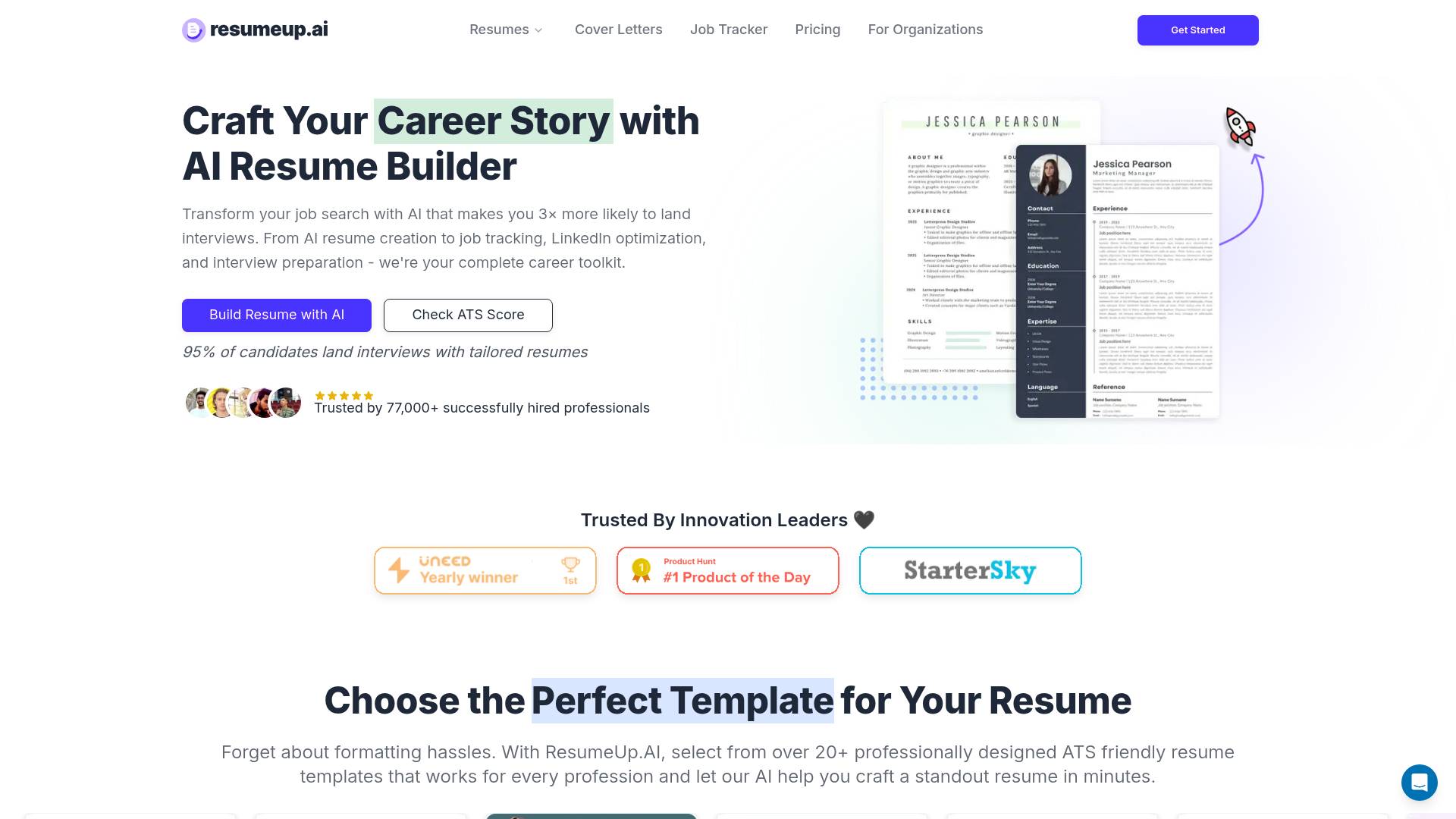
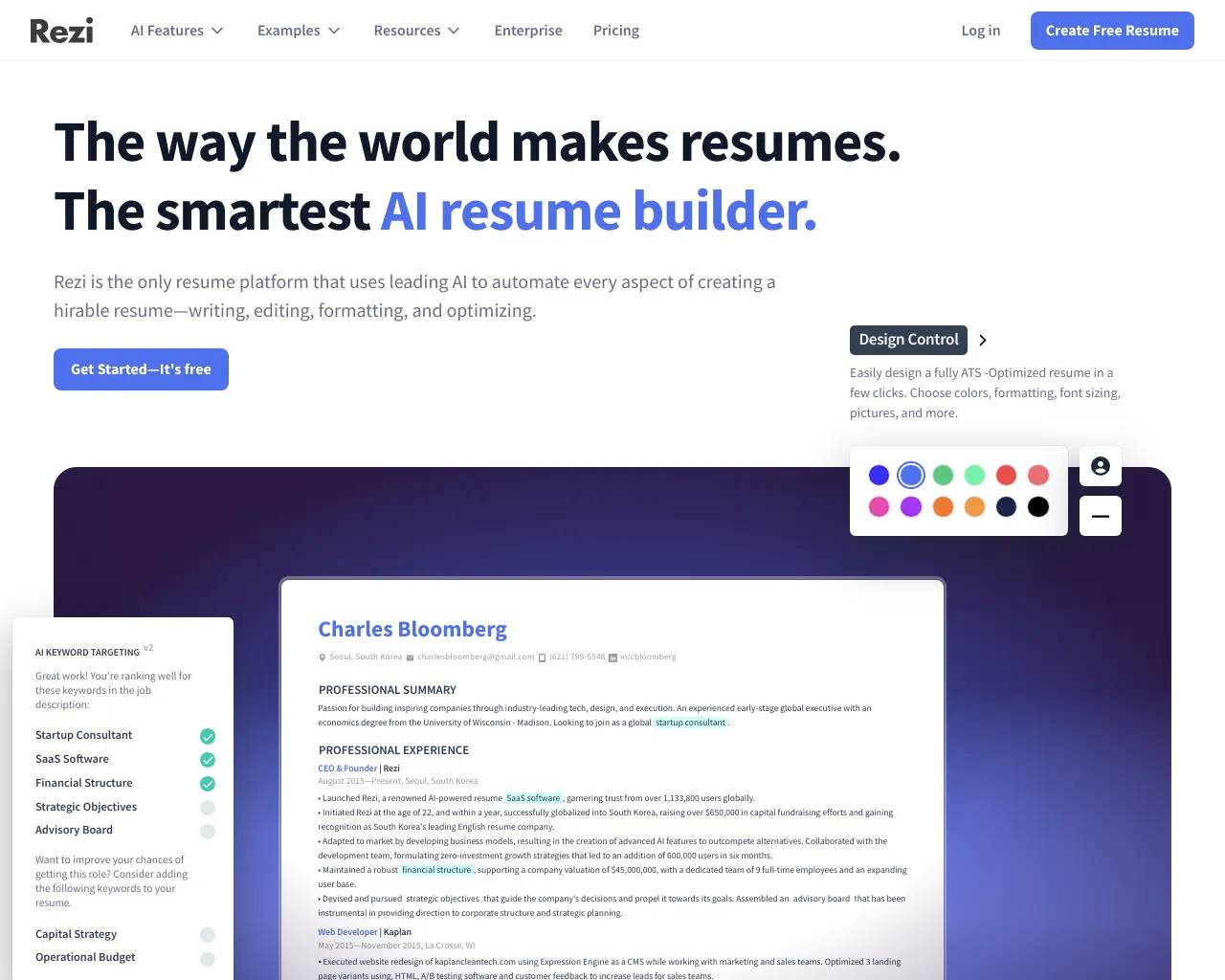
Top alternatives to Resume Trick include JobWinner, ResumeUp.AI, AiApply, Huntr AI Resume Builder, AI Resume Editor.Where can I get Resume Trick?
Resume Trick is available at https://resumetrick.com/.What category is Resume Trick in?
Resume Trick is listed in Resume & CV Builder.What is a resume?
A resume is a document summarizing your work experience and educational background. It is commonly used during the job application process to help employers assess your qualifications for a particular role. A resume typically includes details about your work history, skills, accomplishments, and education.What is a CV?
A CV, or curriculum vitae, is a detailed document that outlines a person's qualifications, particularly in specialized fields. It provides potential employers with an in-depth look at your education, skills, work experience, and accomplishments. In the U.S., CVs are mainly used for academic positions.What is the difference between a CV and a resume?
Both a CV and a resume are documents used for job applications, but they differ in length and detail. A resume is generally one page long, summarizing your key qualifications. A CV, on the other hand, is more detailed, often spanning several pages, and includes extensive information on academic achievements, publications, and awards.How do you write a resume?
To write a resume, start by selecting a template that sets the tone for your document. Include your contact information, an objective statement, and details about your education and work experience, highlighting your achievements with specific metrics. Use relevant keywords from job listings to align your skills with the desired qualifications. Keep the language clear and concise, and aim to keep the resume to one page.How do you use a resume creator?
To use a resume creator like Resume Trick, start by selecting a template that suits the job you're applying for and then input your personal information. After filling in all the necessary details, review and edit your resume to ensure accuracy and relevance. Finally, download the completed resume as a PDF and use it for your job applications.
Compare Resume Trick with…
Pick any tool to see a structured side-by-side: pricing, deployment, capabilities, and content policy.