- Category
- Video Editing
- Pricing
- Free
- Alternatives
- 6 similar tools
- Last updated
- 1 weeks ago
- Source
- Official site ↗︎
AI Collection Top Picks

Video Editing Category Picks
About Unscript
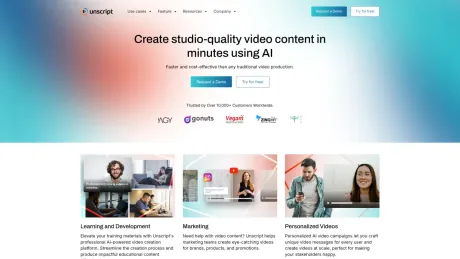
Produce hyper-realistic videos at scale in hundreds of languages with Unscript AI. No cameras, no crew—just powerful creation made simple.
What you get
Additional Information
Features
1.AI Avatars
2.Video Dubbing
3.Video Personalization
4.AI Face Swap
5.Customized Virtual Influencer
Use Cases
1.Learning and Development
2.Marketing Teams
3.Personalized Videos
4.Dubbing
5.Customer Service
6.Enterprise
Frequently asked questions
What is Unscript used for?
Unscript AI: Leading AI Video Creation Platform.Is Unscript free?
Unscript is free to use.What are alternatives to Unscript?
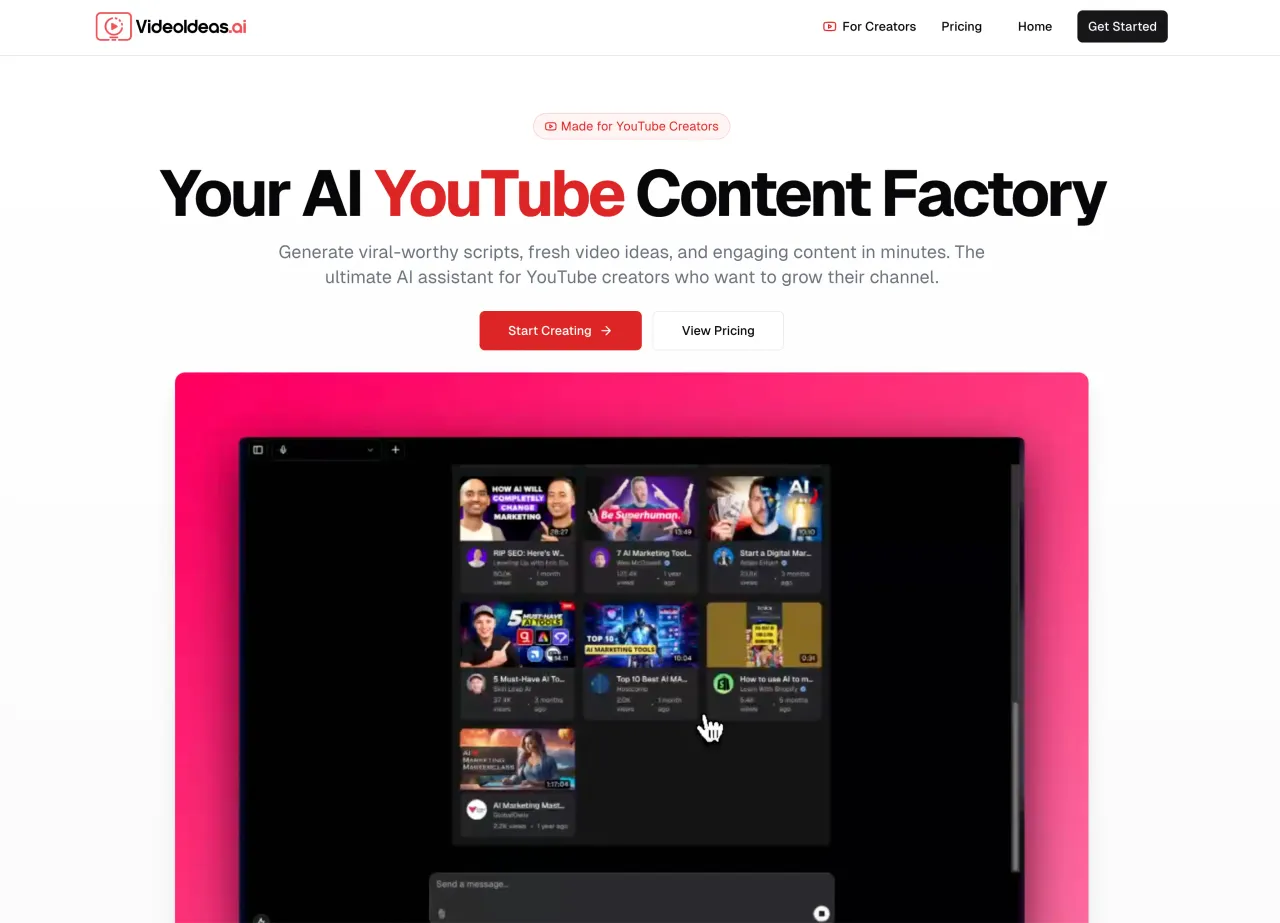
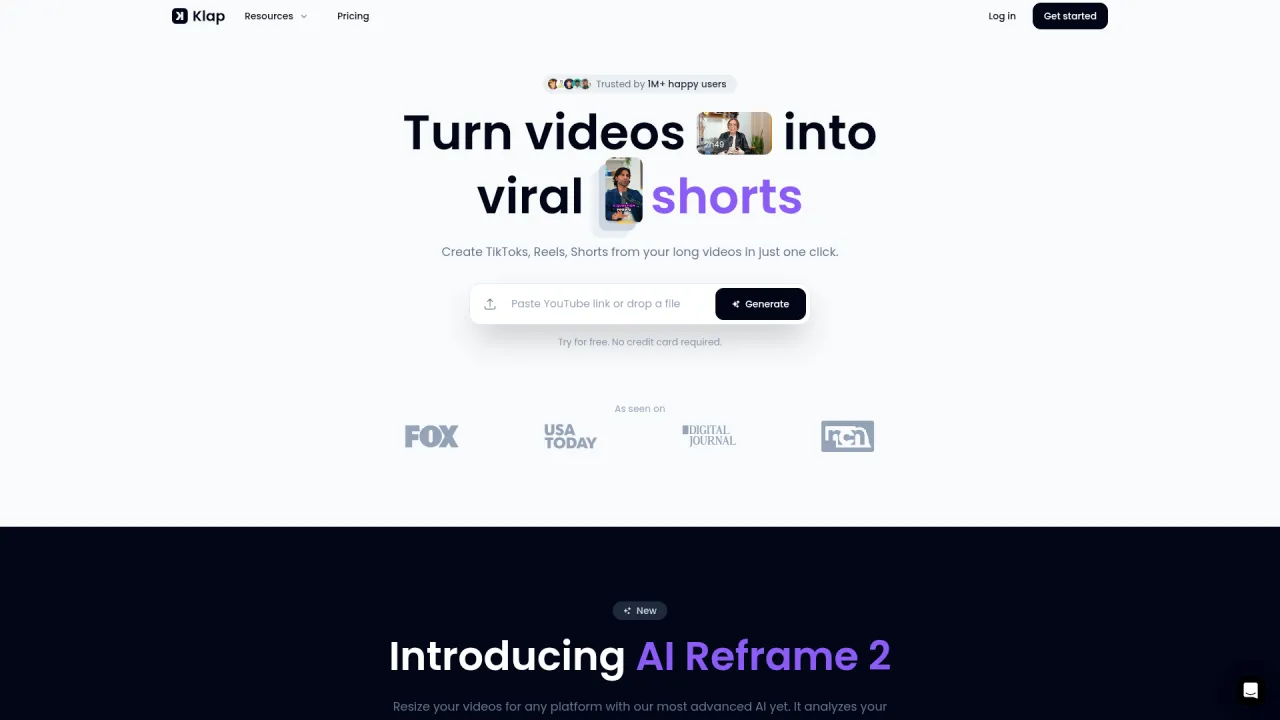
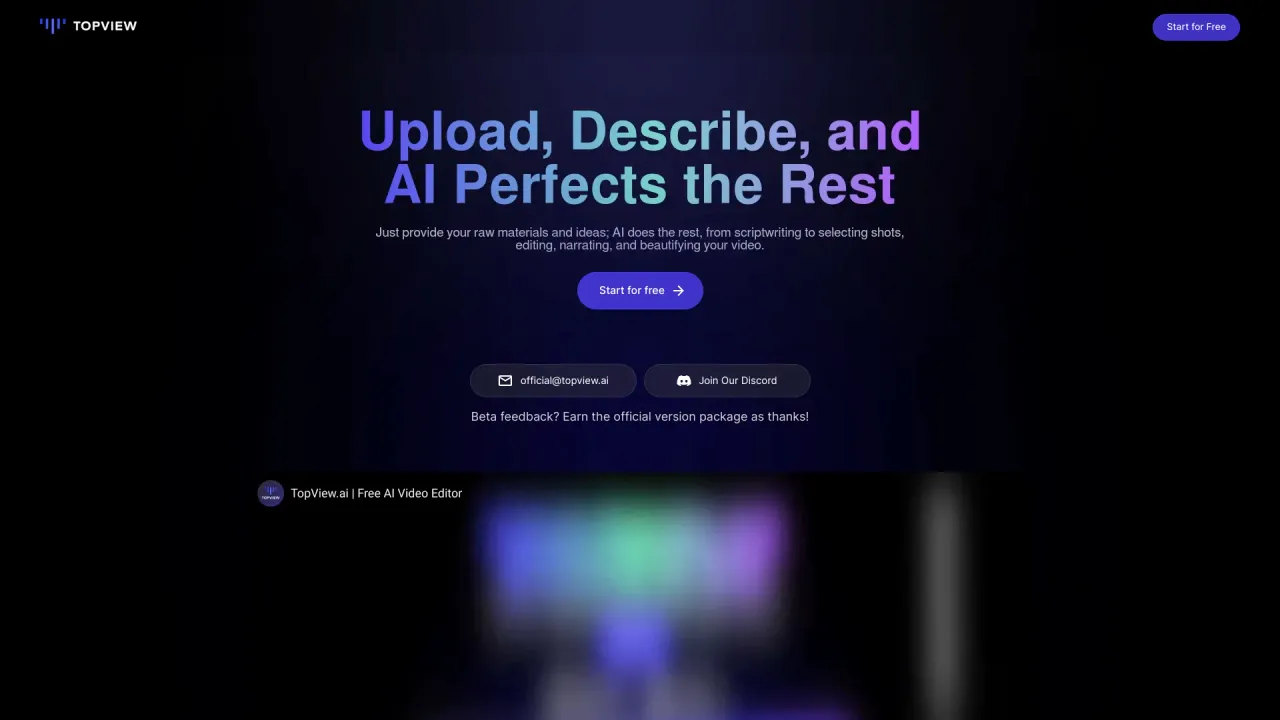
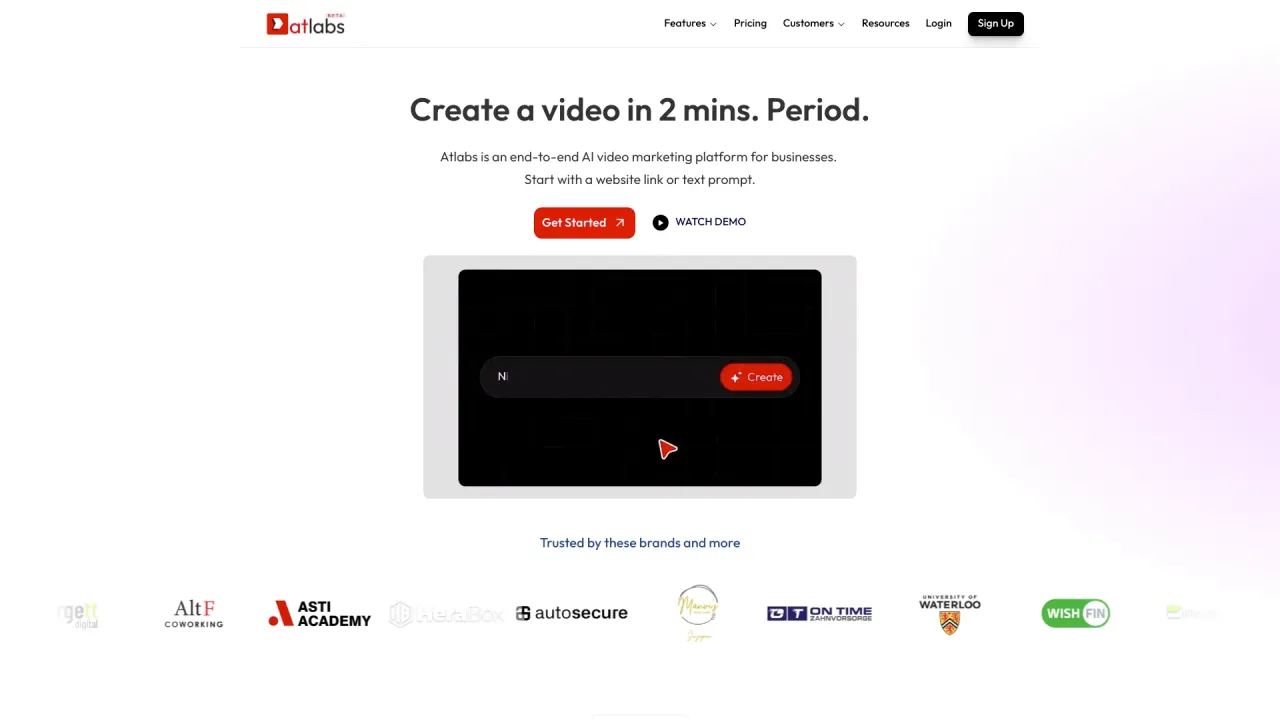
Top alternatives to Unscript include Klap App, AI video editor, Atlabs AI, Topview AI URL to Video, Colossyan.Where can I get Unscript?
Unscript is available at https://www.unscript.ai/.What category is Unscript in?
Unscript is listed in Video Editing.Use Cases
1.Learning and Development
2.Marketing Teams
3.Personalized Videos
4.Dubbing
5.Customer Service
6.EnterpriseWhat kind of videos can I create with your AI tool?
Our AI lets you create explainer videos, marketing materials, educational content, and more! Just provide a script and choose your avatar style.Can I customize the appearance of my AI-generated avatar?
Absolutely! You can select from various avatar styles, genders, and ethnicities. We also offer customization options for clothing and hairstyles.How long does it take to generate an AI video?
The generation time depends on the video length and complexity. Simple videos can be ready in minutes, while longer ones take a bit longer.Do I need any video editing experience to use your platform?
No prior experience is necessary! Our intuitive interface allows you to create professional-looking videos without editing skills easily.What file formats can I export my finished video in?
We offer a variety of popular export formats including MP4, MOV, and WMV, ensuring compatibility with most platforms.What languages can I dub my videos into?
We support a wide range of languages for dubbing. You can check our website for the current list of supported languages.How does AI dubbing work?
Our AI technology transcribes the audio in your video, translates it into your chosen language, and then generates a natural-sounding voiceover in that language.Will the AI dubbing sound perfect?
AI dubbing is constantly improving, and it can produce high-quality voiceovers for many videos. However, depending on the complexity of the audio and the target language, there might be some minor imperfections.Can I edit the AI-generated script?
Yes! Our platform often allows you to edit the script before the final dubbing is applied. This lets you fine-tune the translation or adjust the timing for better lip-syncing.How long does it take to dub a video?
The processing time depends on the length of your video. Generally, AI dubbing is much faster than traditional dubbing methods.Can I choose the voice for the dubbing?
Some platforms offer a selection of AI voices with different accents and tones for you to choose from.What kind of personalization can be done with videos in real-time?
Real-time personalization allows you to tailor video content based on factors like audience demographics, viewing behavior, and customer data.How do the integrations with marketing tools work?
Unscript likely integrates with tools like CRM and email marketing platforms to personalize video content based on existing marketing data.How can I use influencer marketing with personalized video content?
Unscript might allow you to personalize influencer videos by inserting names or tailoring messages for their audience.How does personalized video content lead to higher viewer engagement?
Viewers are more likely to engage with content that’s relevant to their interests, leading to increased attention and action on the video's message.What are some examples of how I can use personalized video marketing?
Examples include targeted ads, welcome videos, product recommendations, and tailored educational content.
Compare Unscript with…
Pick any tool to see a structured side-by-side: pricing, deployment, capabilities, and content policy.