- Category
- Image Upscaler
- Pricing
- Freemium
- Alternatives
- 6 similar tools
- Last updated
- 4 weeks ago
- Source
- Official site ↗︎
AI Collection Top Picks

Image Upscaler Category Picks

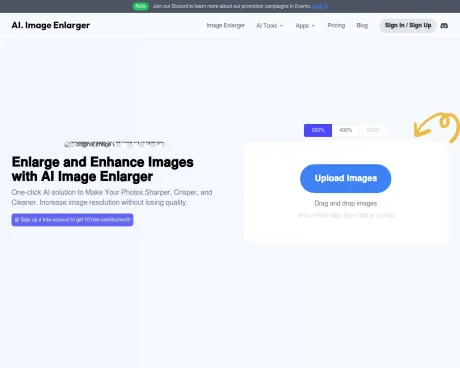
Online AI Image Enhancer that Improves Photo Quality by Upscaling, Denoising, Restoring, Face Refinement, and More
About AI Image Enlarger
Enlarge images up to 8x, upscale low-resolution photos, and uncrop or expand image backgrounds with AI. Preview and download results online with Imglarger.
AI Image Enlarger's Pricing Plans
AI Image Enlarger may change prices at any time. Here's our latest information:
Simple And Flexible Pricing. Pay as you want. Change or cancel your plan anytime. Save Money with Annual Plan.
Free plan
$0
/month
- 10 credits per month
- No Subscription
- Email Support
- Advanced Photo Editor
- 200% / 400%
- Max Size: 5MB
- Max Dimensions: 1200*1200
- Normal Speed
Starter plan
$4.9
/month
- 100 credits per month
- Credits Renewed Monthly
- Email Support
- Advanced Photo Editor
- 200% / 400% / 800%
- Max Size: 10MB
- Max Dimensions: 4000*4000
- Batch Processing
- Normal Speed
Premium plan
$9.9
/month
- 1000 credits per month
- Credits Renewed Monthly
- Email Support
- Advanced Photo Editor
- 200% / 400% / 800%
- Max Size: 10MB
- Max Dimensions: 4000*4000
- Batch Processing
- Fast Speed
Advanced plan
$19
/month
- Unlimited Access
- Credits Renewed Monthly
- Email Support
- Advanced Photo Editor
- 200% / 400% / 800%
- Max Size: 10MB
- Max Dimensions: 4000*4000
- Batch Processing
- Fast Speed
What you get
Additional Information
Imglarger is a comprehensive online tool designed for enhancing, upscaling, editing, and converting images effortlessly. Users can utilize a variety of AI-powered tools to transform their photos, including features such as image enlargement, noise reduction, and background removal, making it a versatile solution for photographers, designers, and anyone needing high-quality image enhancements. The service supports a wide range of image formats, allowing for easy conversions between formats like JPG, PNG, WEBP, and more.
The AI Image Enlarger enables users to upscale images by 2x, 4x, or even 8x without losing quality, ensuring that the original image details are preserved while enhancing overall resolution. Imglarger also offers editing capabilities, such as cropping, rotating, and adjusting various image attributes like brightness and contrast, all within a user-friendly interface without the need for installation.
Imglarger focuses on simplicity and efficiency, providing a seamless experience for users who want to enhance multiple images simultaneously. The tool includes a batch processing feature for faster workflows and employs state-of-the-art algorithms to deliver high-quality results. Its safety measures guarantee that all uploaded images are processed securely, and files are automatically deleted after 24 hours.
Whether for personal photo enhancement or professional projects, Imglarger stands out with its flexible pricing plans, allowing users to start with a free credit system and scale their usage per their needs. Imglarger proves to be an essential tool for anyone working with images in the digital age.
Frequently asked questions
What is AI Image Enlarger used for?
Imglarger | Image Enlarger & Upscaler Online.Is AI Image Enlarger free?
AI Image Enlarger has a free tier; paid plans unlock additional features.What are alternatives to AI Image Enlarger?
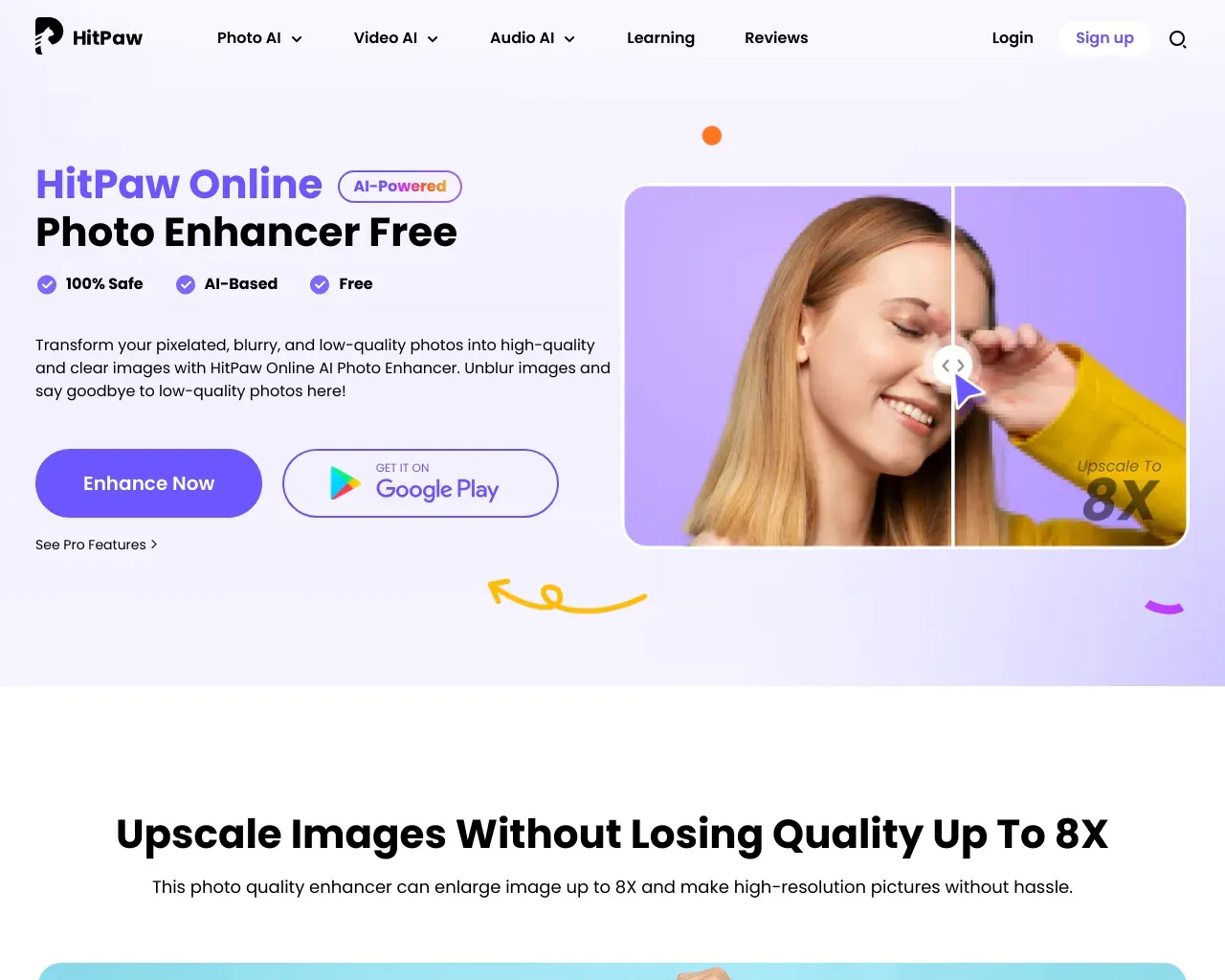
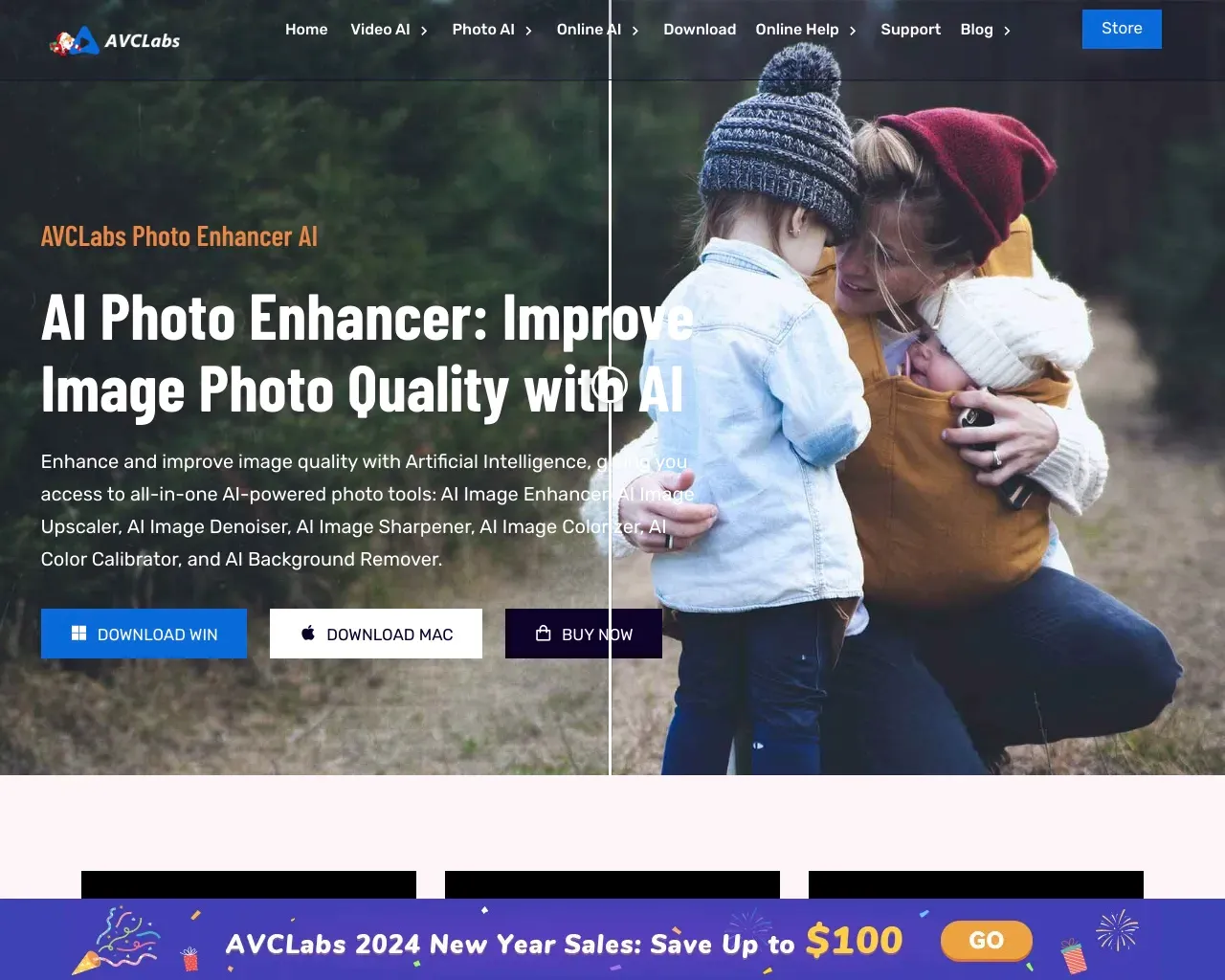
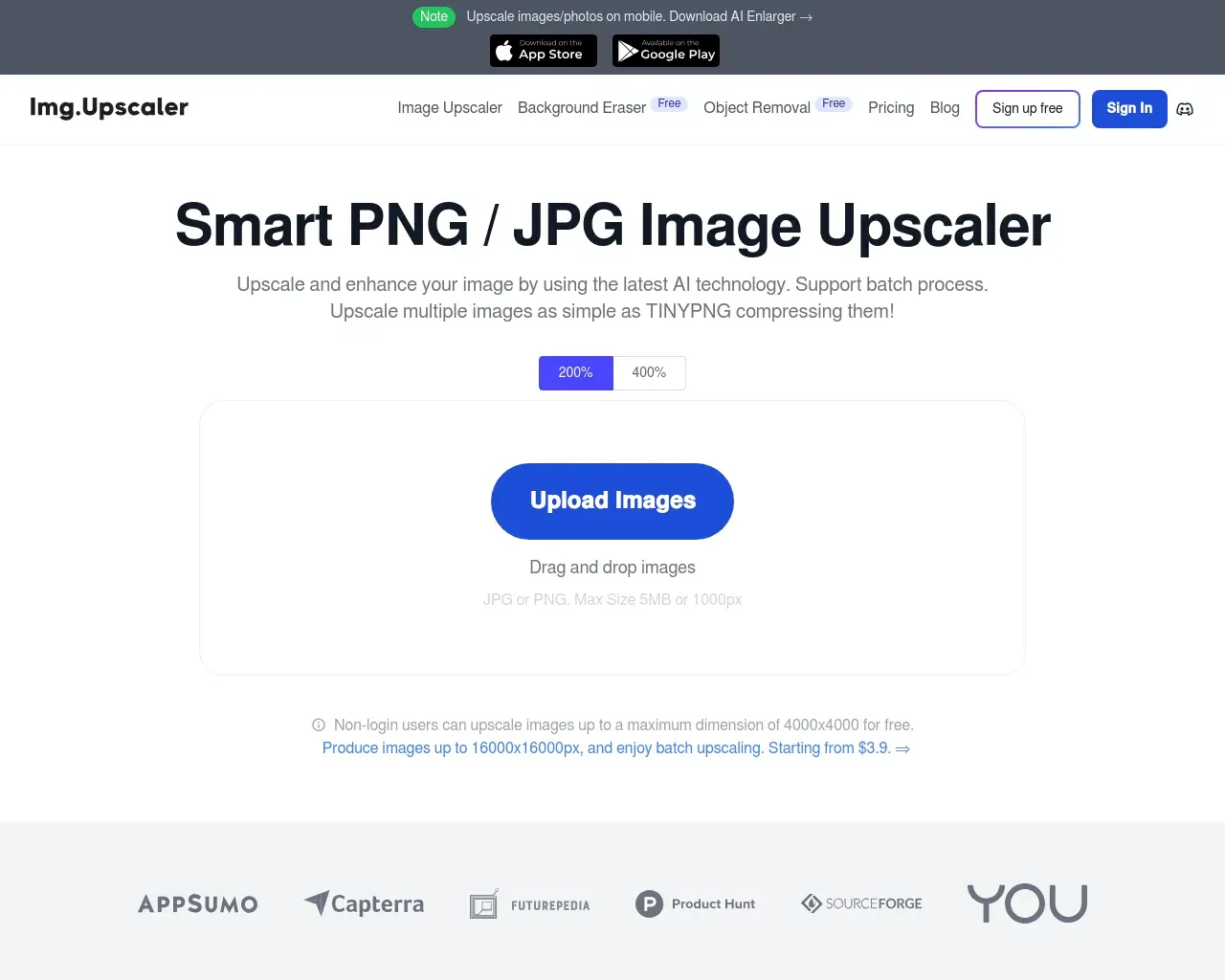
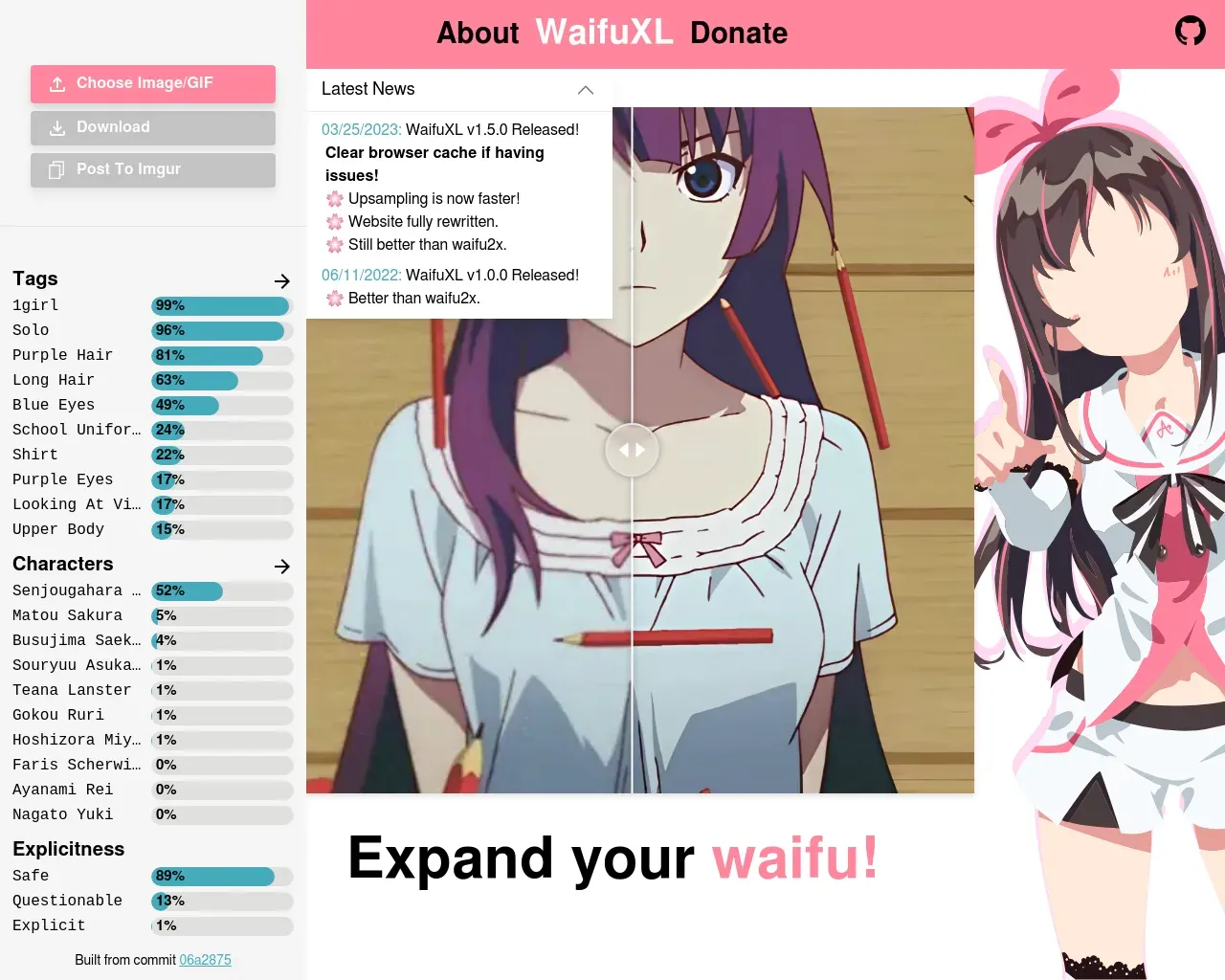
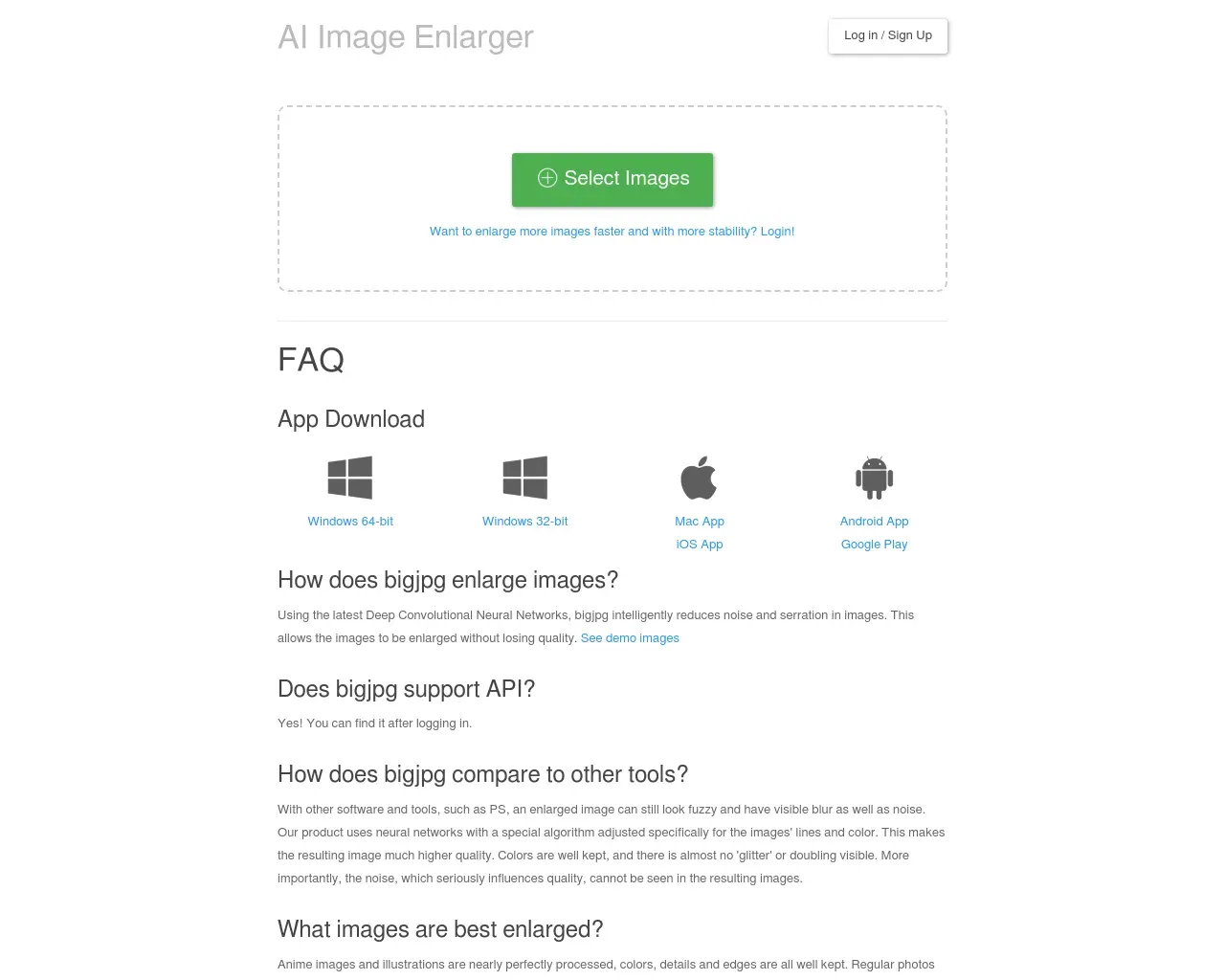
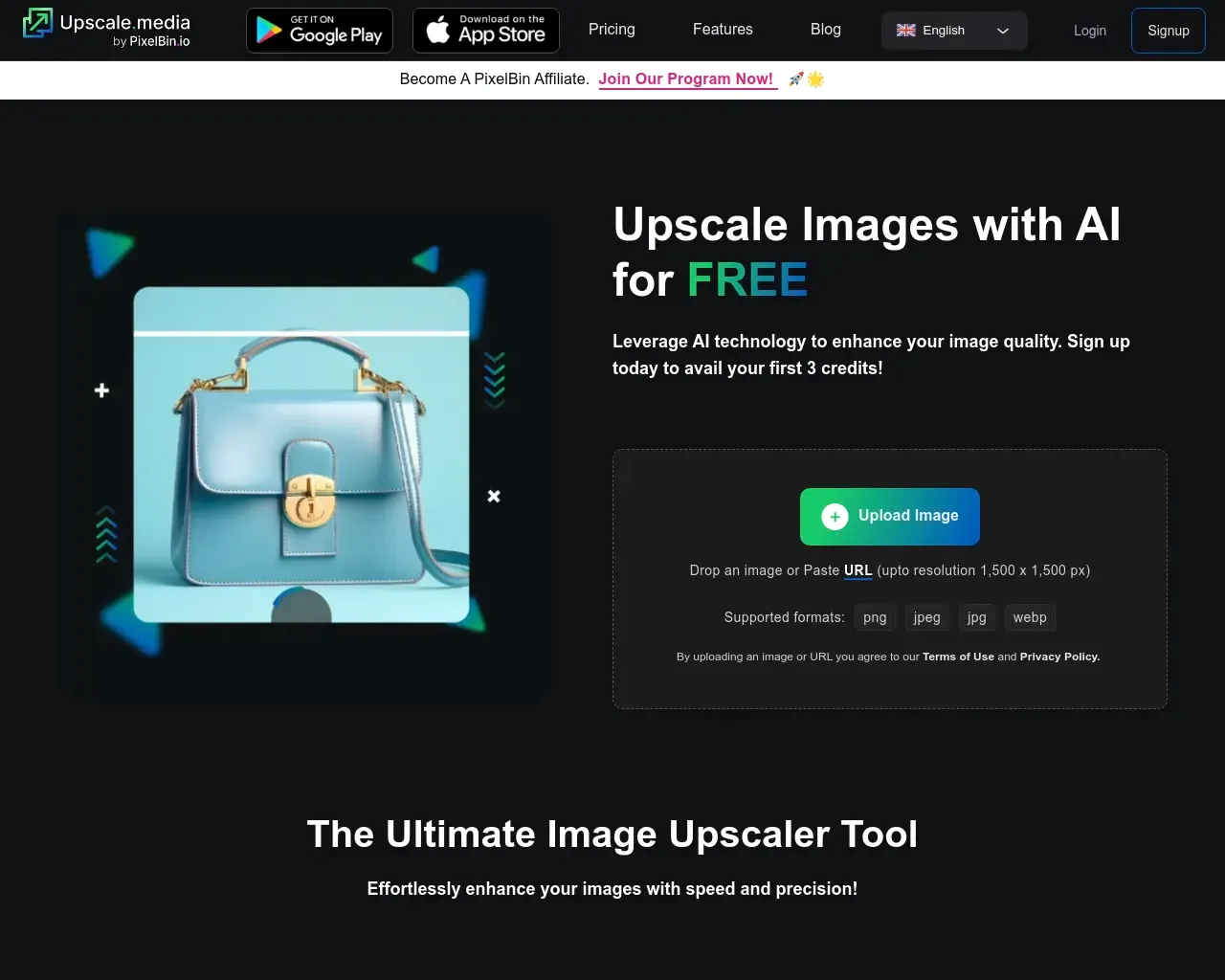
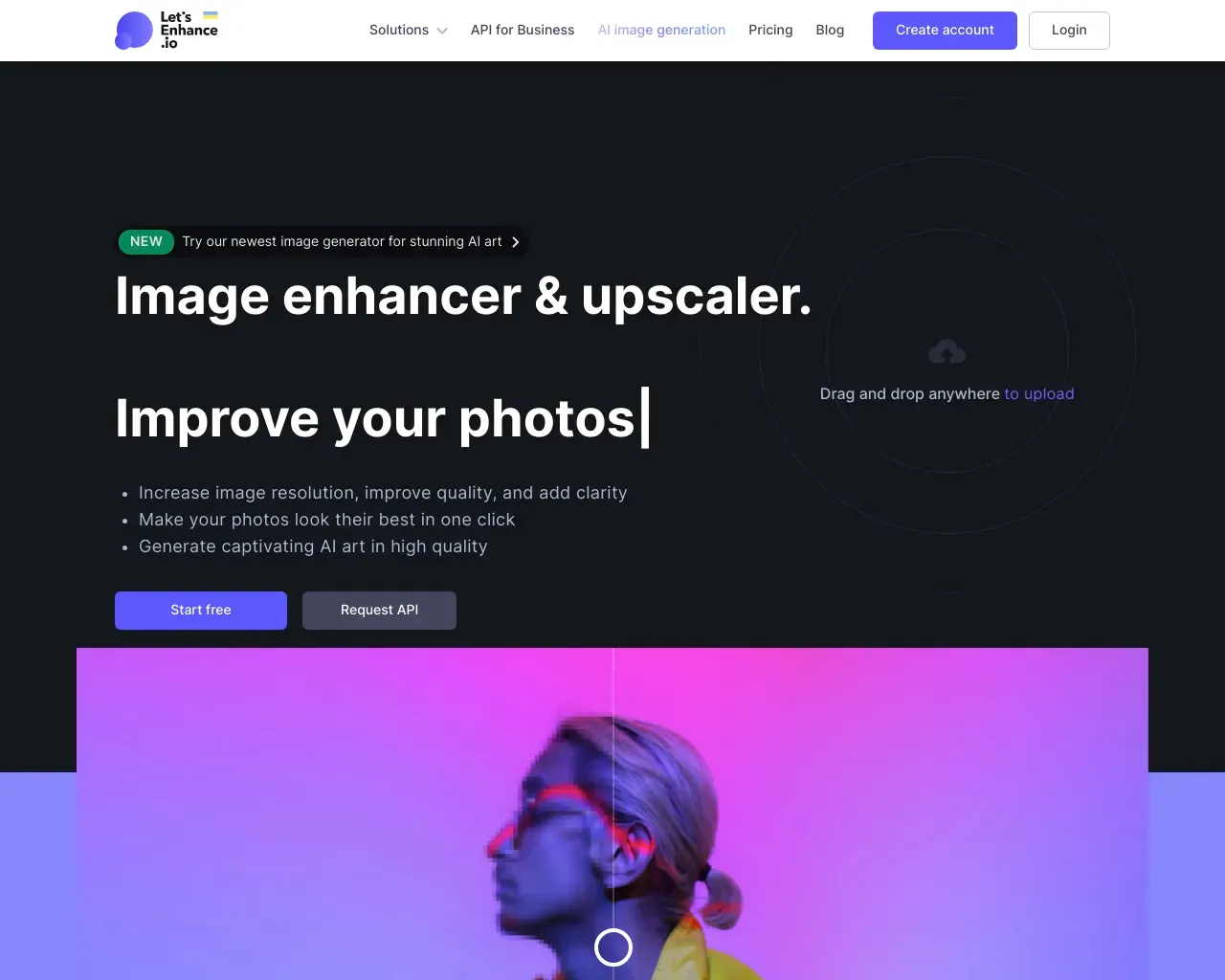
Top alternatives to AI Image Enlarger include HitPaw Online Photo Enhancer, AVCLabs Photo Enhancer AI, AVC AI, Imgupscaler, Waifu XL.Where can I get AI Image Enlarger?
AI Image Enlarger is available at http://imglarger.com.What category is AI Image Enlarger in?
AI Image Enlarger is listed in Image Upscaler.What is the difference between Image Enlarger and AI Image Upscaler?
Image enlarger and image upscaler use different algorithmic models to improve image quality. The former can enhance standard photos with sharp details, while the latter works best on anime and cartoon images with smoother results.What can we do with AI Image Enlarger?
Imglarger is an AI photo enhancer to improve the overall quality of your photos. With it, you can enlarge images up to 8k, sharpen blurry parts, reduce noises and artifacts, retouch faces, remove image backgrounds, upscale anime pics, and more.How does Imglarger maintain the quality of enlarged images?
AI Image Enlarger makes use of cutting-edge AI algorithms to preserve the quality of enlarged photographs.Can I customize the level of image upscaling?
No, you can't adjust the degree of image upscaling. Currently, imglarger offers you three options to upscale your images.What is the maximum image size supported by AI Enlarger?
Paid users can upload photos with a maximum size of 4000*4000 for image enlargement, but free users can only use files with a maximum size of 1200*1200 for enlargement.How to remove noise from an image?
To remove noise from an image, select the AI Image Denoiser tool and upload the image you want to optimize.Why use AI Face Retouch to touch up your face?
Imglarger's AI Face Retouch tool can enhance your natural beauty by sharpening details, reducing noises, and correcting colors.What image formats does this photo enlarger support?
Imglarger supports the most popular image formats, including jpg and png.Can I remove backgrounds from photos with Imglarger?
Yes, you can use imglarger to remove bg from an image.Is it possible to enhance photo quality on my iPhone?
Yes, you can download imglarger's app PhotoAI on your iPhone.What is Imglarger?
Imglarger is an online collection of AI image tools focused on enlargement, upscaling, enhancement, sharpening, and uncropping. It also includes supporting tools for background removal, old photo restoration, image editing, and format conversion.What is the difference between AI Image Enlarger and AI Image Upscaler?
AI Image Enlarger focuses on making an image physically larger, with options up to 8x. AI Image Upscaler focuses on increasing resolution by 2x or 4x for cleaner output on larger screens and high-resolution projects.How large can I make an image with Imglarger?
AI Image Enlarger supports 2x, 4x, and 8x enlargement options. Available ratios and output limits can depend on the source image and your current plan, and are shown in the tool before processing.What does the AI Uncrop tool do?
AI Uncrop, also called AI Image Extender, expands an image beyond its original borders. It can extend backgrounds, create more space around a subject, and change aspect ratios with generative AI outpainting.Should I use AI Photo Enhancer or AI Image Sharpener?
Use AI Photo Enhancer for broader quality problems such as softness, noise, compression artifacts, and weak texture. Use AI Image Sharpener when mild blur, fuzzy details, or unclear edges are the main issue.Which image formats and file sizes are supported?
Core AI tools support common formats such as JPG, JPEG, PNG, and WebP. File-size and dimension limits vary by tool, so the uploader displays the current requirements before you start.Can AI recover every missing image detail?
No. AI can improve many small, soft, noisy, or low-resolution images, but it cannot reliably recover detail that is completely absent. Clearer source images generally produce more accurate and natural-looking results.Can I try Imglarger for free?
Free credits or guest trials may be available for supported AI tools. Sign-in requirements, processing options, and usage limits vary by tool and plan and are shown in the product interface.Can I use Imglarger on iPhone or Android?
Yes. Imglarger works in modern browsers on desktop computers, tablets, iPhone, and Android devices, so you can process and download images without installing desktop software.How long does Imglarger keep uploaded images?
Uploaded and processed images are automatically deleted within six hours instead of being kept as a permanent public gallery. Avoid uploading files you do not have permission to process.
Compare AI Image Enlarger with…
Pick any tool to see a structured side-by-side: pricing, deployment, capabilities, and content policy.