AI Infographics
Generator: Timelines, Charts, Flows | Masonry.
- Category
- Plugins & Extensions
- Alternatives
- 6 similar tools
- Last updated
- 5 days ago
- Source
- Official site ↗︎
AI Collection Top Picks

Plugins & Extensions Category Picks


About AI Infographics
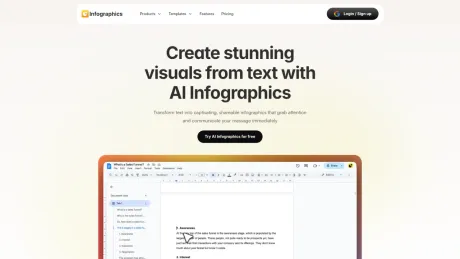
Describe a stat, a process, or a timeline and get a finished infographic with legible text. Compare the leading AI image models side by side in one workspace.
What you get
Additional Information
Masonry offers an AI Infographic Generator that allows users to create a variety of infographic styles, such as process flows, comparisons, timelines, and data visualizations. By entering simple content inputs, users can generate multiple polished infographics within seconds. The platform accommodates marketing and content teams, minimizing the need for design software or template restrictions. With access to over 60 AI image models, it provides extensive flexibility for various design needs.
The tool supports custom brand elements, allowing users to preserve their specific colors, fonts, and styles. It generates editorial-quality graphics suitable for commercial use, making it efficient for marketers aiming to produce unique visuals quickly. Users can regenerate and edit outputs easily, maintaining control over the final design.
With a user-friendly approach, Masonry not only simplifies the infographic creation process but also enhances collaboration. The ability to compare different AI model outputs side by side ensures that users can select the best result for their needs. This efficiency is beneficial for teams that require high-quality visuals for presentations, social media, and marketing campaigns without the traditional overhead associated with hiring graphic designers.
Frequently asked questions
What is AI Infographics used for?
AI Infographics Generator: Timelines, Charts, Flows | Masonry.Is AI Infographics free?
Pricing for AI Infographics varies — see the Pricing section for details.What are alternatives to AI Infographics?
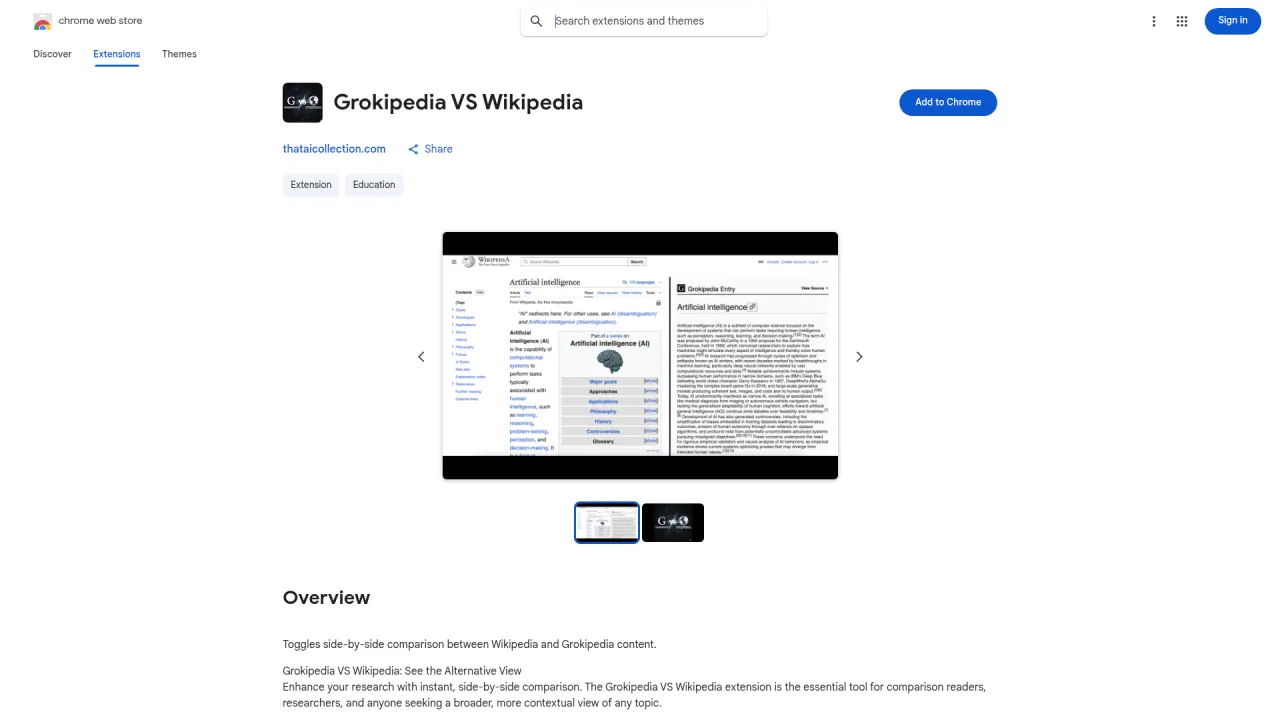
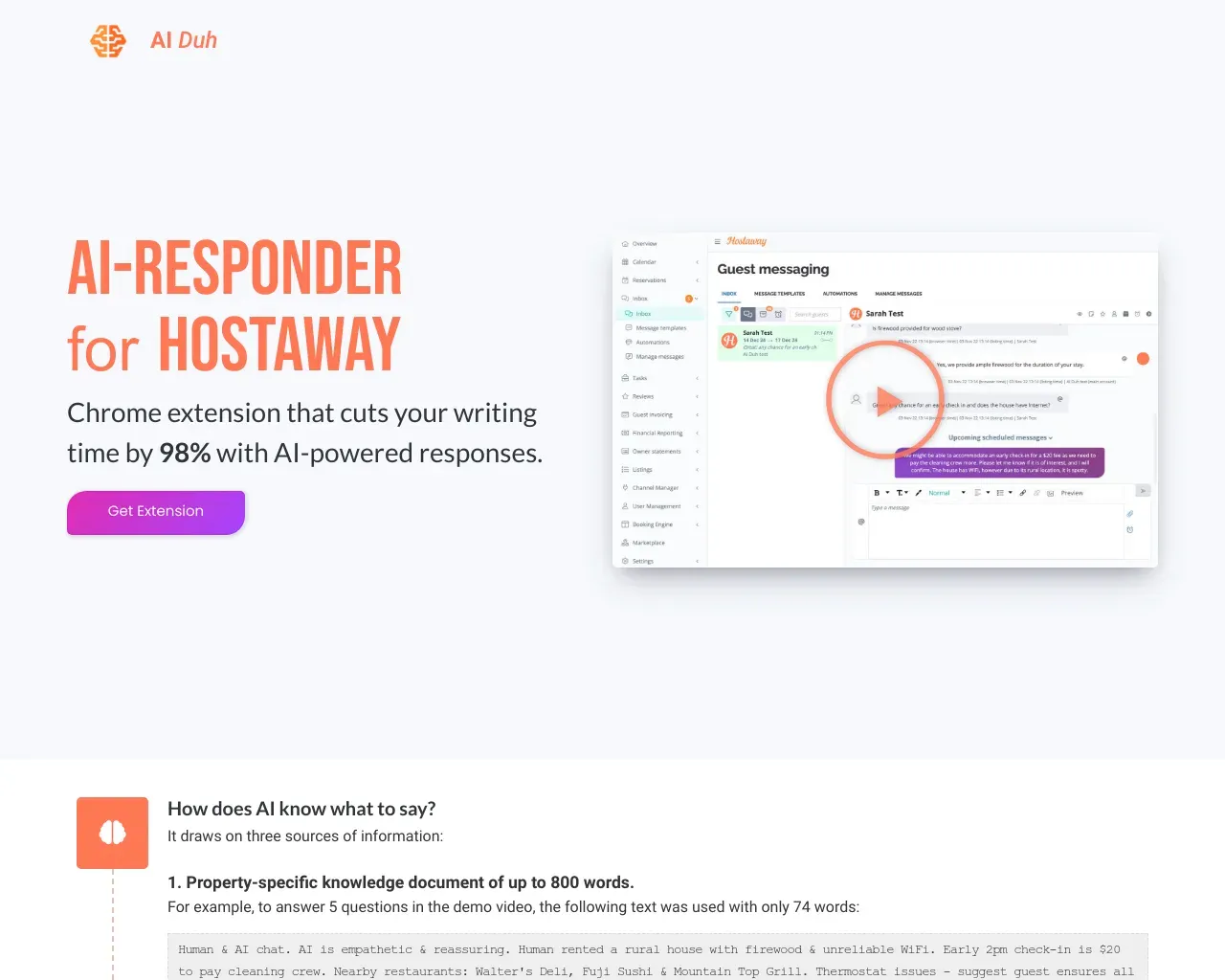
Top alternatives to AI Infographics include All in One Accessibility, AIduh, Texti, Autoname, SplashAI.Where can I get AI Infographics?
AI Infographics is available at https://infographics.so/.What category is AI Infographics in?
AI Infographics is listed in Plugins & Extensions.Can AI actually generate a polished infographic?
Yes. Drop in a stat, an outline, a transcript, or a brand reference and Masonry generates editorial-quality infographics in seconds. The right model picks (especially Ideogram and Recraft) render in-image typography, axis labels, and callouts legibly, so the result reads as a designed piece rather than an obviously-AI mockup.What kinds of infographics can it generate?
Process flows, comparisons, timelines, statistical (big-number) strips, lists and checklists, data-viz charts, hierarchical diagrams, anatomy breakdowns, geographic visuals, and editorial spreads. You can mix styles, anchor on a reference image, and call out specific palettes, layouts, or chart types.Which AI model is best for infographics?
There is no single best model, and that is the point. Different models win at different briefs, so Masonry gives you all of them in one workspace and lets you compare results side by side. For an infographic, Nano Banana Pro is the best all-rounder for photoreal results with faithful layout, Seedream is fast and detailed for exploring options, FLUX gives the most control for a consistent style, and GPT Image is great for precise edits. You pick the winner for each shot instead of being locked into one engine.Will it render text in the image legibly?
Yes, when you use the right model. Ideogram V3 Quality is the strongest at in-image typography, labels, axis text, and short callouts, and Recraft V3 holds up well for cleaner editorial output. Masonry lets you run the same brief through both, plus the photoreal generalists, so you can pick the one that nails your text first time.Is it free, and how much does it cost?
You can start generating infographics for free, then upgrade when you need more generations or higher-resolution exports. It costs a fraction of what a freelance designer charges per visual and removes the seat fee of a template-based app.Can I keep my brand colors, fonts, and look?
Yes. Anchor on a brand reference image, call out the palette and typography you want, and re-run the brief across variations. For a long campaign, lock a consistent house style with one of the more controllable models (FLUX or Recraft) and reuse it across every visual.Can I edit a generated infographic?
Yes. Regenerate variations, swap the palette, change one section while keeping the rest, or hand the output to a designer to finish in Figma or Illustrator. You stay in control until the visual is right.Can I use the infographics commercially?
Yes. Generated infographics are high-resolution and licensed for commercial use, so you can drop them into client decks, paid campaigns, landing pages, blog posts, and printed handouts. Review each model's terms for regulated topics, named entities, or trademarked content, and treat AI visuals as creative output you check before shipping.Is this an alternative to Canva, Piktochart, or Venngage?
Yes, with a different shape. Template apps give you a grid of fixed layouts to fill in. Masonry generates an original visual for your specific brief, in any style, using the strongest current AI image models. Use it when you want output that does not look like every other team is shipping it.What should I drop in for the best result?
A clear, specific brief. The format you want (process flow, comparison, timeline, stat strip), the actual content (the steps, the stats, the labels), the style or reference image, and any must-keep brand details. Specific briefs produce specific visuals.How long does an infographic take to generate?
Seconds. Most concepts generate in well under a minute, so you can explore a dozen directions in the time a single Figma frame used to take.
Compare AI Infographics with…
Pick any tool to see a structured side-by-side: pricing, deployment, capabilities, and content policy.