AI PPT Maker
Free AI Presentation Maker with Agent Slides | AI PPT Maker.
- Category
- Slides & Presentations
- Alternatives
- 6 similar tools
- Last updated
- 2 weeks ago
- Source
- Official site ↗︎
AI Collection Top Picks

Slides & Presentations Category Picks


About AI PPT Maker
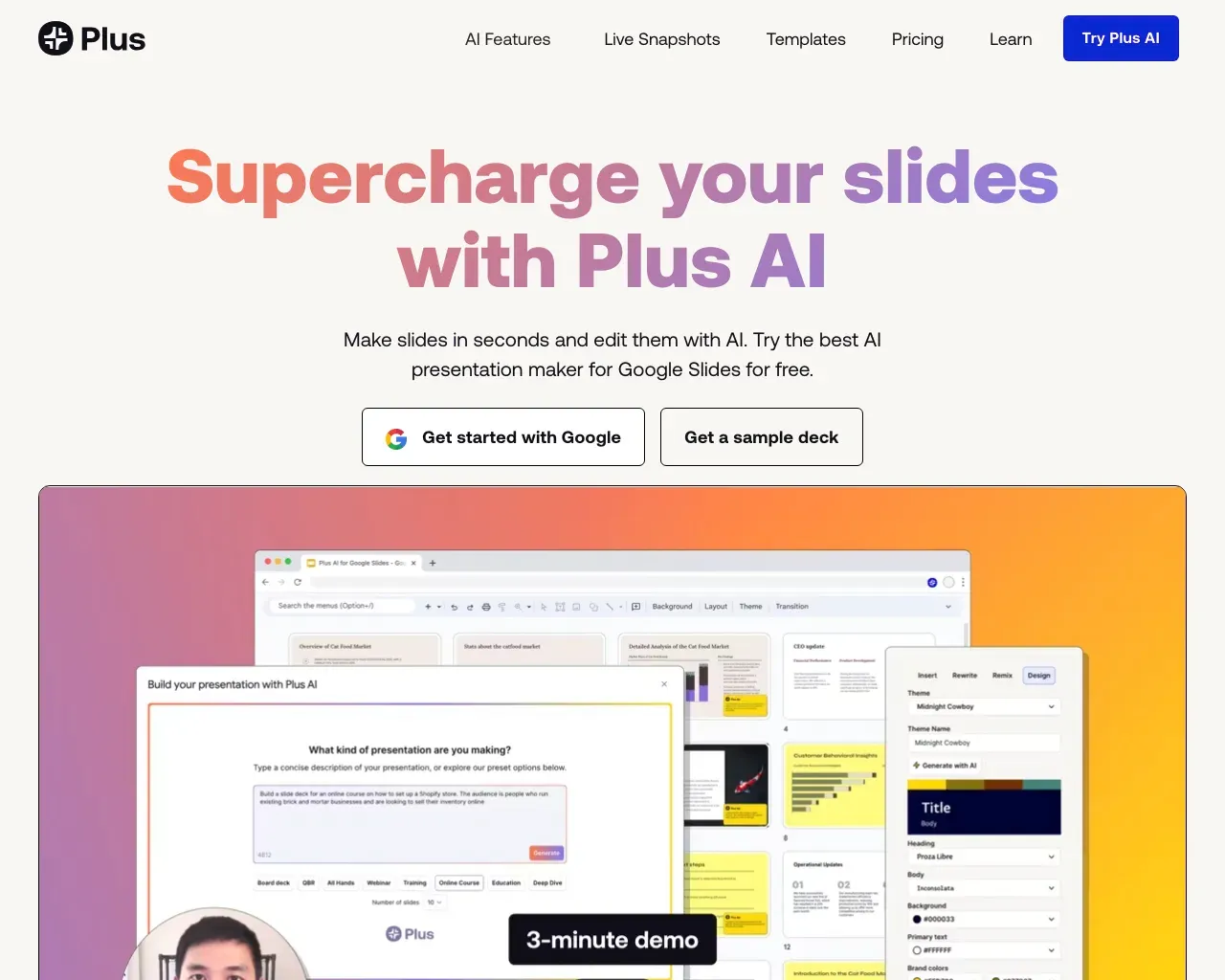
Turn ideas and content into presentations with AI PPT Maker. Agent Slides organizes key points and designs slides you can refine. Make your message stand out.
What you get
Additional Information
AI PPT Maker is a lightning-fast, free AI-powered tool that transforms various content types, including text, PDFs, and multimedia, into professional PowerPoint presentations in seconds. Utilizing advanced AI technologies, it organizes information while preserving the original context. Users can quickly generate presentations by following a simple three-step process: inputting their content, customizing templates, and generating the final slides.
The tool is designed for various users, including students, professionals, and educators, providing adequate features for each demographic. AI PPT Maker can easily turn business reports, educational materials, and personal projects into visually appealing presentations. It supports multiple file formats and allows for extensive customization with a library of over 1000 free templates suitable for different needs.
With seamless collaborative features and online playback options, users can efficiently share their presentations. AI PPT Maker emphasizes speed and efficiency, helping users save valuable time while producing high-quality outputs. Whether for business meetings, educational purposes, or personal events, AI PPT Maker serves as a valuable resource for creating engaging presentations effortlessly.
Frequently asked questions
What is AI PPT Maker used for?
Free AI Presentation Maker with Agent Slides | AI PPT Maker.Is AI PPT Maker free?
Pricing for AI PPT Maker varies — see the Pricing section for details.What are alternatives to AI PPT Maker?
Where can I get AI PPT Maker?
AI PPT Maker is available at https://aipptmaker.ai.What category is AI PPT Maker in?
AI PPT Maker is listed in Slides & Presentations.How does AI PPT Maker work?
AI PPT Maker uses advanced artificial intelligence to transform your content into a polished presentation. You simply upload your documents, text files, or even videos, and the AI analyzes the content. It then organizes it into a structured outline and designs the slides for you.What types of files can I upload to AI PPT Maker?
AI PPT Maker supports a wide range of file formats, including DOC, DOCX, PDF, TXT, XLS, CSV, and many others. You can also upload multimedia files like MP3, MP4, and images.How long does it take to generate a presentation?
AI PPT Maker generates presentations in a matter of seconds. Depending on the complexity and size of the content, most presentations can be ready in under a minute.Can I customize the generated presentations?
Yes, AI PPT Maker allows you to fully customize your presentations. After the AI creates the slides, you can change the text, modify the colors, and add or remove images.Is AI PPT Maker suitable for educational use?
Absolutely! AI PPT Maker is ideal for educators. Teachers can upload their lesson plans, notes, or educational materials and quickly convert them into engaging presentations.Can I use AI PPT Maker for creating business presentations?
Yes, AI PPT Maker is perfect for business presentations. You can upload reports, proposals, or meeting notes, and the AI will automatically generate a professional-looking slide deck.How secure is my data on AI PPT Maker?
AI PPT Maker prioritizes the security and privacy of your data. All files you upload are processed securely and are not shared with third parties.What is AI PPT Maker?
AI PPT Maker turns topics, text, documents, article links, and YouTube videos into presentations.Can I use AI PPT Maker for free?
Yes. The free plan includes 50 credits per month for Classic Slides, with each presentation costing 10 credits.Are Agent Slides and Creative Slides included in the free plan?
Agent Slides and Creative Slides require a Basic or Pro subscription.Can I customize my presentation before generating slides?
Yes. Select your presentation language, audience, and tone, then add any specific instructions.Can I edit the slides after generation?
Yes, with editing options that vary by mode.Can I download presentations for free and without a watermark?
The free plan includes presentation downloads with a watermark. Basic and Pro support watermark-free exports.How does AI PPT Maker protect my data?
We use safeguards described in our Privacy Policy, including server firewalls, reviews of data handling practices, and security assessments.How is my personal information used and shared?
Our Privacy Policy explains what information we collect, how we use it to operate and improve our services, and when it may be shared.
Compare AI PPT Maker with…
Pick any tool to see a structured side-by-side: pricing, deployment, capabilities, and content policy.