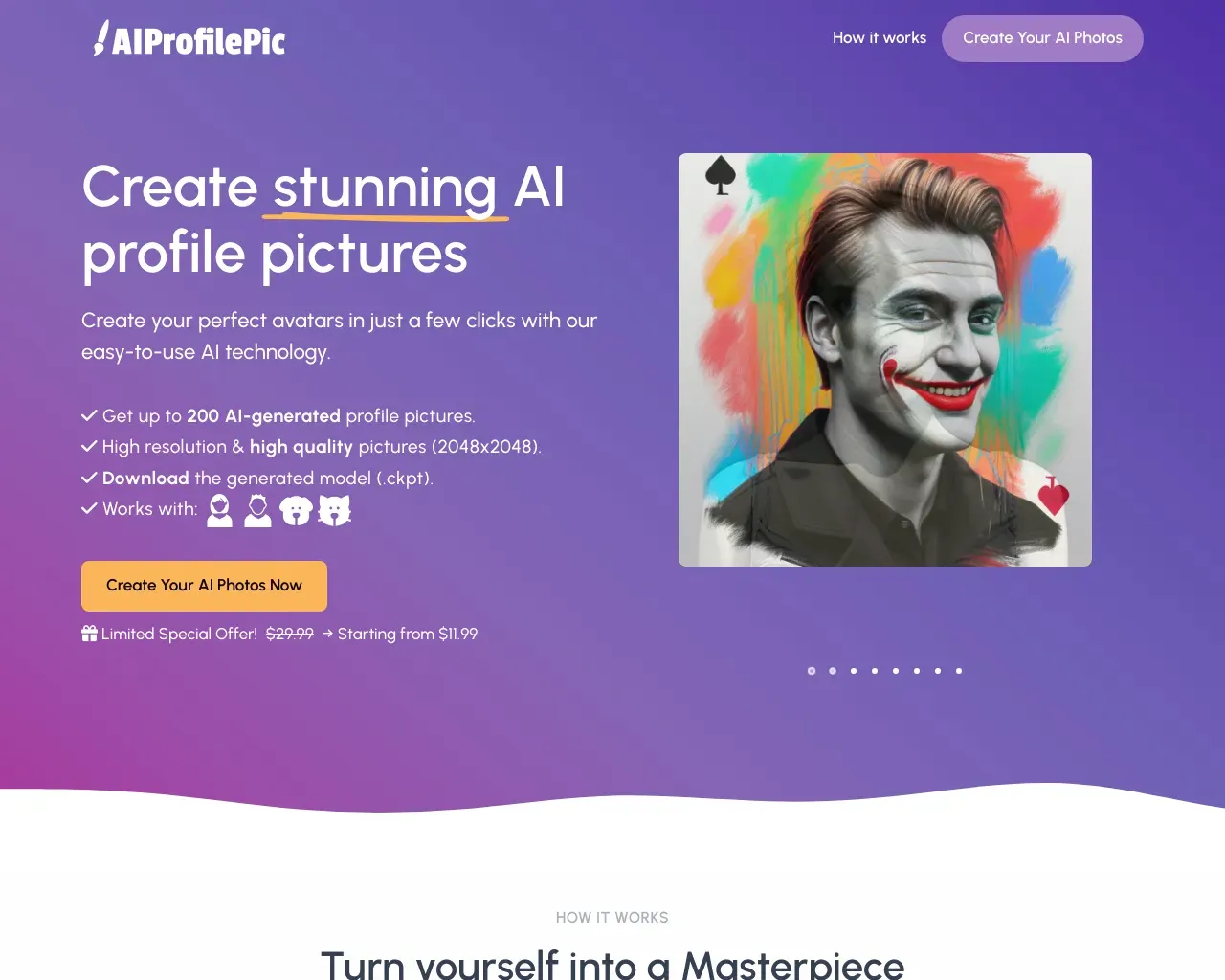
AI Profile Picture Maker
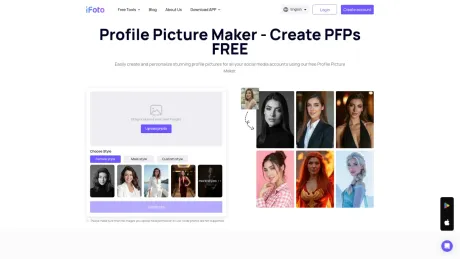
100% Free Profile Picture Maker - Create PFPs Online | iFoto.
- Category
- Avatars
- Alternatives
- 6 similar tools
- Last updated
- 2 weeks ago
- Source
- Official site ↗︎
AI Collection Top Picks

Avatars Category Picks
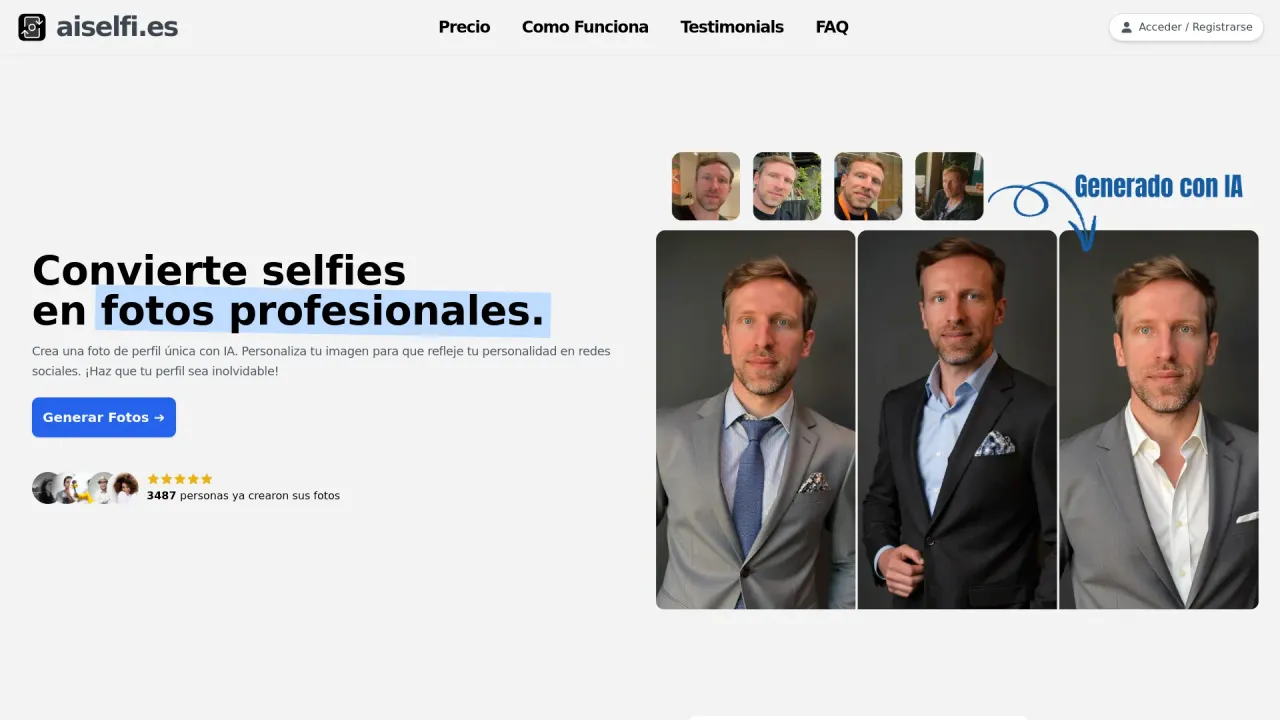
aiselfi.es
Create AI-generated profile pictures quickly and easily. Use our tool to create free, personalized AI profile pictures in minutes. Try it out → aiselfi.es
About AI Profile Picture Maker
Instantly create and customize hundreds of professional profile pictures for all your social media platforms with our free Profile Picture Maker! Choose from business headshots perfect for LinkedIn, CVs, and resumes, or Instagram to showcase your best self online.
Frequently asked questions
What is AI Profile Picture Maker used for?
100% Free Profile Picture Maker - Create PFPs Online | iFoto.Is AI Profile Picture Maker free?
Pricing for AI Profile Picture Maker varies — see the Pricing section for details.What are alternatives to AI Profile Picture Maker?
Top alternatives to AI Profile Picture Maker include aiselfi.es, Photo AI, HairstyleAI, Real Photo AI, CustomQR AI.Where can I get AI Profile Picture Maker?
AI Profile Picture Maker is available at https://www.ifoto.ai/profile-picture-maker.What category is AI Profile Picture Maker in?
AI Profile Picture Maker is listed in Avatars.How to get AI profile picture for free?
- Choose Your Best Photo Select a photo from your library or take a new selfie. - Generate an AI avatar Customize the Background and optionally remove the background. Add borders, colors, and patterns to enhance your image. - Fine-Tune Your Image Rotate, scale, and adjust the positioning for a more eye-catching profile photo. - Size and Download: Select the platform for your profile. Download your picture with the correct dimensions.What AI avatar app is everyone using?
Currently, iFoto AI is the avatar app everyone is using.What avatar app is everyone using on Facebook?
Try iFoto AI Profile Picture Maker today!What size are social media platforms like Instagram or Facebook's profile picture?
Most online profile picture tools let you export images as squares (e.g., 400x400 pixels) for use on various platforms like YouTube. The recommended sizes are: Instagram (320x320), Facebook (170x170), LinkedIn (400x400), Microsoft Teams (500x500), Twitter (400x400), Discord (128x128), Slack (512x512), and Twitch (256x256). While you can often use any square size, ensure the quality is high to avoid pixelation.What is the best AI profile picture creator?
iFoto AI Profile Picture Maker will be your first and best choice.Is there a free AI avatar generator?
iFoto AI Profile Picture Maker provides free trial for every one to generate the PFPs.What photo formats are supported?
iFoto AI supports a wide range of popular photo formats, including .jpg, .jpeg, .png, .pjp, .gif, .webp, .bmp, .jfif, .tif, and .tiff.Where can generated profile pics be used?
Generated profile pictures can be used across various platforms, including: - Social Media: Instagram, Facebook, Twitter, LinkedIn - Messaging Apps: WhatsApp, Discord, Slack - Professional Networks: LinkedIn, Microsoft Teams - Content Platforms: YouTube, Twitch - Personal Websites and Blogs - Resumes and CVs - Email Services: Gmail, Outlook - Online Forums and Communities They can also be utilized for personal branding, networking, and professional presentations.How to make profile picture more attractive?
Hey, please try the iFoto AI Attractiveness Test first by uploading your profile picture. You will get the score and see how attractive your face is! And then just use our professional profile picture maker to level up your profile picture!What can I use to make a LinkedIn profile picture?
You are supposed to use our professional LinkedIn Profile Picture Maker to customize your professional LinkedIn PFP.
Compare AI Profile Picture Maker with…
Pick any tool to see a structured side-by-side: pricing, deployment, capabilities, and content policy.