Background Removal AI
Remove Image Backgrounds Instantly with AI.
- Category
- Background Remover
- Pricing
- Free
- Alternatives
- 6 similar tools
- Last updated
- 2 months ago
- Source
- Official site ↗︎
AI Collection Top Picks

Background Remover Category Picks


About Background Removal AI
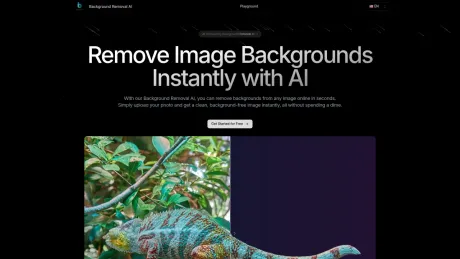
Our Background Removal AI uses advanced AI technology to remove backgrounds from images for free. Perfect for e-commerce, graphic design, and photo editing
What you get
Additional Information
Key Features
Automatic Background Removal: Quickly and accurately remove backgrounds from images with AI-powered precision, eliminating the need for manual editing.
High-Resolution Output: Ensure your subject remains crisp and detailed, even after the background is removed, suitable for high-quality prints and digital use.
Batch Processing: Save time by removing backgrounds from multiple images at once, perfect for bulk editing projects.
Supports Various File Formats: Compatible with popular image formats like JPEG, PNG, and TIFF, making it versatile for different workflows.
Edge Detection and Refinement: Advanced AI algorithms provide smooth and precise edges, ensuring no part of your subject is left out or inaccurately cropped.
One-Click Operation: User-friendly interface with simple, intuitive controls that allow you to get professional results in just one click.
Custom Background Options: Replace the removed background with solid colors, patterns, or custom images, giving you full control over the final look.
Cross-Platform Availability: Access the tool from any device—whether on a desktop or mobile—making it easy to edit images on the go.
Use Case
E-Commerce Product Photos: Online sellers can use the tool to remove distracting backgrounds from product images, creating clean, professional-looking listings that draw attention to the product itself, helping to improve conversion rates.
Social Media Content Creation: Content creators and influencers can quickly isolate subjects from images to create visually appealing posts or stories with customized backgrounds, enhancing the aesthetic of their social media feeds.
Graphic Design Projects: Designers can integrate Background Removal AI into their workflow to easily extract subjects for banners, flyers, or posters, enabling faster creation of composites without tedious manual editing.
Real Estate Listings: Real estate agents can remove backgrounds from property images, making homes or rooms stand out in listings by highlighting key features and removing unnecessary distractions.
ID and Passport Photos: Users can generate compliant ID or passport photos by removing backgrounds and replacing them with plain, required colors, without the need for visiting a professional photo studio.
Event Photography: Photographers can provide clients with cleaner images by removing cluttered or unflattering backgrounds from event photos, creating polished, memorable shots for weddings, corporate events, or portraits.
Marketing and Advertising: Marketers can use the tool to create eye-catching advertisements by isolating products, models, or logos from the background, then placing them into customized, brand-specific settings.
Educational Content Creation: Educators can enhance their visual materials by removing or replacing backgrounds in images, making content clearer and more focused for presentations, tutorials, or instructional videos.
Frequently asked questions
What is Background Removal AI used for?
Remove Image Backgrounds Instantly with AI.Is Background Removal AI free?
Background Removal AI is free to use.What are alternatives to Background Removal AI?
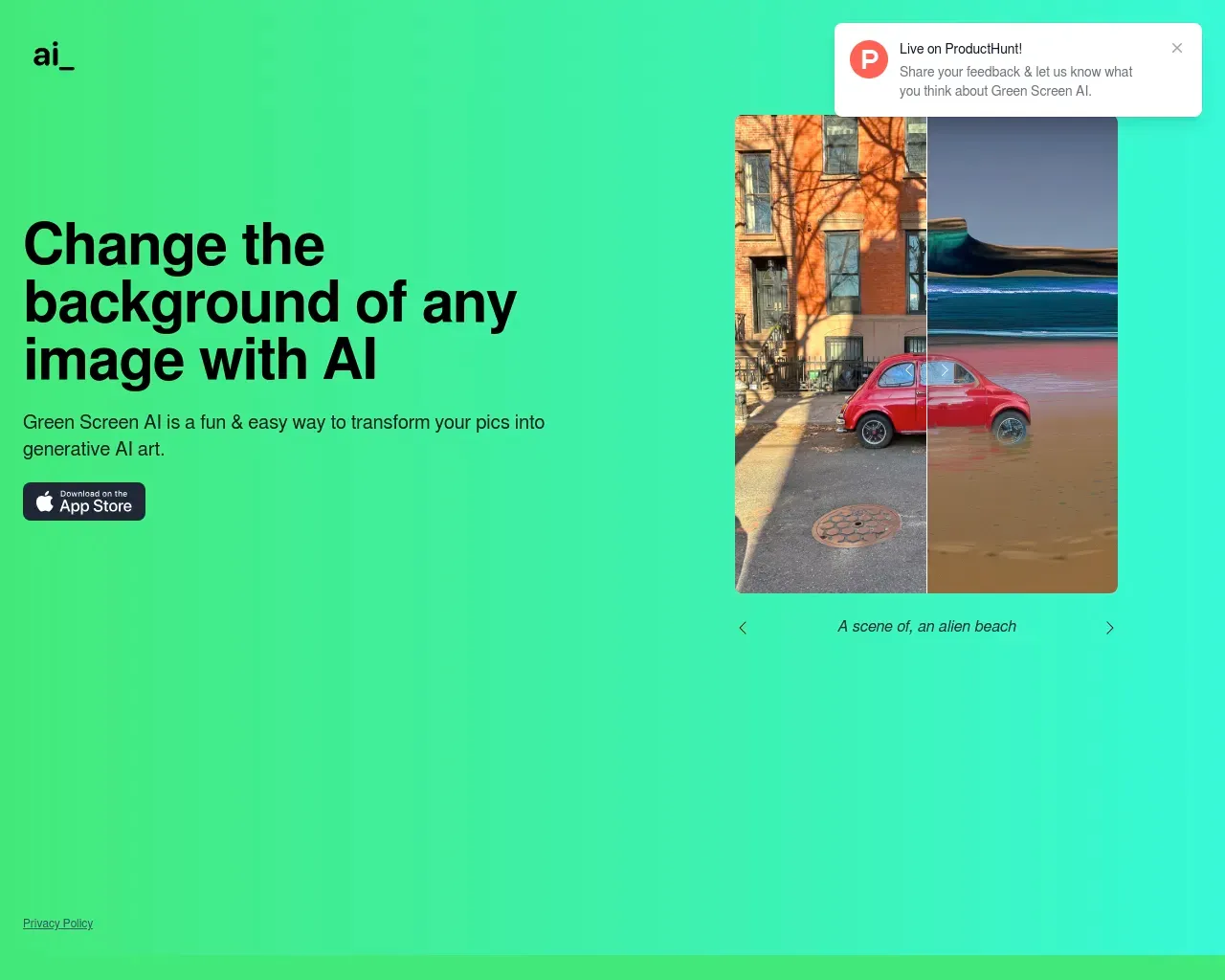
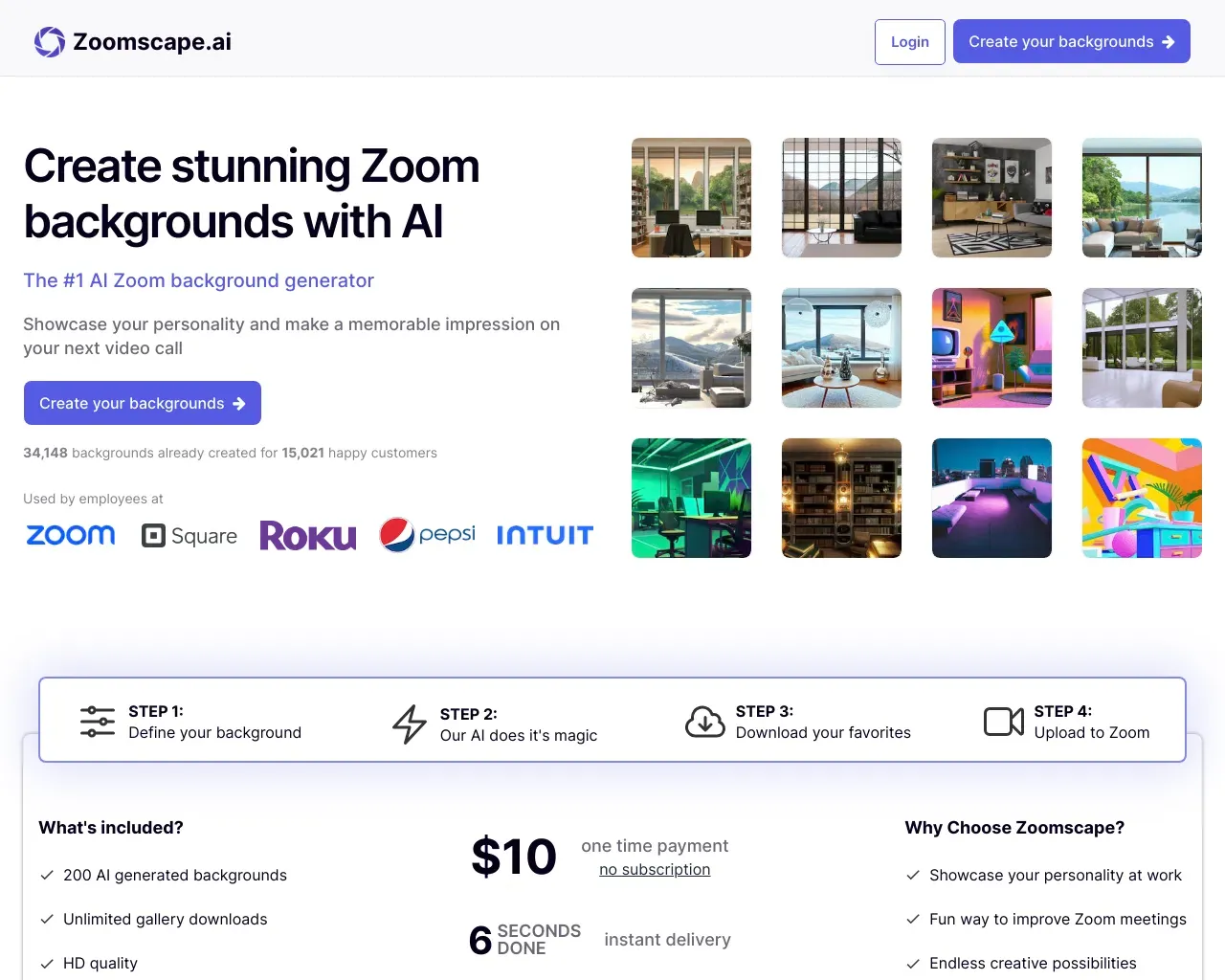
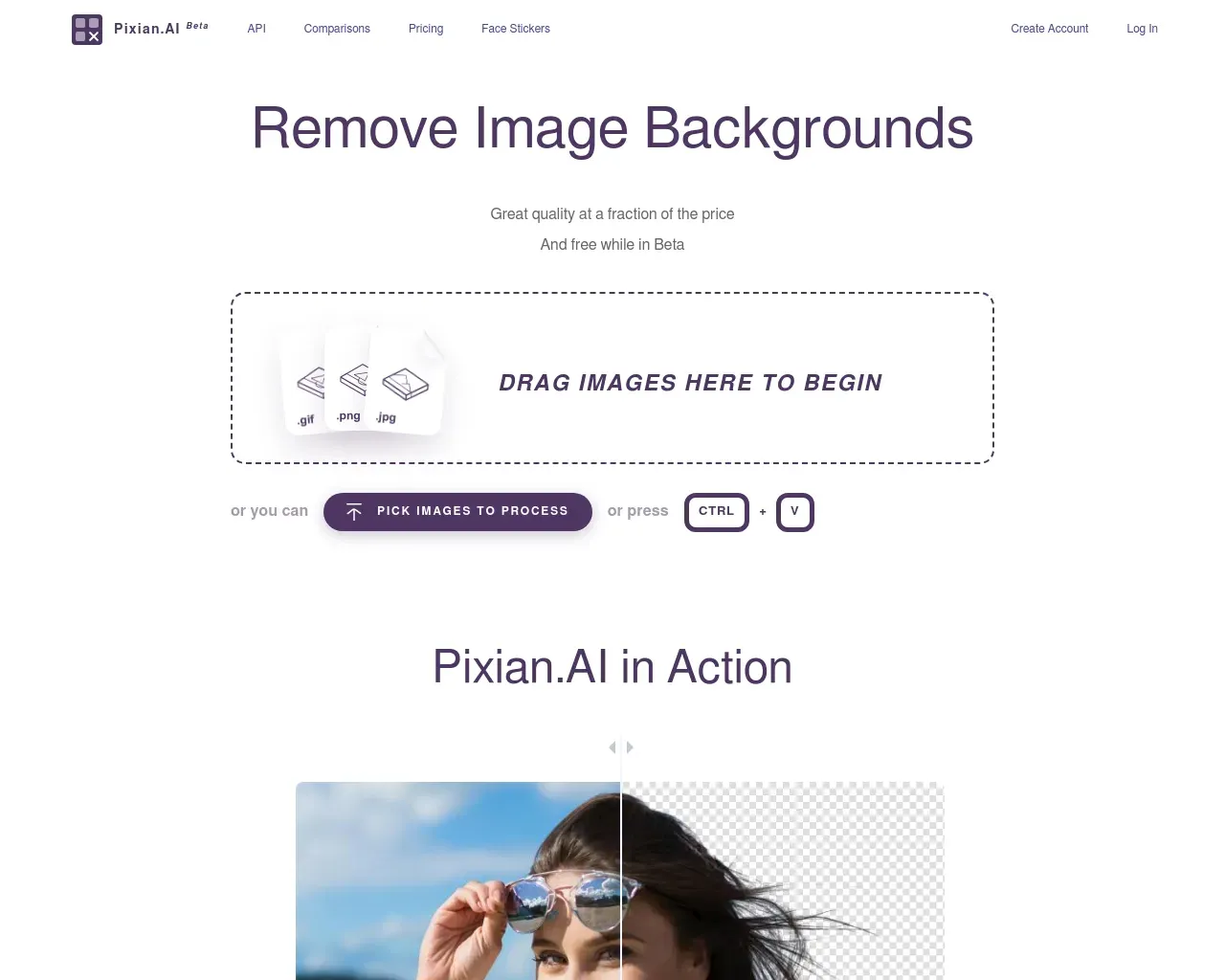
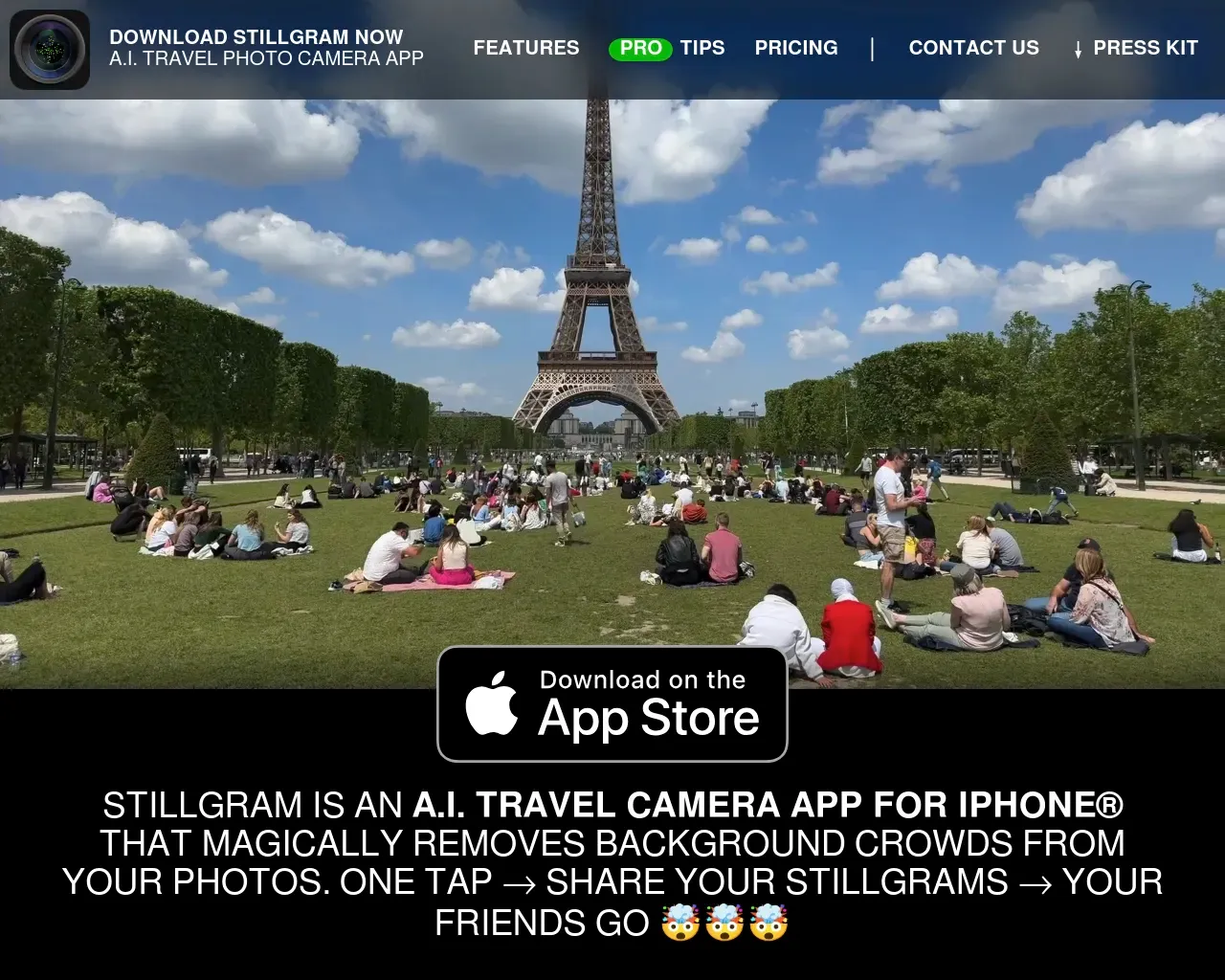
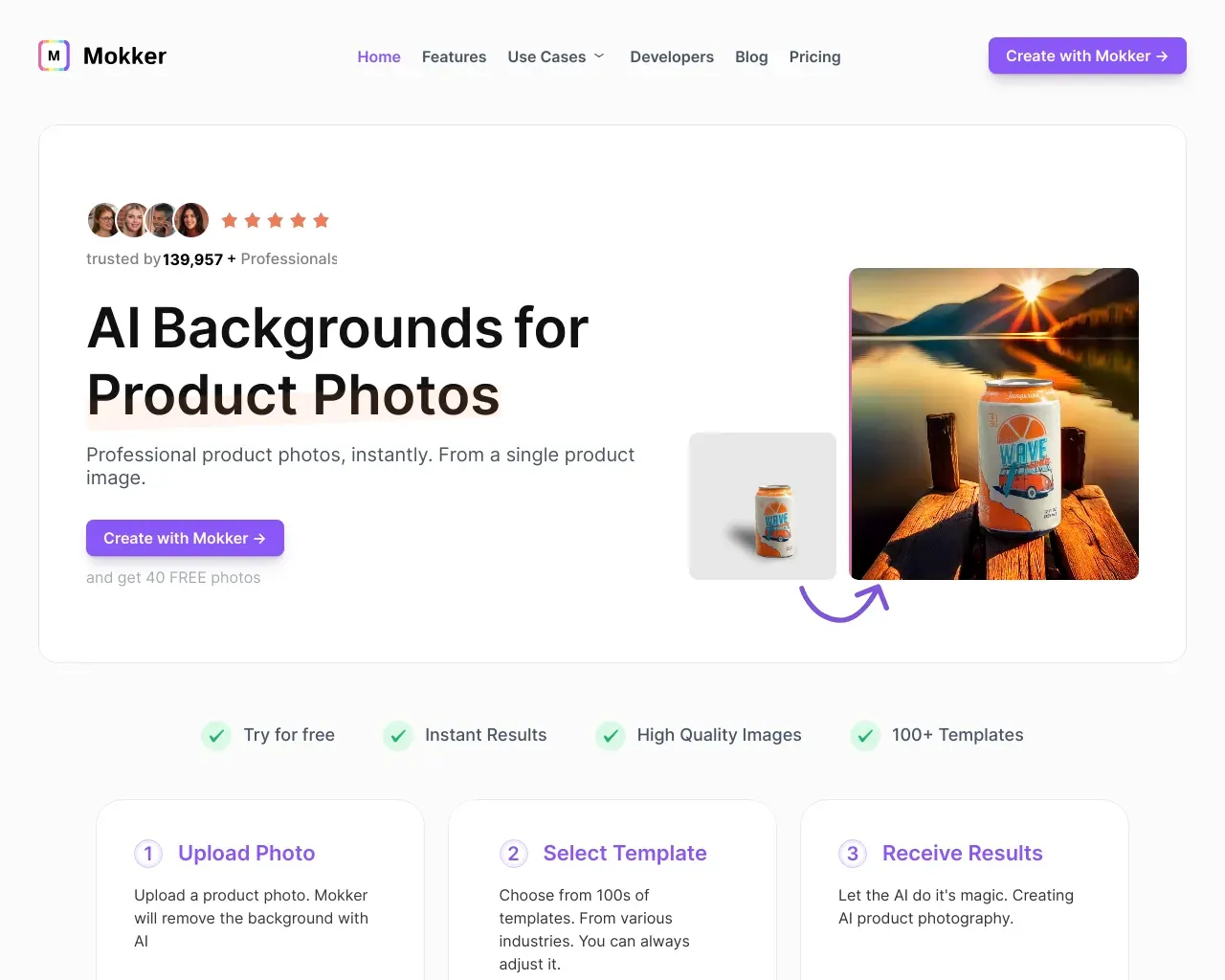
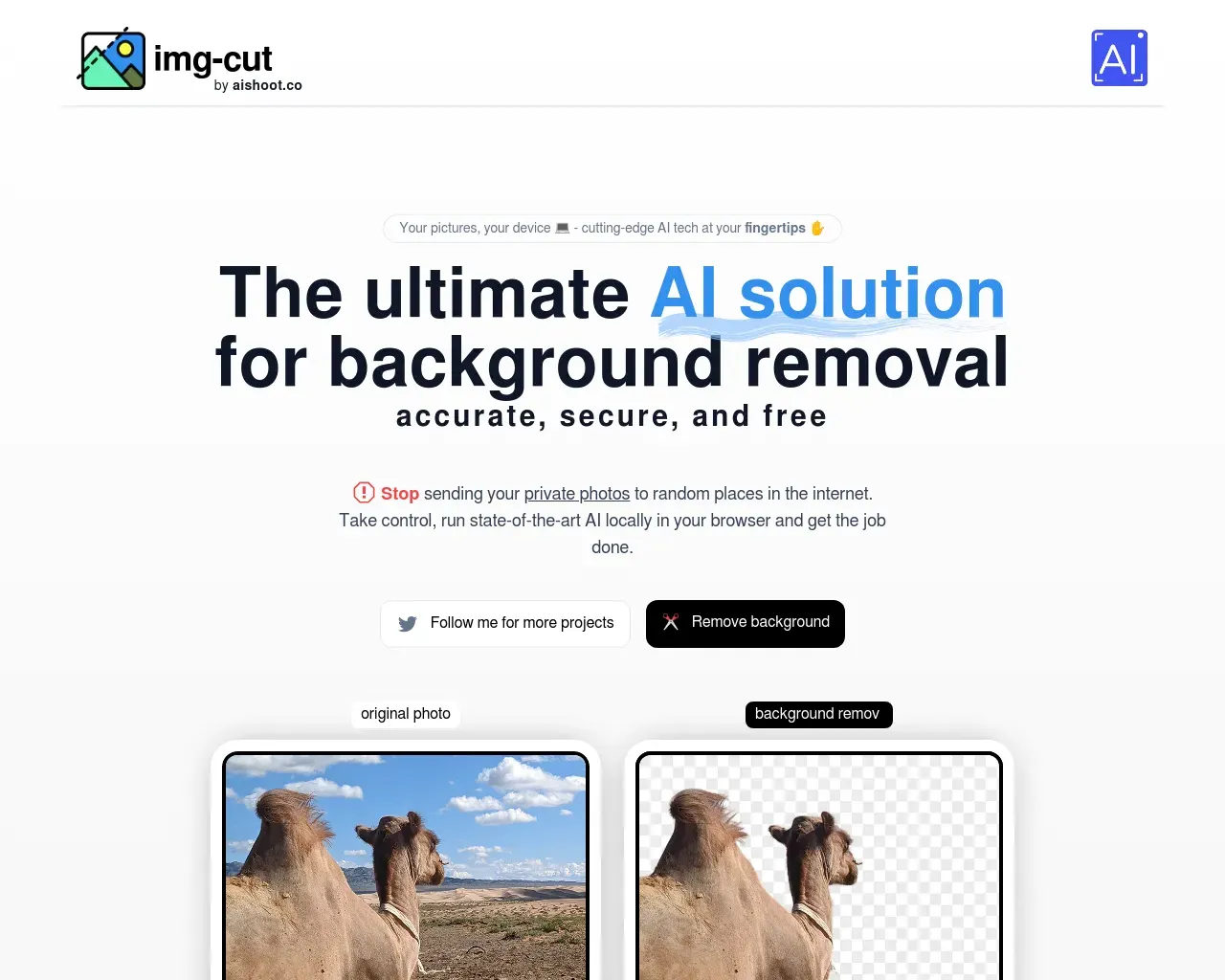
Top alternatives to Background Removal AI include Green Screen AI, Zoomscape, Pixian, Stillgram, Mokker.Where can I get Background Removal AI?
Background Removal AI is available at https://backgroundremoval.org.What category is Background Removal AI in?
Background Removal AI is listed in Background Remover.Use Case
1. **E-Commerce Product Photos**: Online sellers can use the tool to remove distracting backgrounds from product images, creating clean, professional-looking listings that draw attention to the product itself, helping to improve conversion rates. 2. **Social Media Content Creation**: Content creators and influencers can quickly isolate subjects from images to create visually appealing posts or stories with customized backgrounds, enhancing the aesthetic of their social media feeds. 3. **Graphic Design Projects**: Designers can integrate Background Removal AI into their workflow to easily extract subjects for banners, flyers, or posters, enabling faster creation of composites without tedious manual editing. 4. **Real Estate Listings**: Real estate agents can remove backgrounds from property images, making homes or rooms stand out in listings by highlighting key features and removing unnecessary distractions. 5. **ID and Passport Photos**: Users can generate compliant ID or passport photos by removing backgrounds and replacing them with plain, required colors, without the need for visiting a professional photo studio. 6. **Event Photography**: Photographers can provide clients with cleaner images by removing cluttered or unflattering backgrounds from event photos, creating polished, memorable shots for weddings, corporate events, or portraits. 7. **Marketing and Advertising**: Marketers can use the tool to create eye-catching advertisements by isolating products, models, or logos from the background, then placing them into customized, brand-specific settings. 8. **Educational Content Creation**: Educators can enhance their visual materials by removing or replacing backgrounds in images, making content clearer and more focused for presentations, tutorials, or instructional videos.What is Background Removal AI?
Background Removal AI is a tool that uses advanced AI technology to remove backgrounds from images.What are the key features of Background Removal AI?
Key features include instant background removal, high precision edge detection, bulk processing, and multiple output formats.What types of images can I use with Background Removal AI?
You can use various image formats with Background Removal AI.Is Background Removal AI available on mobile devices?
The specifics on mobile availability are not detailed.How accurate is the background removal?
Background Removal AI provides high accuracy, especially with complex edges.Can I adjust the results after the AI processes my image?
Yes, users can make further adjustments after the initial processing.What are the privacy measures in place?
Details about privacy measures are not specifically provided.How long does it take to process an image?
The processing time is a few seconds.Can Background Removal AI handle images with complex edges like hair or fur?
Yes, it can accurately handle complex edges like hair or fur.What are the main benefits of using Background Removal AI?
The main benefits include saving time, producing professional results, and ease of use.Is there a limit to how many images I can process?
The specifics on limits are not detailed.
Compare Background Removal AI with…
Pick any tool to see a structured side-by-side: pricing, deployment, capabilities, and content policy.