- Category
- Web Design
- Alternatives
- 6 similar tools
- Last updated
- 1 weeks ago
- Source
- Official site ↗︎
AI Collection Top Picks

Web Design Category Picks
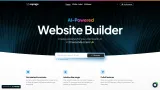


About Bolt Dev AI
BoltAI is a free AI Web App Builder that helps you transform your website ideas to web pages using AI.
Bolt Dev AI's Pricing Plans
Bolt Dev AI may change prices at any time. Here's our latest information:
Pricing
Free
Free
Frequently asked questions
What is Bolt Dev AI used for?
Bolt AI- AI Web App Designer.Is Bolt Dev AI free?
Pricing for Bolt Dev AI varies — see the Pricing section for details.What are alternatives to Bolt Dev AI?
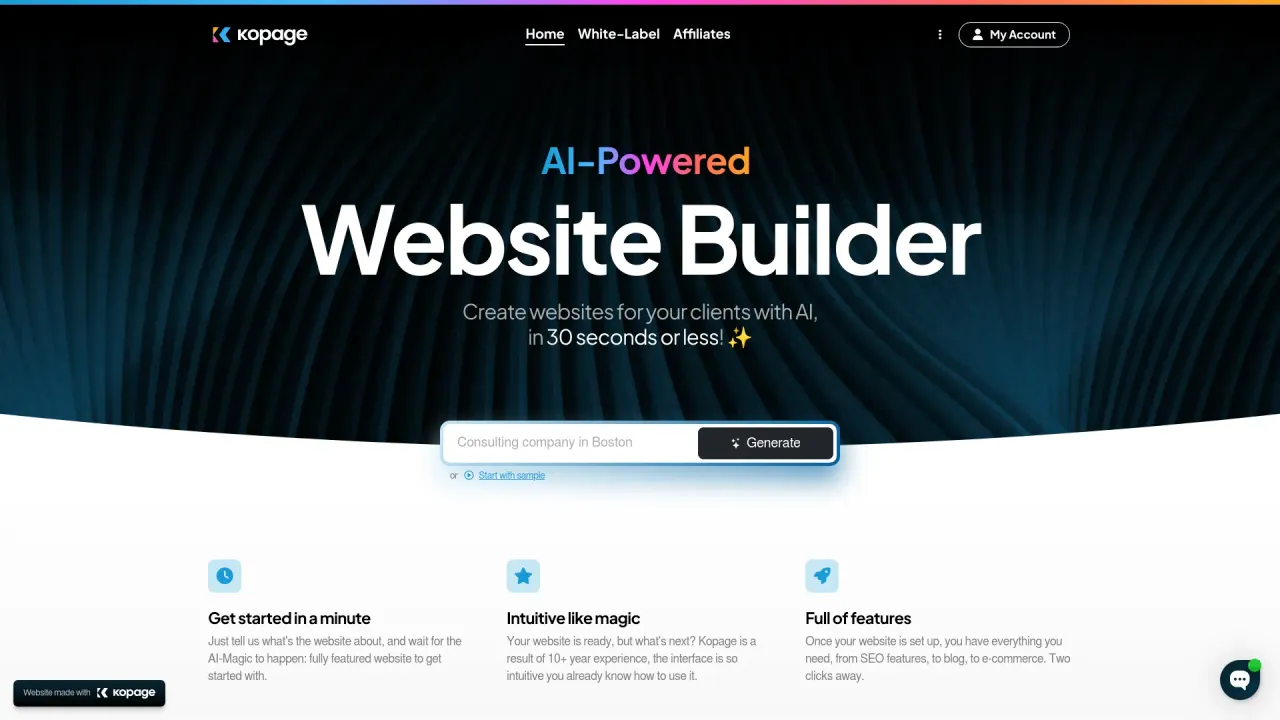
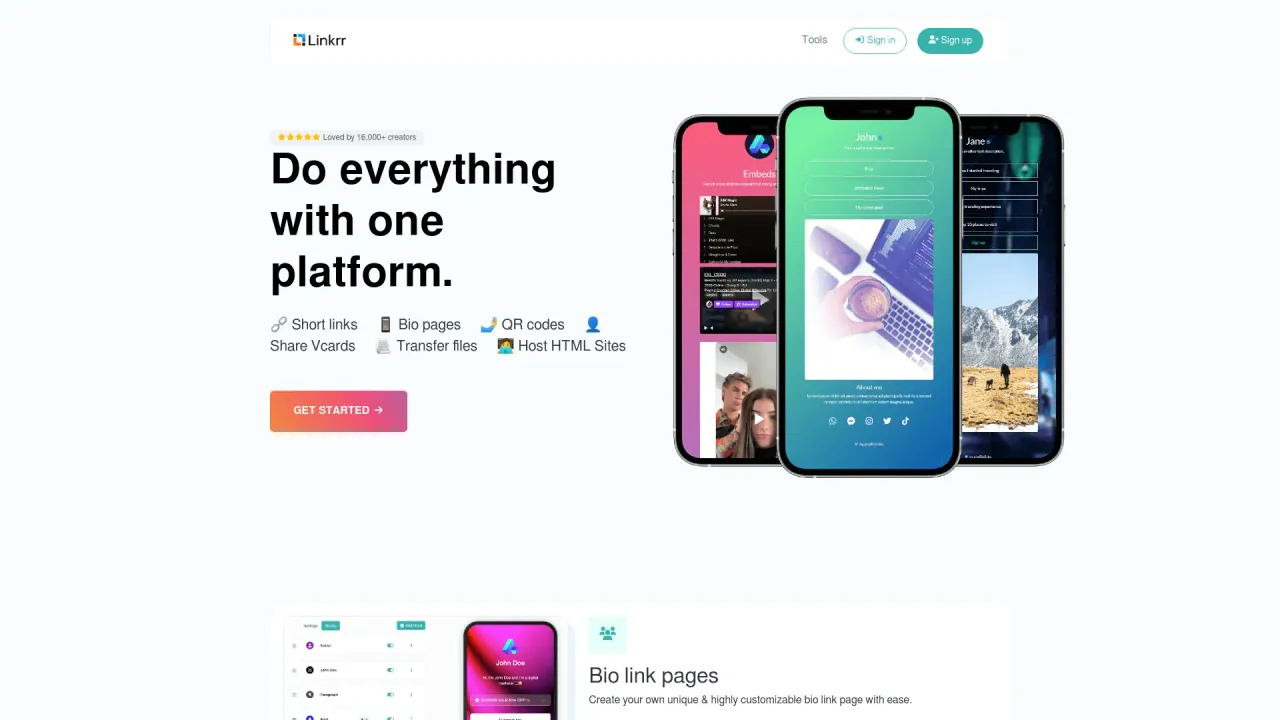
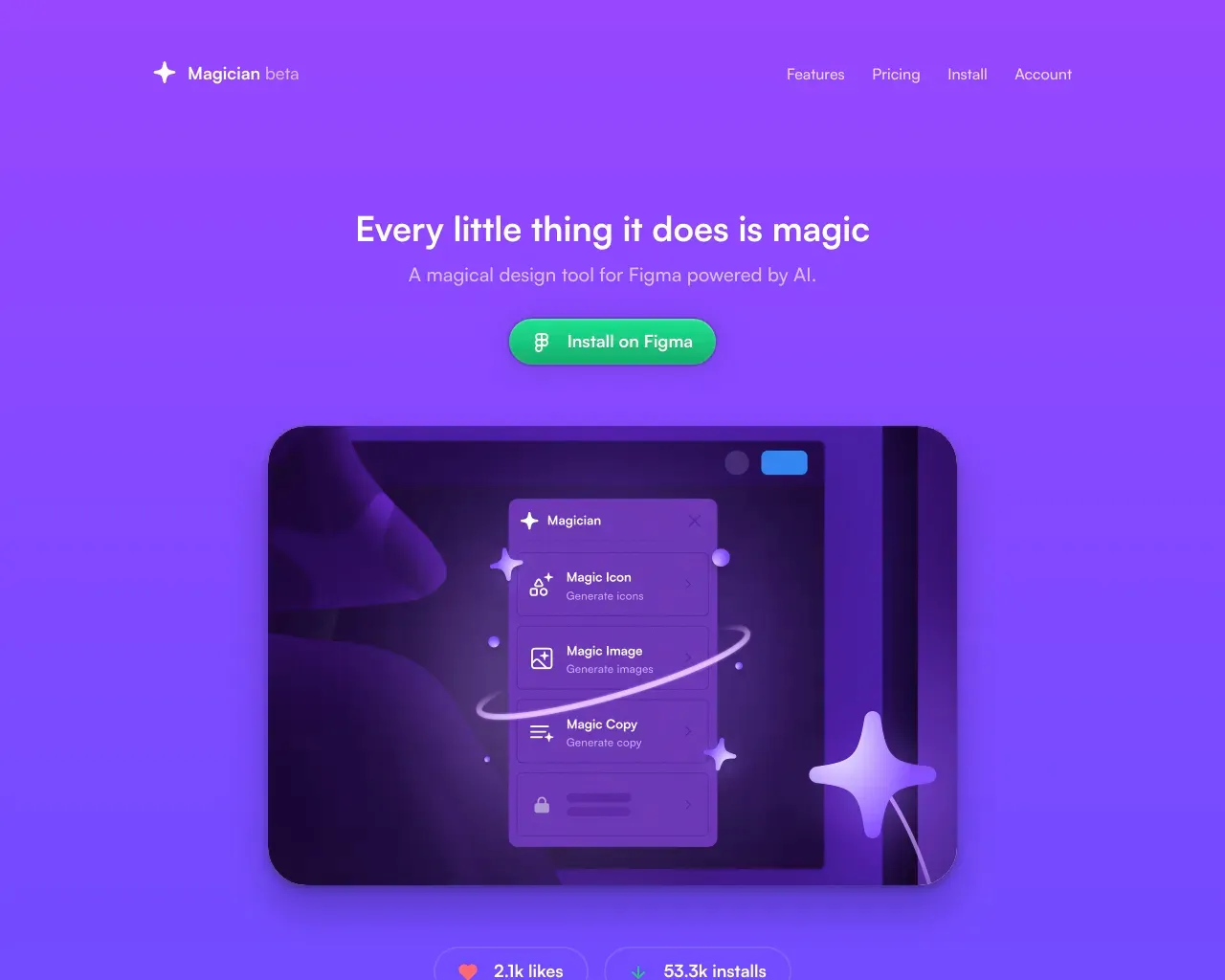
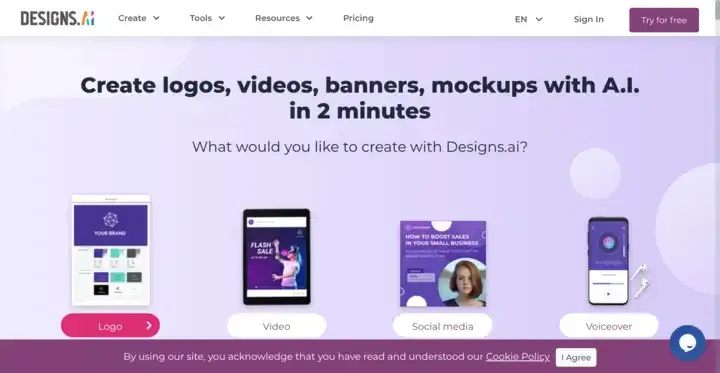
Top alternatives to Bolt Dev AI include Linkrr, Kopage AI Website Builder, Magician, Designs AI, welovenocode.Where can I get Bolt Dev AI?
Bolt Dev AI is available at https://boltai.dev.What category is Bolt Dev AI in?
Bolt Dev AI is listed in Web Design.What is Bolt AI?
Bolt AI is an advanced online platform that uses artificial intelligence to help designers, developers, and startups create UI/UX designs, wireframes, and interactive prototypes quickly and effortlessly.How does Bolt AI work?
Bolt AI uses generative AI models trained on thousands of design patterns and best practices. Simply describe your idea or upload design references, and the platform generates tailored prototypes or wireframes that match your vision.Who can use Bolt AI?
Bolt AI is designed for product designers, developers, entrepreneurs, agencies, and anyone looking to bring digital product ideas to life—no design experience required.What can I create with Bolt AI?
You can generate website layouts, mobile app designs, dashboard interfaces, landing pages, wireframes, and even clickable prototypes ready for presentation or development handoff.Can I customize the AI-generated designs?
Yes! Bolt AI provides editable components and an intuitive drag-and-drop editor, allowing you to tweak colors, typography, spacing, and layouts to match your brand style.Does Bolt AI support collaboration?
Absolutely. Teams can share, comment, and collaborate on designs in real time, making it easy to gather feedback and iterate faster.Can I export my designs?
Yes, Bolt AI allows you to export your projects in multiple formats, including Figma, Sketch, PNG, SVG, and interactive prototype links.How accurate are the AI-generated wireframes?
Bolt AI's models are trained on modern design principles, ensuring that generated wireframes are functional, consistent, and ready for refinement. You can easily adjust them to suit your project's needs.Is Bolt AI suitable for beginners?
Definitely. Bolt AI's interface is user-friendly and doesn't require prior design experience. Beginners can use text prompts to generate high-quality UI concepts within minutes.Does Bolt AI integrate with other design tools?
Yes, Bolt AI integrates with popular tools like Figma, Adobe XD, and Notion, as well as developer platforms for smoother design-to-development handoff.What pricing plans does Bolt AI offer?
Bolt AI offers a free plan with limited exports and premium plans with advanced AI features, unlimited projects, and team collaboration options. You can check the pricing page for details.How secure is my data on Bolt AI?
Your privacy and data security are top priorities. Bolt AI uses encrypted connections, secure cloud storage, and strict access controls to keep your projects safe and confidential.
Compare Bolt Dev AI with…
Pick any tool to see a structured side-by-side: pricing, deployment, capabilities, and content policy.