Dynapik
Remove Background — Private, No Upload | Dynapik.
- Category
- Background Remover
- Pricing
- Free
- Alternatives
- 6 similar tools
- Last updated
- today
- Source
- Official site ↗︎
AI Collection Top Picks

Background Remover Category Picks



About Dynapik
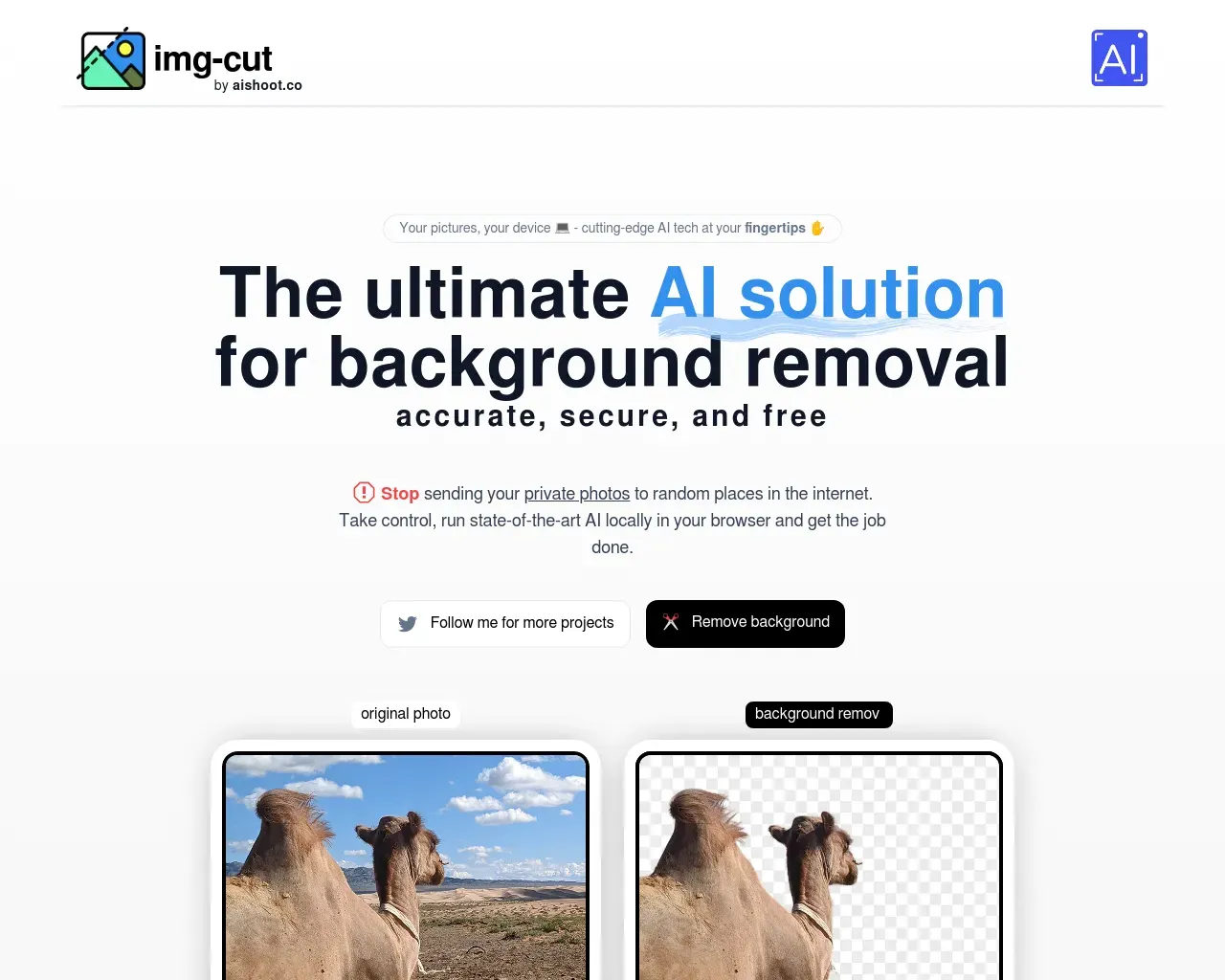
Remove backgrounds instantly with AI, entirely in your browser. Get transparent PNGs in seconds. No uploads, no accounts — your files stay on your device.
Frequently asked questions
What is Dynapik used for?
Remove Background — Private, No Upload | Dynapik.Is Dynapik free?
Dynapik is free to use.What are alternatives to Dynapik?
Where can I get Dynapik?
Dynapik is available at https://dynapik.com/background-remover.What category is Dynapik in?
Dynapik is listed in Background Remover.How many images can I process with Dynapik?
There’s no limit! You can process as many images as you like. The only requirement is to keep your browser tab open during the process.Why does Dynapik offer such a generous service?
Since we don’t run your requests on our servers, our only costs are for website hosting. This enables us to offer unlimited background removals for free.What is the recommended image size for the best results?
For optimal results, images should be 1024x1024 pixels. You can try larger images, but if you face issues, reducing their size might help.How does Dynapik protect user privacy?
Dynapik processes your images locally in your browser, ensuring that your images never leave your device. We don't store or access any uploaded images.What happens if I close the browser tab before the process is finished?
If you close the tab, the background removal will stop. To complete the process successfully, keep the browser tab open until it finishes.Can I use the processed images for commercial purposes?
Yes, you can use the images processed by Dynapik for both personal and commercial projects without any restrictions.How accurate is the background removal with Dynapik?
Dynapik uses advanced AI algorithms for accurate background removal, though the results may vary depending on the complexity of the image.How does Dynapik compare to paid background removal tools?
Dynapik offers unlimited, free background removal with a strong emphasis on privacy. While paid tools may provide additional features, Dynapik delivers a high-quality and cost-effective solution for most users.Is the background remover free?
Yes. Dynapik's background remover is completely free — no accounts, no watermarks, no uploads.Does it upload my images?
No. The AI model runs entirely in your browser, so your images never leave your device.What format is the result?
A transparent PNG you can download and use anywhere — design tools, documents, or other editors.
Compare Dynapik with…
Pick any tool to see a structured side-by-side: pricing, deployment, capabilities, and content policy.