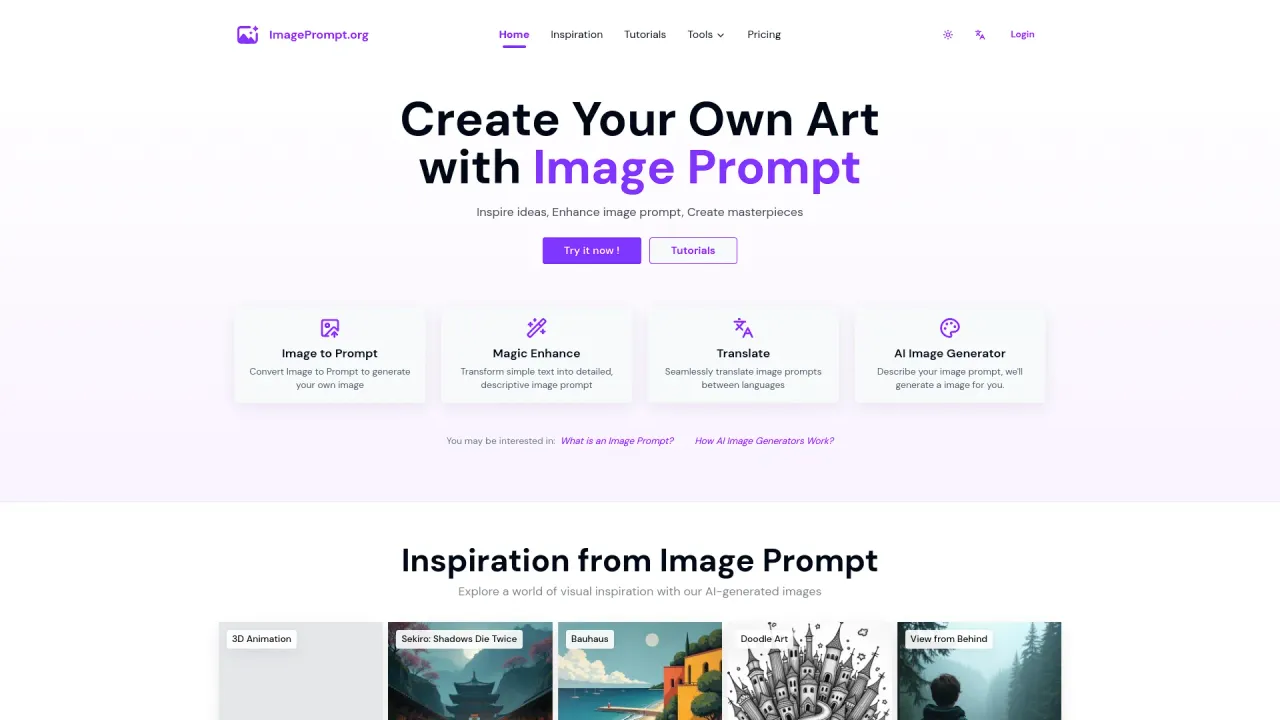
Free Nano Banana Prompts
Banana Prompts — New Nano Banana Prompts.
- Category
- Prompt Library & Engineering
- Alternatives
- 6 similar tools
- Last updated
- 1 months ago
- Source
- Official site ↗︎
AI Collection Top Picks

Prompt Library & Engineering Category Picks
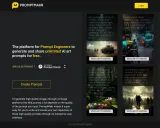
About Free Nano Banana Prompts
Daily updated free AI prompts library for Nano Banana Pro, Sora 2, Veo 3. Tested settings and creative techniques to boost your AI art workflow.
What you get
Additional Information
Banana Prompts provides a comprehensive library of AI prompts specifically designed for the Nano Banana model, also known as Google’s Gemini 3 Pro. This platform connects users with proven, high-quality prompts that enhance AI-generated art. Whether you're just starting with AI image creation or refining your existing skills, Banana Prompts serves as a valuable resource by showcasing effective examples and the insights of creators who have achieved impressive results.
The platform emphasizes the importance of prompt structuring and context in AI art generation. Users can browse a variety of community-contributed prompts that include not only the wording but also the settings and techniques used to generate successful images. By documenting these successful examples, Banana Prompts seeks to eliminate the guessing game often associated with AI art creation, allowing users to copy and adapt proven prompts for their own projects.
Banana Prompts is ideal for artists, marketers, and designers looking to enhance their workflow and improve their AI art outputs, particularly in areas where accurate text rendering and commercial design are concerned. The system excels at producing photorealistic images with high levels of detail, making it suitable for various creative fields that require highly specific visual elements.
With a focus on accessible learning through community resources, Banana Prompts captures the essential details and lessons learned from successful creators, ensuring that anyone can accelerate their understanding and application of AI art techniques.
Frequently asked questions
What is Free Nano Banana Prompts used for?
Banana Prompts — New Nano Banana Prompts.Is Free Nano Banana Prompts free?
Pricing for Free Nano Banana Prompts varies — see the Pricing section for details.What are alternatives to Free Nano Banana Prompts?
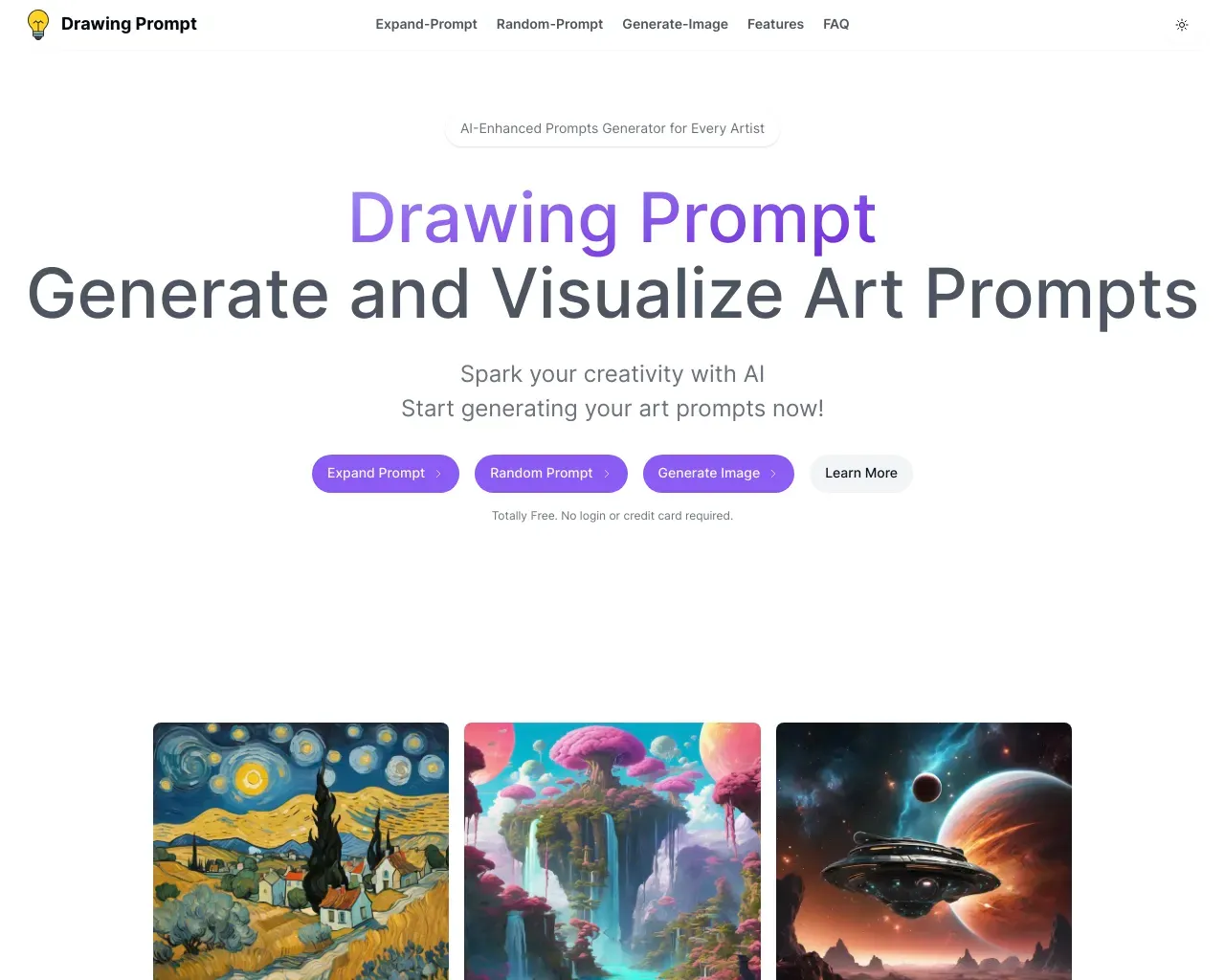
Top alternatives to Free Nano Banana Prompts include Promptmakr, Promptomania, Deploy Prompt, PromptExplained, Drawing Prompt.Where can I get Free Nano Banana Prompts?
Free Nano Banana Prompts is available at https://bananaprompts.com.What category is Free Nano Banana Prompts in?
Free Nano Banana Prompts is listed in Prompt Library & Engineering.What is the Nano Banana model in AI art?
The Nano Banana model is Google's advanced AI image generation system, also known as Gemini 3 Pro image generation. It's designed to create high-quality, photorealistic images from text prompts. The Nano Banana AI meaning refers to its ability to generate detailed, accurate images with exceptional text rendering capabilities - a feature that sets it apart from other AI art models. Unlike traditional AI art generators, Nano Banana excels at rendering text, logos, and typography within images, making it ideal for commercial design work.Nano Banana vs. Midjourney: Which is better for text?
When comparing Nano Banana vs Midjourney v6, Nano Banana has a significant advantage for text rendering. While Midjourney excels at artistic and creative imagery, Nano Banana's text rendering capabilities are superior - it can accurately generate readable text, logos, and typography within images. For Flux AI comparison, Nano Banana offers better text accuracy and photorealistic results. If you need best AI for text rendering in your images, Nano Banana is the clear winner, especially for commercial projects requiring accurate text and branding elements.How do I maintain character consistency in Nano Banana?
Maintaining character consistency in Nano Banana is crucial for creating series of images with the same character. To achieve consistent face prompts, use detailed character descriptions including specific facial features, hair color, eye color, and distinctive characteristics. For identity retention AI techniques, reference the same character description across multiple prompts and use consistent style keywords. This helps prevent "Identity Drift" - a common issue where characters look different across images. Include physical attributes, clothing style, and unique identifiers in every prompt to maintain visual consistency.What is the best prompt structure for Nano Banana?
The best prompt structure for Nano Banana follows a clear hierarchy: subject, style, details, and quality modifiers. Unlike Stable Diffusion which requires complex code-like syntax, Nano Banana works best with natural language. A good Nano Banana prompt guide structure is: [Subject] + [Style/Medium] + [Details] + [Quality]. For example: "A photorealistic portrait of a woman, cinematic lighting, 8k quality, professional photography." You can also use negative prompts to exclude unwanted elements. The key is being specific about what you want while keeping the language natural and descriptive.How to generate photorealistic portraits with Nano Banana?
To create photorealistic portrait prompts with Nano Banana, use specific photography terminology. Include terms like "cinematic lighting", "8k photography prompts", "professional portrait photography", and "natural skin texture". Specify camera settings like "shot with 85mm lens", "shallow depth of field", or "studio lighting setup". For realism, avoid generic terms and use specific descriptors: "detailed skin pores", "natural hair texture", "realistic eye reflections". The key to photorealistic portraits is combining technical photography terms with detailed subject descriptions to achieve that authentic, non-AI look.Can Nano Banana generate accurate text and logos?
Yes! Nano Banana's text rendering is one of its strongest features. It can generate accurate text and logos within images, making it ideal for logo design workflow and typography in AI images. For best results with text rendering prompts, be specific about the text content, font style, size, and placement. You can describe exact words, phrases, or even request specific font types. This makes Nano Banana perfect for creating marketing materials, social media graphics, and branded content where text accuracy is essential. Unlike most AI models that struggle with text, Nano Banana excels at this.How to fix distorted hands or blurry details in Nano Banana?
To fix distorted hands in Nano Banana, add specific hand descriptions like "detailed hands with five fingers", "natural hand positioning", or "clear hand anatomy". For blurry images fix, use quality modifiers: "8k resolution", "sharp focus", "high detail", "crisp image quality". Adjust the Nano Banana aspect ratio if needed - square formats (1:1) often work better than extreme ratios. Also try adding "detailed", "sharp", "high resolution" to your prompts. If issues persist, break down complex scenes into simpler elements or use more specific technical photography terms to guide the AI.Is Nano Banana AI art free for commercial use?
Understanding commercial use rights for Nano Banana is important for professional creators. Generally, AI-generated art has specific licensing terms. For copyright free AI art, check Google's current terms of service for Gemini/Nano Banana. Some platforms offer commercial licenses, while others may have restrictions. Always verify the current Nano Banana licensing terms before using generated images commercially. Many creators use AI art as a starting point and add their own creative modifications to ensure unique, commercially viable content. Check the latest terms on Google's official documentation.What camera settings work best in Nano Banana prompts?
For camera settings for AI prompts, include specific technical photography terms. Use ISO and aperture prompts like "ISO 100", "f/2.8 aperture", "shallow depth of field". Reference specific lenses: "85mm portrait lens", "24mm wide angle", "50mm standard lens". Include lighting reference guide terms: "golden hour lighting", "softbox studio lighting", "natural window light". Technical terms like "exposure", "white balance", "color grading" help achieve professional results. The more specific your camera settings are, the more realistic and controlled your AI-generated images will be.
Compare Free Nano Banana Prompts with…
Pick any tool to see a structured side-by-side: pricing, deployment, capabilities, and content policy.