
- Category
- Image Editing
- Alternatives
- 6 similar tools
- Last updated
- 2 weeks ago
- Source
- Official site ↗︎
AI Collection Top Picks

Image Editing Category Picks



About Hama
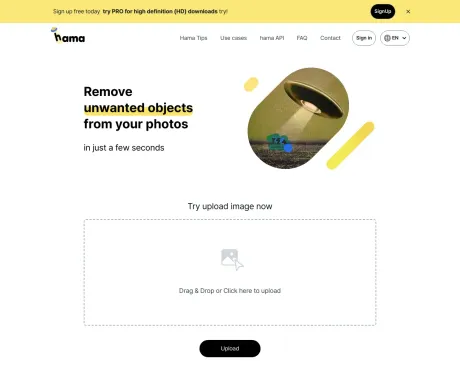
An AI image eraser that makes it simple and easy to remove unwanted people, objects, text, and more from your photos or images. Just brush over the part of the photo you want to erase and click Erase to delete unnecessary objects for free in 5 seconds. We recommend hama AI Image Eraser tool.
Hama's Pricing Plans
Hama may change prices at any time. Here's our latest information:
Pricing
Pricing
- HAMA offers a free tool for image erasing.
What you get
Additional Information
HAMA is an innovative AI image eraser designed to simplify the process of removing unwanted elements from your photos. With just a brush over the area you wish to edit, HAMA makes it easy to delete unnecessary objects in seconds. This tool is perfect for anyone looking to enhance their images by removing distractions, whether it’s personal photos or professional images. HAMA ensures you get a polished and clean final result effortlessly, allowing you to focus on creating beautiful images without the hassle of manual editing. It’s user-friendly and works quickly, making image editing accessible to everyone, regardless of their skill level.
Frequently asked questions
What is Hama used for?
HAMA | AI Object remover, Image Eraser.Is Hama free?
Pricing for Hama varies — see the Pricing section for details.What are alternatives to Hama?
Top alternatives to Hama include ProductScope AI, PicTools.AI, AI Photos Editor, AVCLabs PhotoPro AI, Fotor.Where can I get Hama?
Hama is available at http://www.hama.app.What category is Hama in?
Hama is listed in Image Editing.
Compare Hama with…
Pick any tool to see a structured side-by-side: pricing, deployment, capabilities, and content policy.








