- Category
- Video Editing
- Pricing
- Free
- Alternatives
- 6 similar tools
- Last updated
- 1 months ago
- Source
- Official site ↗︎
AI Collection Top Picks

Video Editing Category Picks
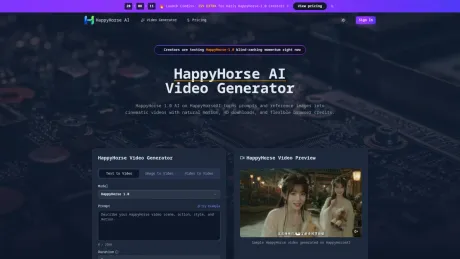
About HappyHorse-1.0
Free AI Picture Generator from text or photos, no sign up needed. Generate images online, set exact pixel sizes, use prompt templates, and make image-to-video.
Frequently asked questions
What is HappyHorse-1.0 used for?
Vogoo AI - Unlimited AI Picture Generator.Is HappyHorse-1.0 free?
HappyHorse-1.0 is free to use.What are alternatives to HappyHorse-1.0?
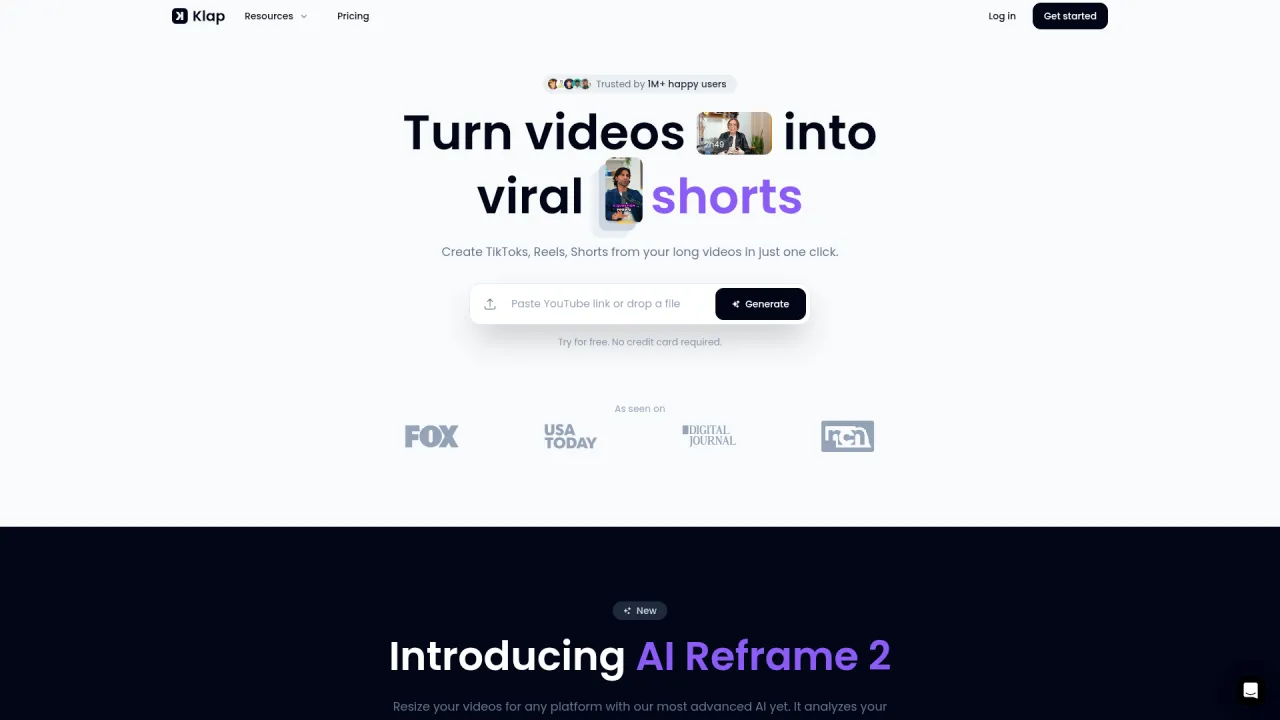
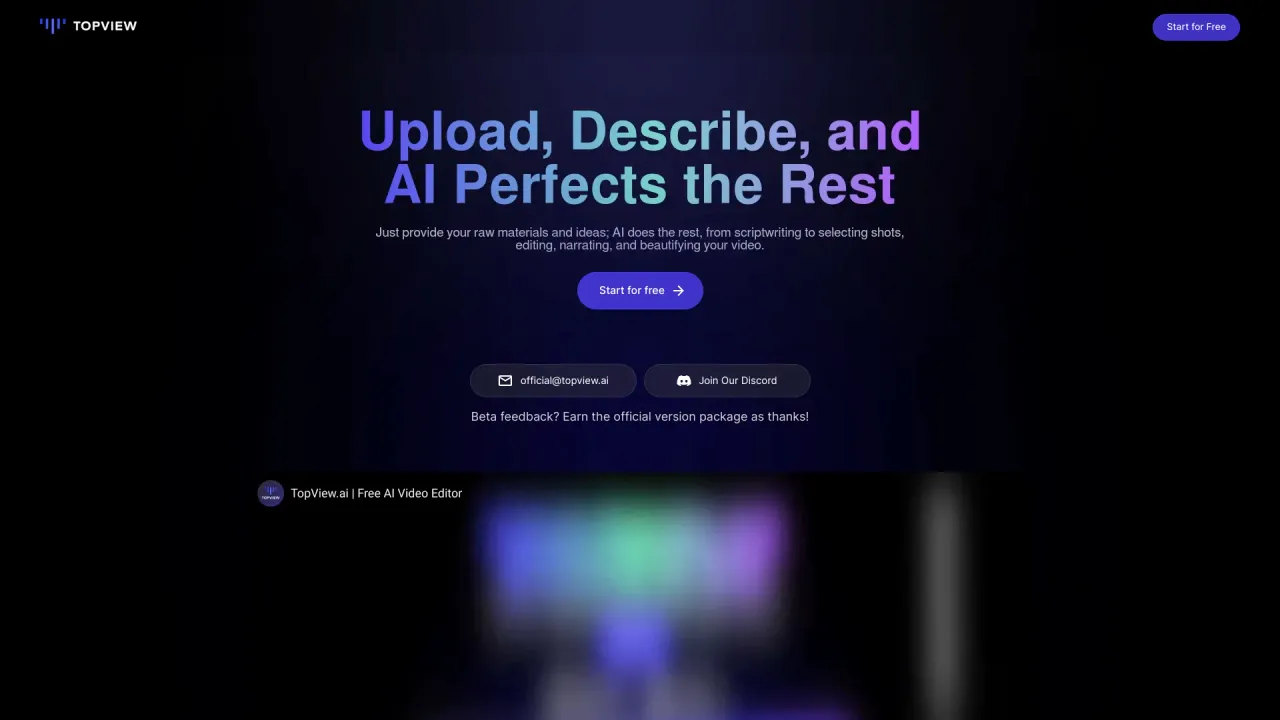
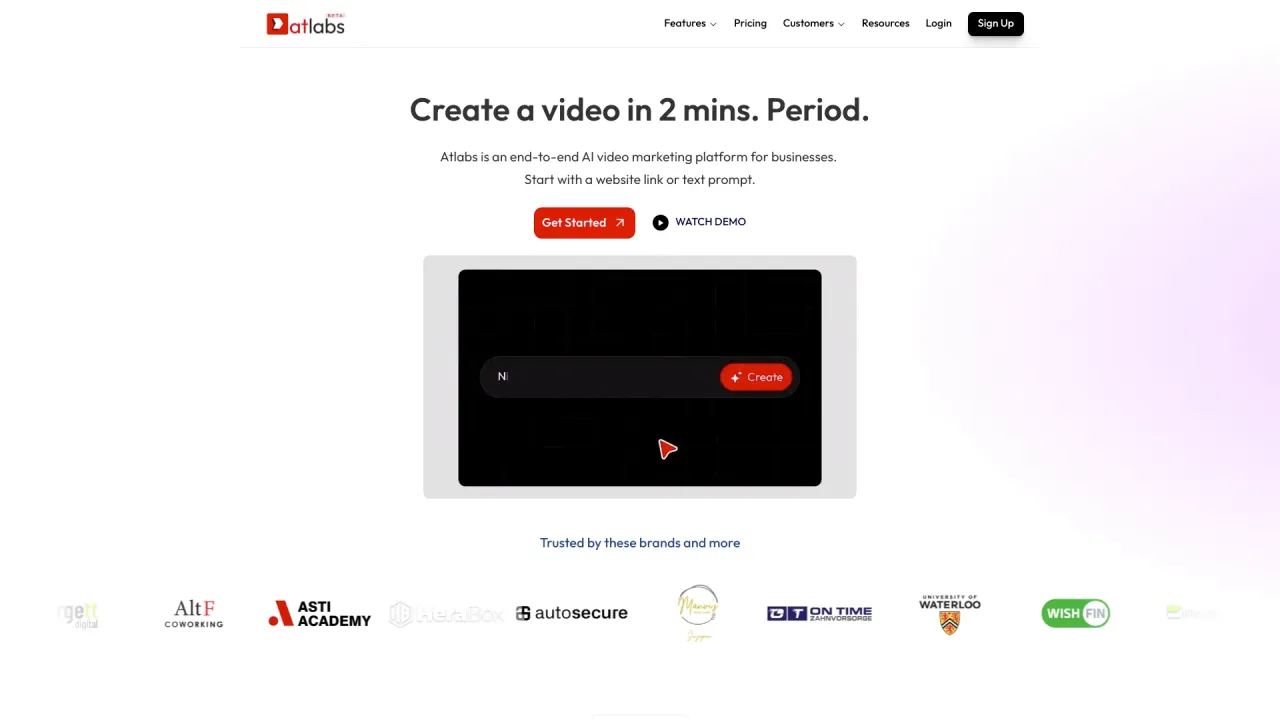
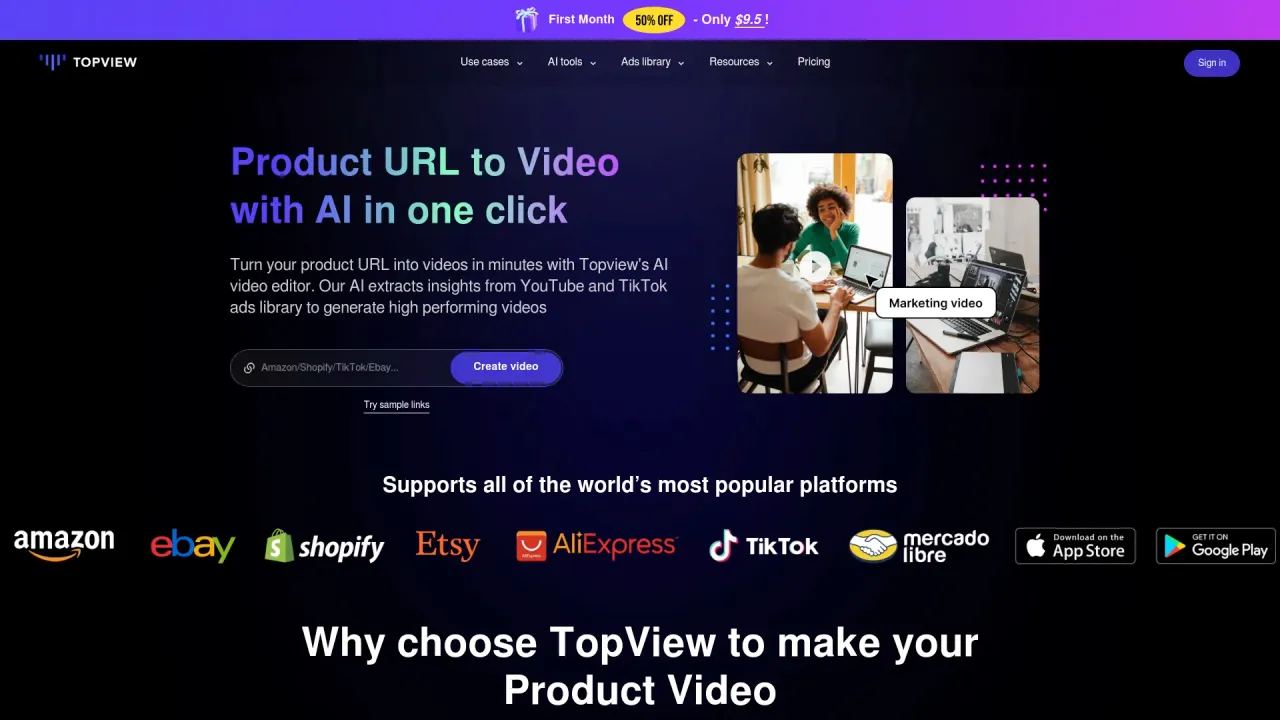
Top alternatives to HappyHorse-1.0 include Klap App, AI video editor, Atlabs AI, Topview AI URL to Video, Colossyan.Where can I get HappyHorse-1.0?
HappyHorse-1.0 is available at https://happyhorseai.net/.What category is HappyHorse-1.0 in?
HappyHorse-1.0 is listed in Video Editing.Second Question
Why are people talking about HappyHorse-1.0 rankings? HappyHorse 1.0 AI stands out because blind user voting has favored its motion quality, scene coherence, and image-follow performance.Features
Text-to-Video Generation: Simply input your text prompt and watch HappyHorse AI create a video based on your description. High-Quality Visuals: Our AI generates videos with impressive resolution and visual appeal, making them perfect for online consumption. Easy to Use Interface: A streamlined and intuitive interface makes video creation accessible to everyone, regardless of technical skill. Customization Options: Fine-tune your videos with basic editing tools and style adjustments to match your brand. Rapid Turnaround: Generate videos quickly and efficiently, saving you valuable time and resources.Use Cases
For cinematic ads Use HappyHorse-1.0 to turn launch copy or campaign scenes into short branded videos with cleaner motion and mood than static mockups. For concept trailers HappyHorse 1 helps directors and creative teams preview camera language, pacing, and story beats before a larger production starts. For image-to-video animation Happy Horse 1.0 is useful when you need a still illustration, product shot, or portrait to move while keeping composition readable. For quick product loops HappyHorse1 can animate packaging, devices, food, and lifestyle scenes into short loops for landing pages, ads, and ecommerce tests. For storyboards and pitches HappyHorse AI lets teams show mood, action, and scene rhythm in client decks without waiting for a full edit or live-action shoot. For social campaigns HappyHorse 1.0 AI can create scroll-stopping snippets for launches, teasers, and behind-the-scenes style clips across modern social channels.HappyHorse 1.0 AI Pricing
Choose monthly, yearly, or pay-as-you-go credits to use HappyHorse-1.0 for cinematic text-to-video and image-to-video work. Monthly Starter $19.9 / month Lower yearly cost for steady light usage. Cost per 100 credits $1.24 Premium $39.9 / month The best value for ongoing creative output. Cost per 100 credits $1.00 Advanced $99.9 / month Built for agencies and larger production teams. Cost per 100 credits $0.83Try HappyHorse 1.0 AI Free
Open HappyHorseAI, test HappyHorse-1.0 with your own prompts or reference images, and download a polished clip when it looks right.What is HappyHorse AI?
HappyHorse AI is the browser-based creation experience on HappyHorseAI for generating text-to-video and image-to-video clips.Can HappyHorse AI start from a still image?
Yes, you can upload a still image as a reference and use HappyHorse AI for image-to-video generation with stronger composition follow.What can I create with HappyHorse AI?
Creators use HappyHorse AI for ads, social loops, product demos, storyboards, teaser scenes, editorial clips, and mood-driven short videos.Does HappyHorse AI support audio-aware scenes?
HappyHorse AI has also been discussed in audio-enabled testing, but this page focuses on text-to-video and image-to-video creation workflows.Can I use HappyHorse AI on mobile?
Yes, HappyHorseAI is browser-based, so you can review prompts, previews, downloads, and credit balance from desktop or mobile.How do credits work for HappyHorse AI?
Credits are consumed based on mode and settings, and you can choose monthly, yearly, or pay-as-you-go plans depending on how often you create.Can businesses use HappyHorse AI for client work?
Paid plans include commercial-use support, but teams should still review prompts, references, and outputs for legal and brand compliance.What is an AI picture generator?
An AI picture generator turns a prompt or photo into a picture. Vogoo gives the exact pixel canvas free.How do I use AI picture generator free?
Load a Vogoo template, set an exact size, then run the AI picture generator free and download.How does AI picture generator from text work?
Type what you want and the Vogoo AI picture generator renders a picture. Nano Banana and Seedream handle it.How does AI picture generator from photo work?
Upload a photo and the Vogoo AI picture generator restyles it, keeping the original picture.Can AI picture generator realistic mode make a realistic picture?
Pick a photorealistic model; the AI picture generator renders skin and texture at full size on Vogoo.Can I generate a picture at an exact size like 1080x1350?
Most tools only offer a ratio, then crop. Vogoo lets you type an exact width and height.Can AI profile picture generator make a profile picture from a selfie?
Upload a selfie; the Vogoo profile picture generator returns a clean headshot picture.Which is the best free AI picture generator?
Free tools cap resolution or watermark. Vogoo is a free AI picture generator exporting a picture at exact size.Is Vogoo an AI photo generator or an AI image generator too?
Photo generator, image generator and AI picture generator all make a picture from a prompt. Vogoo does it all.What is an AI picture maker?
A picture maker is an AI picture generator: prompt in, picture out. Vogoo adds 1500+ templates.Vogoo vs Midjourney: which AI picture generator is better?
Vogoo and Midjourney both make a picture from a prompt. Vogoo starts free, exact pixel sizes, no watermark.Is Vogoo a good free alternative to Canva for AI images?
Vogoo is a dedicated AI picture generator; Canva makes picture generation one feature. Vogoo exports a picture at exact size.
Compare HappyHorse-1.0 with…
Pick any tool to see a structured side-by-side: pricing, deployment, capabilities, and content policy.