HeicKit
HEIC to PDF - Free, Safe & Private Online | HeicKit.com.
- Category
- PDF & Document Tools
- Alternatives
- 6 similar tools
- Last updated
- 2 weeks ago
- Source
- Official site ↗︎
AI Collection Top Picks
PDF & Document Tools Category Picks

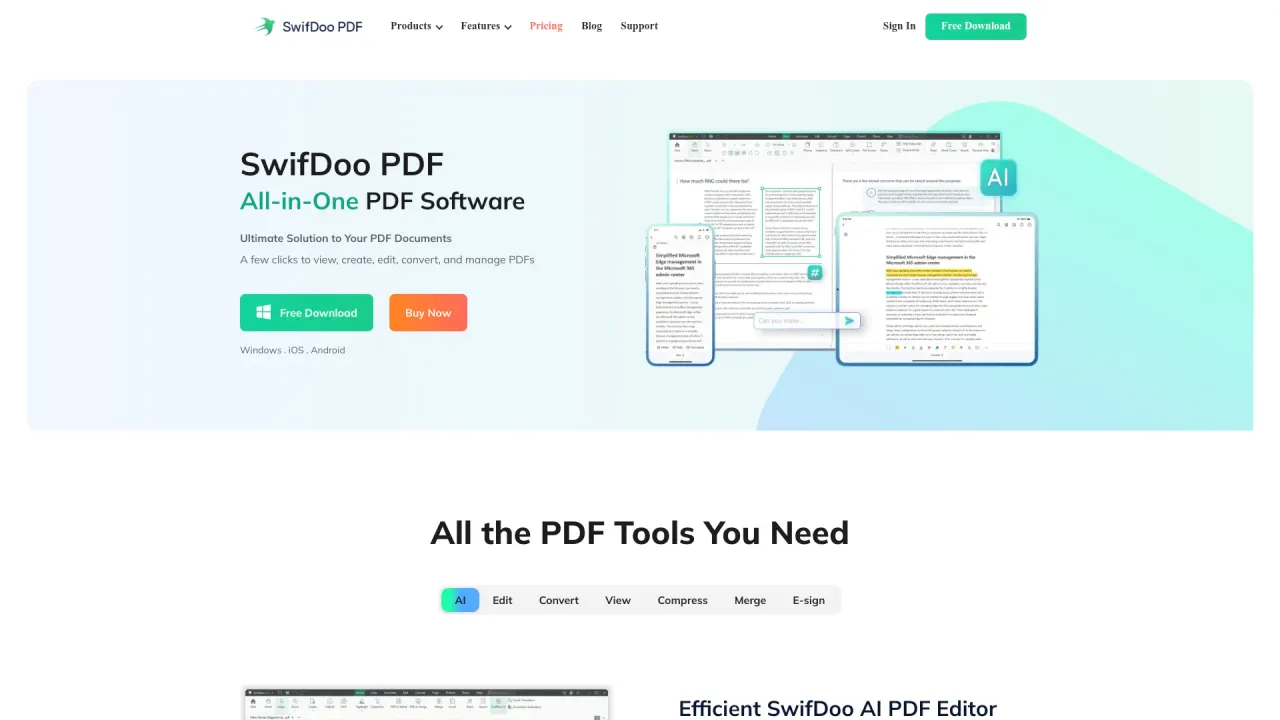
SwifDoo PDF - All-in-One PDF Software Ultimate Solution to Your PDF Documents A few clicks to view, create, edit, convert, and manage PDFs
About HeicKit
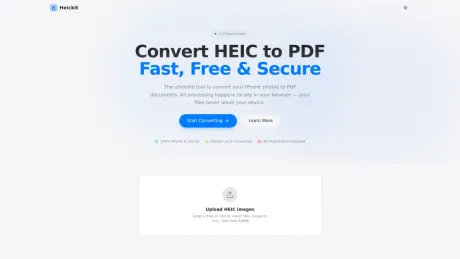
Convert HEIC to PDF online for free. Safe, private, and no download required. Combine multiple HEIC images into one PDF. Works on iPhone, Mac, and Windows.
HeicKit's Pricing Plans
HeicKit may change prices at any time. Here's our latest information:
Pricing
Pricing
- HeicKit is entirely free, allowing unlimited conversions without any hidden fees or limitations.
What you get
Additional Information
HeicKit offers a simple online solution to convert HEIC files, commonly used on iPhone devices, into universally accessible PDF documents. This tool is designed for users who need to share photos easily without compatibility issues across different platforms. With HeicKit, you can seamlessly transform your photo album into a shareable PDF format without the hassle of software installations.
The conversion process is efficient and can be completed in just five steps: upload your images, arrange them in the desired order, customize your PDF settings, preview the output, and finally convert them to PDF. The service supports both single and batch conversions, allowing for unlimited files with no cost involved.
HeicKit emphasizes user privacy and security by processing files locally within the browser. This approach ensures that images remain on the user's device during conversion, eliminating risks associated with online file transfers and cloud storage. The information shared is never stored or seen by the HeicKit team, maintaining your privacy.
This tool is compatible with various devices and operating systems, allowing users to convert HEIC files directly on their iPhones or any web browser-enabled device. Designed for ease of use, HeicKit requires no technical skills, making it accessible to anyone needing to convert their HEIC photos into a PDF format.
Frequently asked questions
What is HeicKit used for?
HEIC to PDF - Free, Safe & Private Online | HeicKit.com.Is HeicKit free?
Pricing for HeicKit varies — see the Pricing section for details.What are alternatives to HeicKit?
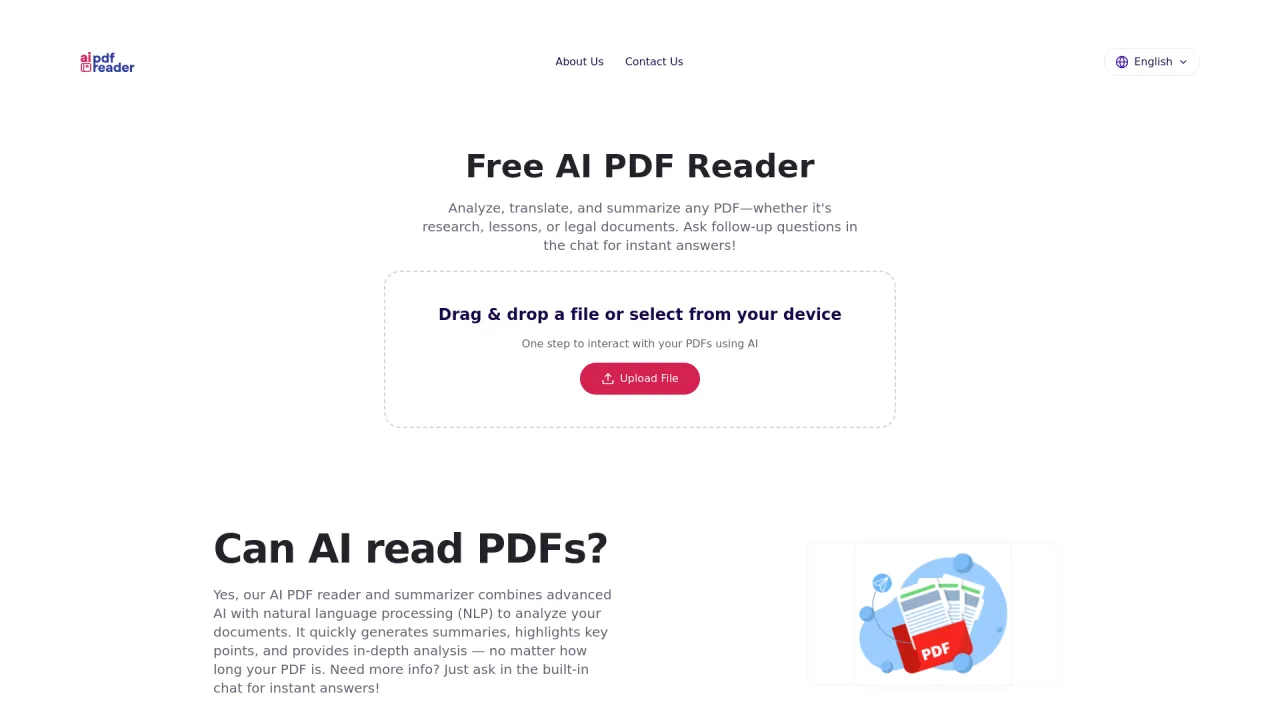
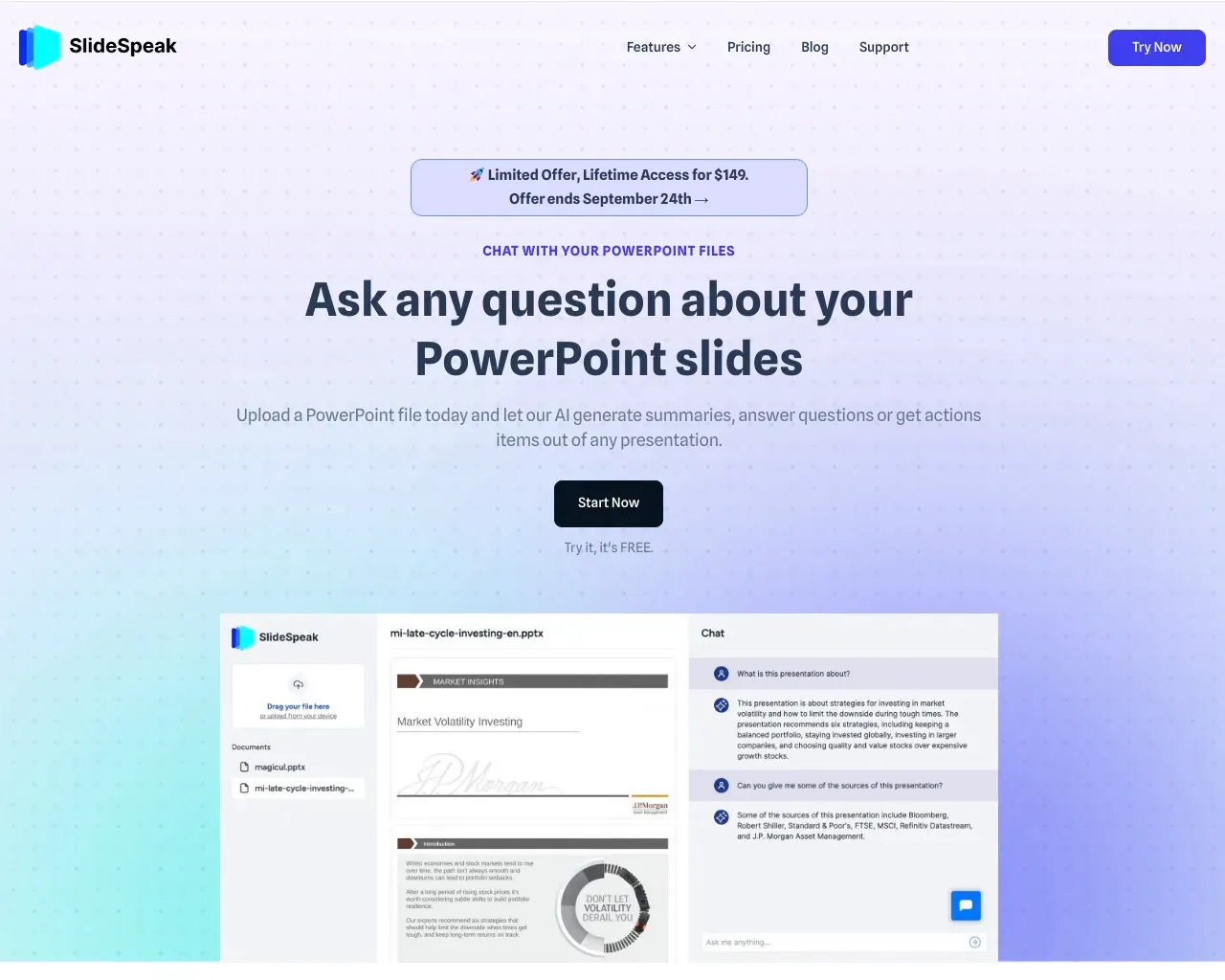
Top alternatives to HeicKit include SwifDoo PDF, Free AI PDF Reader, Filechat, SlideSpeak, Bard PDF.Where can I get HeicKit?
HeicKit is available at https://heickit.com/.What category is HeicKit in?
HeicKit is listed in PDF & Document Tools.What is a HEIC file and why convert HEIC to PDF?
HEIC is a space-saving image format commonly used by iPhones, while PDF is widely supported and easy to share. Converting HEIC photos to PDF makes them easier to open on different devices and convenient for sharing documents, reports, or multiple photos together.Can I convert HEIC to PDF on my iPhone?
Yes, you can convert HEIC to PDF directly in your iPhone’s web browser. Open HeicKit in Safari or another modern browser, select your photos, and create a PDF without using a computer.Is it safe to convert HEIC to PDF online with this converter?
Yes, your files are converted locally in your browser and are not uploaded to our servers. Your photos stay on your device throughout the conversion process.Can I combine multiple HEIC files when I convert to PDF?
Yes, you can combine multiple HEIC images into a single multi-page PDF. You can also export each image as a separate PDF, with multiple files downloaded together as a ZIP archive.How many HEIC files can I convert to PDF?
There is no limit on the total number of conversions you can perform. Each batch can contain up to 20 images, and each image can be up to 50 MB in size.Do I need to download software to convert HEIC to PDF?
No, you can use the converter directly in your web browser without installing any software. Open the website, select your HEIC images, and convert them online.Will converting HEIC to PDF reduce quality?
The converter does not intentionally reduce the pixel dimensions of your images. However, converting HEIC to PDF involves re-encoding the images, so some quality changes are possible depending on the source image and conversion settings.Can I use this HEIC to PDF converter on Mac and Windows?
Yes, you can use the converter on both Mac and Windows through a modern web browser. No desktop application is required, although browser features and performance may vary between devices.
Compare HeicKit with…
Pick any tool to see a structured side-by-side: pricing, deployment, capabilities, and content policy.