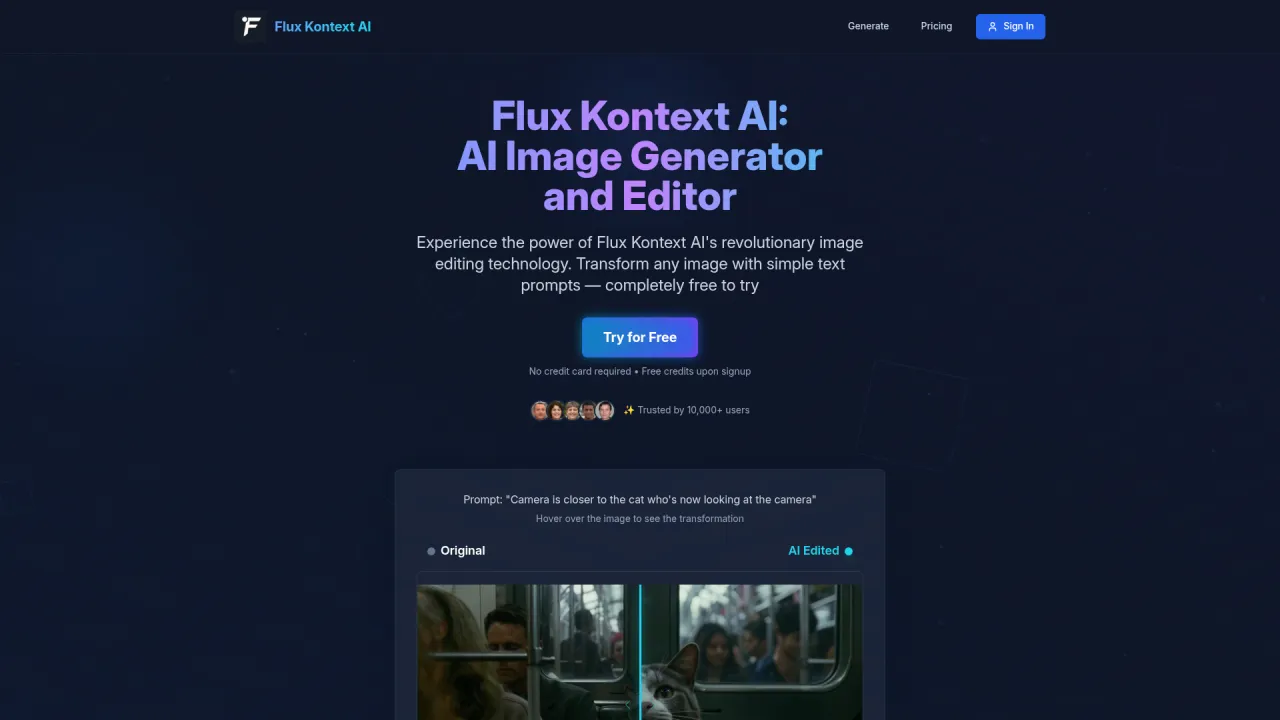
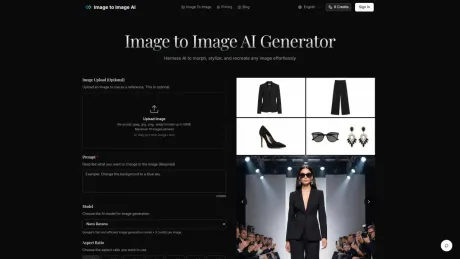
Image to Image AI 2
Image to Image AI – Free Online Generator.
- Category
- Image to Image Variation
- Pricing
- Paid
- Alternatives
- 6 similar tools
- Last updated
- 1 weeks ago
- Source
- Official site ↗︎
AI Collection Top Picks

Image to Image Variation Category Picks

About Image to Image AI 2
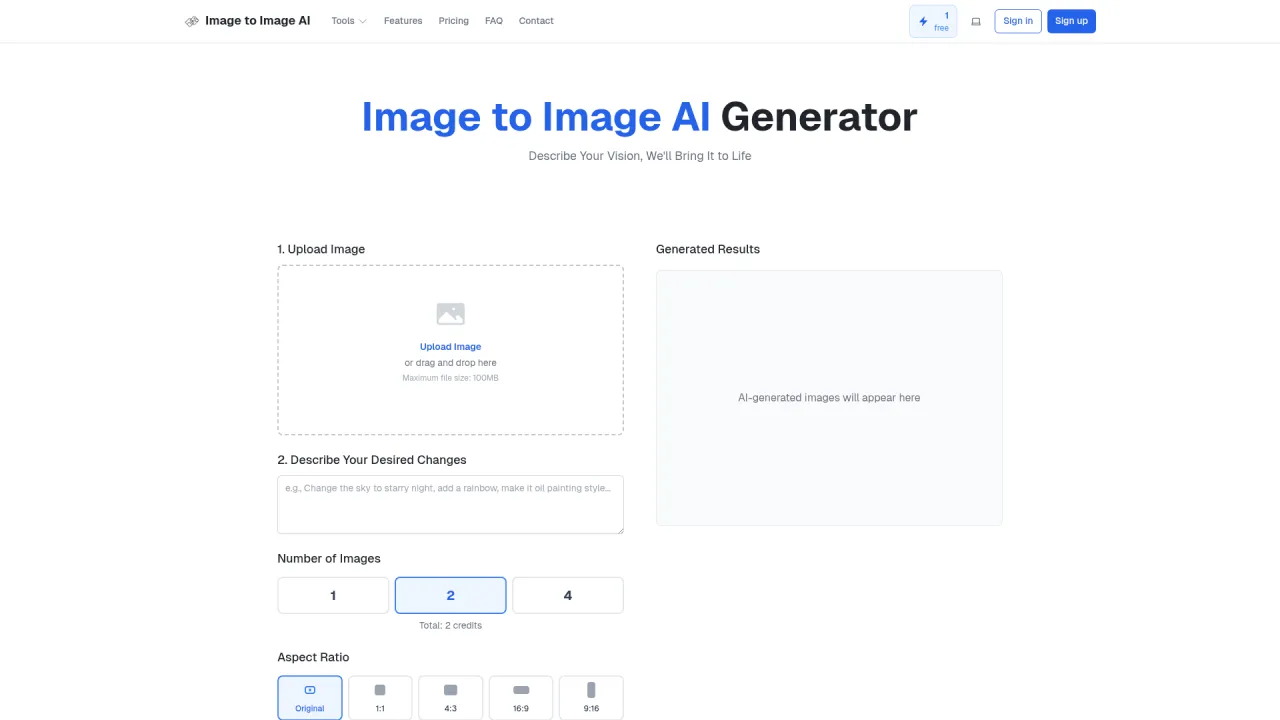
Use Image to Image AI to transform photos with text prompts. Free starter credits to try — upload a reference image and generate new variations online.
Image to Image AI 2's Pricing Plans
Image to Image AI 2 may change prices at any time. Here's our latest information:
Pricing
Default
$12.00
per month
What you get
Additional Information
Image to Image AI is a versatile tool designed for transforming existing images into stunning visuals using advanced AI models. Users can upload a reference image and specify changes through detailed prompts, controlling aspects like transformation strength and output formats. The platform is ideal for designers, marketers, and creatives looking to enhance their projects with professional-quality image variations.
Key features include support for multiple image formats, high-quality output, and various aspect ratios. Users can generate images quickly, often within seconds, and can create multiple variations simultaneously. The AI maintains the core structure of the original image, ensuring recognizable results even after significant transformations.
The service is particularly suited for individuals, teams, and businesses aiming to produce marketing materials, product visualizations, or social media content with ease. With options for commercial use included in paid plans, the tool caters to different user needs while promoting creativity through AI-assisted design.
Frequently asked questions
What is Image to Image AI 2 used for?
Image to Image AI – Free Online Generator.Is Image to Image AI 2 free?
Image to Image AI 2 is a paid product. See the Pricing section for current plans.What are alternatives to Image to Image AI 2?
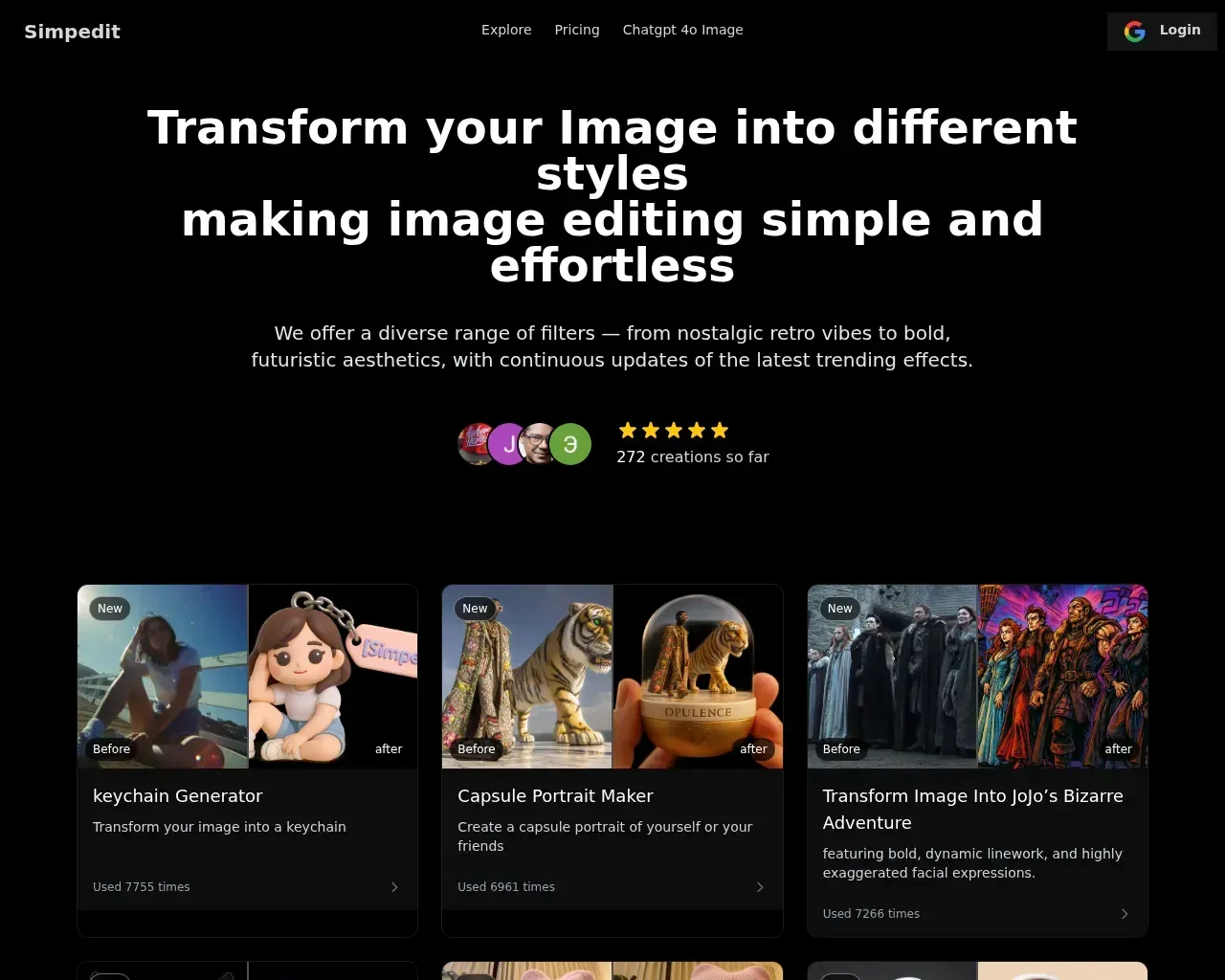
Top alternatives to Image to Image AI 2 include SDXL TURBO ONLINE, Photo to Anime, AI Anime Filter, Raphael AI, Simpedit.Where can I get Image to Image AI 2?
Image to Image AI 2 is available at https://imagetoimageai.live.What category is Image to Image AI 2 in?
Image to Image AI 2 is listed in Image to Image Variation.How does Image to Image differ from Text to Image generation?
Image to Image uses your existing image as a starting point, maintaining its core structure while applying transformations. Text to Image creates completely new images from text descriptions with no visual reference point.What types of images work best with the transformation?
The best results come from clear, well-lit images with defined subjects. The system works with portraits, landscapes, product photos, and more. For optimal results, use images that match your desired output aspect ratio.How much control do I have over the transformation process?
You can control transformation strength to determine how closely the output resembles your original image, specify detailed prompts to guide the AI, and generate multiple variations to choose from.How long does the transformation process take?
Most transformations complete in seconds, with more complex changes taking up to a minute. You can generate multiple outputs simultaneously to explore different options efficiently.What image formats and sizes are supported?
We accept JPEG, PNG and WEBP formats up to 24MB and 4096 x 4096 pixels. Output images are provided in high-quality formats optimized for your intended use.Can I use transformed images for commercial purposes?
Yes, paid subscription plans include commercial licensing rights, allowing you to use transformed images for business purposes including marketing, advertising, and product displays.Is there a limit to how many images I can transform?
Free users can transform a limited number of images per day. Paid plans offer higher limits and additional features. Check our pricing page for detailed information on usage limits and subscription benefits.
Compare Image to Image AI 2 with…
Pick any tool to see a structured side-by-side: pricing, deployment, capabilities, and content policy.