InkGen is no longer active.
Please check out alternatives section below.
InkGen
Upload a photo to estimate your body fat percentage visually. A simple, repeatable way to calculate and track body fat changes over time.
- Category
- AI Art & Illustration
- Pricing
- Free
- Alternatives
- 6 similar tools
- Last updated
- 1 months ago
- Source
- Official site ↗︎
AI Collection Top Picks

AI Art & Illustration Category Picks
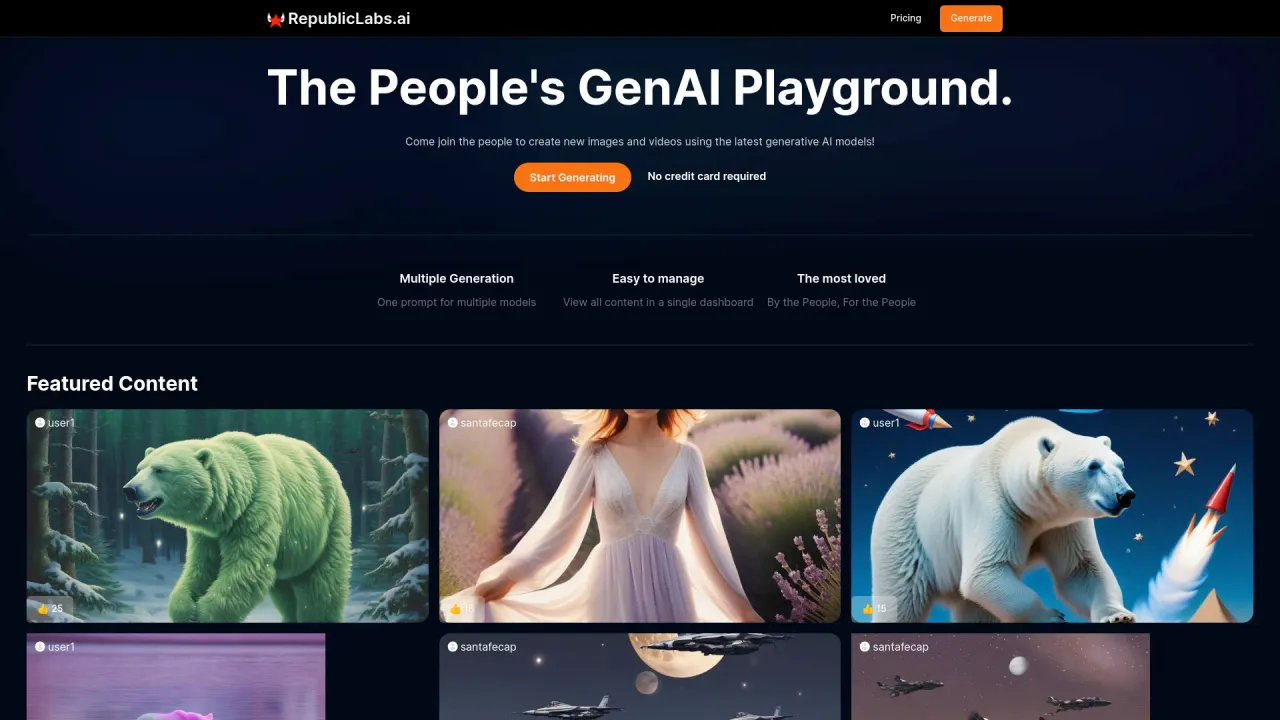
Supercharge your image and video content creation with unmatched consistency, speed, and quality.
About InkGen
Upload a photo to estimate your body fat percentage visually. A simple, repeatable way to track body fat changes over time.
What you get
Additional Information
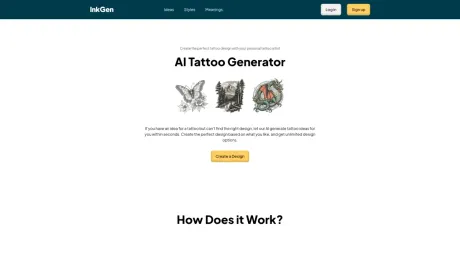
AI Tattoo Generator
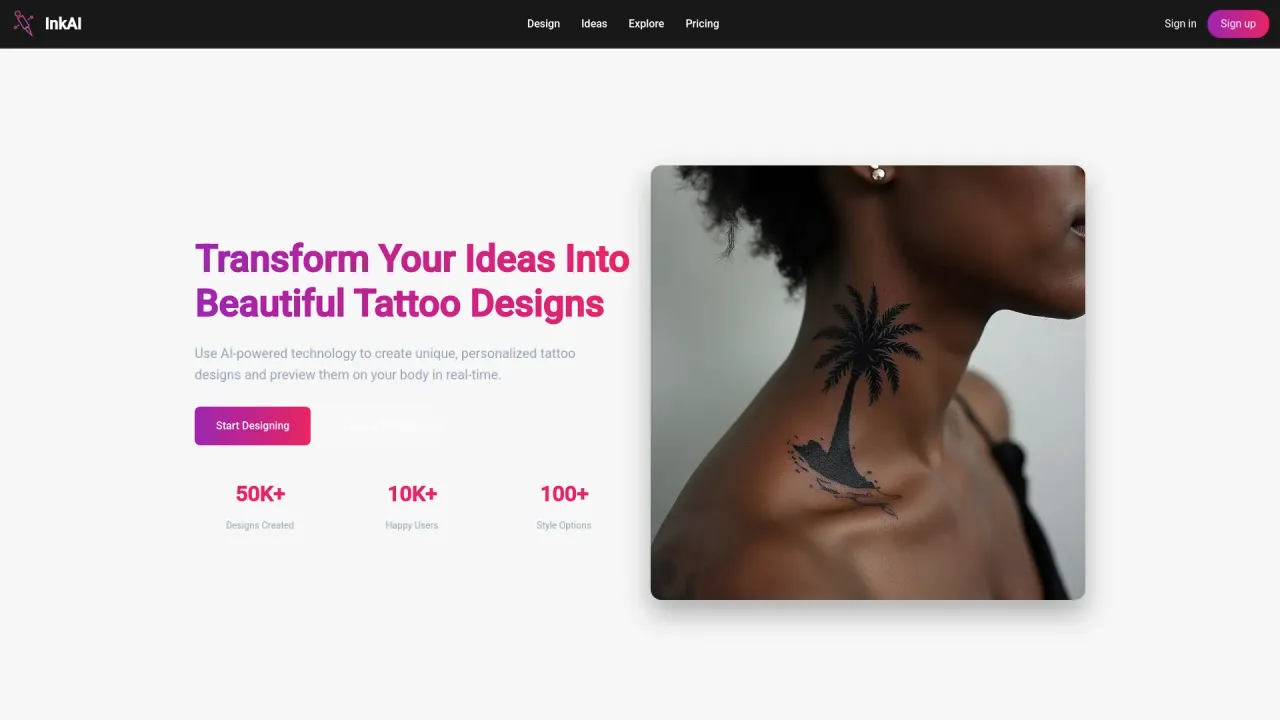
The AI Tattoo Generator is an innovative tool designed to help users create personalized and unique tattoo designs using artificial intelligence. Whether you’re a tattoo enthusiast looking for inspiration or an artist seeking fresh ideas, the AI Tattoo Generator offers an intuitive and creative experience. Leveraging cutting-edge algorithms, the generator can take user preferences—such as themes, styles, symbols, and placement—and transform them into custom tattoo designs, making it a powerful tool for both exploration and decision-making.
Key Features
Personalization: Users can input specific elements they want incorporated into their tattoo, like animals, geometric shapes, or meaningful symbols. The AI adjusts the style based on preferences, from minimalist line work to intricate realism.
Style Flexibility: The generator accommodates a wide range of tattoo styles, such as traditional, neo-traditional, tribal, blackwork, watercolor, and Japanese. This allows users to explore multiple interpretations of their chosen theme.
Instant Design Suggestions: The AI can quickly produce a variety of designs, enabling users to browse through different options and refine their ideas in real-time.
Placement Guidance: Users can specify the desired location on the body (e.g., forearm, shoulder, ankle), and the generator will create designs optimized for that placement, considering the contours and size limitations.
Tattoo Feasibility: The generator focuses not only on creativity but also on practicality, ensuring the designs are suitable for real-life tattooing. This includes considerations like line thickness, shading, and the longevity of the design.
Benefits
Saves Time: Instead of searching through hundreds of existing tattoo designs, users can generate ideas tailored to their personal style within seconds.
Creative Exploration: The tool encourages creativity by offering designs that users may not have considered, expanding their artistic horizons.
Inspiration for Artists and Clients Alike: Tattoo artists can use the AI to generate inspiration for their own designs, while clients can enter consultations with a clearer idea of what they want.
Who is it For?
Tattoo Enthusiasts: Those seeking inspiration for their next tattoo but who need a little help visualizing their concept.
Tattoo Artists: Artists looking for new design ideas or inspiration for custom client requests.
First-Timers: People getting their first tattoo, who may not know exactly what they want and need a tool to explore options visually.
Conclusion
The AI Tattoo Generator revolutionizes the tattoo design process by merging technology with creativity. It empowers users to visualize their tattoo ideas, helping them confidently embark on their tattoo journey. Whether you’re looking for something meaningful, abstract, or visually striking, the AI can generate designs that are both inspiring and practical for tattooing.
Frequently asked questions
What is InkGen used for?
Upload a photo to estimate your body fat percentage visually. A simple, repeatable way to calculate and track body fat changes over time.Is InkGen free?
InkGen is free to use.What are alternatives to InkGen?
Where can I get InkGen?
InkGen is available at https://inkgen.ai.What category is InkGen in?
InkGen is listed in AI Art & Illustration.Key Features
- **Personalization**: Users can input specific elements they want incorporated into their tattoo, like animals, geometric shapes, or meaningful symbols. The AI adjusts the style based on preferences, from minimalist line work to intricate realism. - **Style Flexibility**: The generator accommodates a wide range of tattoo styles, such as traditional, neo-traditional, tribal, blackwork, watercolor, and Japanese. This allows users to explore multiple interpretations of their chosen theme. - **Instant Design Suggestions**: The AI can quickly produce a variety of designs, enabling users to browse through different options and refine their ideas in real-time. - **Placement Guidance**: Users can specify the desired location on the body (e.g., forearm, shoulder, ankle), and the generator will create designs optimized for that placement, considering the contours and size limitations. - **Tattoo Feasibility**: The generator focuses not only on creativity but also on practicality, ensuring the designs are suitable for real-life tattooing. This includes considerations like line thickness, shading, and the longevity of the design.Benefits
- **Saves Time**: Instead of searching through hundreds of existing tattoo designs, users can generate ideas tailored to their personal style within seconds. - **Creative Exploration**: The tool encourages creativity by offering designs that users may not have considered, expanding their artistic horizons. - **Inspiration for Artists and Clients Alike**: Tattoo artists can use the AI to generate inspiration for their own designs, while clients can enter consultations with a clearer idea of what they want.Who is it For?
- **Tattoo Enthusiasts**: Those seeking inspiration for their next tattoo but who need a little help visualizing their concept. - **Tattoo Artists**: Artists looking for new design ideas or inspiration for custom client requests. - **First-Timers**: People getting their first tattoo, who may not know exactly what they want and need a tool to explore options visually.Conclusion
The **AI Tattoo Generator** revolutionizes the tattoo design process by merging technology with creativity. It empowers users to visualize their tattoo ideas, helping them confidently embark on their tattoo journey. Whether you’re looking for something meaningful, abstract, or visually striking, the AI can generate designs that are both inspiring and practical for tattooing.How does the body fat calculator work?
Upload a clear full-body photo and the AI analyzes visual cues like shape, fat distribution, and proportions to estimate body fat percentage.What data does Body Fat Estimator AI require from users?
The core input is a clear, recent full-body photo. Better results usually come from neutral posture, even lighting, and fitted clothing that does not hide body shape.Can I use my smartphone to assess my body fat percentage?
Yes. Most users upload smartphone photos. Use good lighting, keep the camera level, and take the photo from a consistent distance each time.Is the body fat calculator easy to use?
Yes. Upload your photo, wait for the estimate, and review the range and guidance.How accurate is the body fat calculator?
It is designed to be directionally accurate, especially for tracking changes over time. It is not a medical test like DEXA, so use it as a trend tool rather than an exact clinical measurement.How can I improve the accuracy of my results?
Use the accuracy panel recommendations as a checklist before your next upload: Provide front, side, and back photos in neutral, even lighting without strong window light or hard shadows.How quickly can I get my results?
Most results are returned in seconds. Very large images or slow connections can take a little longer.Can I track my progress over time?
Yes. That is one of the best use cases. Take photos under similar conditions every one to two weeks and compare trend direction instead of focusing on one single estimate.How does AI enhance body composition analysis?
AI can evaluate many visual signals at once and apply them consistently. This helps turn photos into a repeatable body-fat estimate workflow when your photo setup is consistent.Can I compare results with traditional methods?
Yes. Many people compare AI estimates with formula-based calculators or occasional scans.How does lighting affect the analysis results?
Lighting has a major impact. Harsh shadows or low light can hide or exaggerate visual definition, which can shift the estimate.What should I wear for the best results?
Wear fitted clothing that allows clear body-shape visibility, such as athletic wear.How often should I use the calculator?
Every one to two weeks is usually enough for meaningful trend tracking.What are the limitations of the body fat calculator?
It is appearance-based, not a diagnostic tool. Results can vary with lighting, pose, camera angle, and clothing.Can I use photos from social media for analysis?
You can, but results are usually less reliable because social photos often include filters, strong edits, non-neutral poses, or difficult lighting.Is there a cost associated with using this tool?
The body fat estimator includes a free experience for quick estimates.Are there any privacy concerns with Body Fat Estimator AI?
Photos are processed to generate your estimate and are not sold. We aim to minimize retention and protect user data.Can I use the tool without an internet connection?
No. The estimator runs online, so you need an internet connection to upload a photo and receive results.How does the calculator handle different body types?
The tool is designed for broad body-type coverage, but quality can still vary by photo conditions and individual variance.What support does Body Fat Estimator AI offer users?
If you have questions, contact us via email and we will help.
Compare InkGen with…
Pick any tool to see a structured side-by-side: pricing, deployment, capabilities, and content policy.