MindMap Ai
AI Mind Map Generator with Fully Free Editing.
- Category
- Note Taking & Second Brain
- Pricing
- Free
- Alternatives
- 6 similar tools
- Last updated
- 2 weeks ago
- Source
- Official site ↗︎
AI Collection Top Picks

Note Taking & Second Brain Category Picks



About MindMap Ai
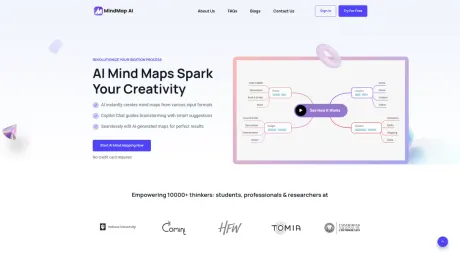
MindMap AI is an AI mind map generator that grounds every map in your content, refines it with you through chat, and includes a full editor free on every plan. 750,000+ users.
What you get
Additional Information
MindMap AI is an innovative, AI-powered platform designed to transform the way users create, organize, and visualize their thoughts and ideas through mind mapping. Ideal for students, professionals, and researchers, this tool simplifies complex concepts and enhances creative thinking by providing a user-friendly interface and a variety of advanced features.
Key Features:
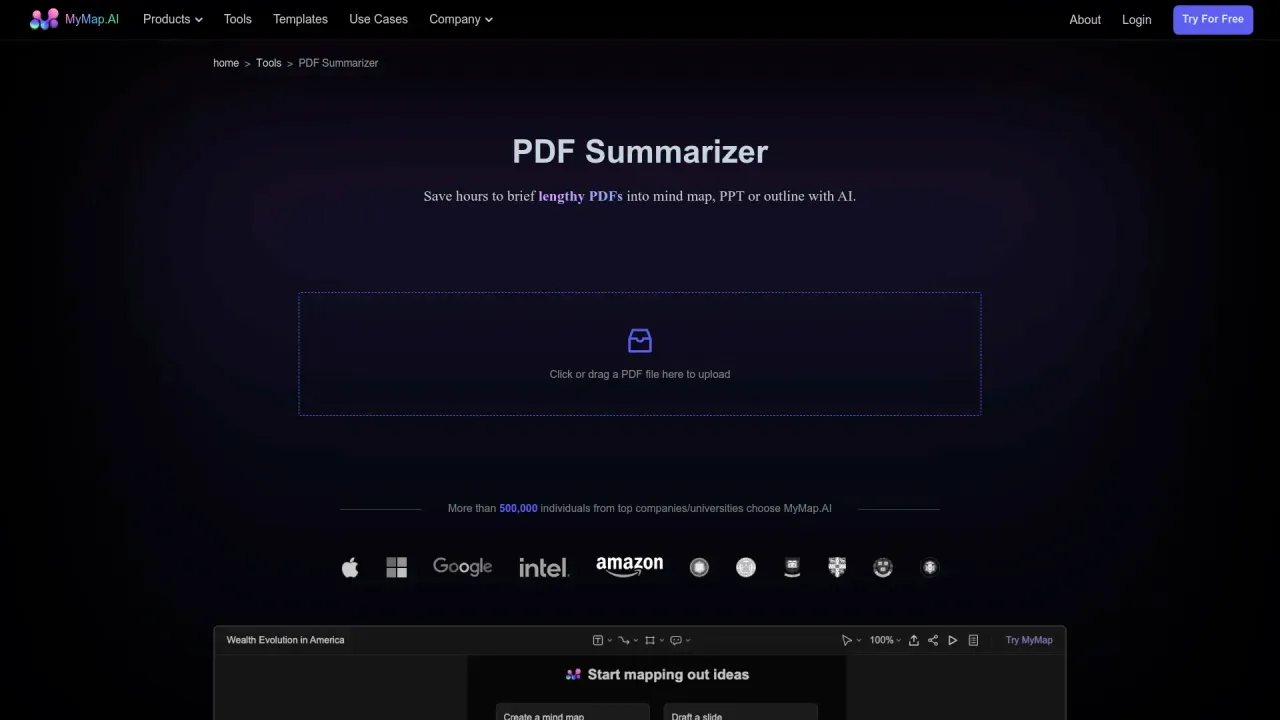
AI-Powered Mind Map Generation: MindMap AI leverages cutting-edge artificial intelligence to generate sophisticated mind maps instantly from multiple input formats, including text, images, PDFs, audio, and video. This allows users to capture ideas from various sources seamlessly.
Interactive AI Copilot Chat: Engage in dynamic brainstorming sessions with the AI Copilot, which offers real-time suggestions, asks probing questions, and helps expand concepts. It maintains a conversation history for each mind map, enabling users to track their ideation process.
Seamless Editing and Customization: Users can easily edit AI-generated mind maps, adding their own insights, modifying nodes, and adjusting the structure to create a personalized and effective visualization of their thoughts.
Multi-Format Input Support: MindMap AI accommodates diverse input formats, making it easier for users to gather and integrate ideas from various media into their mind maps.
Flexible Export Options: Users can export their mind maps in high-quality PNG or SVG formats for presentations, reports, or personal use. Additionally, shareable links allow for easy collaboration with others.
Use Cases:
MindMap AI is versatile and can be applied in various scenarios, such as:
Education: Teachers and students can create engaging lesson plans and study materials, simplifying complex subjects for better understanding.
Project Planning: Professionals can outline project details, brainstorm ideas, and manage tasks effectively, streamlining workflow.
Research: Researchers can organize their findings, map hypotheses, and visualize data relationships, facilitating clearer analysis.
Creative Problem-Solving: Individuals can brainstorm innovative solutions and track idea development with the AI Copilot.
Content Creation: Writers and marketers can structure content, ensuring consistency and clarity in their messaging.
MindMap AI empowers users to harness their creativity and productivity, making it an essential tool for anyone looking to enhance their brainstorming and idea organization processes.
Frequently asked questions
What is MindMap Ai used for?
MindMap AI: AI Mind Map Generator with Fully Free Editing.Is MindMap Ai free?
MindMap Ai is free to use.What are alternatives to MindMap Ai?
Where can I get MindMap Ai?
MindMap Ai is available at https://mindmapai.app.What category is MindMap Ai in?
MindMap Ai is listed in Note Taking & Second Brain.Is MindMap AI a free mind map app?
Yes! It's a free mind map app with built-in AI features. You can generate, edit, and export mind maps without paying.Can MindMap AI handle complex brainstorming sessions?
Yes. This mind map maker is designed to support everything from quick idea sketches to deep, multi-layered mind mapping sessions.Can I import mind maps from other tools into MindMap AI?
No, the app does not currently support direct imports from other mind map software.Does MindMap AI work on mobile?
Yes. Native iOS and Android apps, plus a web app and browser extensions.What file types can I use with MindMap AI?
MindMap AI supports a wide range of input formats including text files, PDFs, image files, audio files, video files, spreadsheet and data files.Is MindMap AI good for beginners who are new to mind mapping?
Yes. This free mind map app is a great starting point for anyone new to mind mapping.What is AI Copilot Chat in MindMap AI?
The AI Copilot Chat is your smart brainstorming assistant that helps you create, refine, and expand your mind maps in real-time.Can I edit mind maps created with MindMap AI?
Absolutely! This flexible mind map generator lets you seamlessly edit and refine AI-generated mind maps.How can I share or export a mind map from MindMap AI?
MindMap AI lets you export your mind maps in multiple formats and generate a shareable link for others to view.How do I create a mind map with AI?
Type a prompt, upload a file, or paste notes. MindMap AI reads your input, shows its thinking, then builds a mind map in seconds.What if I'm not happy with what the AI adds to my mind map?
You can undo the last action or ask the AI to retry without using extra credits.Can I share or export a mind map from MindMap AI?
Yes. MindMap AI lets you export your mind maps in multiple formats, including PNG, SVG, PDF, CSV, and Markdown.What can I turn into a mind map?
Prompts, PDFs, images, audio, video, meeting transcripts, Markdown, CSV, and webpages via the browser extension.How is MindMap AI different from other mind mapping software?
Three things. MindMap AI grounds every map in your actual content instead of inventing structure, lets you keep refining through chat so the map evolves instead of being regenerated, and includes a full manual editor free on every plan.Can I import mind maps from other tools?
Yes. All major mind mapping formats are supported, including .xmind, .mmap, .smmx, and .mm files.Can I share and export my mind maps?
Yes. Export as PDF, PNG, SVG, CSV, Markdown, or .mma. Share via email, private link, or public link.Can I use MindMap AI from Claude or ChatGPT?
Yes. MindMap AI has an MCP connector for Claude and an app for ChatGPT.
Compare MindMap Ai with…
Pick any tool to see a structured side-by-side: pricing, deployment, capabilities, and content policy.