- Category
- Text to Video
- Pricing
- Paid
- Alternatives
- 6 similar tools
- Last updated
- 3 weeks ago
- Source
- Official site ↗︎
AI Collection Top Picks

Text to Video Category Picks



About Muse Video
Create cinematic AI videos with Muse Video. Generate, remix, and edit clips from text, image, or video — all with native, synchronized audio built in.
Muse Video's Pricing Plans
Muse Video may change prices at any time. Here's our latest information:
Pricing Plans
Hobby
Perfect for trying out.
$29.9
/month
Frequently asked questions
What is Muse Video used for?
Muse Video AI Video Generator | Text, Image & Video to Video.Is Muse Video free?
Muse Video is a paid product. See the Pricing section for current plans.What are alternatives to Muse Video?
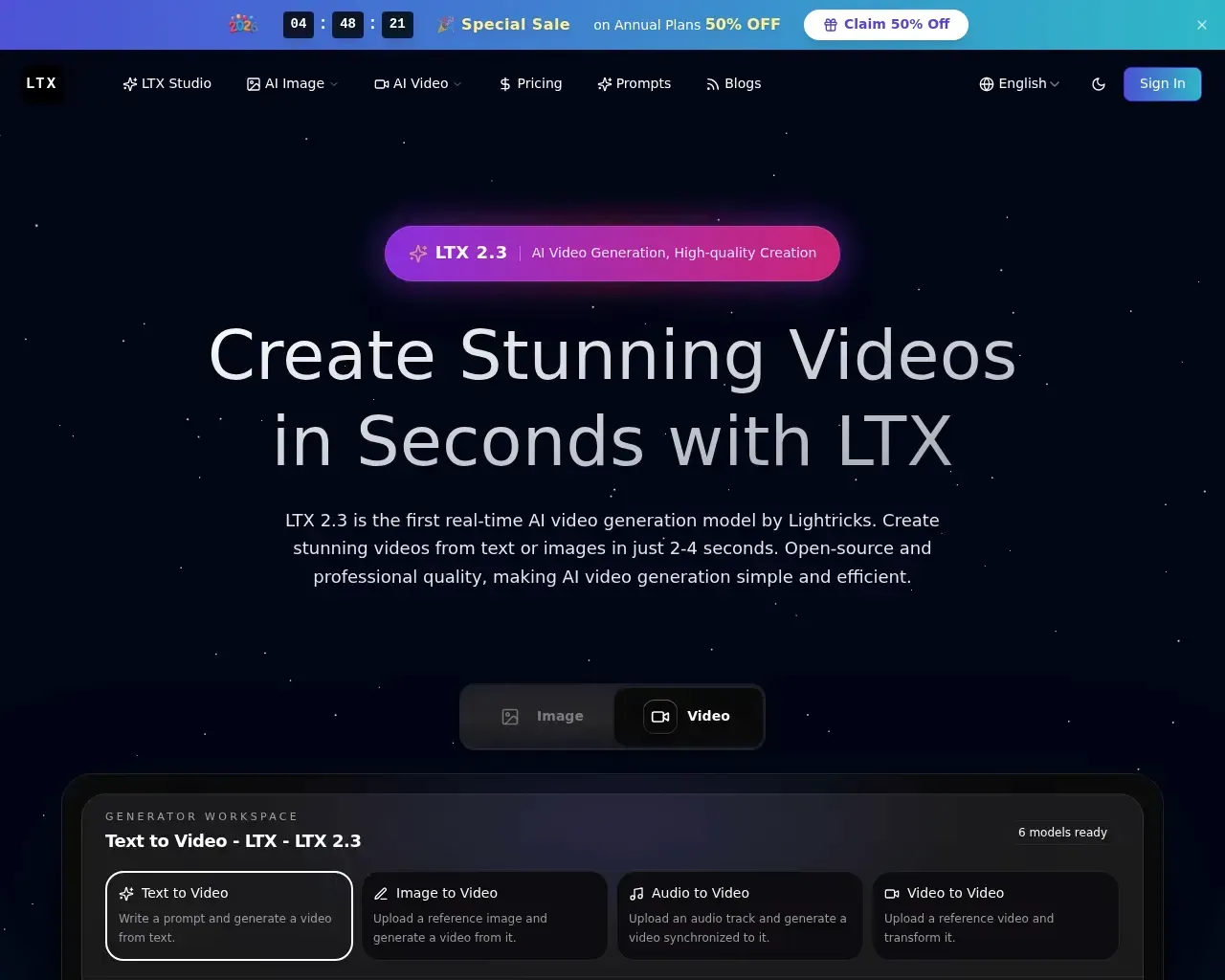
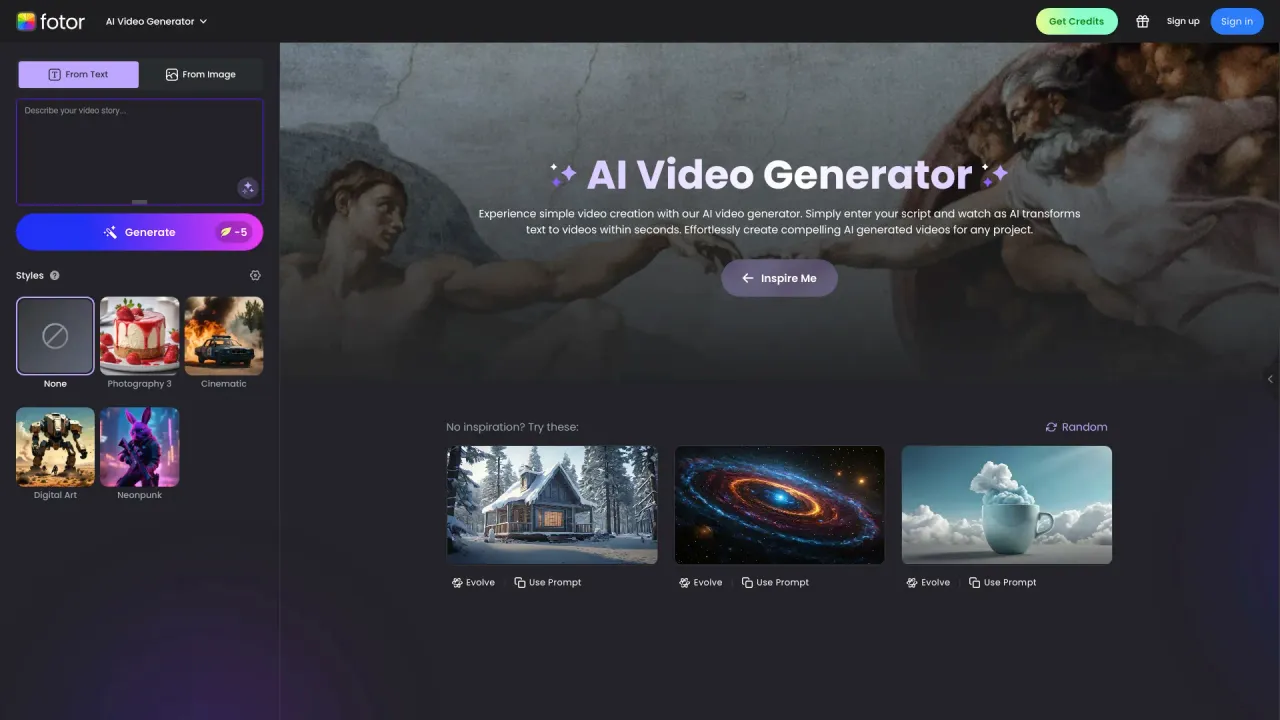
Top alternatives to Muse Video include DEEPBRAIN AI, LTX, Make a Video, Sora Town, Fotor AI video generator.Where can I get Muse Video?
Muse Video is available at https://musevideo.art/.What category is Muse Video in?
Muse Video is listed in Text to Video.What is Muse Video and what can it do?
Muse Video is a generative video model that creates cinema-grade shots from text, a still image, or an existing clip, producing video with natively generated, synchronized audio (effects, ambience, and dialogue) in the same pass as the picture.How is Muse Video different from Sora 2 or Veo?
Muse Video is tuned for prompt adherence, visual fidelity, and temporal consistency, and it pairs native audio with grounded physics, reusable character identity, and clip remixing for more realistic, consistent results.Can I reuse my own face or a product across clips?
Yes. You can turn a single photo into a taggable character or object and call it into later prompts; Muse Video preserves facial structure, styling, and surface detail across clips.Does Muse Video generate sound on its own?
Yes. Audio is produced natively alongside the video in one pass so the sound bed (SFX, ambience, lip-synced dialogue) tracks the action frame-for-frame.What kind of input works best?
Anything from a casual one-liner to a detailed shot list. Muse Video reads professional cinematography language, so a prompt like 'handheld tracking shot, golden-hour backlight, shallow depth of field' maps straight onto matching camera work.Where does Muse Video rank against other models?
Muse Video places among the first tier of text-to-video models on the Arena human-preference leaderboard, holding its own against the leading systems while work continues to sharpen audio-video sync and fast-motion physics.
Compare Muse Video with…
Pick any tool to see a structured side-by-side: pricing, deployment, capabilities, and content policy.