- Category
- PDF & Document Tools
- Pricing
- Free
- Alternatives
- 6 similar tools
- Last updated
- 4 weeks ago
- Source
- Official site ↗︎
AI Collection Top Picks

PDF & Document Tools Category Picks
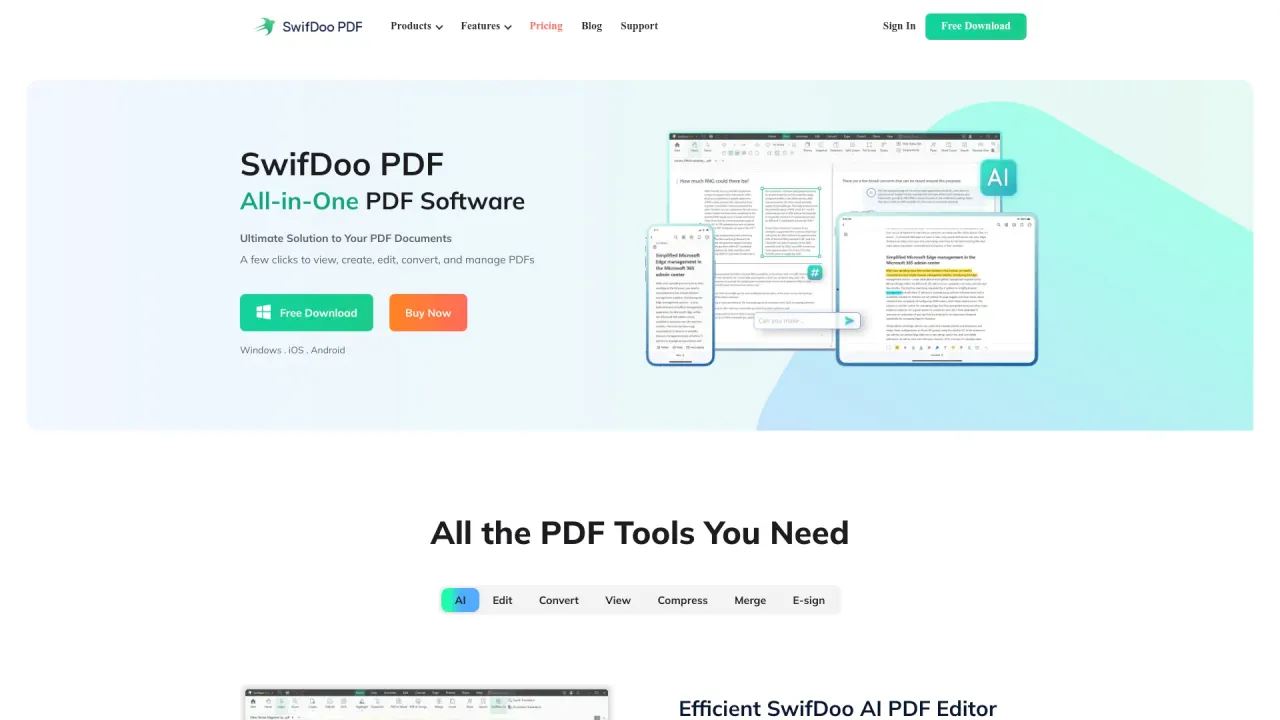
SwifDoo PDF
SwifDoo PDF - All-in-One PDF Software Ultimate Solution to Your PDF Documents A few clicks to view, create, edit, convert, and manage PDFs
About PDF GPT
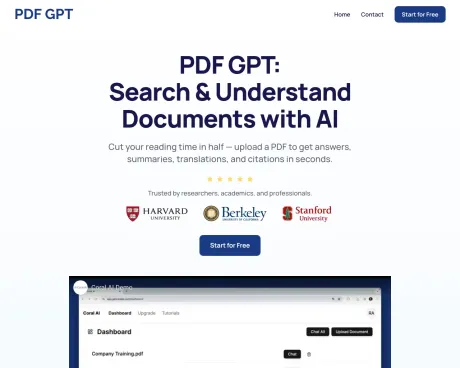
PDF GPT is the ultimate chat PDF app to summarize, search, and chat with PDF documents.
Frequently asked questions
What is PDF GPT used for?
PDF GPT: #1 AI Chat with PDF.Is PDF GPT free?
PDF GPT is free to use.What are alternatives to PDF GPT?
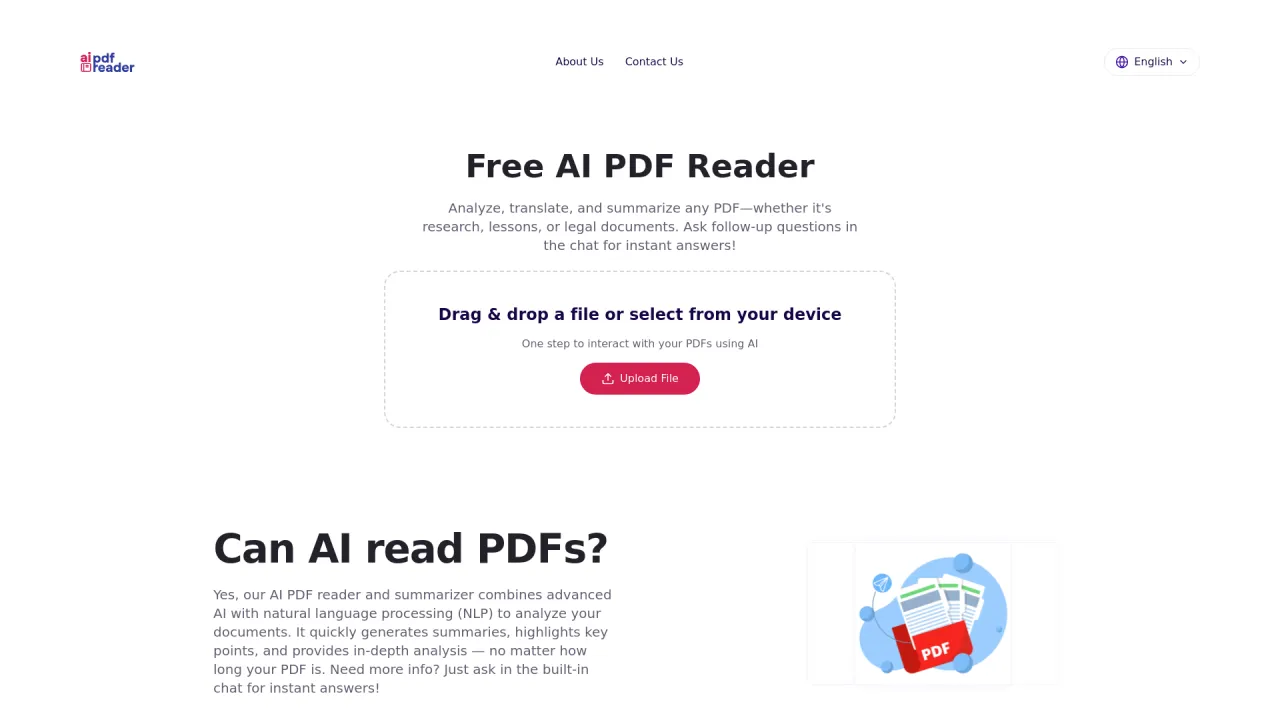
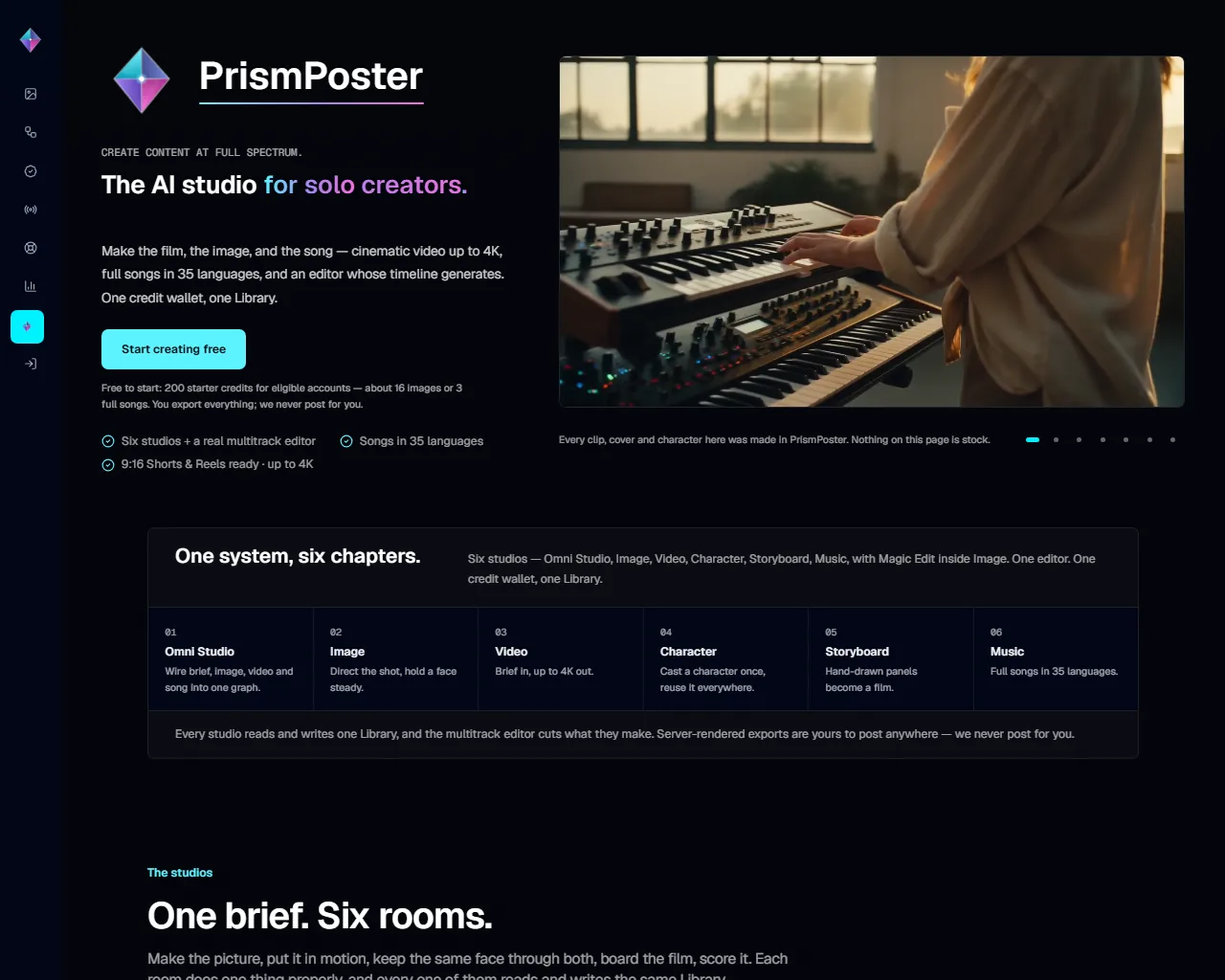
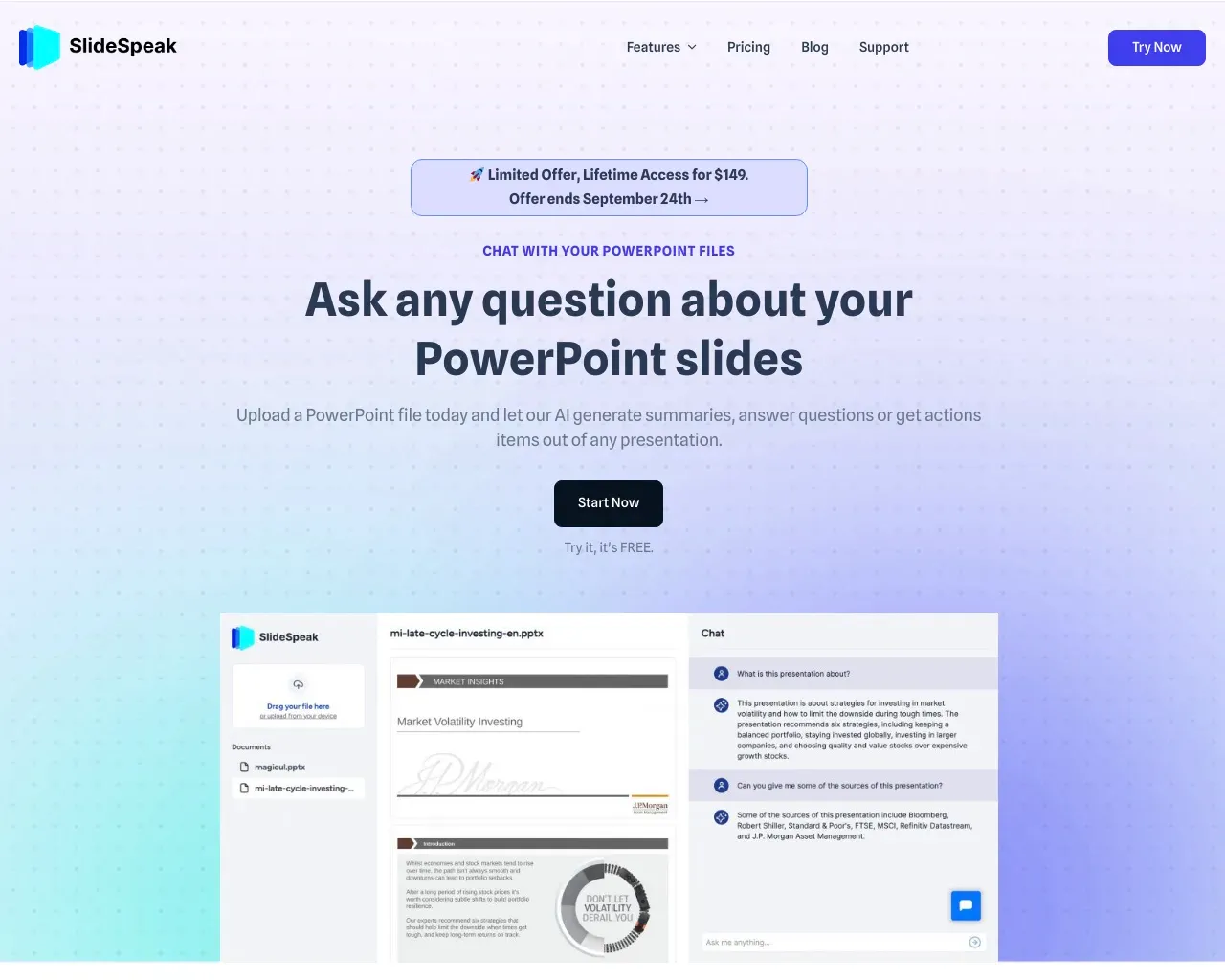
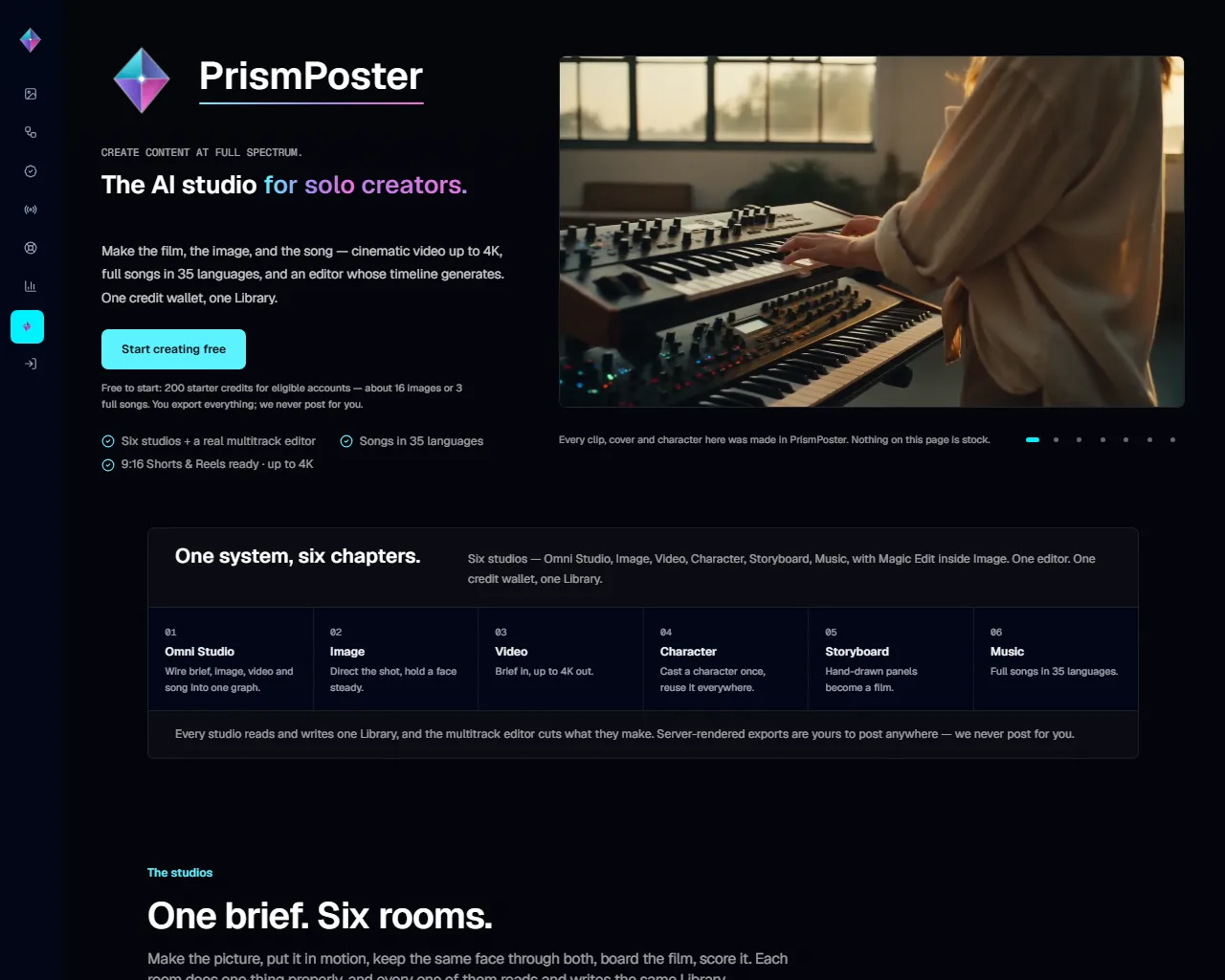
Top alternatives to PDF GPT include SwifDoo PDF, Free AI PDF Reader, PrismPoster, Filechat, SlideSpeak.Where can I get PDF GPT?
PDF GPT is available at https://www.pdfgpt.chat/.What category is PDF GPT in?
PDF GPT is listed in PDF & Document Tools.How can I utilize this tool?
With PDF GPT, you can effortlessly search and comprehend all your PDFs. Obtain answers, gather citations, locate information, and more in mere seconds.What kind of queries should I pose?
Feel free to inquire about anything! Upon logging in, explore our Tutorials page to begin formulating questions or prompts.Does PDF GPT support other languages?
Absolutely, PDF GPT operates in over 90 languages, including Spanish, Chinese, Hindi, French, Arabic, German, Portuguese, and more. You can upload documents in various languages, pose questions in different languages, and even facilitate translations between them.Is the accuracy of responses guaranteed?
PDF GPT generates responses based on the content of the uploaded document. For instance, if you upload a legal document, our AI utilizes information from that document to address your queries.Can I upload diverse file formats?
PDF GPT primarily supports PDF files. However, many other file types can be converted for use with PDF GPT, including docx (Word documents), pptx (Powerpoint presentations), epub (ebooks), txt, and more. Upon logging in, refer to our Tutorials page for detailed instructions on uploading various file formats.Can I interact with multiple documents simultaneously?
Certainly. Simply upload all desired documents to your Dashboard and then click "Chat All." Enter your question or prompt, and PDF GPT will search through all documents to furnish you with an answer accompanied by page citations.Can I generate content using PDF GPT?
Absolutely. PDF GPT can assist you in crafting blog posts, Instagram captions, tweets, LinkedIn posts, website copy, and everything in-between. Upon signing in, refer to our Tutorials page to commence your journey.How can I use this?
You can use PDF GPT to search, summarize, and understand all of your PDFs. Ask questions, get citations, find information, and more in seconds.
Compare PDF GPT with…
Pick any tool to see a structured side-by-side: pricing, deployment, capabilities, and content policy.