Pixflux.AI
Free AI Image Creation Workspace - Remove Backgrounds & Watermarks | Pixflux.AI.

- Category
- Background Remover
- Alternatives
- 6 similar tools
- Last updated
- 6 days ago
- Source
- Official site ↗︎
AI Collection Top Picks

Background Remover Category Picks


About Pixflux.AI
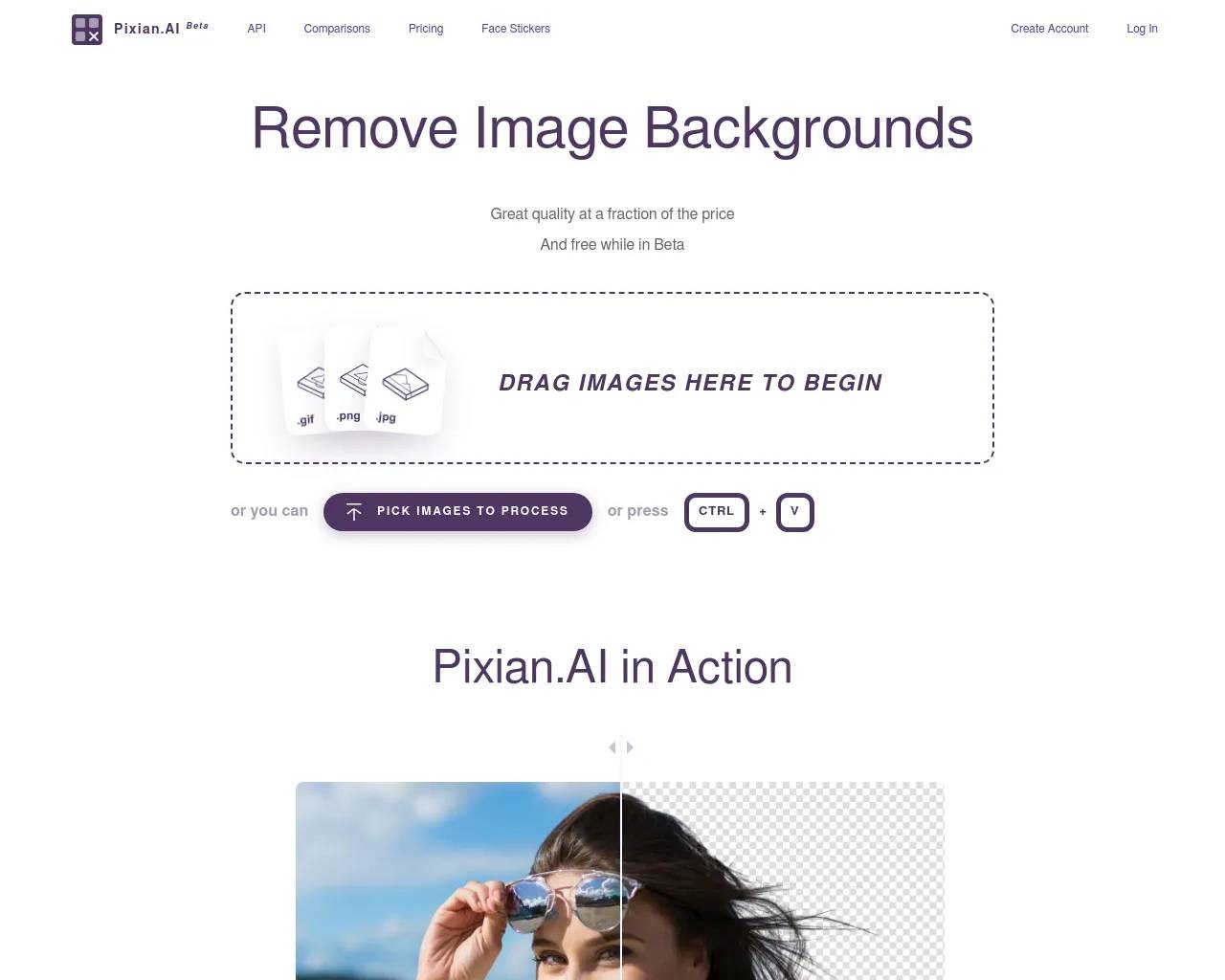
A free AI create workspace for global e-commerce sellers and creators. Start from one image, then remove backgrounds, erase watermarks, enhance photo quality, remove objects, and export polished product visuals fast - no sign-up required.
What you get
Additional Information
Pixflux.AI provides a free workspace for AI-driven image processing tailored to the needs of global e-commerce sellers and creators. Users can start with one image and utilize various tools to remove backgrounds, erase watermarks, and enhance photo quality easily. This platform enables fast exports of high-quality visuals, making it ideal for marketers looking to optimize their product images.
The key features include a smart background removal tool, an efficient watermark remover, and an advanced photo enhancer. Each tool is designed to meet specific needs, from changing backgrounds to improving image clarity. Users can also process images in batches, increasing efficiency for those managing large inventories.
Pixflux.AI serves those who wish to improve their product image quality and boost conversion rates. With tools like object removal and background changing, creators can achieve professional results in a matter of seconds. Ease of use is highlighted, with no sign-up required for initial access, making it convenient for users to start creating immediately.
Overall, Pixflux.AI reinforces its value by offering a range of credits that correspond to usage, making it flexible for occasional users or more regular requirements. This allows e-commerce professionals to significantly enhance their visual marketing without the burden of extensive tools or complicated processes.
Frequently asked questions
What is Pixflux.AI used for?
Free AI Image Creation Workspace - Remove Backgrounds & Watermarks | Pixflux.AI.Is Pixflux.AI free?
Pricing for Pixflux.AI varies — see the Pricing section for details.What are alternatives to Pixflux.AI?
Where can I get Pixflux.AI?
Pixflux.AI is available at https://pixflux.ai.What category is Pixflux.AI in?
Pixflux.AI is listed in Background Remover.Is the background remover free, and do I need to sign up?
Yes, the background remover is free, and no sign-up is required.How do I quickly change a photo background to white or my brand color?
You can use the background change tool available on Pixflux.AI to quickly change to white or your brand colors.How can I remove watermarks without hurting image quality?
Pixflux.AI's watermark remover is designed to erase watermarks cleanly while preserving image details.Object removal looks unnatural—how can I fix it?
Ensure that the image has adequate background context and try reprocessing for better results.Cutout edges look fuzzy or jagged—what can I do?
Adjust the image resolution or use the enhancing tools to refine the edges of your cutouts.
Compare Pixflux.AI with…
Pick any tool to see a structured side-by-side: pricing, deployment, capabilities, and content policy.