SoundAI Studio
AI Music Video Generator from Audio, MP3 & Suno | Revid.
- Category
- Sound Effect Generator
- Alternatives
- 6 similar tools
- Last updated
- 2 weeks ago
- Source
- Official site ↗︎
AI Collection Top Picks

Sound Effect Generator Category Picks
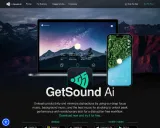
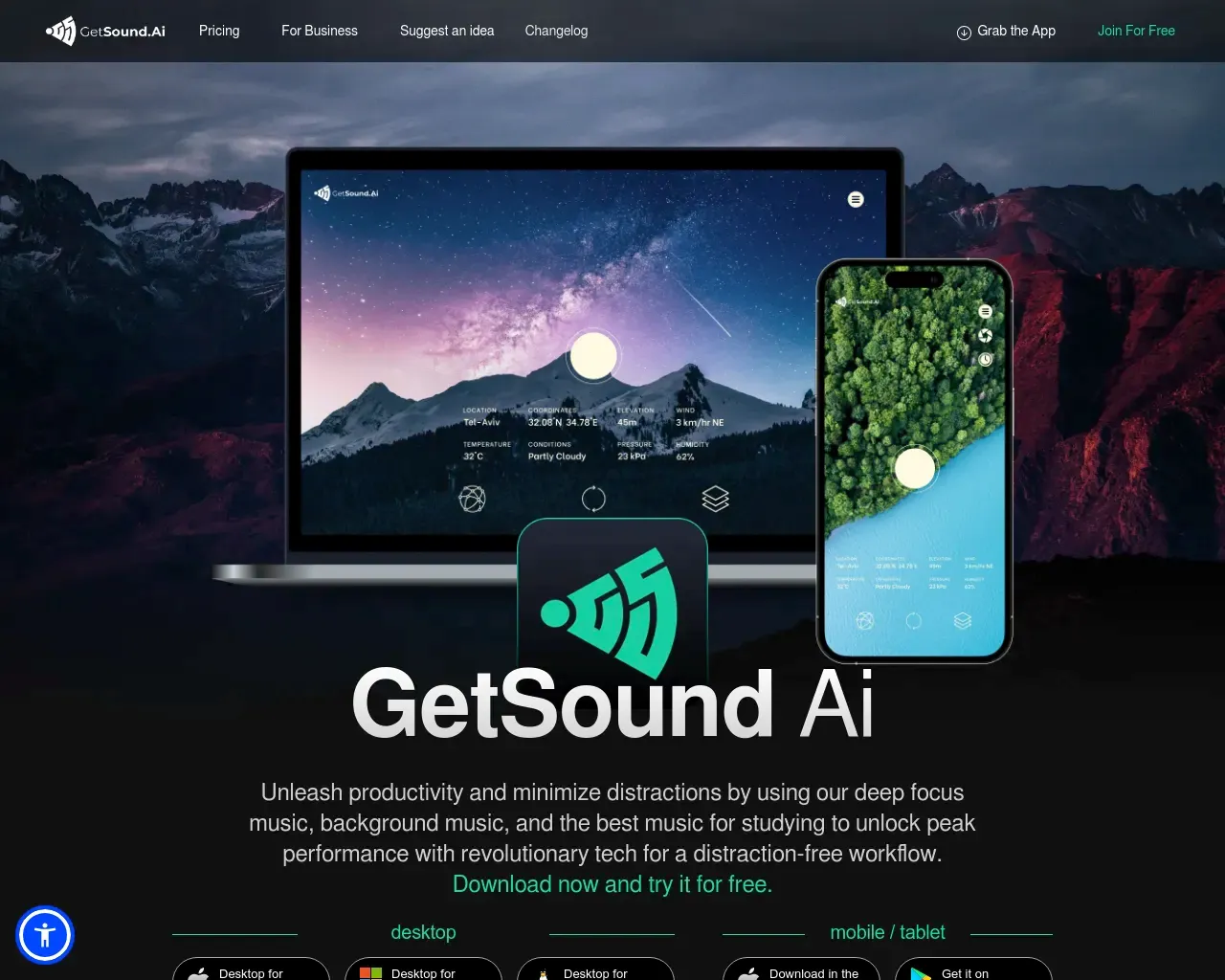
GetSound
GetSound.ai - Deep Focus Using Real-Time Soundscapes, Minimize Distractions, Unleash Productivity
About SoundAI Studio
Create an AI music video from MP3, WAV or a Suno link. Choose beat-synced visuals, lyric captions and singer lip sync, then refine it in the editor.
Frequently asked questions
What is SoundAI Studio used for?
AI Music Video Generator from Audio, MP3 & Suno | Revid.Is SoundAI Studio free?
Pricing for SoundAI Studio varies — see the Pricing section for details.What are alternatives to SoundAI Studio?
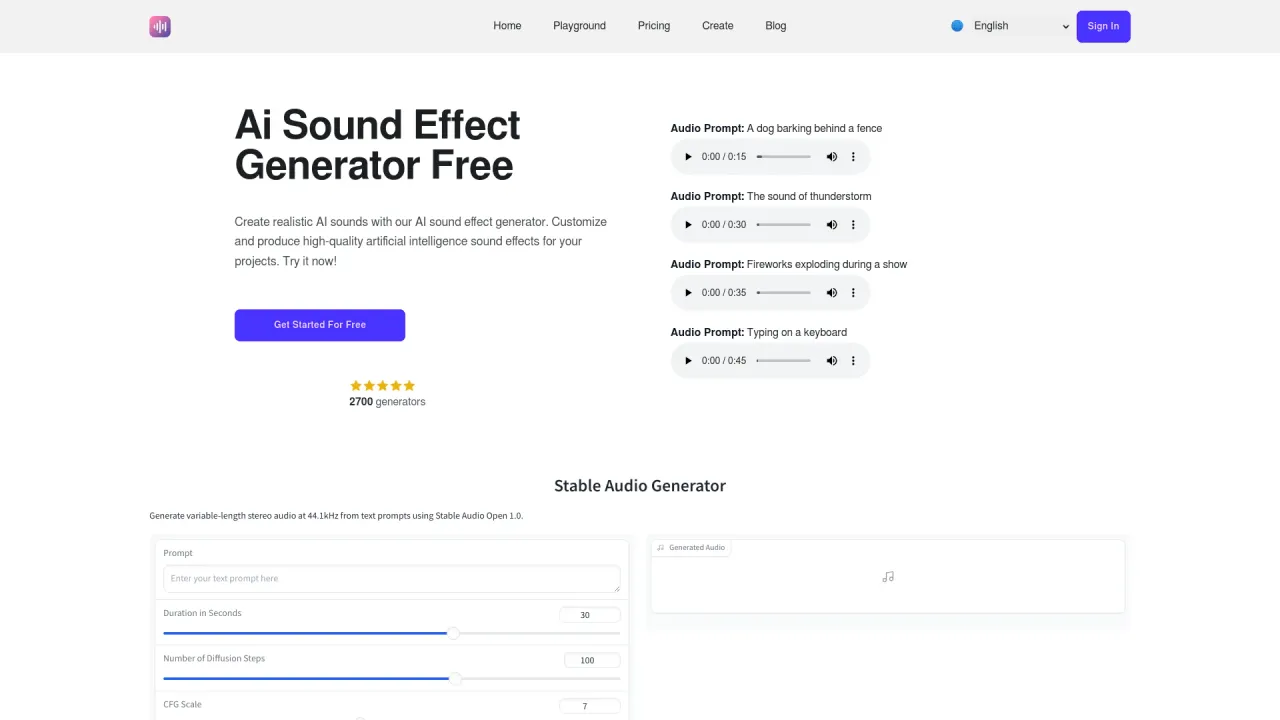
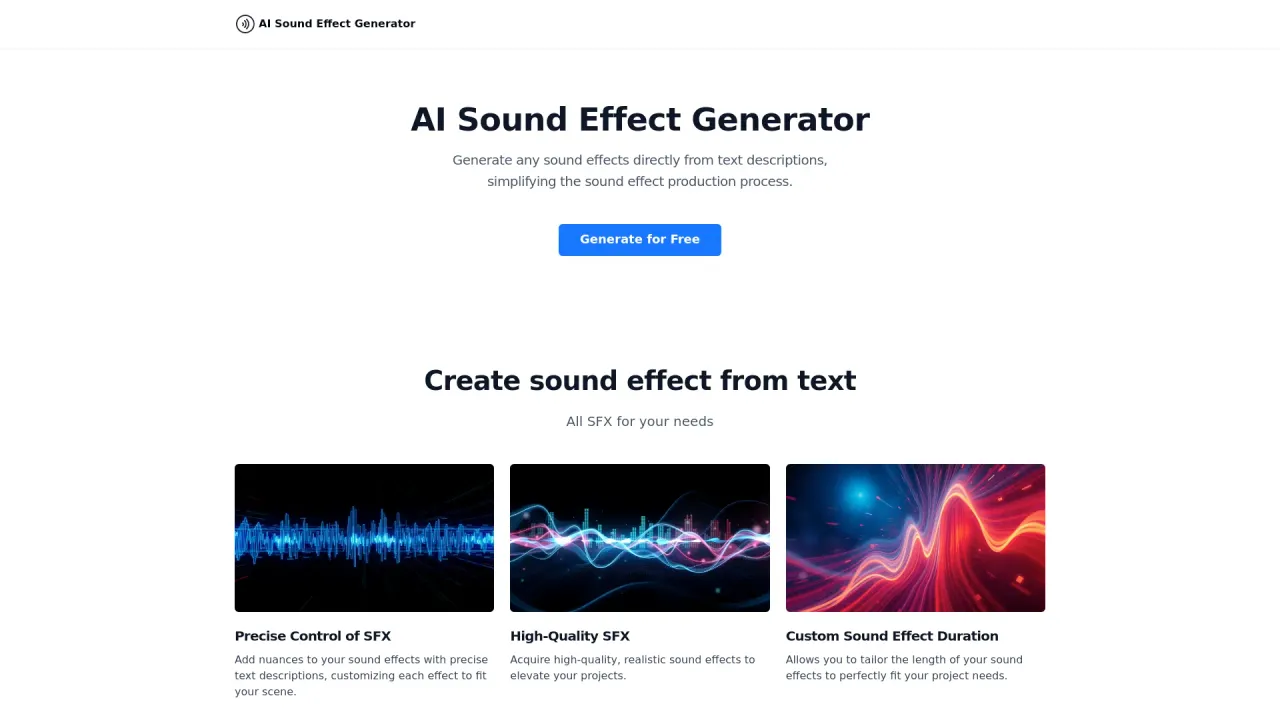
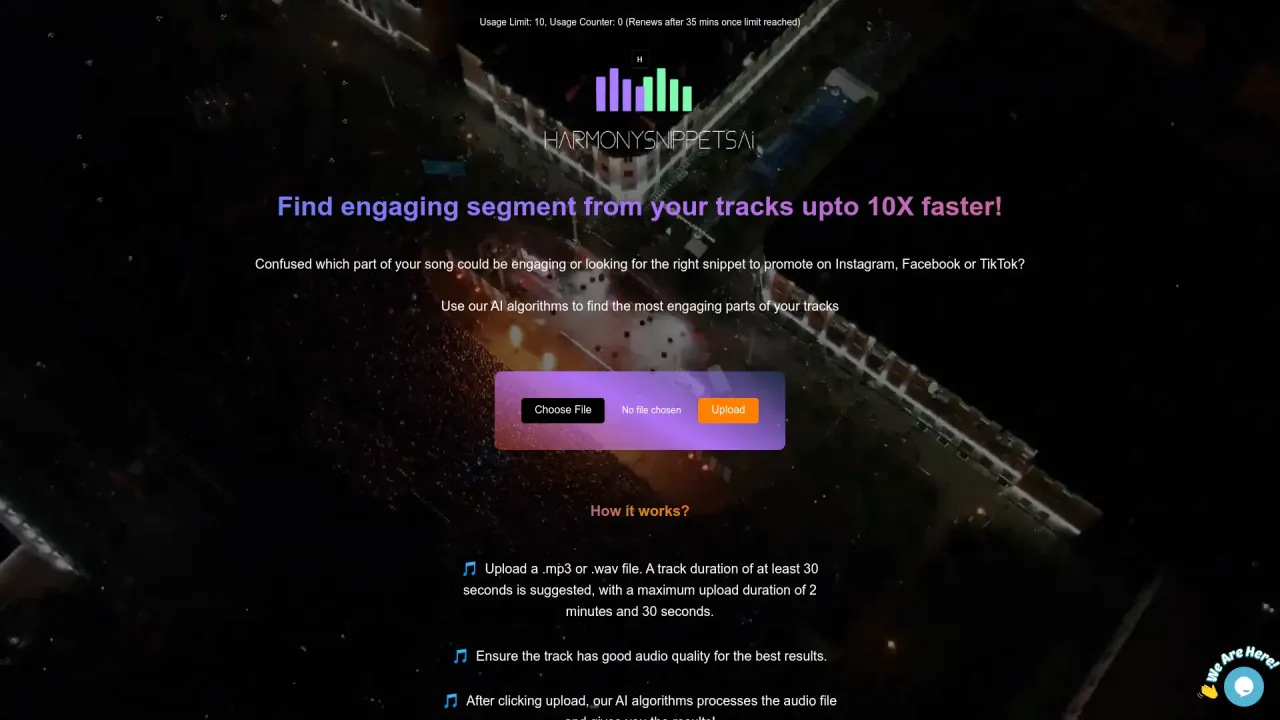
Top alternatives to SoundAI Studio include GetSound, AI Sound Effect Generator, AI Sound Effects Generator, SFX Engine, HarmonySnippetsAI.Where can I get SoundAI Studio?
SoundAI Studio is available at https://www.soundai.studio.What category is SoundAI Studio in?
SoundAI Studio is listed in Sound Effect Generator.What is the "AI Music Video Generator" tool?
The "AI Music Video Generator" tool is a cutting-edge AI video generator designed specifically for music. Users input their music as either audio or video, and the tool generates a complete video with synchronized visuals and captions. Designed for efficiency, it allows artists and content creators to produce professional-quality music videos with minimal time and effortHow do i use the AI music video generator tool?
AI Music Video Generator follows a three-step process: Input, Generate, Refine. Upload your music, select your visual preferences, and let the AI create your video. Afterward, use our editor to fine-tune the result. The entire process is designed to be intuitive and typically takes just a few minutes, requiring no technical expertiseWhat types of visuals can I choose for my video?
We offer three visual styles: stock videos, AI-generated videos, and moving AI images. Stock videos are fast and reliable, using pre-existing footage matched to your music. AI-generated videos create custom visuals for each part of your song, offering higher personalization but using more processing power. Moving AI images animate still pictures, balancing uniqueness and efficiency. Choose based on your priorities: speed, customization, or a middle groundCan I use both audio and video files with this tool?
Yes, the tool accepts both audio and video files. If you upload an audio file, the generated video will feature your chosen visuals with synchronized captions. For video uploads, we create a split-screen effect: your original video on one half, AI-generated content on the other, with captions in the center. This flexibility allows you to enhance existing videos or create entirely new ones from audio tracksHow accurate are the synchronized captions?
Our AI is highly effective at generating synchronized captions. It analyzes the audio, identifies the lyrics, and times them to match the music. The results are usually spot-on, especially for clear vocals. However, AI isn't infallible. Complex lyrics or unusual pronunciations can sometimes throw it off. That's why we include an editor - it lets you fine-tune the captions if needed. This combination of AI power and human judgment tends to produce the best results. Most users find they rarely need to make adjustmentsWhat is the sound wave option?
The sound wave option adds a visual representation of your audio at the bottom of the video. It's a dynamic graphic that moves with your music's rhythm and intensity. In practice, it looks like an oscilloscope display that pulses with the beat. Some users find it adds energy to their videos, making them more engaging. Others prefer a cleaner look without it. There's no right or wrong choice - it's purely an aesthetic decision. We've found it tends to work particularly well for electronic and dance music genresCan i edit the AI generated video?
Yes, you can edit the video after generation. Our built-in editor allows you to adjust captions, timing, and add effects. It's designed to be intuitive - you don't need to be a professional video editor to use it effectively. You can tweak colors, adjust transitions, or even add your own images or clips. This editing stage is where you can really put your personal stamp on the video. Some users spend more time here than in the generation phase, fine-tuning every detailWhat file formats does the tool accept?
We accept common audio formats like MP3, WAV, AAC, and M4A. For video, we support MP4, MOV, AVI, and WMV. If your file is in a different format, you may need to convert it before uploading. We recommend using high-quality files for the best results in your generated video. The variety of accepted formats makes the tool accessible for most users' existing media librariesHow long does it take to generate a video?
Generation typically takes 2 to 5 minutes, depending on your music's length, chosen visual style, and complexity. AI-generated videos may take longer due to their personalized nature. We balance speed and quality to deliver polished videos efficiently. The wait time is usually shorter than brewing a pot of coffee, and certainly faster than traditional video production methods. We're constantly working on optimizing our algorithms to reduce generation time without sacrificing quality. For most users, the time saved compared to manual video creation far outweighs the brief waiting periodCan I use this tool for commercial purposes?
Yes, you can use the videos generated by the AI Music Video Generator tool for commercial purposes, provided you have the necessary rights to the music you're using. This makes the tool valuable for creating promotional content, music videos for your own songs, or enhancing your brand's social media presence. However, ensure you have appropriate licenses for any copyrighted music before using the videos commerciallyI have an additional question not answered here. How can I get help?
We're here to help! If you have any other questions about using the AI Music Video Generator or any other part of Revid.AI, please reach out to our friendly support team. You can contact us via email hello@revid.ai and we'll get back to you ASAP
Compare SoundAI Studio with…
Pick any tool to see a structured side-by-side: pricing, deployment, capabilities, and content policy.