The Best AI Writing Assistant Tools in 2026
By: AI Collection
At a glance






"Writing assistant" covers more ground than it used to. Some people want a tool that drafts a blog post from a one-line brief. Others need to rewrite a paragraph in a different tone, condense a long PDF, or check a draft for plagiarism before handing it in. The eight tools below all sit in our writing category, but they solve noticeably different problems, so the right pick depends more on the job in front of you than on any single score.
A quick word on how the list came together. It is ranked from our directory's editorial picks and the catalog data we keep on each tool, then sharpened by visiting each product's current homepage. It is not a lab test with head-to-head benchmarks. Treat it as a shortlist to try, not a leaderboard.
AI-Writer, for citation-backed drafts
AI-Writer takes a narrower position than most general writers: it is built for academic and research writing, and it draws on a library it describes as more than 100 million scientific papers so that claims come out cited rather than invented. If your problem with AI drafts is that they sound confident and source nothing, that focus is the reason to look here.
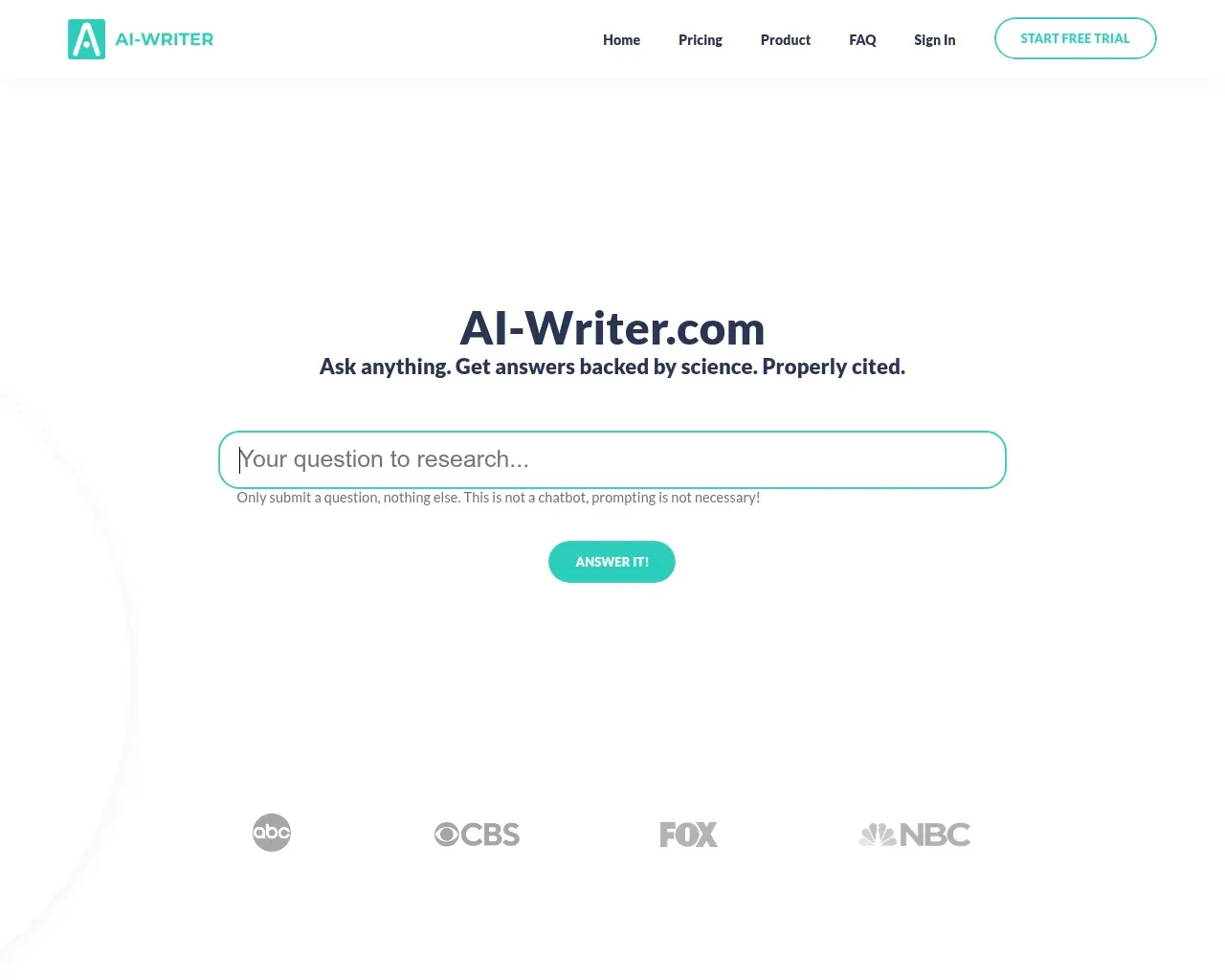
Pricing starts at $29 per month on the Basic plan ($24 a month if you pay $290 a year), which covers up to 40 answered questions and a single user. Standard is $49 per month ($41 a month billed annually) for up to 120 questions and three users, and there is a Power tier at $375 per month ($312 a month billed annually) for up to 10 users working at volume. It is one of the higher entry points on this list, which suits its academic and industry audience more than a casual blogger.
Smodin, a study-and-integrity suite
Smodin bundles three things students tend to reach for at once: an AI writer, an AI humanizer, and a plagiarism checker, along with AI-text detection. Its homepage sums up the pitch as "write with AI, submit with confidence," and it says more than a million people use it.
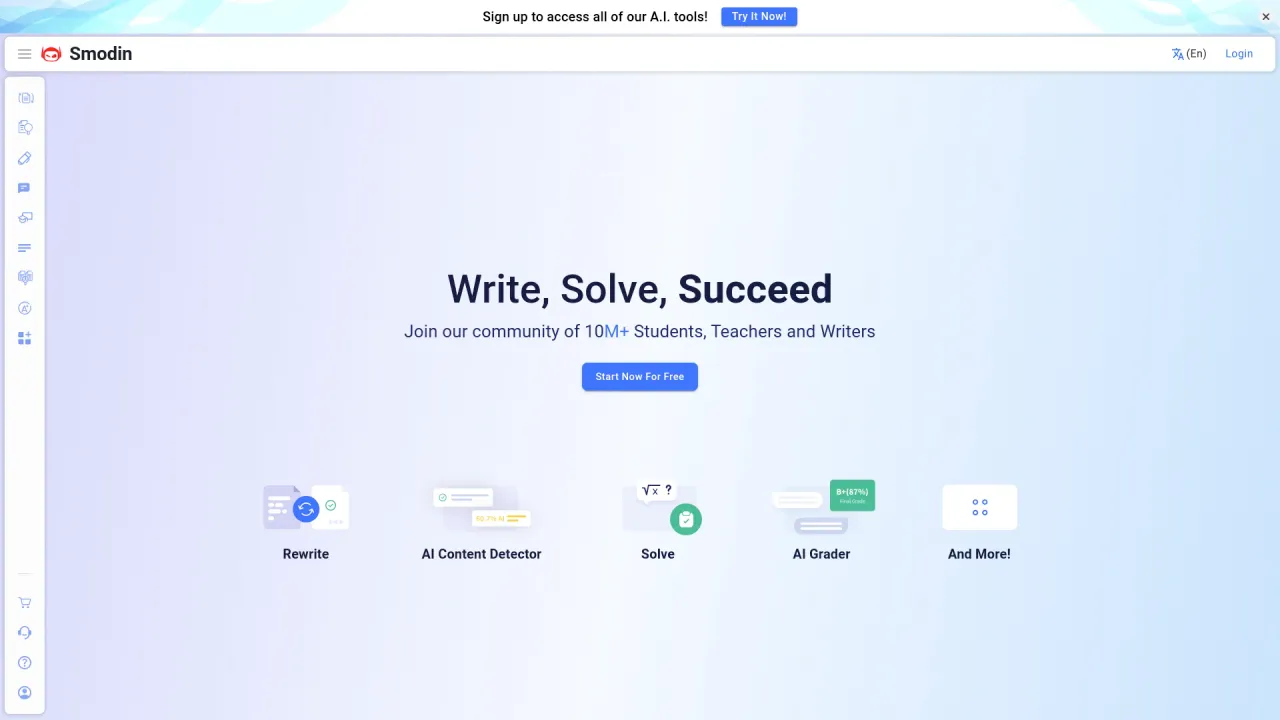
That combination is the appeal. Instead of drafting in one app and checking originality in another, you stay in one place. It is free to try, so you can see whether the writing and checking quality suits your coursework before paying for anything.
BizPlanner AI, for founders writing a plan
BizPlanner AI is the most specialized entry here. It generates business plans, including financial projections, market analysis, a SWOT section, and a PDF or Word export you can hand to a bank or an investor, for a one-time payment of $9.99. The site reports more than 27,300 plans created so far.
If you are not writing a business plan, this one is not for you. But for a founder staring at a blank document the night before a meeting, a tool that produces a structured, investor-shaped draft is a very different proposition from a general copywriter.
HIX.AI, a broad AI workspace
HIX.AI has grown past pure writing into what it now calls an AI agent workspace: reports, slides, marketing assets, code, images, and video, with access to several underlying models in one place.
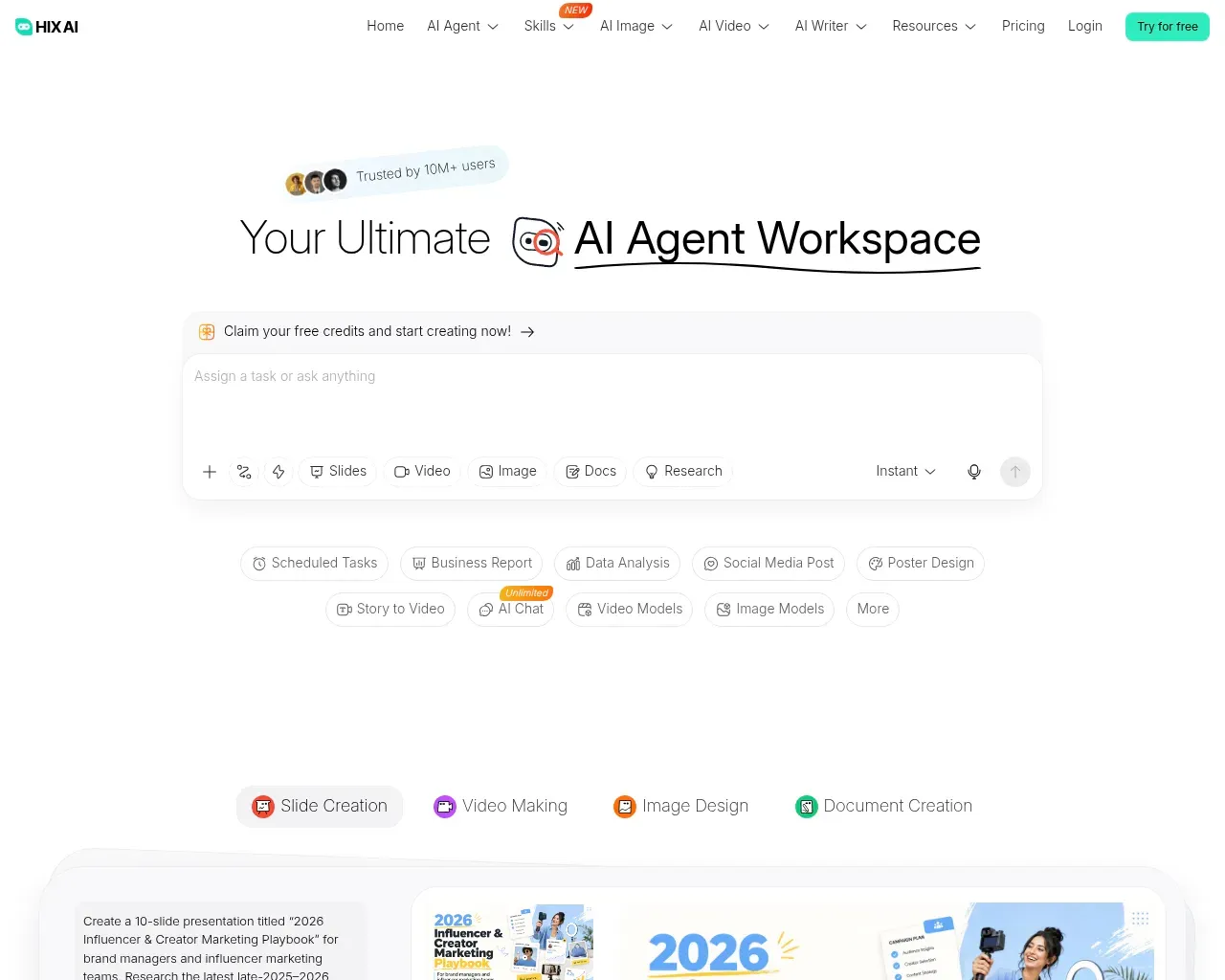
There is a free tier with a small credit allowance, then Pro at $19.99 and Max at $29.99 per month, with lower rates if you pay yearly. The trade-off is the usual one for all-in-one tools: you get range, but a dedicated writer may go deeper on the specific writing features you care about. It fits someone who would rather pay for one broad workspace than stitch several single-purpose apps together.
Rytr, the budget everyday writer
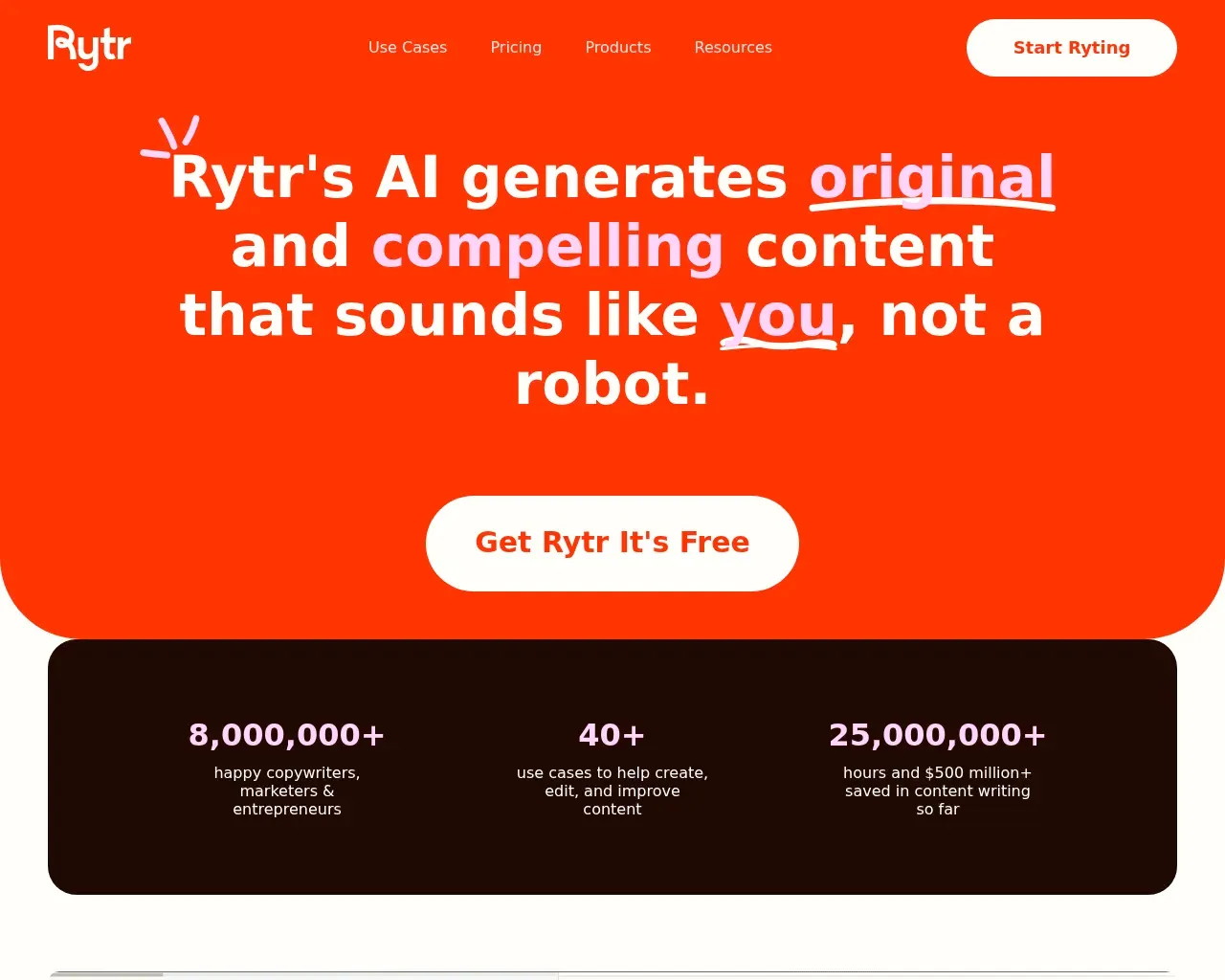
Rytr is the value pick. It is a general content and copywriting assistant that says more than eight million writers use it, with plagiarism checking built in and integrations so it works where you already write. G2 has ranked it among the better-known names in AI writing.
Pricing is where it stands out. There is a free plan to start, an Unlimited plan at $9 per month, and a Premium plan at $29 per month (about $7.50 and $24.16 a month if you pay yearly). For a freelancer or a small team producing everyday marketing copy, that is a low commitment for a tool that covers most day-to-day drafting.
Wordfixerbot, for rewriting and tone
Wordfixerbot does one job: paraphrasing. You paste text and it rewrites it, with a choice of tones to match your style, which helps when the substance is there but you want it to read differently.
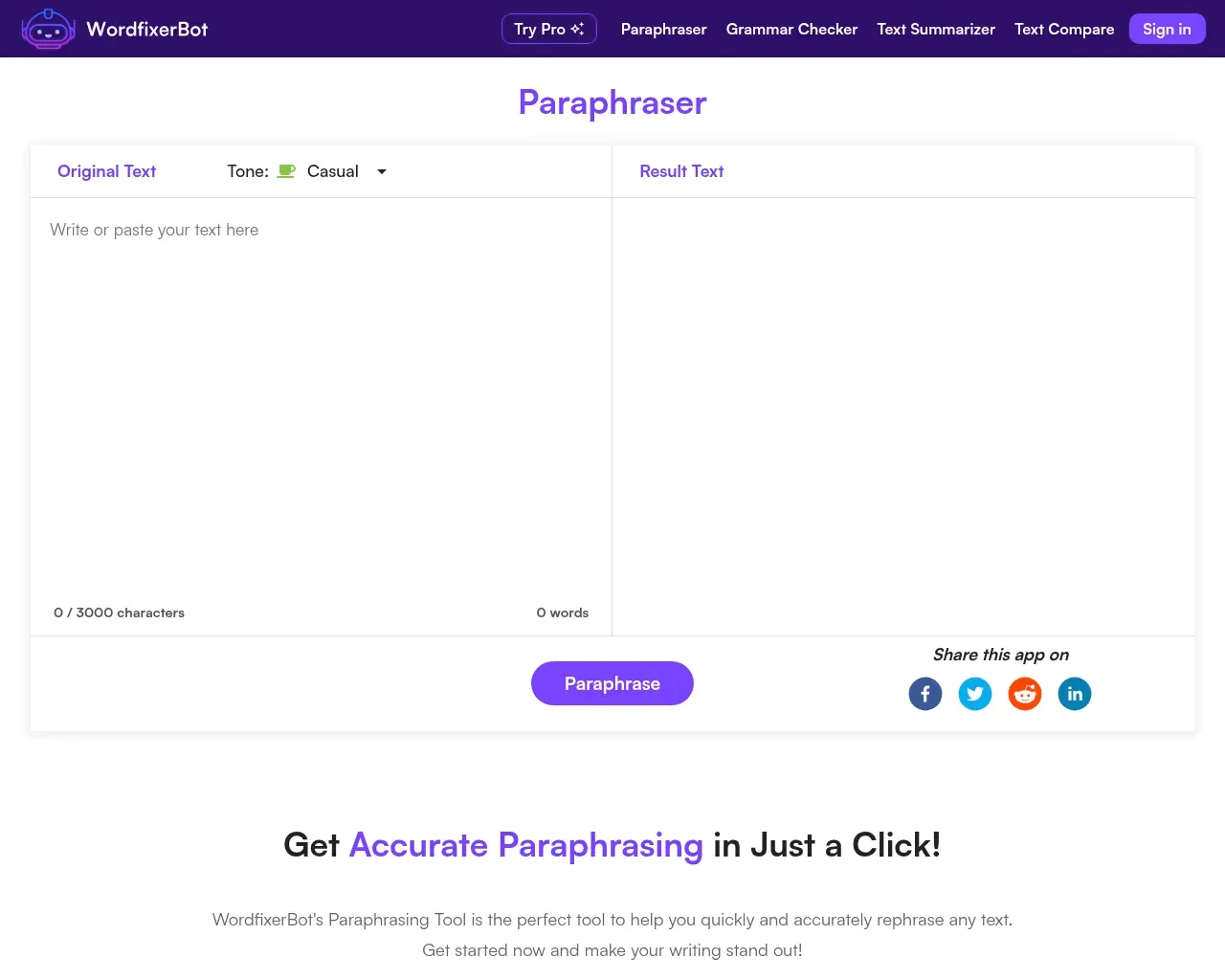
There is a free tier, and Pro runs $7 per month. As a single-purpose rewriter it is inexpensive and quick, though it works best as a companion to a writing tool rather than a replacement for one.
ChatArt, an all-in-one creation platform
ChatArt is aimed at creators and marketers who want more than text. It generates copy alongside images, video, and music in one workspace, so writing is one part of a wider content toolkit rather than the whole product.
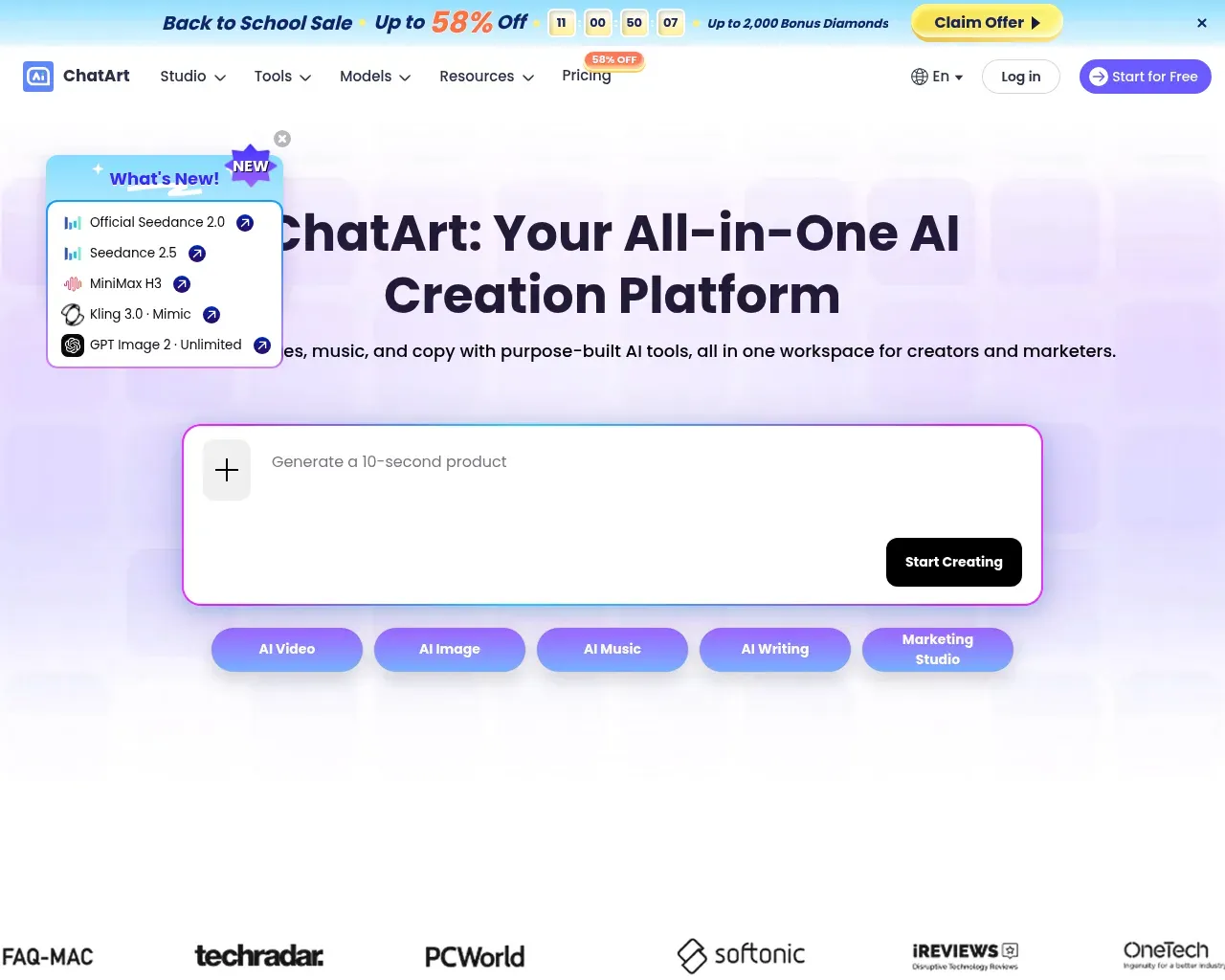
Its pricing is flexible: plans start at $14.99 billed monthly or $109.99 billed yearly, plus a lifetime option from $119.98, which is unusual and worth a look if you dislike subscriptions. As with any multi-format tool, judge it on the outputs you actually need most, not the length of the feature list.
AI Text Summarizer, for reading faster
AI Text Summarizer is the reading-side tool on this list. It condenses long text, articles, and PDFs into either bullet points or a paragraph, lets you set the length, and adds a chat so you can ask follow-up questions about the source. There is no sign-up and no small word cap to work around.
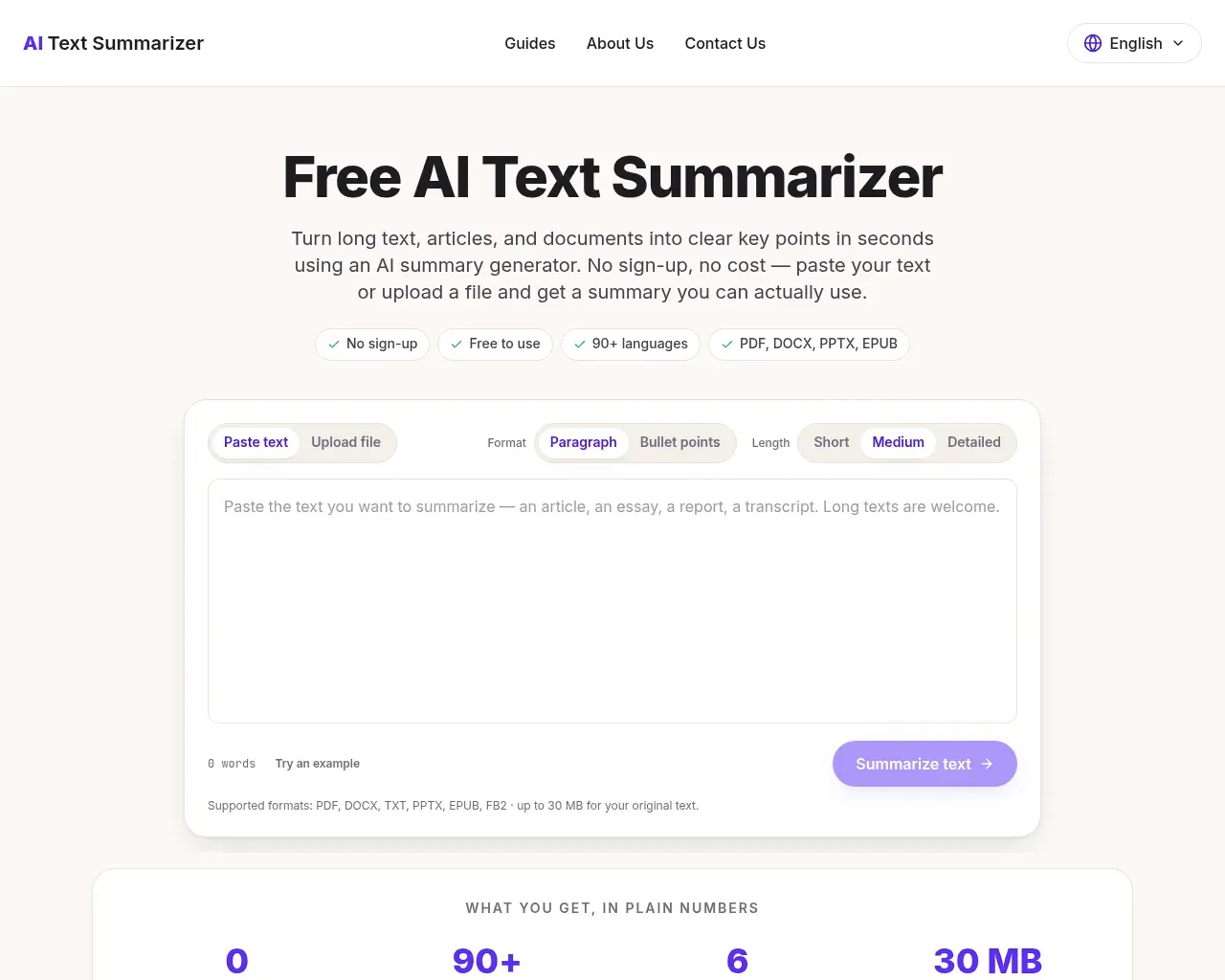
It will not draft new content for you, but for students and researchers working through dense material, it turns a long read into something you can act on quickly.
Which one should you pick?
For most people writing everyday content on a budget, Rytr is the place to start: cheap, general, and widely used. If your writing needs to stand up to scrutiny with citations, AI-Writer is the better runner-up, despite the higher price. Students juggling drafts and originality checks are served best by Smodin's combined suite. And anyone whose real need is a business plan, a paraphrase, or a summary should go straight to the specialist: BizPlanner AI, Wordfixerbot, or AI Text Summarizer respectively.
FAQ
Are any of these free? Several have a free tier or a free start, including Rytr, Smodin, HIX.AI, and Wordfixerbot, and AI Text Summarizer works without a sign-up. Free plans usually cap usage, so treat them as a way to test quality before you pay.
What is the cheapest paid plan? Among the tools with clear pricing, Wordfixerbot's $7 per month Pro plan and Rytr's $9 per month Unlimited plan are the lowest monthly entry points, and BizPlanner AI is a one-time $9.99.
Do I still need to edit what these tools produce? Yes. Every tool here speeds up drafting, rewriting, or summarizing, but the accuracy, tone, and final call are still yours, especially for anything cited, published, or graded.
Published on: October 14, 2026