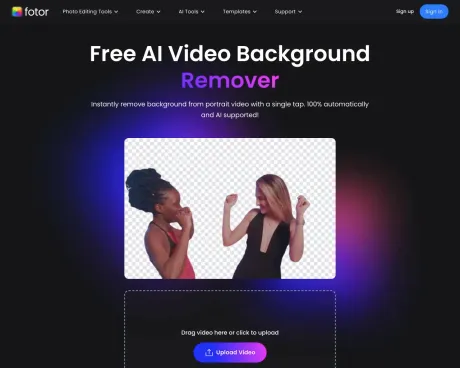
Fotor video background remover
Free AI Video Background Remover | Fotor.
- Category
- Background Remover
- Pricing
- Free
- Alternatives
- 6 similar tools
- Last updated
- 2 weeks ago
- Source
- Official site ↗︎
AI Collection Top Picks

Background Remover Category Picks



About Fotor video background remover
Remove background from video in one single click. Make background transparent, or change video background with color or image for free.
Frequently asked questions
What is Fotor video background remover used for?
Free AI Video Background Remover | Fotor.Is Fotor video background remover free?
Fotor video background remover is free to use.What are alternatives to Fotor video background remover?
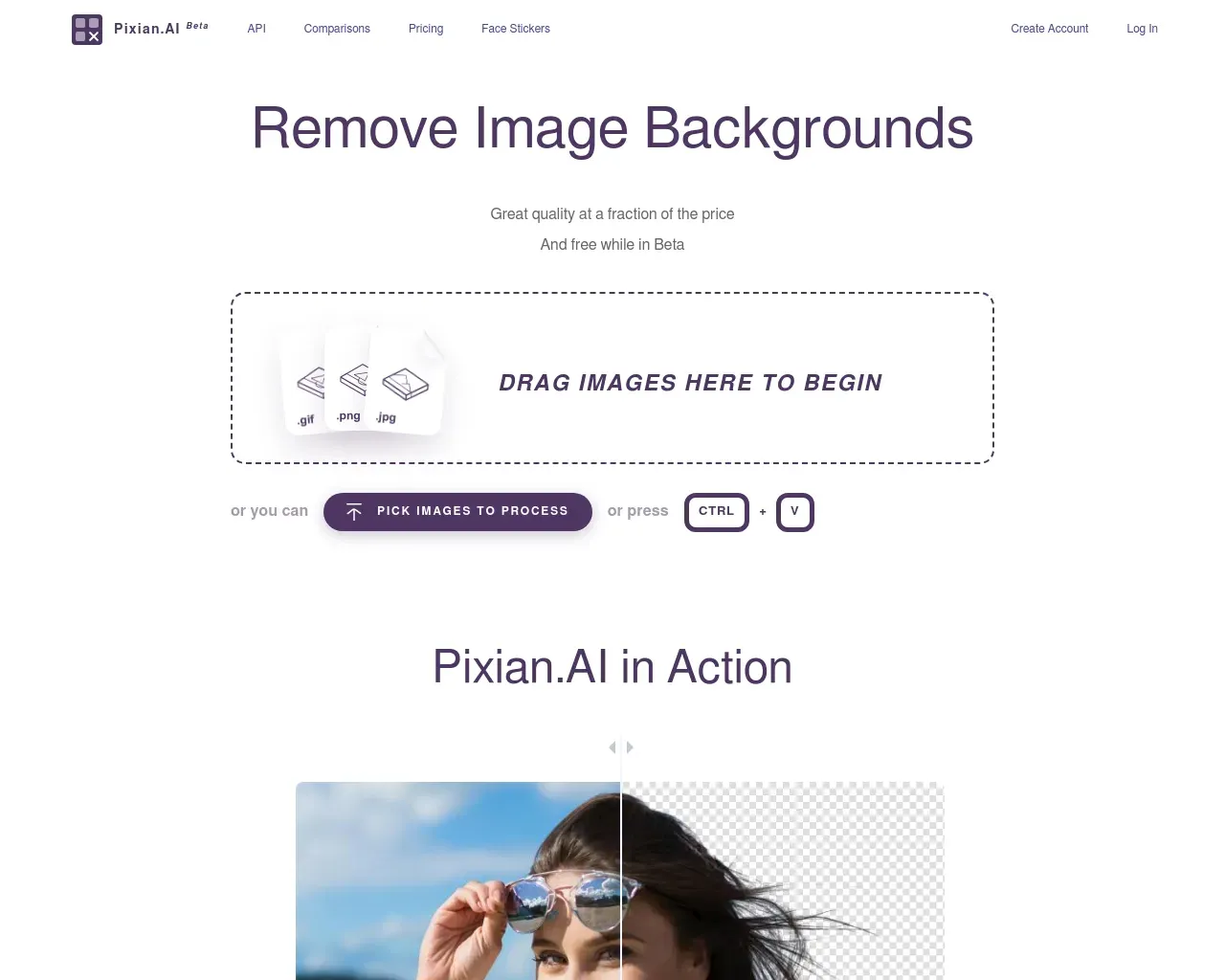
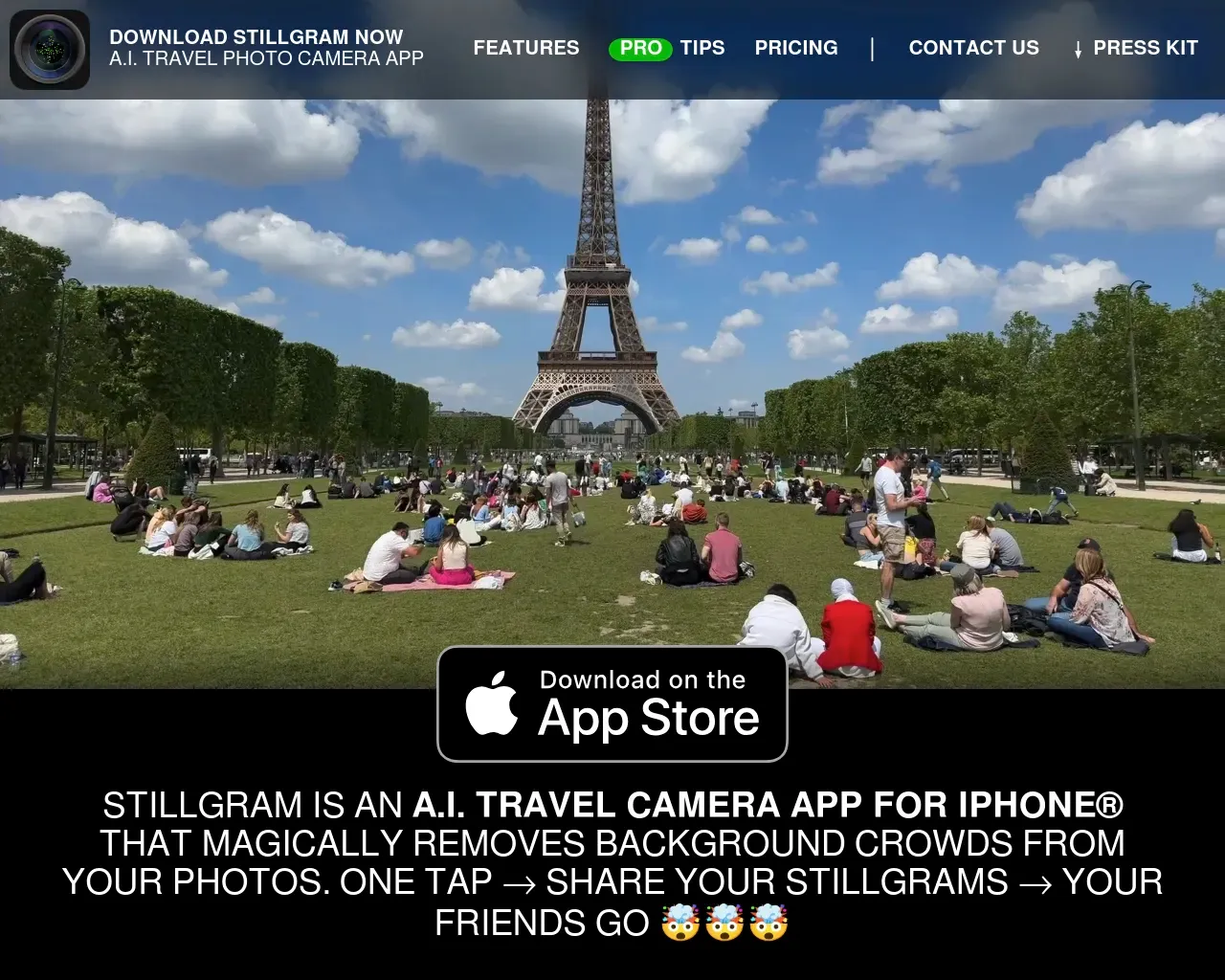
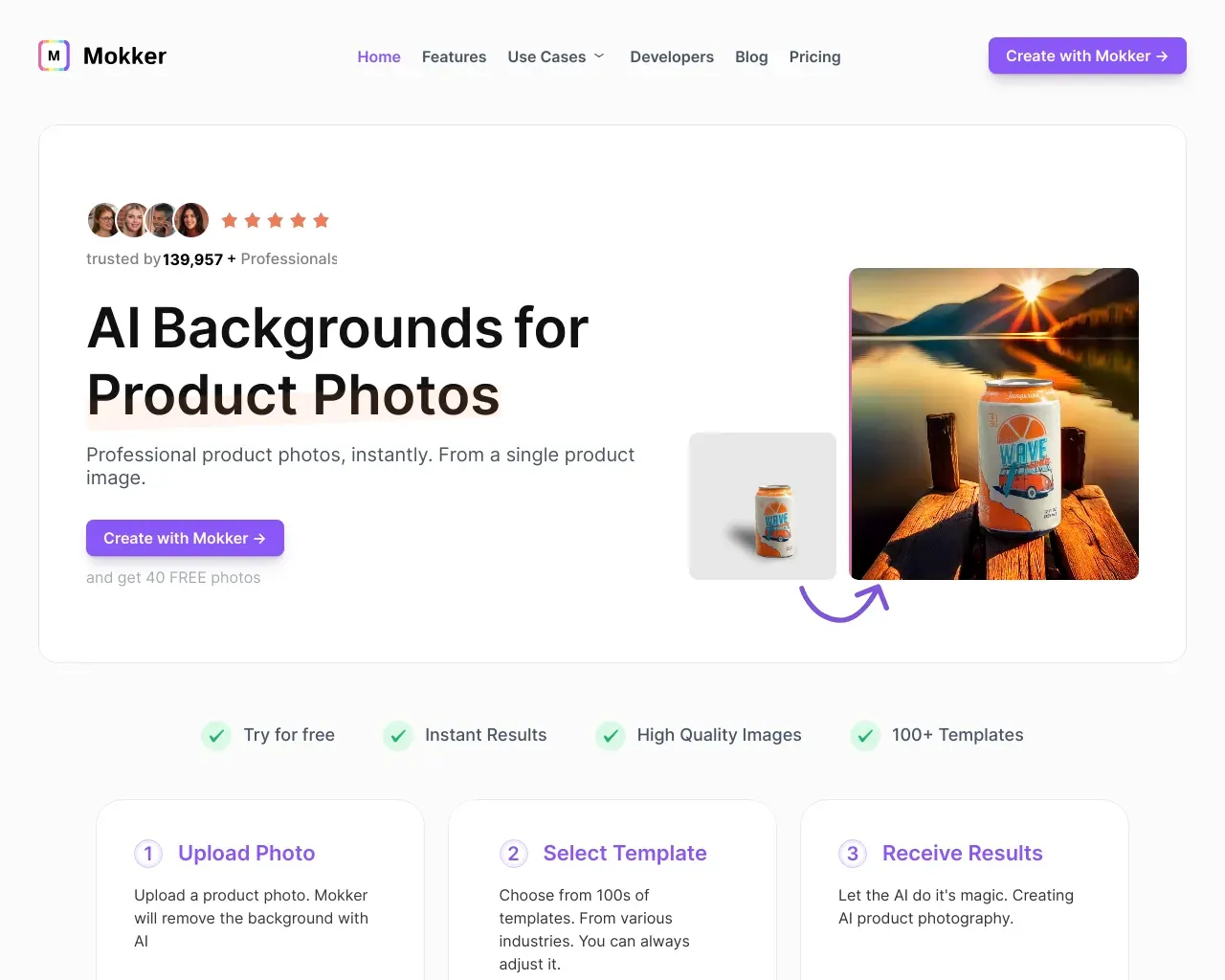
Top alternatives to Fotor video background remover include Green Screen AI, Zoomscape, Pixian, Stillgram, Mokker.Where can I get Fotor video background remover?
Fotor video background remover is available at https://www.fotor.com/video-background-remover/.What category is Fotor video background remover in?
Fotor video background remover is listed in Background Remover.How can I make my video background transparent?
You can use Fotor to make your video background transparent, and here’s how: 1.Open Fotor’s background remover for video, and upload your clip. 2.Then, our tool will automatically delete background from video. 3.Download your transparent background video in the desired format and quality.Can I remove background from video on my phone?
Yes, you can remove background from video on your phone. Fotor works well on both iPhone and Android.How can I change video background online free?
With Fotor, you can effortlessly change your video background online at no cost. Simply upload your video to Fotor, and our online tool will instantly remove the background. Then, you can edit video background and change it with color or image as needed.Features
1. AI Technology 2. Accurate Removal 3. Time-Saving 4. Watermark FreeUse Cases
* Marketing * Presentation * Vlog * Reaction
Compare Fotor video background remover with…
Pick any tool to see a structured side-by-side: pricing, deployment, capabilities, and content policy.