- Category
- Image Editing
- Alternatives
- 6 similar tools
- Last updated
- 1 weeks ago
- Source
- Official site ↗︎
AI Collection Top Picks

Image Editing Category Picks

About Magic Eraser
Your personal AI photographer. Upload a few photos once — the AI learns how you look and creates any photo of you in seconds.
What you get
Additional Information
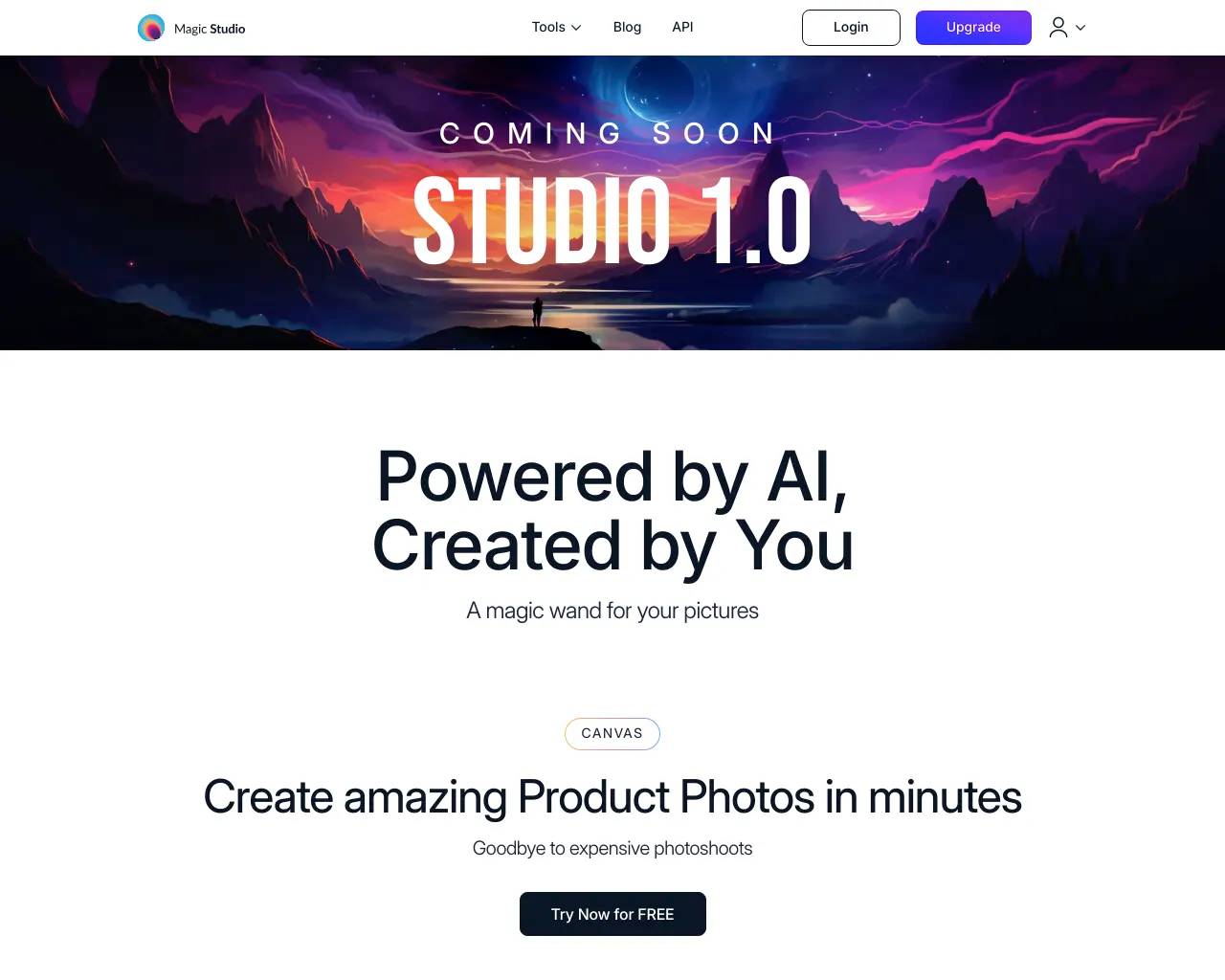
Magic Studio is a comprehensive image editing platform that empowers users to create stunning visuals using artificial intelligence. With a user-friendly interface, it allows anyone—regardless of design skills—to execute professional-quality image edits quickly. Users can generate images from text, alter backgrounds, and remove unwanted elements with ease, making it ideal for creating product photos, advertisements, and social media content.
A standout feature is its ability to transform scenes with simple commands, enabling users to describe their vision and see it realized almost instantaneously. The platform has garnered popularity around the world, boasting over 20 million users and facilitating the editing of approximately 150 million images.
In addition to image editing, Magic Studio offers a suite of tools including an AI image generator, background remover, and image upscaler. These features cater to a wide audience, from small business owners needing quick product shots to individuals looking to enhance their personal photography.
The platform is designed for accessibility; its intuitive design means even a child can navigate and use it effectively. Magic Studio continues to innovate, consistently adding new features that put creative power into the hands of its users.
Frequently asked questions
What is Magic Eraser used for?
Magic Studio.Is Magic Eraser free?
Pricing for Magic Eraser varies — see the Pricing section for details.What are alternatives to Magic Eraser?
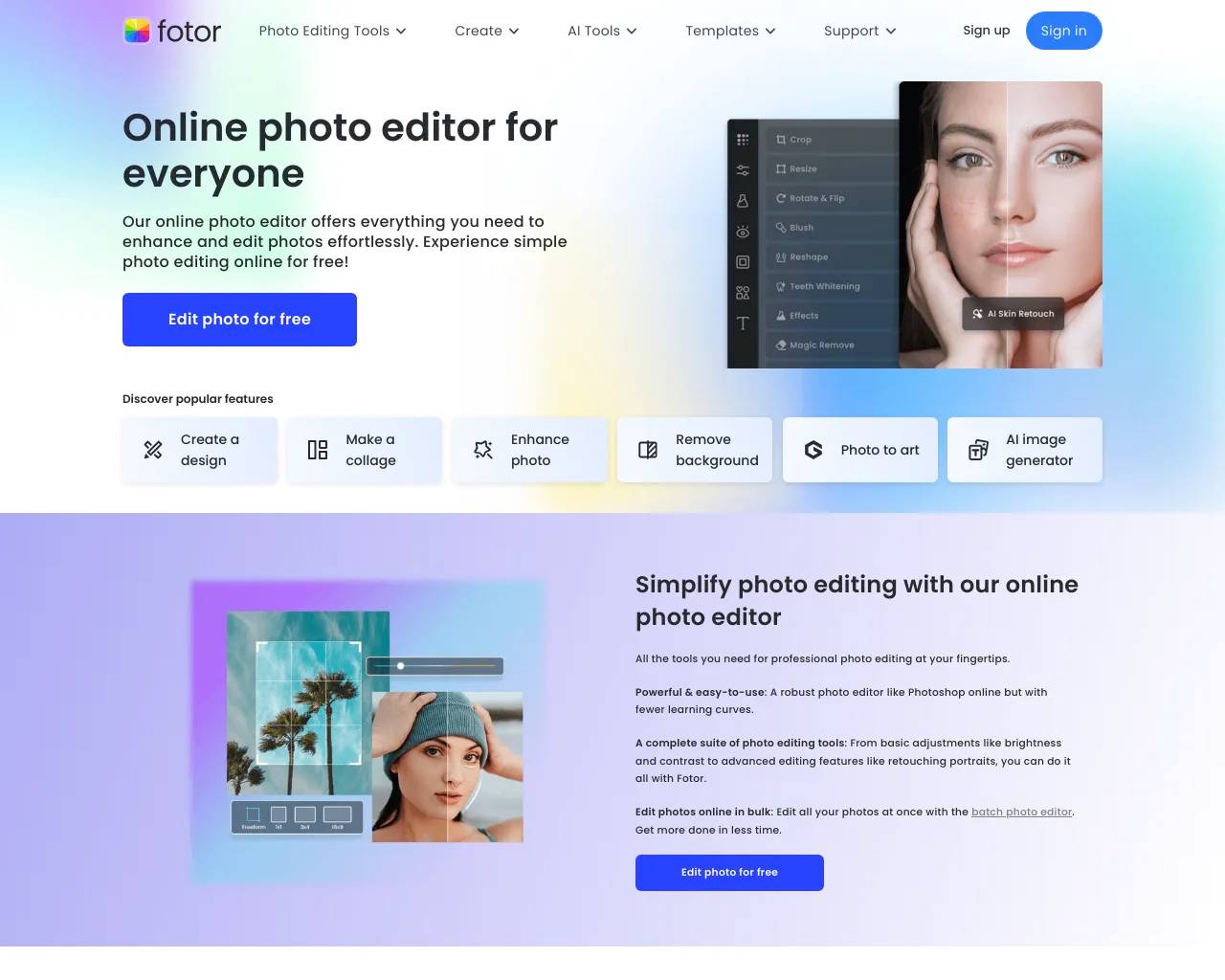
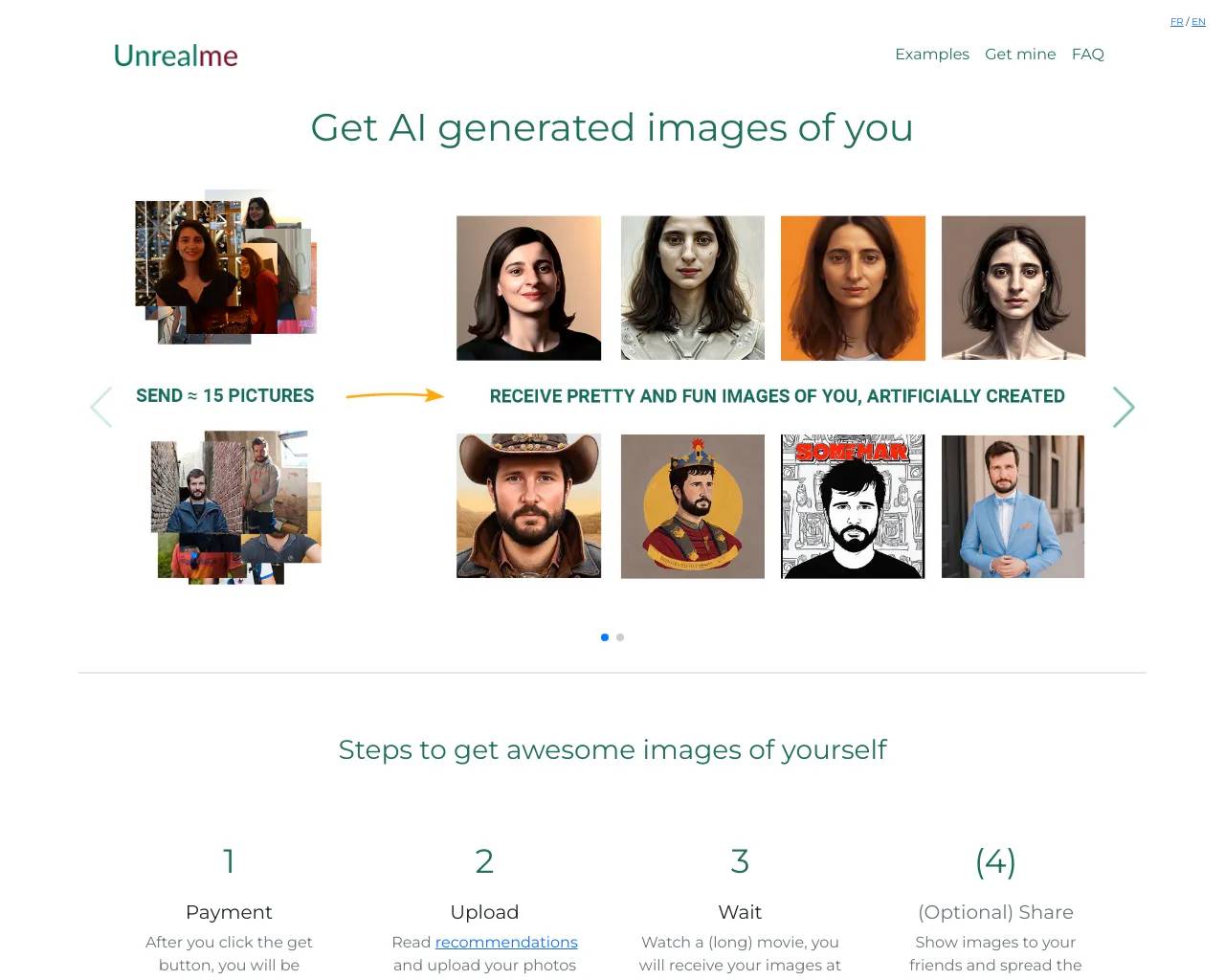
Top alternatives to Magic Eraser include ProductScope AI, PicTools.AI, AI Photos Editor, AVCLabs PhotoPro AI, Fotor.Where can I get Magic Eraser?
Magic Eraser is available at http://magicstudio.com.What category is Magic Eraser in?
Magic Eraser is listed in Image Editing.What is Magic Studio?
Magic Studio is your personal AI photographer. Upload a set of everyday photos and we’ll create a personal AI model that can generate new photos of you—from professional headshots to social and dating photos.Is InstaHeadshots now Magic Studio?
Yes. InstaHeadshots is now Magic Studio, and the headshot service lives at magicstudio.com/headshots. It’s the same product and account experience under a new name.Where can I find and download my existing photos?
Log in at app.magicstudio.com using the same email and sign-in method you originally used. Open a photo and select Download to save one image, or use Select to Download in your gallery to download several at once.How does Magic Studio create photos of me?
You upload a selection of clear, recent photos that show what you look like. Magic Studio uses them to create your personal AI model, then generates 50 watermarked photos for you to preview. We’ll email you when they’re ready.What kinds of photos can I create?
You’ll start with a set of professional headshots. After purchasing a pack, you can use credits to explore more looks from our professional, social and dating collections, or create more photos in a look you already like.Do I need professional photos to get started?
No—ordinary photos and selfies work well. Upload at least 10 clear, recent solo photos, including mostly close-ups and at least two waist-up shots. Use a mix of outfits, backgrounds and lighting, face the camera directly, and keep your appearance consistent across the photos.How long does it take to create my photos?
Most sets are ready in around 15 minutes, although it can take longer during busy periods. You don’t need to keep the page open—we’ll email you as soon as your photos are ready.Can I try Magic Studio for free? Is it a subscription?
You can create and preview your first set of 50 watermarked photos without paying. You only purchase a pack when you want to download photos without watermarks or start editing them. Personal AI photo packs are one-time purchases, not subscriptions.What do I get when I purchase a pack?
The Starter pack lets you download three standard-resolution headshots and includes three credits. Standard unlocks all 50 standard-resolution headshots and includes three credits. Premium unlocks all 50 in 4K, 300 DPI and includes 50 credits.What if I don’t like the results?
Before paying, you can retry once for free using a new set of uploaded photos. The retry creates a completely new set of 50 photos and replaces the previous set.Can I edit my photos after they’re generated?
Yes. Editing becomes available after you purchase a pack. Open any photo to change its outfit, backdrop, hairstyle, hair colour, glasses, expression, eye colour or gaze, reduce wrinkles, remove jewellery and more.How do credits work?
Starter and Standard include three credits, while Premium includes 50. Most editing tools use one credit each; Magic Eraser doesn’t use credits.Can I get high-resolution photos for printing?
Standard photos are 1024 × 1024 pixels and work well for websites, profiles and most digital use. Premium includes every photo in 4K at 4096 × 4096 pixels and 300 DPI.Can I use my photos commercially?
Yes. You have full rights to use your purchased photos for personal or commercial purposes.Can I generate photos for my company or team?
Yes. Magic Studio for Teams lets you invite members by email, create professional headshots for everyone and manage progress and downloads from one dashboard.What happened to the original Magic Studio photo editor and tools?
They’re still available. The original photo editor now lives at magicstudio.com/photo-editor.
Compare Magic Eraser with…
Pick any tool to see a structured side-by-side: pricing, deployment, capabilities, and content policy.