BigJpg
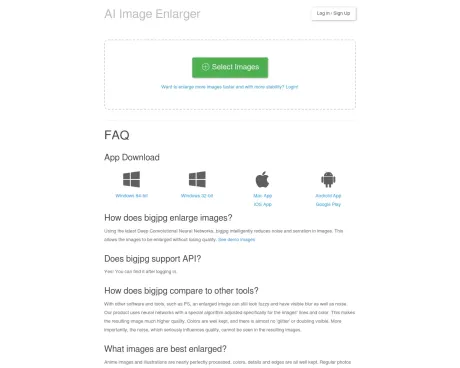
AI Super-Resolution lossless image enlarging / upscaling tool using Deep Convolutional Neural Networks.
- Category
- Image Upscaler
- Alternatives
- 6 similar tools
- Last updated
- 5 days ago
- Source
- Official site ↗︎
AI Collection Top Picks

Image Upscaler Category Picks


AVC AI
Online AI Image Enhancer that Improves Photo Quality by Upscaling, Denoising, Restoring, Face Refinement, and More

About BigJpg
Bigjpg - Image Super-Resolution for Anime-style artworks using the Deep Convolutional Neural Networks without quality loss. Photos are also supported.
Frequently asked questions
What is BigJpg used for?
Bigjpg - AI Super-Resolution lossless image enlarging / upscaling tool using Deep Convolutional Neural Networks.Is BigJpg free?
Pricing for BigJpg varies — see the Pricing section for details.What are alternatives to BigJpg?
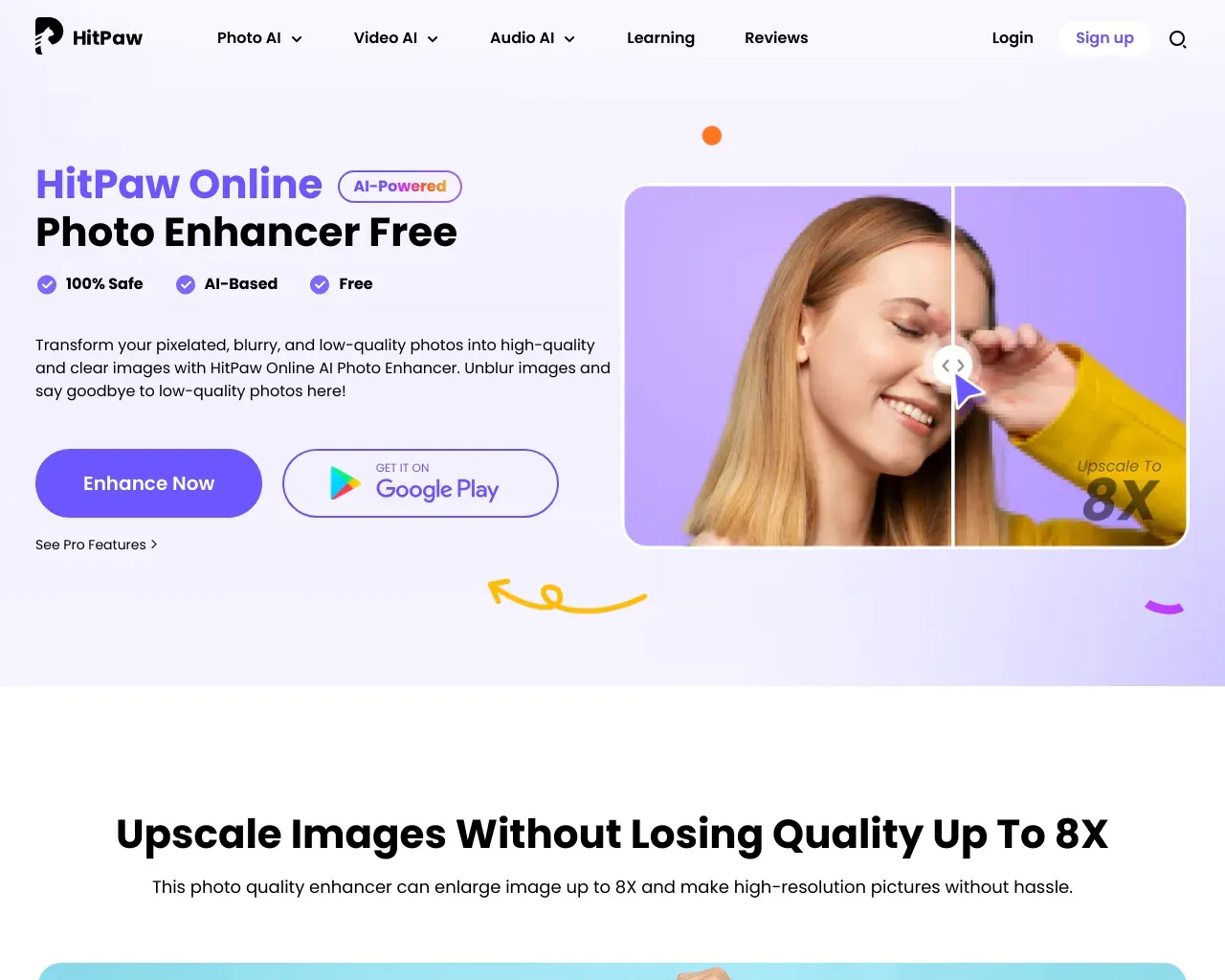
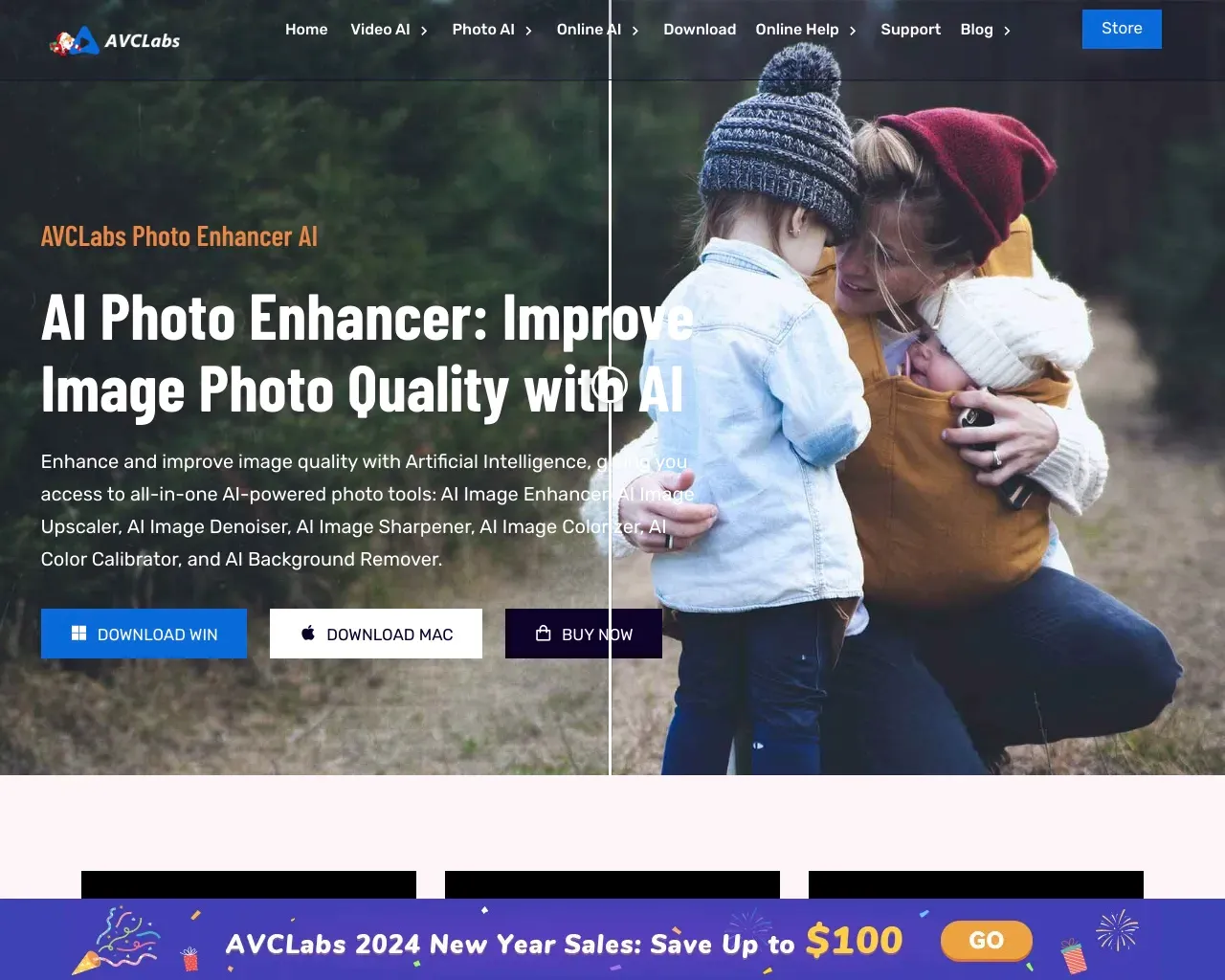
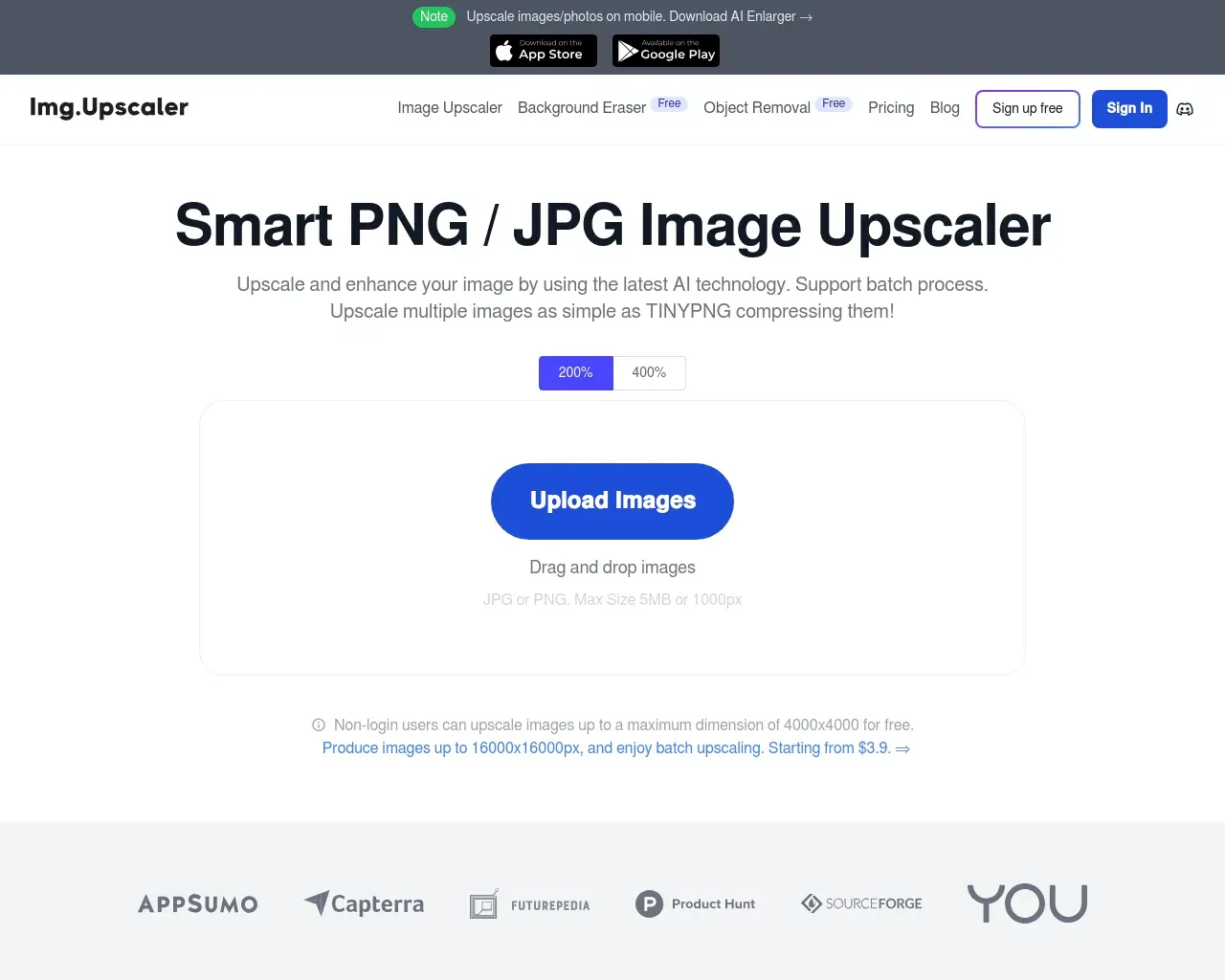
Top alternatives to BigJpg include HitPaw Online Photo Enhancer, AVCLabs Photo Enhancer AI, AVC AI, Imgupscaler, AI Image Enlarger.Where can I get BigJpg?
BigJpg is available at http://bigjpg.com.What category is BigJpg in?
BigJpg is listed in Image Upscaler.How does bigjpg enhance the size of images?
Utilizing state-of-the-art Deep Convolutional Neural Networks, bigjpg intelligently diminishes noise and serration in images. This unique approach allows for image enlargement without compromising quality. To witness the effectiveness, check out our demo images.Does bigjpg provide API support?
Absolutely! You can access the API feature by logging into your account.How does bigjpg distinguish itself from other tools?
Unlike some software, including popular ones like PS, where enlarged images may appear fuzzy with noticeable blur and noise, our product employs neural networks with a specialized algorithm tailored for the lines and color within images. This results in significantly higher image quality, preserving colors, minimizing ''glitter'' or doubling, and notably reducing noise, a factor that significantly impacts image quality.Which images benefit the most from enlargement?
Anime images and illustrations are nearly flawlessly processed, retaining colors, details, and edges effectively. Additionally, regular photos are fully supported.What are the maximum limits for uploaded images?
For free users, the current limits are 3000x3000px and 5M. However, paid users enjoy higher limits, set at 50M.How about the processing speed?
The estimated remaining time is displayed once the process begins. Processing times vary based on the original size and enlargement configurations. Generally, actual processing times are shorter than the estimates, contingent on server traffic and the time of day.Why did my enlargement fail?
Occasionally, enlargement may fail due to network conditions or the current volume of online users on bigjpg.com. If this occurs, a simple retry should resolve the issue.Should I keep my browser open during the process?
Yes, if you haven''t logged in. Keeping the browser open is necessary to prevent the loss of the enlarged image. For logged-in users, offline enlarging is supported, allowing the browser to be closed.How can I view my enlargement history?
Once logged in, you can access and review your enlargement history.I want to enlarge more and larger images. How can I achieve that?
To support the maintenance of our website, we offer premium services. Upgrading provides access to an independent high-performance server, enhancing the speed and stability of your enlargements.How does bigjpg enlarge images?
Using the latest Deep Convolutional Neural Networks, bigjpg intelligently reduces noise and serration in images. This allows the images to be enlarged without losing quality.Does bigjpg support API?
Yes! You can find it after logging in.How does bigjpg compare to other tools?
With other software and tools, such as PS, an enlarged image can still look fuzzy and have visible blur as well as noise. Our product uses neural networks with a special algorithm adjusted specifically for the images' lines and color.What images are best enlarged?
Anime images and illustrations are nearly perfectly processed, colors, details and edges are all well kept. Regular photos are supported as well.What are the maximum limits on uploaded image?
Currently free user 3000x3000px, 5M; paid user 50M.How about the speed?
The estimated remaining time will be shown once the process starts. Based on the original size & enlarging configurations, the time needed is different.My enlarging failed! Why?
Depending on your network environment and the current number of online users of bigjpg.com, there is a small chance that your enlarging will fail.Should I keep my browser open after starting?
If you have not logged in, yes! You need to keep your browser open otherwise, the enlarged image will be lost.How do I view my enlargement history?
Enlarging history can be viewed after logging in.I want to enlarge more and bigger images. How can I do that?
In order to support the maintenance of this website, we offer paid services.Privacy policy?
Free accounts: uploaded images are automatically deleted within 24 hours. Premium accounts: uploaded images are automatically deleted within 72 hours.What about copyright and user rights?
Users must have the necessary rights to upload and process images.Slow download speed?
The default server is located in Mainland China. You can log in and change the server to the United States in the settings page to speed up the download.
Compare BigJpg with…
Pick any tool to see a structured side-by-side: pricing, deployment, capabilities, and content policy.