CiteMe
Cite This For Me — Free Citation Generator | CiteMe.
- Category
- Research Assistant
- Alternatives
- 6 similar tools
- Last updated
- 1 months ago
- Source
- Official site ↗︎
AI Collection Top Picks

Research Assistant Category Picks

About CiteMe
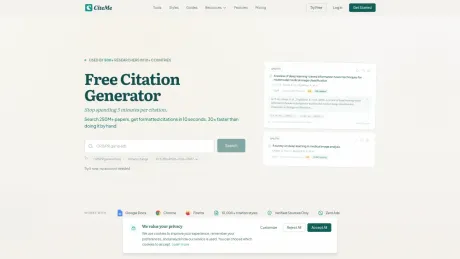
Need to cite this for me? Paste a DOI, ISBN, URL, or title, review the metadata source, and format APA, MLA, Harvard, Chicago, and 60+ styles. No signup.
What you get
Additional Information
CiteMe allows users to generate citations quickly by pasting a DOI, ISBN, URL, or paper title. It searches reputable academic databases like OpenAlex, CrossRef, and PubMed to return verified citations in numerous styles without manual formatting or typing. This makes it ideal for students and researchers who want reliable citations without complications.
The product supports over 10,000 citation styles and offers browser extensions for seamless integration while browsing. Users can extract references from PDFs, check the accuracy of citations, and even export their citation libraries to formats like BibTeX or RIS.
CiteMe distinctly differentiates itself from traditional reference managers like Zotero or Mendeley by focusing on quick citation generation rather than library management. It is particularly useful during intensive writing periods, as it allows users to input sources and receive formatted citations instantly.
The platform features a free plan that accommodates everyday citing in all available styles, while Pro plans add functionalities such as batch PDF imports and expanded citation capabilities. This combination of features makes CiteMe an efficient tool for academic writing and citation management.
Frequently asked questions
What is CiteMe used for?
Cite This For Me — Free Citation Generator | CiteMe.Is CiteMe free?
Pricing for CiteMe varies — see the Pricing section for details.What are alternatives to CiteMe?
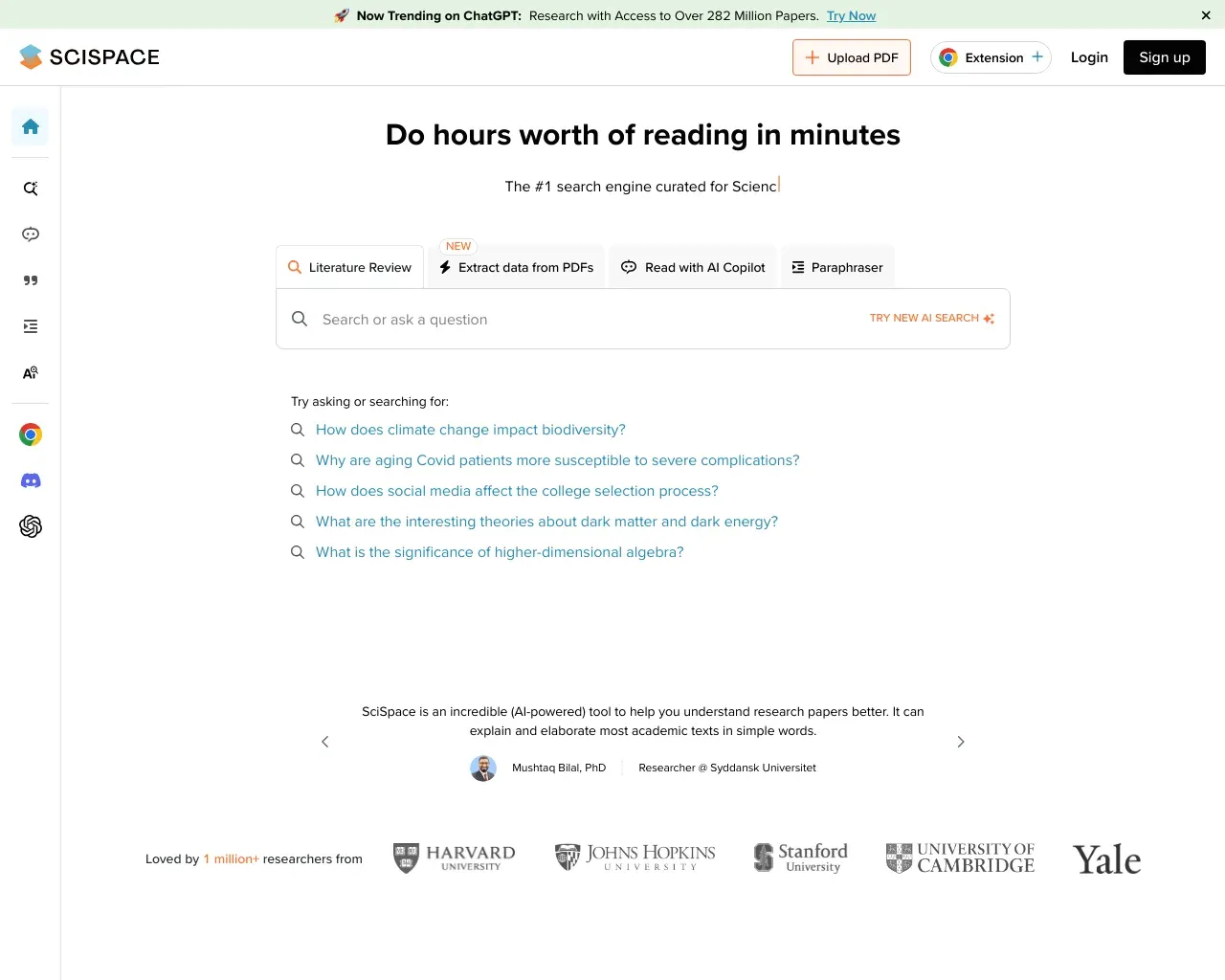
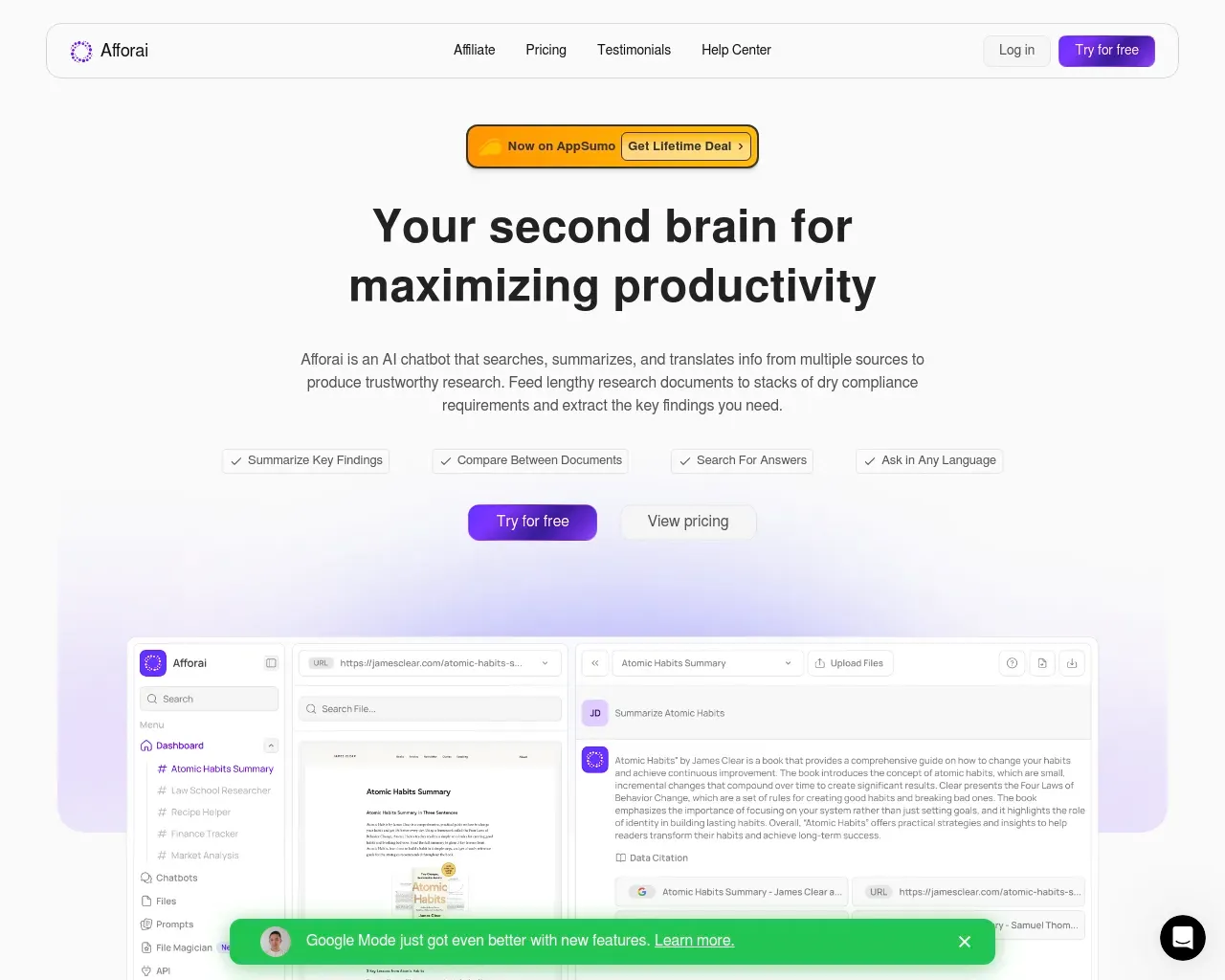
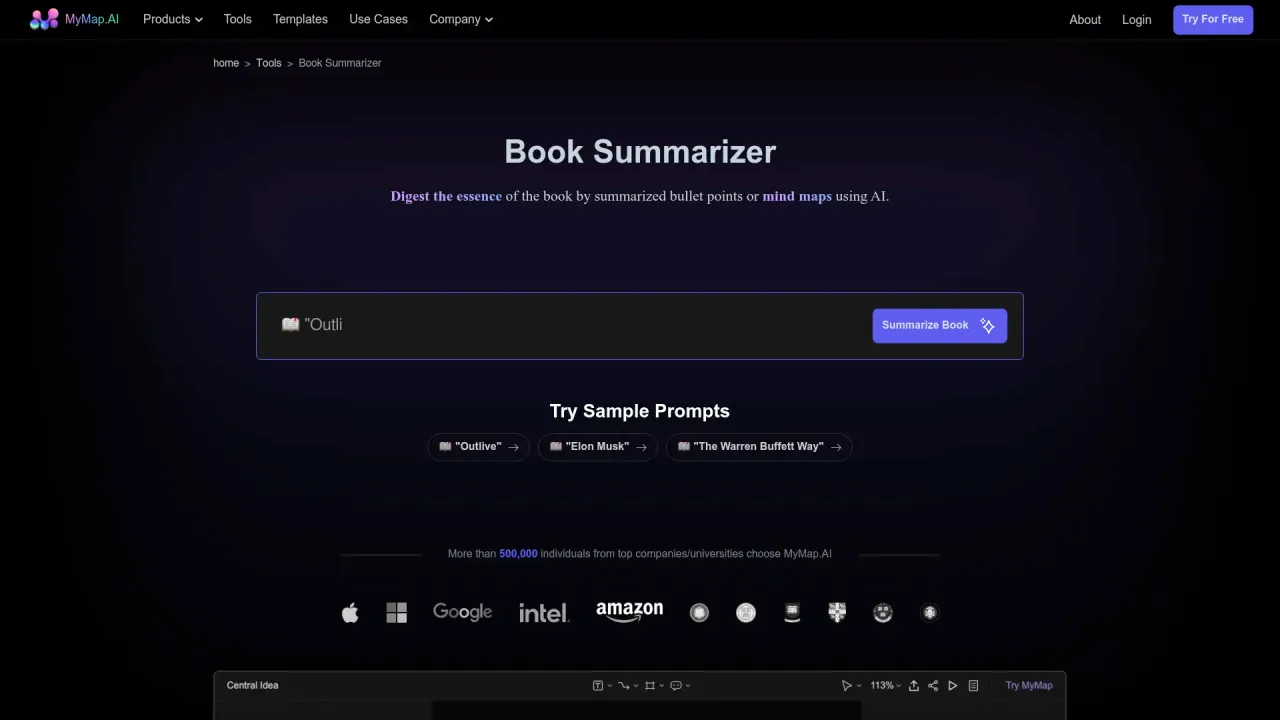
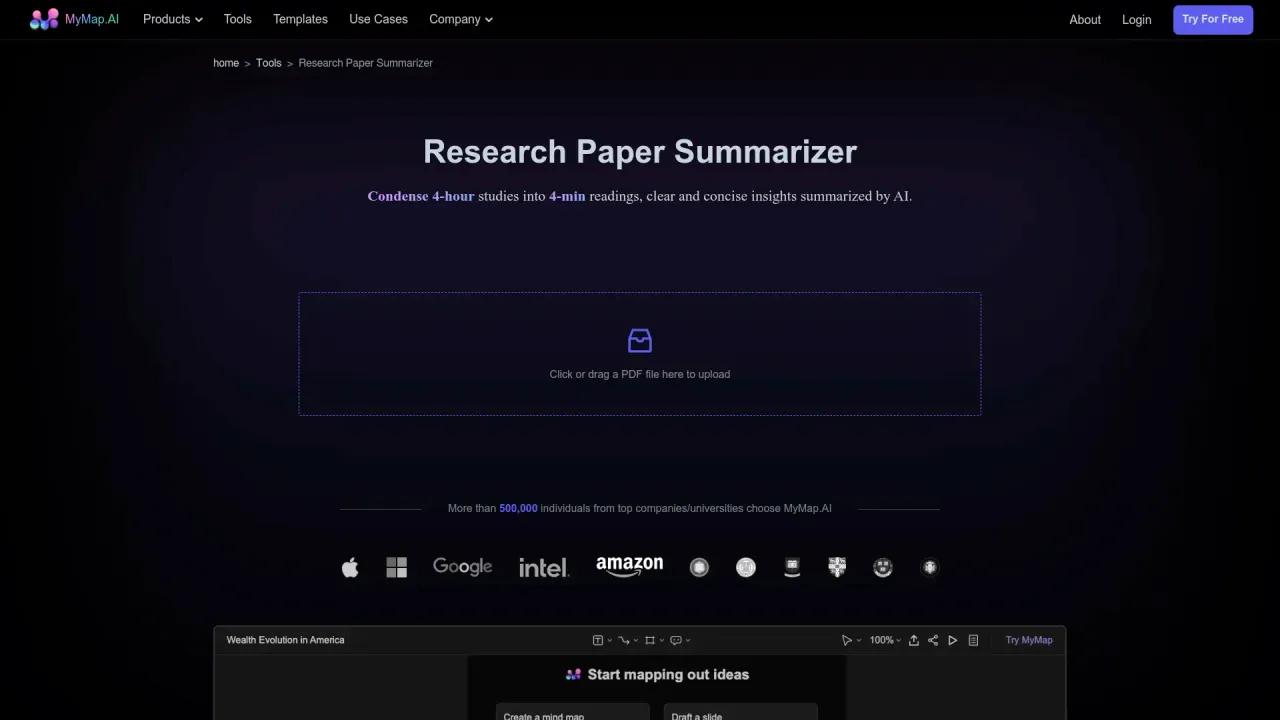
Top alternatives to CiteMe include Scispace, Afforai, MyMap Book Summerizer, MyMap.AI Research Paper Summarizer, QoQo AI.Where can I get CiteMe?
CiteMe is available at https://citeme.app/.What category is CiteMe in?
CiteMe is listed in Research Assistant.Can CiteMe cite a paper for me?
Yes — that's the whole idea. Paste a DOI, ISBN, URL, PubMed ID, or paper title and CiteMe returns a verified citation in APA, MLA, Chicago, Harvard, Vancouver, or 40+ other styles. No typing, no manual formatting. Free in all 40+ curated styles, no account needed.How does CiteMe find citations?
We search real academic databases like OpenAlex (250M+ works), CrossRef, Semantic Scholar, and PubMed. Every reference comes from verified scholarly metadata, not AI-generated or hallucinated sources.Is this different from ChatGPT?
Yes. AI chatbots often hallucinate citations, generating fake authors, titles, or DOIs. CiteMe only returns real, verified citations from academic databases with verifiable DOIs and source URLs.Which citation styles do you support?
APA 7th, MLA 9th, Chicago 17th, Harvard, Vancouver, IEEE, ABNT, AMA, Turabian, OSCOLA, Bluebook, CSE, ACS, MHRA, and 10,000+ CSL styles on demand for niche formats.Does it work in my browser?
Yes. CiteMe is fully web-based — no desktop software to install. We also offer Chrome and Firefox extensions so you can cite sources while browsing.Is CiteMe free to use?
Yes. The free plan covers everyday citing in all 40+ curated styles with no credit card required. Pro plans start at ~$3.75/month (semester billing) and unlock batch PDF import, 10,000+ extra styles, Word export, and unlimited Reference Checker.Can I export my citations to BibTeX or RIS?
Yes. Pro users can export their entire citation library to BibTeX or RIS format, compatible with LaTeX, Zotero, Mendeley, and other reference managers.How is CiteMe different from Zotero or Mendeley?
Zotero and Mendeley are reference managers, great for organizing large libraries, but they require manual import or browser plugins to capture each source. CiteMe is a search-first tool: type your topic and get formatted citations instantly from 250M+ papers. Many users use CiteMe to find and format, then export to Zotero or Mendeley via BibTeX/RIS.How accurate are the citations?
Very accurate. Citations are generated from publisher metadata and DOI registries, not AI predictions. We use the CSL (Citation Style Language) standard, the same engine that powers Zotero and Mendeley.What databases does CiteMe search?
We search OpenAlex, Semantic Scholar, CrossRef, PubMed, SciELO, CORE, Europe PMC, Springer Nature, Google Books, and BDTD (for theses and dissertations). Results are deduplicated and ranked by relevance using AI.What if a paper doesn't have a DOI?
We search by title and authors across all 10 databases. Even preprints on arXiv, working papers on SSRN, and older publications without DOIs can be found and cited as long as they appear in at least one indexed source.Can I cite a book chapter from an edited volume?
Yes. Search by ISBN or book title. CiteMe detects whether the result is a whole book, an edited volume, or a specific chapter and formats it with editor names, edition numbers, and page ranges included.Does CiteMe work for theses and dissertations?
Yes. We index theses from BDTD (Latin American dissertations), OpenAlex, and CORE. Doctoral dissertations, master's theses, and other grey literature can be searched and cited like any other source.Can I cite legislation, court cases, or legal sources?
Not yet. CiteMe focuses on scholarly publications: journal articles, books, conference papers, and theses. Primary legal sources like statutes, case law, and regulations require manual citation. We're exploring legal citation support for a future release.My professor's formatting rules differ from the official style guide. What do I do?
Follow your professor. CiteMe generates citations per the official style specification (APA 7th, MLA 9th, etc.), but many departments and supervisors have their own preferences. Use our output as a reliable starting point, then adjust punctuation or field order to match your specific requirements.
Compare CiteMe with…
Pick any tool to see a structured side-by-side: pricing, deployment, capabilities, and content policy.